A practical guide for HR leaders, IT managers, and operations teams navigating Bring Your Own Device in the modern workplace
The BYOD Reality in Today's Workplace
Bring Your Own Device — the practice of allowing employees to use personal smartphones, laptops, and tablets for work — has gone from a perk to a business reality for millions of organizations. The shift accelerated dramatically during the pandemic when companies needed remote workers online immediately, often without time to provision company-owned hardware. Today, even as offices have reopened, BYOD remains prevalent — and for many businesses, it's now the default rather than the exception.
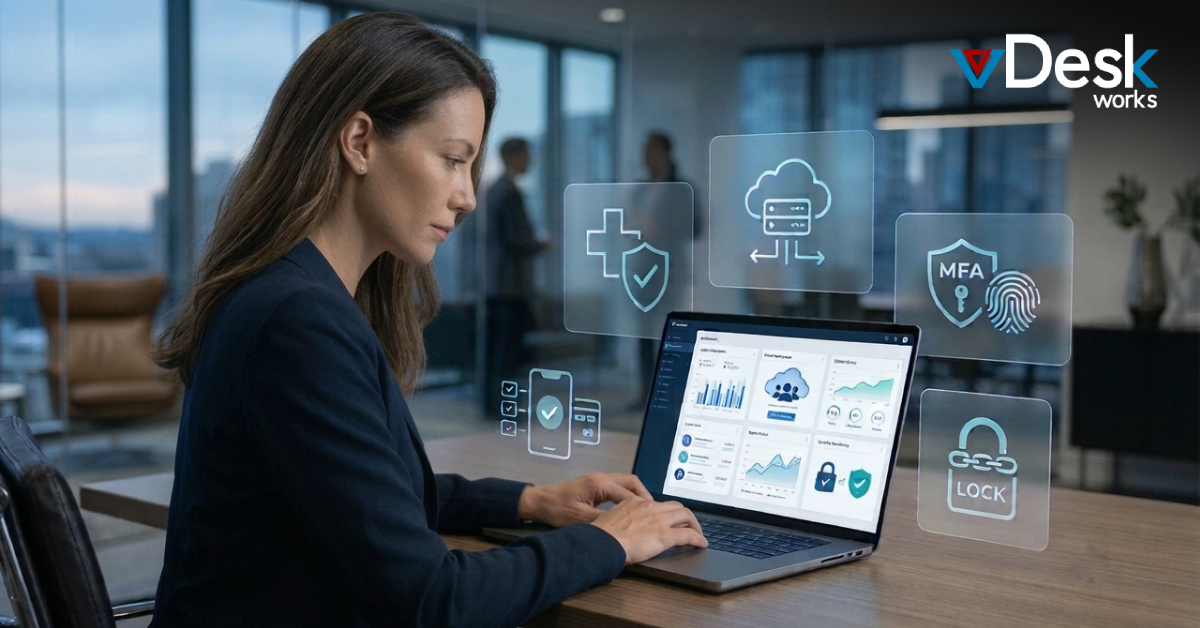
The challenge is that BYOD creates real security and management problems that many organizations haven't fully addressed. When sensitive company data lives on an employee's personal device, who owns that data? What happens when the employee leaves? What if their device is lost, stolen, or infected with malware? How do you enforce security policies on hardware you don't control? These aren't hypothetical concerns — they're daily operational realities for IT teams everywhere.
Why Traditional BYOD Management Approaches Fall Short
The conventional approach to BYOD management relies on Mobile Device Management (MDM) software. MDM tools let IT administrators enforce policies, push updates, and remotely wipe devices. They work reasonably well for smartphones, but they come with significant limitations — and significant friction.
Employees are often uncomfortable with MDM software on personal devices because it grants employers broad visibility into device activity. This creates a trust problem. IT teams are equally uncomfortable because MDM protection is only as good as employee compliance with update and policy requirements — and on a personal device, the employee ultimately has control. Furthermore, MDM solutions require ongoing administration, licensing, and expertise to maintain effectively. For businesses without a dedicated IT team, this overhead is often impractical.
How Virtual Desktops Solve the BYOD Problem
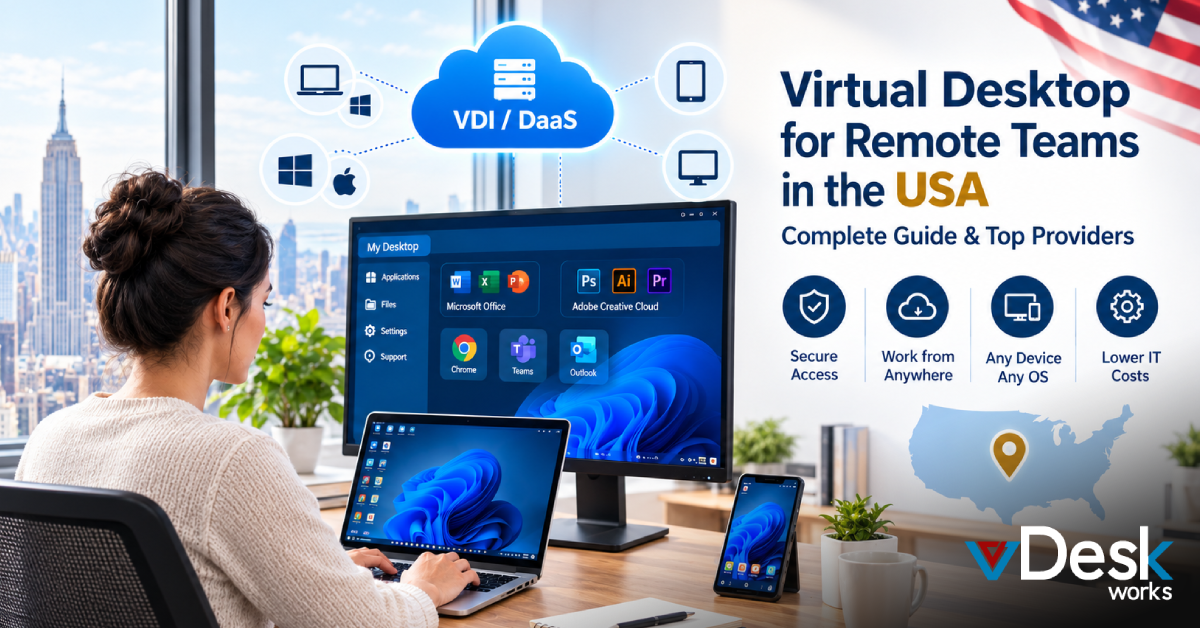
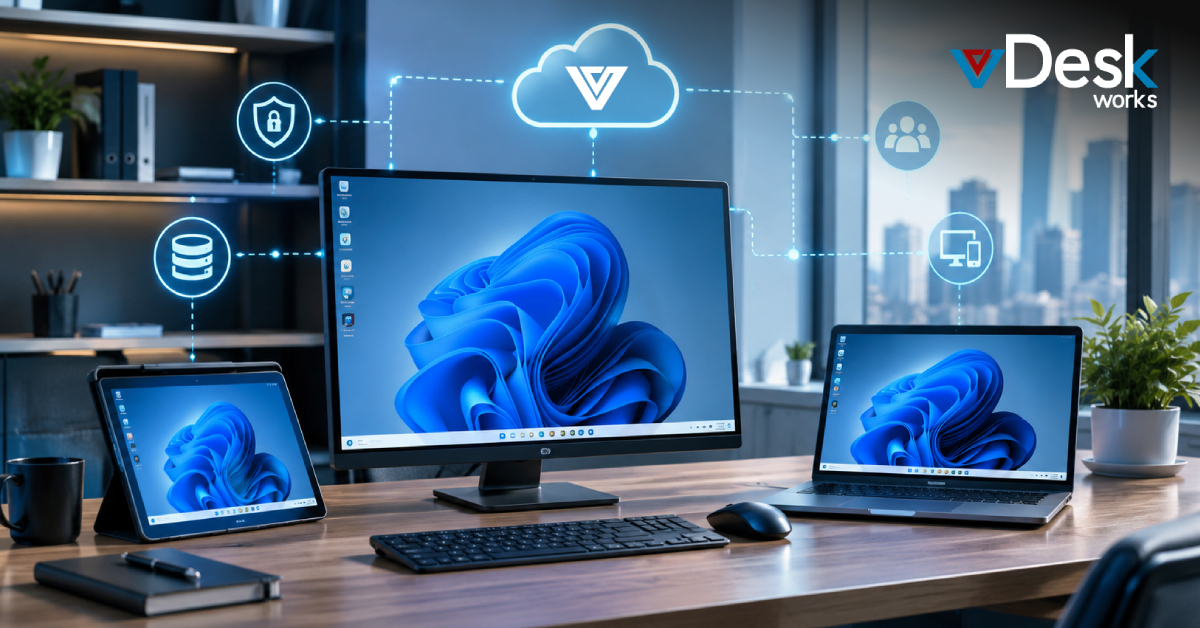
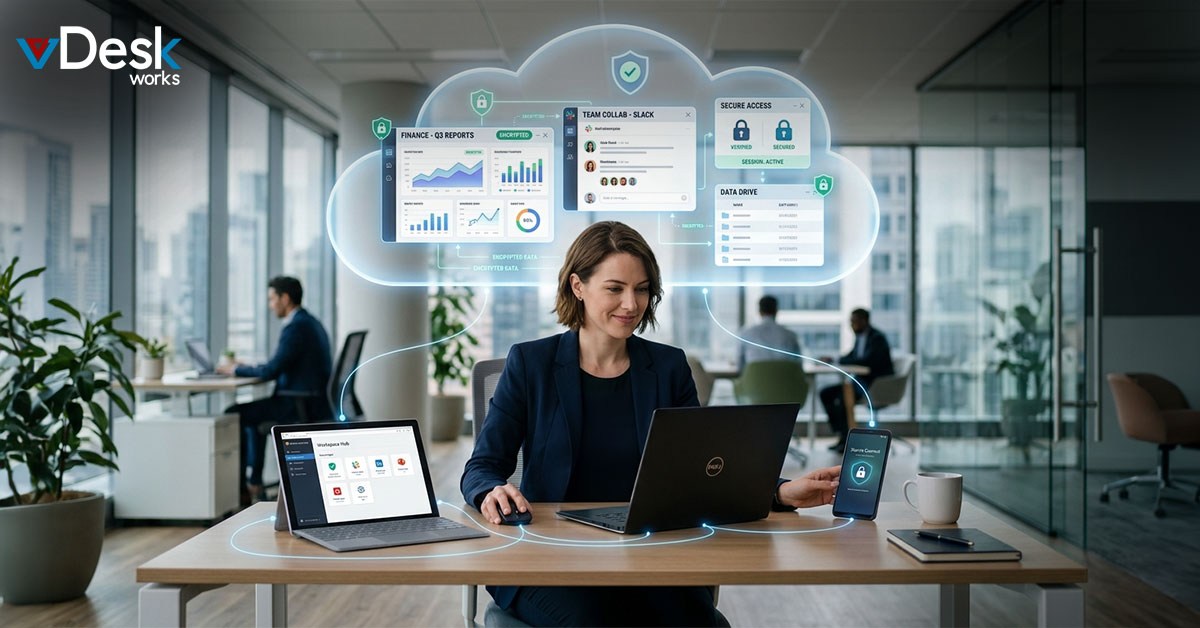
Virtual desktops take a fundamentally different approach to BYOD security — one that eliminates the core problem rather than trying to manage it. Instead of putting company data on an employee's device and then trying to protect it there, virtual desktops keep all company data in a secure cloud environment. The employee's personal device becomes nothing more than a screen and an input device — like a window into a separate, secure workspace.
This architecture resolves the BYOD security challenge elegantly. The employee's personal device can be old, unmanaged, or even compromised — it doesn't matter, because no company data ever lives on it. When the employee logs out, the work environment disappears from their screen. If they leave the company, IT simply deactivates their account — no device wipe, no complicated offboarding process, no legal gray area about who owns what.
Building a BYOD Policy That Works
Even with virtual desktops handling the technical security layer, businesses still benefit from a clear, written BYOD policy. A good BYOD policy should define which personal devices are approved for work use, establish minimum requirements (such as requiring a device passcode and up-to-date operating system), clarify what company data employees can access and under what circumstances, explain monitoring practices so employees understand what is and isn't visible to IT, and outline offboarding procedures.
Importantly, your policy should be written in plain language that employees can actually understand — not dense legalese that nobody reads. Consider having your HR team review it alongside your IT team to ensure it addresses the employee perspective, not just the security perspective. A BYOD policy that employees understand and agree with is far more effective than one they sign without reading.
Practical Implementation: Rolling Out Virtual BYOD
Transitioning to a virtual desktop BYOD model is typically faster than organizations expect. The first step is identifying which employees and roles will be part of the BYOD program. Not every role needs the same level of access, and your virtual desktop configuration can reflect those distinctions — some users might have access to the full company environment while others are limited to specific applications.
Next, communicate the change to employees clearly and positively. Emphasize the benefits from their perspective: they don't need to carry a company laptop, they can work from any device they own, and their personal device activity remains completely private. Provide simple, step-by-step instructions for getting connected. Run a pilot with a small group before company-wide rollout, and gather feedback to address any friction points. Most organizations complete a BYOD virtual desktop rollout in 2–4 weeks.
The Bottom Line for HR, IT, and Operations Leaders
BYOD is here to stay. The question isn't whether to allow personal devices in your workplace — most organizations already do, whether they have a formal policy or not. The question is whether you're managing BYOD in a way that protects your business without creating unnecessary friction for your employees.
Virtual desktops from vDesk.works offer the cleanest answer to that question. By keeping company data in the cloud and giving employees a secure, managed work environment that they can access from any personal device, you get the flexibility employees want and the security your business needs. It's the BYOD solution that works for everyone in the room.
Ready to get started? Visit vDesk.works to explore our virtual desktop solutions and speak with a specialist today.
Visit vDesk.works to explore our virtual desktop solutions and speak with a specialist today.
 Emma Carson