Schools today face constant disruptions—from cyberattacks to extreme weather and infrastructure failures. The challenge isn’t just recovery—it’s ensuring learning never stops.
This is where a Cloud Virtual Desktop becomes a game-changer. Instead of relying on fragile on-campus systems, schools can shift to resilient, cloud-powered environments that keep education running no matter what happens.
In this guide, we’ll break down how modern institutions use Cloud Virtual Desktop solutions to build strong business continuity strategies.
Why Continuity Planning is Critical for Schools
Educational institutions depend heavily on technology for daily operations—learning platforms, student records, and communication systems.
When these systems fail, the entire learning process is disrupted. Events like ransomware attacks, infrastructure breakdowns, and even climate-related emergencies can halt operations instantly.
A Cloud Virtual Desktop helps schools avoid these disruptions by ensuring continuous access to systems and data, even during crises.
Common Risks Schools Face Today
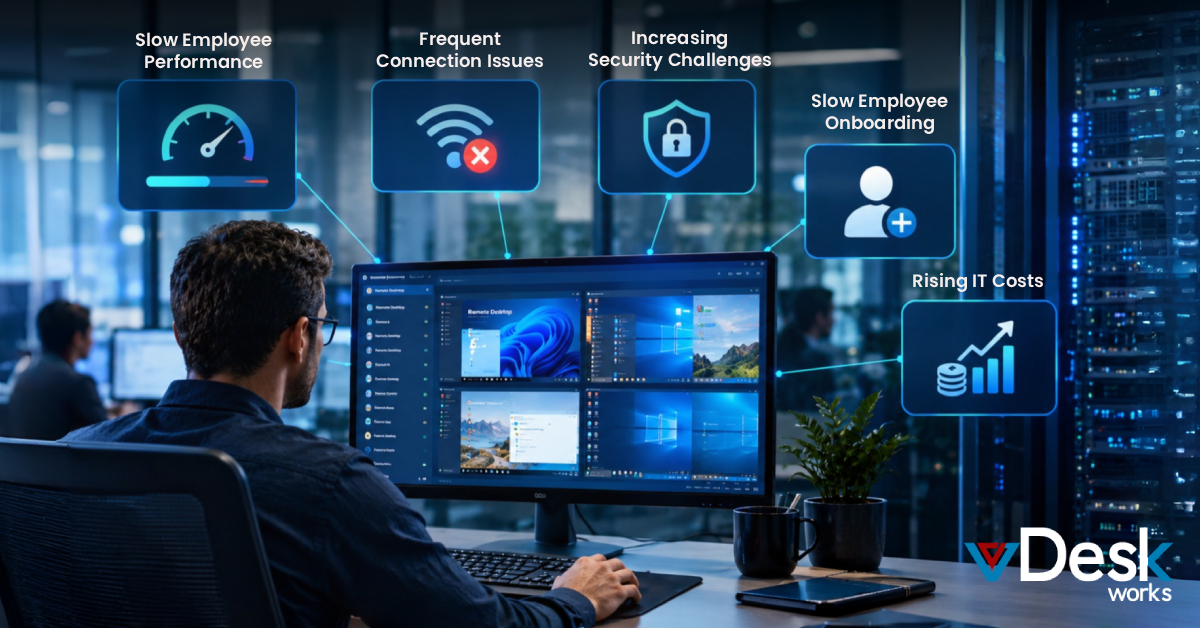
Modern schools deal with multiple risks that threaten continuity:
- Cybersecurity threats like ransomware attacks
- Power outages and hardware failures
- Natural disasters and campus shutdowns
- Limited access to physical labs
Without a proper strategy, these risks can impact student outcomes and institutional reputation.
A Cloud Virtual Desktop reduces these risks by moving critical systems to a secure and distributed cloud environment.
How Cloud Virtual Desktop Enables Always-On Learning
1. Access from Anywhere, Anytime
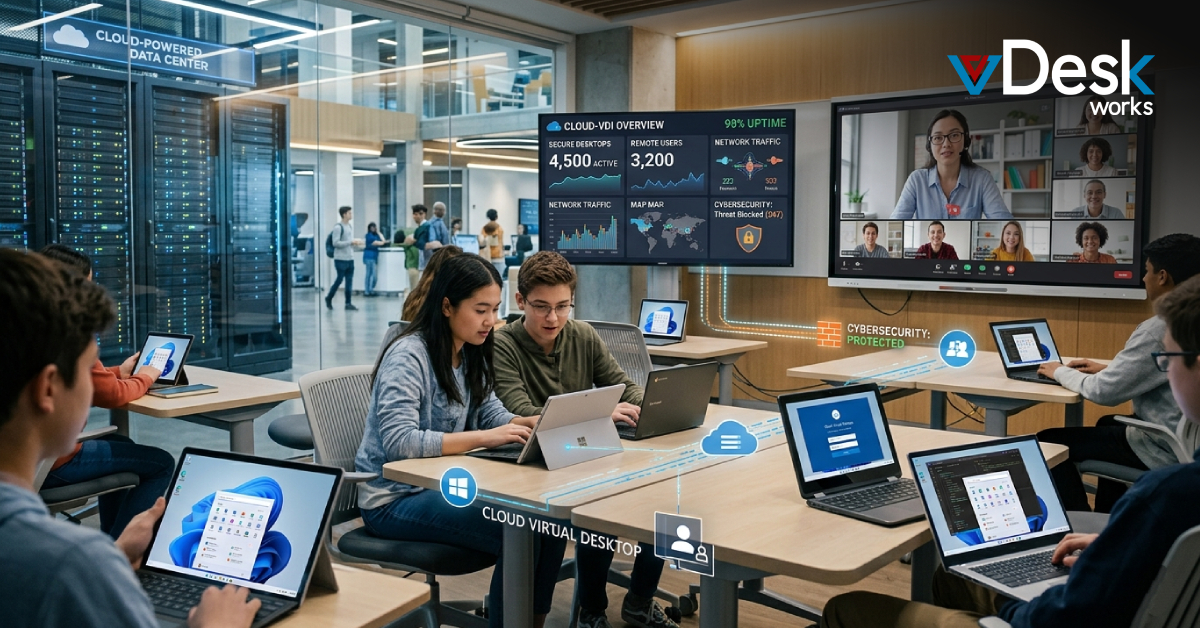
A Cloud Virtual Desktop allows students and staff to access their Windows environment from any device.
Whether campuses are closed or systems fail, learning continues without interruption.
2. Built-In Redundancy and Failover
Cloud infrastructure ensures that if one system fails, another takes over instantly.
This level of resilience is difficult to achieve with traditional setups but comes standard with a Cloud Virtual Desktop.
3. Secure Data Protection
A Cloud Virtual Desktop keeps sensitive student and institutional data centralized and encrypted.
With features like multi-factor authentication and zero-trust access, schools can maintain compliance and security standards.
4. Support for Hybrid and Remote Learning
A Cloud Virtual Desktop enables seamless transitions between classroom and remote learning environments.
Students can access the same applications and files regardless of location, ensuring consistent learning experiences.
5. Rapid Recovery from Disruptions
In case of outages or cyberattacks, a Cloud Virtual Desktop allows institutions to recover quickly with minimal downtime.
Automated backups and centralized systems make restoration faster and more efficient.
Building a Strong Continuity Plan with Cloud Virtual Desktop
To ensure uninterrupted learning, schools should focus on:
Assessing Risks and Dependencies
Identify critical systems like LMS platforms, student databases, and communication tools.
Prioritizing Key Academic Functions
Determine which processes must remain operational at all times to avoid learning disruptions.
Adopting Cloud Virtual Desktop Infrastructure
Switching to a Cloud Virtual Desktop provides remote access, scalability, and built-in disaster recovery capabilities.
Strengthening Cybersecurity Measures
Implement zero-trust frameworks, encryption, and authentication systems to protect data.
Creating Communication Plans
Ensure staff, students, and parents receive timely updates during disruptions.
Testing and Updating the Plan Regularly
Continuously test systems and refine strategies to adapt to evolving threats.
vDeskWorks Cloud Virtual Desktop: Keeping Education Running Without Interruptions
For schools looking to modernize their continuity strategy, vDeskWorks Cloud Virtual Desktop offers a powerful and reliable solution.
vDeskWorks Cloud Virtual Desktop enables institutions to deliver a complete Windows learning environment accessible from anywhere. Whether students are on campus or at home, they can continue learning without disruption.
With vDeskWorks Cloud Virtual Desktop, schools benefit from centralized data security, simplified IT management, and scalable infrastructure. This eliminates dependency on physical labs and reduces downtime risks.
By adopting vDeskWorks Cloud Virtual Desktop, educational institutions can ensure uninterrupted learning, protect sensitive data, and future-proof their IT systems.
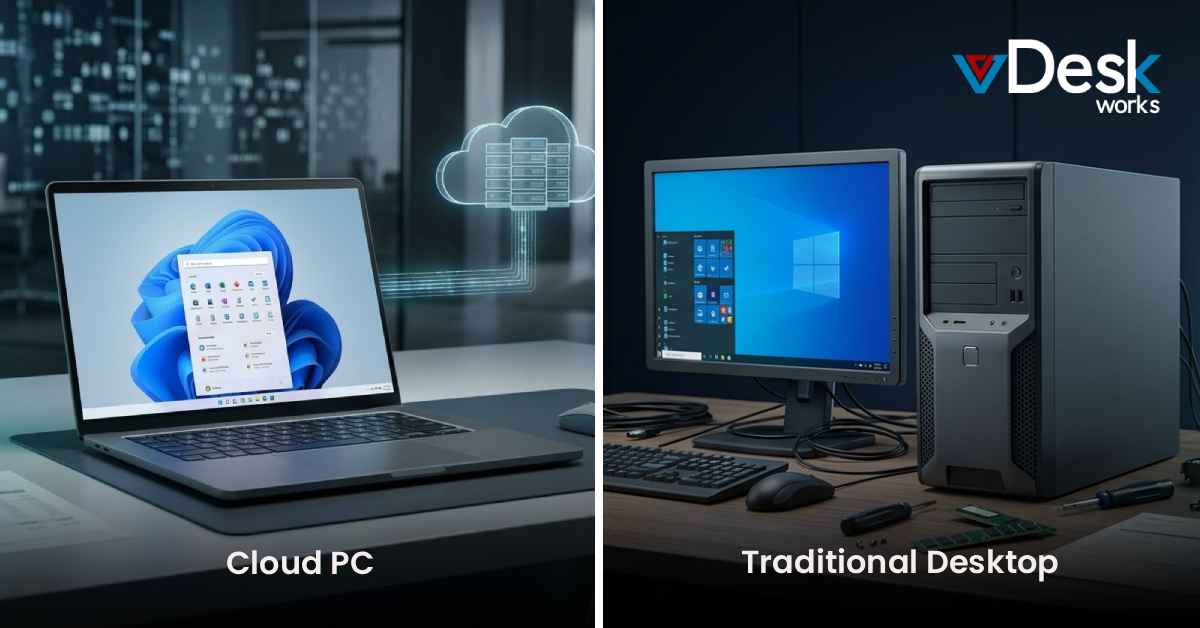
Cloud Virtual Desktop vs Traditional School IT Systems
Traditional school IT infrastructure often struggles with:
- Limited accessibility outside campus
- High maintenance and hardware costs
- Slow recovery during disruptions
A Cloud Virtual Desktop, on the other hand, provides:
- Remote and device-independent access
- Centralized and secure data storage
- Faster recovery and minimal downtime
- Scalable infrastructure for growing needs
This makes the Cloud Virtual Desktop a critical component of modern education systems.
The Future of Education Continuity
As digital learning becomes the norm, schools must adopt technologies that ensure resilience and flexibility.
A Cloud Virtual Desktop not only supports continuity planning but also enhances the overall learning experience. It enables institutions to adapt quickly to disruptions while maintaining high-quality education delivery.
In 2026 and beyond, schools that invest in Cloud Virtual Desktop solutions will be better equipped to handle uncertainty and thrive in a digital-first world.
Final Thoughts
Business continuity in education is no longer optional—it’s essential.
A Cloud Virtual Desktop provides the tools schools need to stay operational, secure, and flexible in the face of challenges. By moving away from traditional infrastructure, institutions can ensure uninterrupted learning and long-term success.
 Jerry Clark