Call centers and Business Process Outsourcing (BPO) companies handle large amounts of customer information every day. Agents may work with names, contact details, account information, payment data, healthcare records, CRM information, and other business-sensitive content.
At the same time, the BPO industry has become increasingly distributed. Agents may work from company offices, homes, shared workspaces, or different geographic locations. This flexibility can help businesses expand their workforce, but it also creates a major challenge: how can companies allow employees to access customer information without allowing sensitive data to spread across unmanaged devices?
Traditional desktop environments often store applications, files, browser information, and other data directly on employee computers. If a device is lost, stolen, infected, or improperly accessed, sensitive information may be exposed.
Virtual Desktops for Call Centers offer a different approach. Instead of keeping the complete business workspace on each employee's physical computer, organizations can host applications and data within a centralized virtual environment.
This makes virtual desktop technology an important consideration for modern call center and BPO operations that need to balance remote access, productivity, security, and compliance.
What Are Virtual Desktops for Call Centers and BPOs?
A virtual desktop creates a remote computing environment that employees can access from supported devices.
Rather than installing every business application and storing customer information directly on an agent's computer, the applications can run within a centrally managed virtual desktop environment.
The employee interacts with the remote desktop while the core business workload remains within the organization's controlled infrastructure.
This model can be delivered through Virtual Desktop Infrastructure (VDI) or Desktop as a Service (DaaS).
For BPOs, this can provide a consistent workspace for agents regardless of whether they are working from a corporate office or remotely.
How Virtual Desktops Help Protect BPO Customer Data
1. Keep Sensitive Data Centralized
One of the biggest advantages of a virtual desktop environment is centralized data processing.
Customer records, CRM applications, business files, and other sensitive resources can remain within the hosted virtual environment instead of being permanently stored on individual agent devices.
The agent sees and interacts with the information, but the underlying data remains within the controlled environment.
This can reduce the amount of sensitive information residing on endpoints.
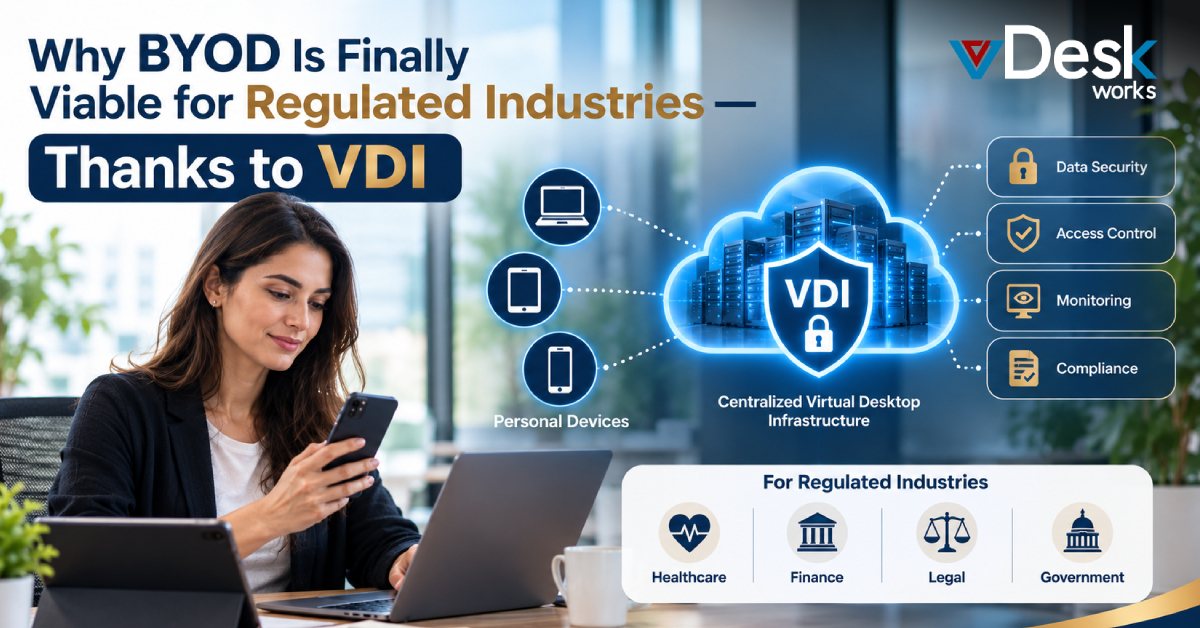
For example, if an agent uses a personal laptop to access a virtual CRM workspace, the customer's complete database does not need to be downloaded onto that laptop.
2. Reduce the Risk From Lost or Stolen Devices
BPO employees may work from multiple locations, which increases the possibility of a laptop or other endpoint being lost or stolen.
When sensitive information is stored directly on that device, the physical loss of the device can become a data-security problem.
With a Secure Virtual Desktop, the primary business environment remains remotely hosted.
The employee can connect to the workspace from another authorized device if necessary, while the company retains centralized control over the underlying data and applications.
3. Control Copying, Downloads, and Other Activities
Businesses can configure virtual desktop environments with restrictions designed to reduce unauthorized data movement.
Depending on the organization's policies and platform configuration, administrators can restrict activities such as:
- Copying and pasting
- Unauthorized file downloads
- Screen sharing
- Screen recording
- Access to external storage
- Transfer of sensitive information to unmanaged locations
These controls can be especially useful for BPOs where large numbers of employees work with customer information.
Instead of relying entirely on an agent's personal device and local security settings, the organization can establish controls within the centralized desktop environment.
Stronger Authentication and Access Management
4. Multi-Factor Authentication
A username and password may not be sufficient protection for systems containing customer information.
Multi-factor authentication (MFA) requires users to complete an additional verification step before accessing their virtual workspace.
For call centers, MFA can help strengthen account security while allowing IT teams to maintain a consistent authentication process across remote users.
Even if a password is compromised, an additional authentication requirement can provide another layer of protection.
5. Give Agents Only the Access They Need
Not every call center employee needs access to every application or customer record.
Virtual desktop environments can support granular permissions based on roles, teams, or job responsibilities.
For example, a customer support agent may need access to a CRM and ticketing platform, while a finance-focused team may require access to payment-related systems.
This supports the principle of least privilege by limiting users to the applications and information necessary for their work.
6. Simplify Employee Offboarding
BPOs can have large and frequently changing workforces. Employees may join for seasonal campaigns, short-term projects, or specific customer accounts.
When an employee leaves, access needs to be removed quickly.
With centralized virtual desktop management, administrators can disable accounts and revoke access from a central system instead of manually checking multiple physical devices.
This can make employee offboarding more consistent and reduce the possibility of former workers retaining access to company resources.
How vDeskWorks Helps Protect Customer Data
vDeskWorks provides virtual desktops that allow call centers and BPO organizations to centralize applications and business information within a managed cloud environment.
The approach can help organizations establish a consistent workspace for agents while reducing dependence on local device storage.
Key capabilities include:
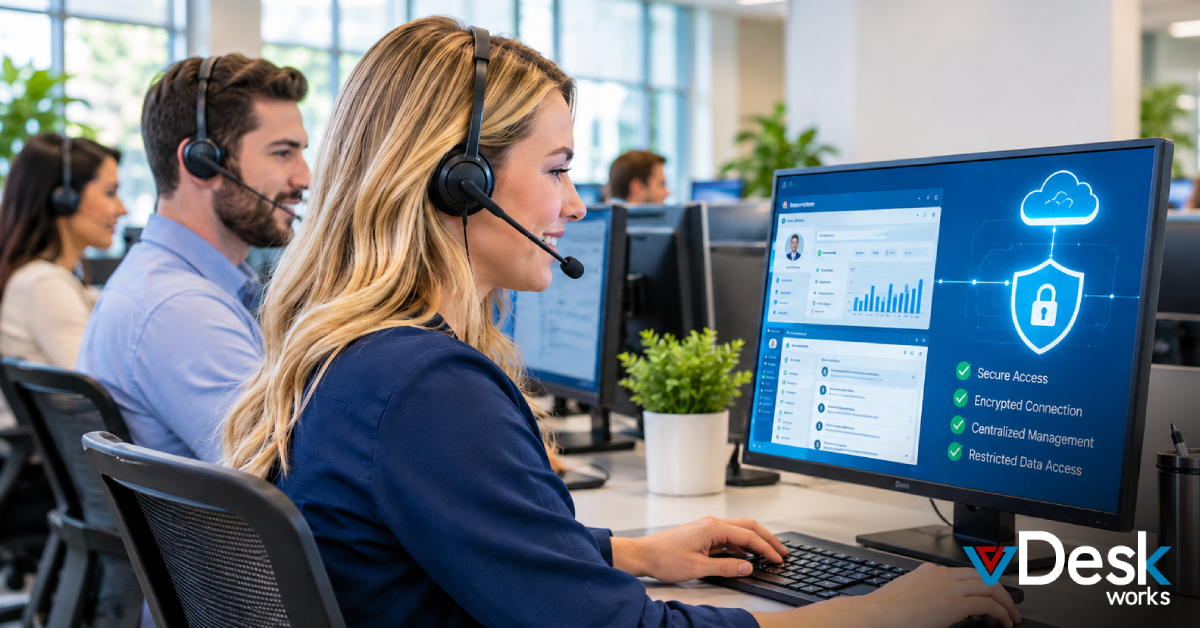
- Cloud-hosted workspaces: Customer-related applications and business resources can remain within the centralized virtual environment.
- Session isolation: Agents can work within separate virtual environments, helping separate the business workspace from the local endpoint.
- Centralized access management: IT teams can manage user permissions and revoke access from a centralized console.
- Multi-factor authentication: MFA adds another layer of identity verification for remote users.
- Device awareness: Device-related information can help administrators identify unusual access patterns.
- Firewalls and security controls: Network-level protections can help restrict unauthorized access to the virtual environment.
- Automated backups: Regular backups can support data recovery and business continuity strategies.
Why This Matters for the Modern BPO
Today's BPO companies need to balance several priorities at once. They must provide agents with fast access to customer applications while protecting sensitive information and supporting flexible working arrangements.
Virtual desktops can help create a separation between the agent's physical device and the company's digital workspace.
This is particularly valuable when businesses:
Employ remote or hybrid call center agents
Work with large numbers of contractors
Handle sensitive customer information
Support multiple client accounts
Need centralized IT management
Want consistent desktop environments
Need stronger control over data access
Operate across different geographic locations
Instead of securing thousands of completely independent desktop environments, organizations can centralize more of their security and management processes.
Conclusion
Customer data protection has become a core operational requirement for call centers and BPO companies. As these organizations support larger remote and distributed workforces, relying entirely on local computers can make data management more difficult.
Virtual Desktop Infrastructure and Desktop as a Service provide an alternative by moving applications and sensitive business workloads into centrally managed environments.
With Virtual Desktops for Call Centers, businesses can support centralized data, role-based access, MFA, session isolation, monitoring, and controlled remote access while allowing agents to work from supported devices.
For BPO organizations looking to build a more controlled remote-work environment, vDeskWorks provides a cloud-based virtual desktop approach that can help bring security, accessibility, and centralized management together in one workspace.
 Emma Carson