IT support teams are being asked to do more than simply fix computers.
Today, IT departments support remote employees, hybrid teams, cloud applications, personal devices, distributed offices, cybersecurity requirements, software updates, onboarding, access management, and business continuity. At the same time, employees expect technology problems to be resolved quickly because even a short interruption can affect productivity.
This creates a familiar problem: too many IT support tickets and not enough time to solve them proactively.
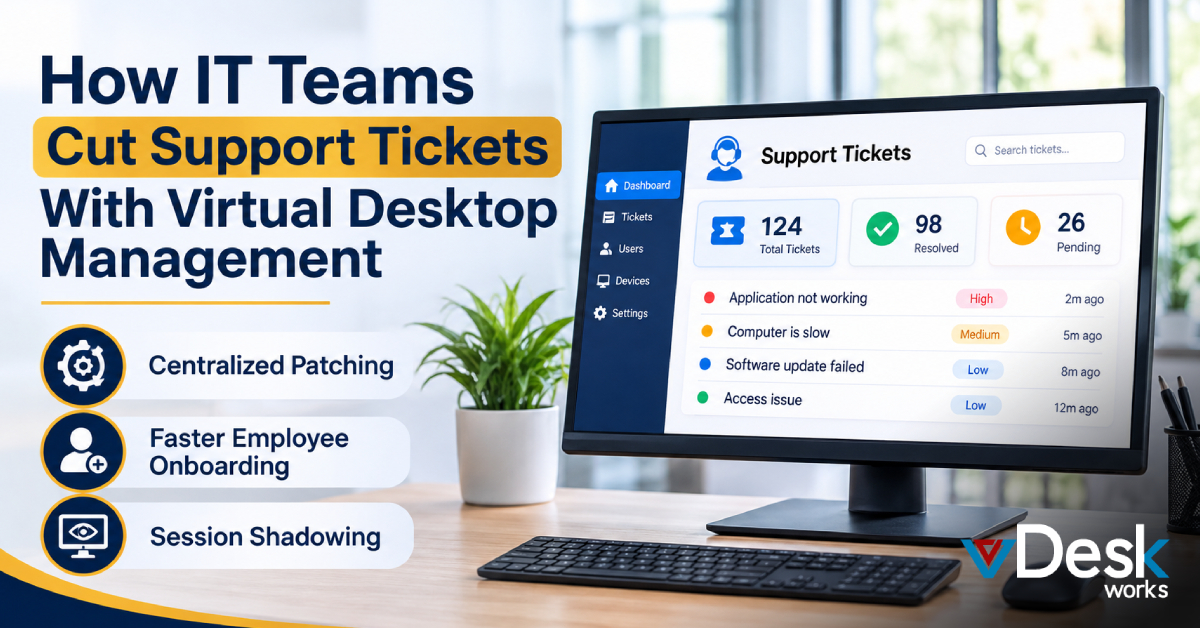
A large percentage of help desk requests come from recurring issues. Employees may report that an application is not working, a computer is slow, a software update failed, a configuration changed, a new application is missing, or a device is experiencing technical problems.
When every employee has a different physical computer and software configuration, IT teams have to troubleshoot each situation individually.
Virtual Desktop Management provides a different approach.
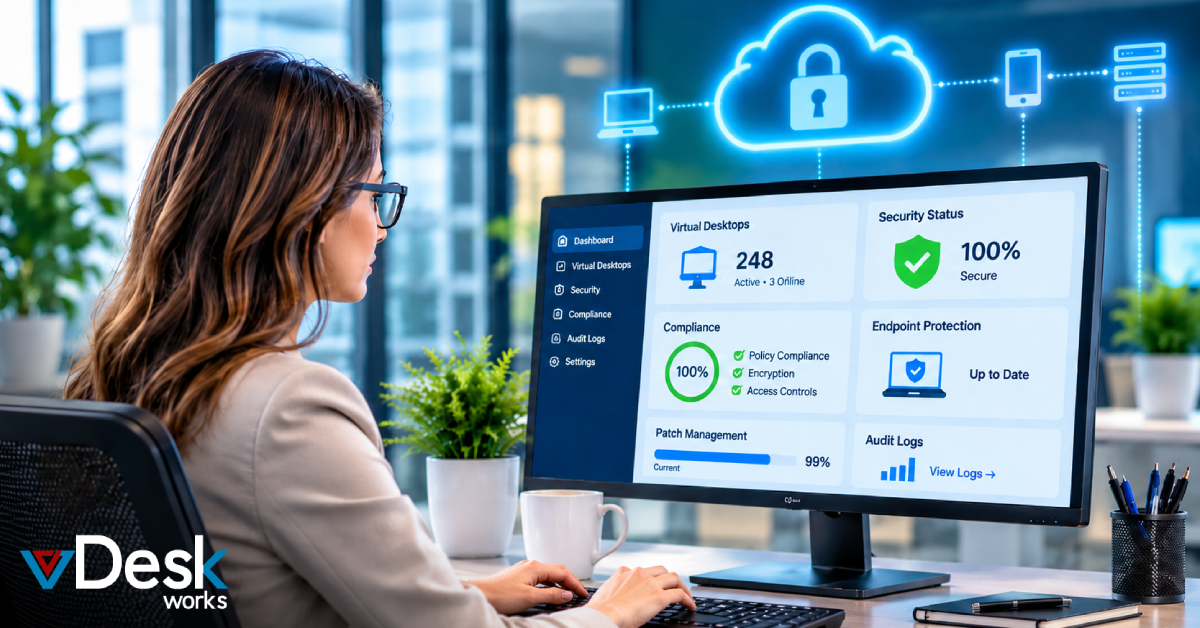
Instead of maintaining hundreds of completely independent desktop environments, organizations can centralize virtual desktops, applications, configurations, policies, and updates. With Virtual Desktop Infrastructure (VDI) or Desktop as a Service (DaaS), IT teams can manage desktop environments from a centralized platform.
The result can be fewer repetitive support requests, faster troubleshooting, easier onboarding, and more time for IT professionals to focus on strategic projects.
What Is Virtual Desktop Management?
Virtual Desktop Management is the process of centrally managing virtual desktop environments, users, applications, configurations, policies, resources, and security controls.
Rather than installing and maintaining everything individually on physical computers, organizations host desktop environments in centralized infrastructure or a cloud environment.
Employees connect to their assigned virtual desktops remotely.
From the IT team's perspective, this creates a more consistent environment to manage.
Administrators can potentially:
- Provision desktops centrally
- Configure user environments
- Deliver applications
- Apply software updates
- Manage access permissions
- Monitor desktop performance
- Troubleshoot remote sessions
- Adjust computing resources
- Maintain standardized configurations
- Remove or reset problematic environments
This centralized approach is one of the major reasons businesses use Virtual Desktop Solutions to simplify IT operations.
How Virtual Desktop Management Reduces IT Support Tickets
1. Standardized Desktop Environments
VDI and DaaS allow businesses to create consistent desktop environments based on employee roles. Standardized applications, settings, and permissions reduce configuration errors and make recurring issues easier for IT teams to resolve.
2. Centralized Patching
Updates can be managed centrally instead of relying on individual employees to install them. This helps reduce failed updates, software inconsistencies, and related support tickets while keeping desktops more consistent.
3. Faster Employee Onboarding
Preconfigured Hosted Virtual Desktop environments allow IT teams to quickly provide new employees with the applications, settings, and access they need. This reduces manual setup and onboarding-related support requests.
4. Faster Remote Troubleshooting
With a centralized Virtual Desktop Management approach, IT teams can support remote employees without physically accessing their computers. Problems can be investigated and resolved remotely, reducing downtime and resolution time.
5. Session Shadowing
Session shadowing allows authorized IT staff to view or assist with a user's virtual desktop session. This helps technicians identify application or configuration issues faster and reduces lengthy back-and-forth troubleshooting.
6. Less Dependence on Hardware
With a Remote Desktop Solution, the primary work environment can be hosted centrally rather than relying entirely on the employee's physical computer. If a laptop fails, users may be able to access their virtual desktop from another supported device.
7. Centralized Application Delivery
Applications can be managed and delivered through a controlled virtual environment. This reduces software version conflicts, installation errors, and compatibility problems across employee devices.
8. Easier Desktop Recovery
If a virtual desktop develops configuration or software problems, it may be possible to reset or recreate it from a standardized environment. This can be faster than manually rebuilding a physical computer.
9. Proactive Monitoring
Virtual desktop platforms can monitor login times, resource usage, application performance, network conditions, and session health. IT teams can identify potential problems before they become user-reported tickets.
10. Faster Resource Management
Centralized visibility helps IT teams identify whether performance issues are caused by CPU, memory, applications, or other resources. Resources can then be adjusted according to user requirements instead of immediately replacing hardware.
11. Better Network Troubleshooting
When users report slow or lagging desktops, monitoring can help determine whether the problem comes from Wi-Fi, internet connectivity, network latency, VPN configuration, or the virtual desktop itself. This helps IT teams resolve issues more efficiently.
How vDeskWorks Helps IT Teams Manage Virtual Desktops
vDeskWorks provides a centralized virtual desktop environment designed to help businesses deliver and manage desktop experiences for distributed users.
For IT teams, the value is not simply giving employees remote access to a computer.
It is creating a more manageable desktop infrastructure.
Centralized Administration
IT teams can manage virtual desktop environments from a centralized platform rather than physically visiting every employee workstation.
This can simplify routine administrative tasks and reduce unnecessary support intervention.
Preconfigured Desktop Environments
Businesses can create standardized desktop environments based on employee needs. This makes it easier to provide users with the applications and configurations required for their roles.
Remote Support Capabilities
When employees encounter problems, IT teams can provide support remotely rather than relying on physical access to the user's computer.
This is particularly useful for geographically distributed teams.
Session Shadowing
vDeskWorks supports session shadowing capabilities that can help IT professionals view or assist with a user's virtual desktop session when troubleshooting.
This can shorten the time needed to understand technical problems.
Centralized Application and Resource Management
Virtual desktop management allows organizations to manage applications and desktop resources from a more centralized environment.
This can reduce the inconsistencies that often occur when employees independently install software or modify their computers.
Support for Different User Requirements
Not every employee needs the same computing resources.
A standard office worker may need a basic virtual desktop, while a designer, engineer, analyst, or other power user may require additional resources.
A flexible virtual desktop strategy allows organizations to align desktop resources with employee workloads.
Final Thoughts
IT support tickets are often symptoms of a larger problem: too many independently managed devices, inconsistent configurations, manual processes, and limited visibility.
Virtual Desktop Management offers a more centralized approach.
By standardizing desktop environments, managing applications centrally, simplifying updates, accelerating onboarding, reducing hardware dependency, enabling remote assistance, and monitoring performance, businesses can address many of the recurring problems that create help desk tickets.
For remote and hybrid organizations, this approach can be especially valuable because employees need reliable access to their work environments without requiring IT staff to physically manage every device.
vDeskWorks gives businesses a way to centralize virtual desktop delivery and management while supporting remote access, standardized environments, session shadowing, and scalable desktop resources.
The goal is not simply to close tickets faster.
The bigger goal is to prevent repetitive tickets from being created in the first place.
When IT teams move from device-by-device troubleshooting toward centralized virtual desktop management, they can spend less time reacting to everyday desktop problems and more time improving the technology environment that the business depends on.
 Emma Carson