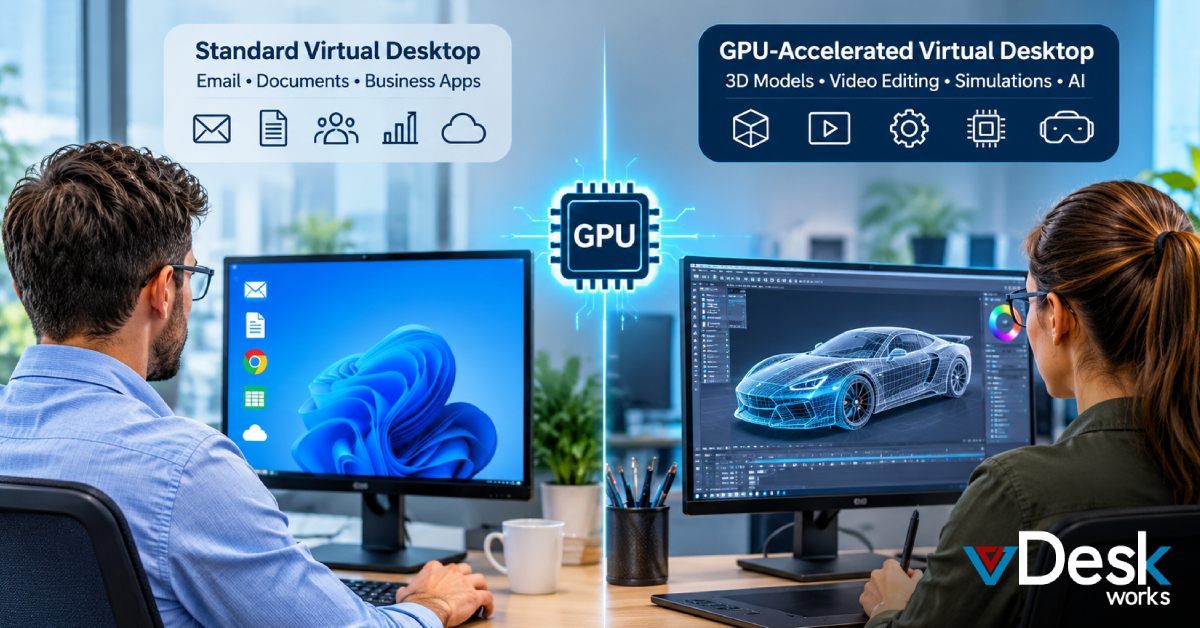
Not every employee needs a high-performance virtual desktop. For many office workers, a standard virtual desktop with adequate CPU, memory, and storage is enough for email, documents, web applications, accounting systems, CRM platforms, and everyday business tasks.
The situation changes when employees work with 3D models, high-resolution video, engineering software, simulations, visual effects, artificial intelligence, or other graphics-intensive workloads.
These applications can place substantial demands on computing and graphics resources. A traditional CPU-only virtual machine may struggle to deliver the responsiveness users expect from a physical workstation.
This is where GPU-Accelerated Virtual Desktops become relevant.
A GPU-accelerated virtual desktop combines virtual desktop infrastructure with powerful graphics processing resources. Instead of requiring every employee to own a high-end physical workstation, businesses can deliver workstation-level computing through the cloud.
But who actually needs this technology? More importantly, when does a business have a genuine reason to consider a GPU Cloud Desktop rather than a standard virtual desktop?
What Is a GPU-Accelerated Virtual Desktop?
A GPU-Accelerated Virtual Desktop is a cloud-hosted desktop environment that uses graphics processing units alongside traditional computing resources.
A standard virtual desktop can handle many common business applications using virtual CPUs and memory. However, applications that rely heavily on graphics acceleration may require additional GPU resources.
With GPU virtualization, the demanding application runs within a remote cloud environment equipped with appropriate graphics capabilities. The user's device receives the visual output while the remote infrastructure performs the intensive processing.
This creates a useful separation between the endpoint device and the computing environment.
An employee could potentially access a demanding engineering or design application from a laptop, tablet, thin client, or other supported device without requiring that endpoint to contain the same high-end hardware as a physical workstation.
Why Businesses Are Looking Beyond Traditional Workstations
The way businesses work has changed significantly. Engineering teams may work across multiple offices, designers may collaborate remotely, and creative professionals may move between studios, homes, and client locations.
At the same time, purchasing and maintaining powerful workstations for every employee can involve substantial hardware investment.
Businesses also have to consider:
- Hardware replacement and upgrades
- Remote employee access
- Centralized IT management
- Data protection
- Software deployment
- Business continuity
- Performance requirements
- Secure access from different locations
A Virtual Desktop Solution can address some of these challenges by moving the desktop environment into a centrally managed infrastructure.
When that environment also includes GPU resources, organizations can extend the model to more demanding professional workloads.
Who Actually Needs GPU-Accelerated Virtual Desktops?
1. Engineers and CAD/CAM Professionals
Engineering and architecture teams are among the clearest users of GPU-enabled virtual desktops.
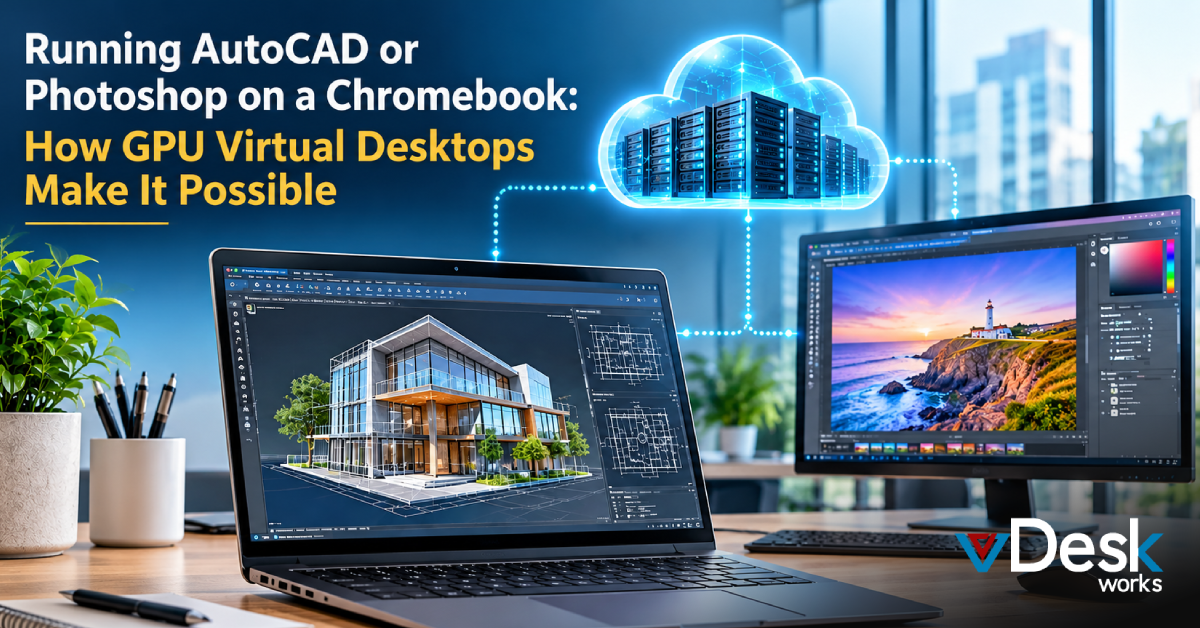
Applications such as AutoCAD, Revit, SolidWorks, and Civil 3D can involve detailed drawings, 3D models, large assemblies, and complex visualizations.
Engineers need their designs to respond smoothly when they rotate, zoom, edit, or manipulate models. Delays can interrupt workflows and make detailed design work more difficult.
A GPU Virtual Desktop can provide the graphics acceleration required for these workloads while keeping the computing environment centrally hosted.
For businesses with distributed engineering teams, this can also provide a consistent workstation environment without requiring every employee to work from the same physical office.
2. Video Editors and Media Professionals
Video production is another area where GPU acceleration can become important.
Professionals working with 4K or 8K footage may need significant computing and graphics resources for editing, effects, transitions, color work, playback, and rendering.
Applications such as Adobe Premiere Pro, After Effects, and DaVinci Resolve can benefit from hardware acceleration.
A cloud-based GPU workstation can help media teams access the computing resources needed for demanding projects without relying entirely on the specifications of their local devices.
This can be particularly useful when creative teams need to work remotely or when organizations want to centralize professional editing environments.
3. 3D Artists, Animators, and Visualization Teams
3D animation and visualization workflows can involve much more than simply creating a model.
Artists may work with:
- Character models
- Rigging
- Lighting
- Textures
- Visual effects
- Animation sequences
- 3D environments
- Rendering workloads
Software such as Maya, 3ds Max, and Blender can place considerable demands on graphics hardware.
For these teams, GPU resources can help provide a more responsive environment for working with complex scenes and visual assets.
A Cloud Workstation can give artists access to high-performance resources while allowing businesses to centralize the underlying infrastructure.
4. Data Scientists and AI Engineers
GPU acceleration is not limited to visual workloads.
Data scientists and AI engineers can also benefit from GPU-enabled computing environments when working with workloads that can take advantage of parallel processing.
Teams using Python-based machine learning environments, TensorFlow, PyTorch, MATLAB, or similar tools may require significant computing resources for data processing, model training, experimentation, and visualization.
For these users, the value of a GPU Cloud Desktop is connected to the specific workload rather than simply the size of the application.
Organizations can provide specialized computing environments to technical users without necessarily upgrading every employee's physical computer.
5. Game Development Teams
Game developers also work with highly demanding graphical environments.
Development teams using platforms such as Unity or Unreal Engine may need to test detailed environments, high-resolution textures, lighting effects, physics, and other graphical elements.
A GPU-backed virtual environment can provide developers with access to the resources required for these workflows.
This can be particularly relevant to studios with distributed development teams that need consistent environments and secure access to project resources.
How vDeskWorks Supports GPU-Intensive Workloads
vDeskWorks provides a GPU Cloud Desktop designed to deliver high-performance virtual workstations through the cloud.
The environment can support professional applications used in engineering, design, media production, rendering, and data-intensive workflows.
Supported application categories include:
- Engineering and Design: AutoCAD, Revit, SolidWorks, and Civil 3D.
- Media and Rendering: Adobe Premiere Pro, After Effects, DaVinci Resolve, and Blender.
- Data and Computing: MATLAB and Python/TensorFlow environments.
This approach allows organizations to provide specialized computing environments without making high-end physical workstations the only option.
Access Professional Performance From Different Devices
One of the key advantages of a GPU Cloud Desktop is hardware independence.
A user does not necessarily need a workstation-class endpoint to access a workstation-class cloud environment. Depending on the deployment and application requirements, users can connect from laptops, thin clients, tablets, and other supported devices.
vDeskWorks supports flexible access through HTML5 web access and client applications.
This can be useful for businesses with hybrid and remote teams because employees can securely connect to their virtual workspace without being tied to a particular physical workstation.
Security and Compliance for Business Workloads
Performance is only one consideration when businesses move professional workloads into the cloud. Security and compliance are equally important, particularly for organizations handling sensitive information.
vDeskWorks GPU Cloud Desktops include security-focused capabilities such as:
- AES-256 encryption for data in transit and at rest
- Multi-factor authentication (MFA) for stronger account protection
- Role-based access controls to manage user permissions
- Audit logs and session monitoring for visibility
- HIPAA-compliant cloud desktop options
- Business Associate Agreement (BAA) support for applicable healthcare use cases
- Reduced exposure of sensitive information on endpoint devices
For organizations handling regulated information, these capabilities can help support a more controlled desktop environment.
Conclusion
GPU-Accelerated Virtual Desktops are designed for a specific class of users rather than every employee in an organization. Engineers, architects, video editors, 3D artists, AI professionals, data scientists, and game developers can have workloads that demand more than a conventional CPU-based virtual desktop can provide.
For these users, GPU virtualization can move intensive processing into a powerful cloud environment while allowing employees to access their professional workspace from supported devices.
The result is a model that combines cloud accessibility, graphics performance, centralized management, and security.
For businesses evaluating modern workplace infrastructure, the important question is not simply whether they need a virtual desktop. It is whether their employees' applications and workflows require GPU acceleration. When the answer is yes, a GPU Cloud Desktop from vDeskWorks can provide a way to deliver workstation-class computing through a flexible cloud-based environment.
 Emma Carson