Access dedicated GPU power from any device. vDeskWorks GPU cloud desktops are built for design, engineering, animation, and data-intensive workloads — without the cost of physical workstations.
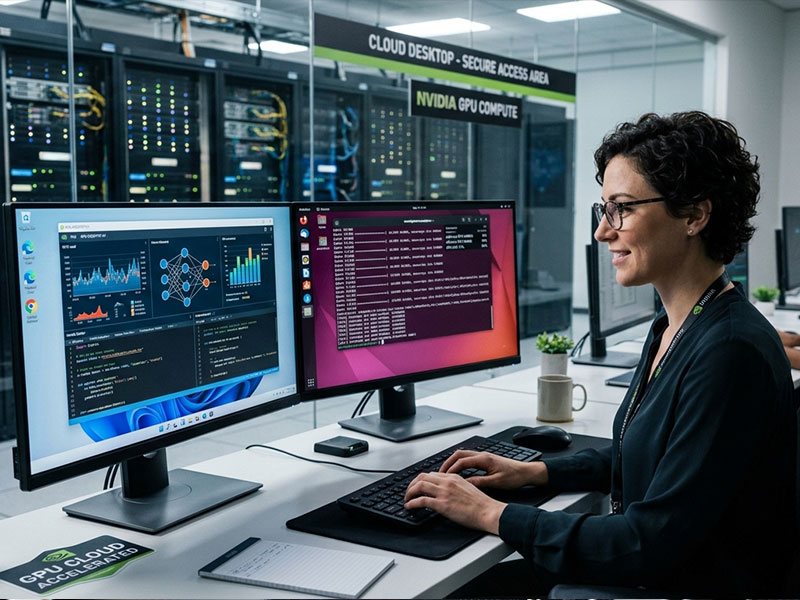
A GPU cloud desktop is a virtual desktop environment equipped with dedicated graphics processing unit (GPU) resources hosted in a secure cloud data centre. Unlike standard cloud desktops that use shared CPU resources, a GPU cloud desktop allocates dedicated graphical processing power to handle rendering, 3D modelling, video processing, simulation, and data visualisation workloads that would overwhelm standard virtual desktop infrastructure. vDeskWorks GPU cloud desktops deliver this professional-grade graphical computing power over the internet to any device — eliminating the need for expensive dedicated workstation hardware at every desk.
Start Free Trial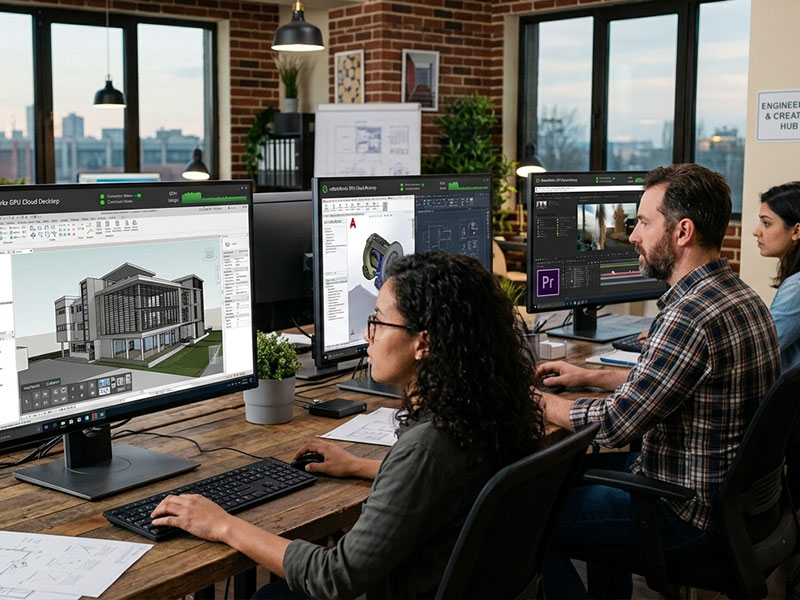
vDeskWorks GPU cloud desktops are designed and tested to support the most demanding professional applications in the market. Architects and engineers run AutoCAD, Revit, SolidWorks, and Civil 3D at full performance. Creative professionals work in Adobe Premiere Pro, After Effects, DaVinci Resolve, and Blender with real-time playback and rendering. Data scientists and analysts use GPU-accelerated processing environments for machine learning, simulation, and large dataset analysis. If your application demands GPU resources, vDeskWorks can deliver the performance it requires from the cloud.
Start Free Trial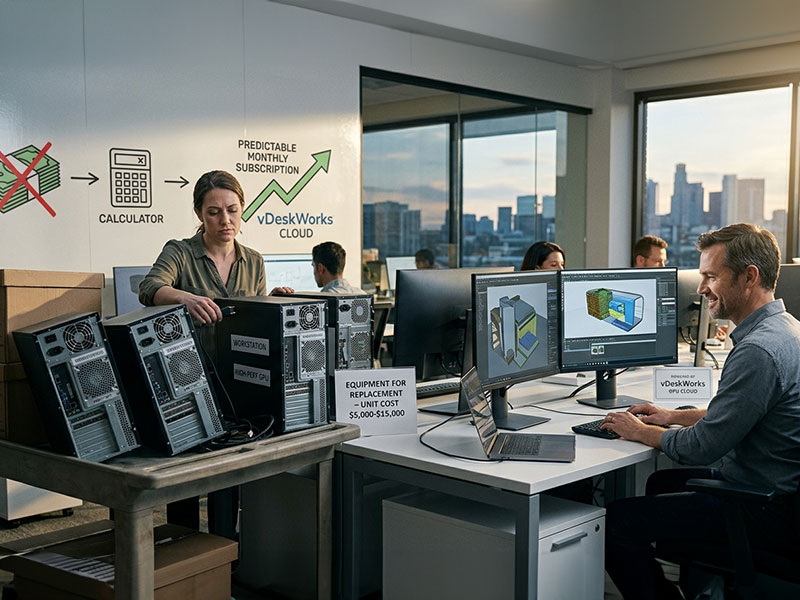
High-specification GPU workstations represent one of the largest single hardware costs in creative and engineering businesses. Top-specification workstations with professional GPU cards can cost $5,000 to $15,000 per unit — and require replacement every three to five years as software demands increase. vDeskWorks GPU cloud desktops replace this capital expenditure with a predictable monthly subscription. The GPU infrastructure is maintained, upgraded, and optimised by our team, ensuring users always have access to current-generation graphics performance without any hardware investment or refresh planning.
Start Free Trial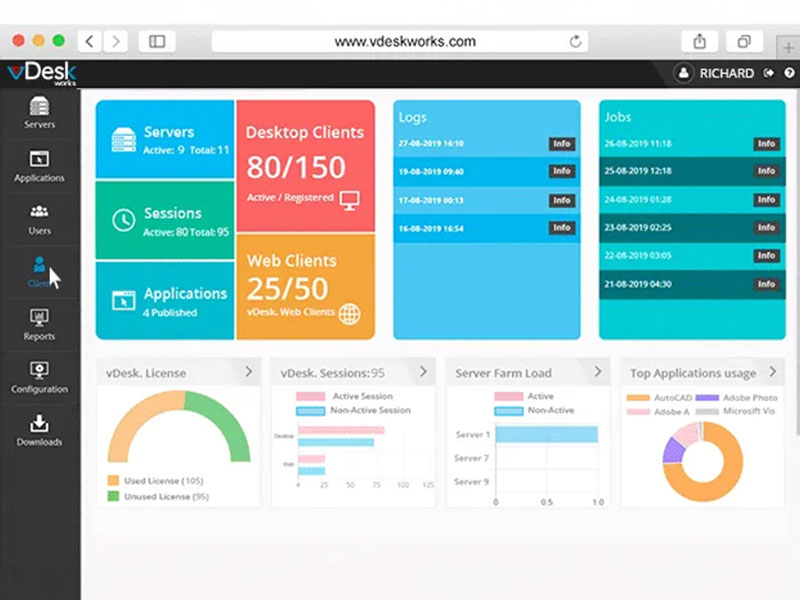
Professional workloads are rarely constant. A design project may require intensive GPU resources for rendering and visualisation during certain phases, while simpler tasks like document review or communication require no GPU at all. vDeskWorks GPU cloud desktops support dynamic resource allocation — administrators can adjust GPU allocation for individual users or entire teams based on current project requirements. Scale up GPU resources before a major render or simulation run, then scale back down when intensive processing is complete. You only pay for the GPU capacity you actually use, making project-based and variable workloads significantly more cost-efficient.
Start Free Trial
Managing a fleet of dedicated GPU workstations across multiple locations is operationally complex. Hardware maintenance, software licencing, remote access configuration, and security patching each require dedicated IT resource. vDeskWorks centralises all of this. GPU cloud desktops are managed from a single admin console — provisioning, application deployment, security policy enforcement, and resource allocation are all handled from one interface. IT administrators can see usage, performance, and security status across every GPU desktop in real time, with the ability to make changes that take effect instantly across the entire environment.
Start Free Trial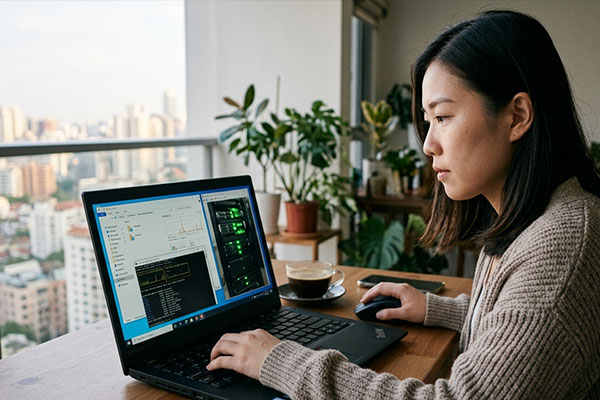
Access full GPU workstation power from home, on-site, or anywhere. Design and engineering teams work at full performance from any device.
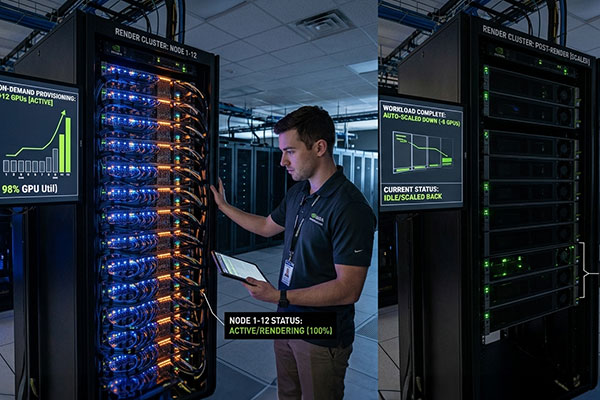
Provision additional GPU resources before intensive rendering or simulation runs. Scale back automatically when the workload completes.
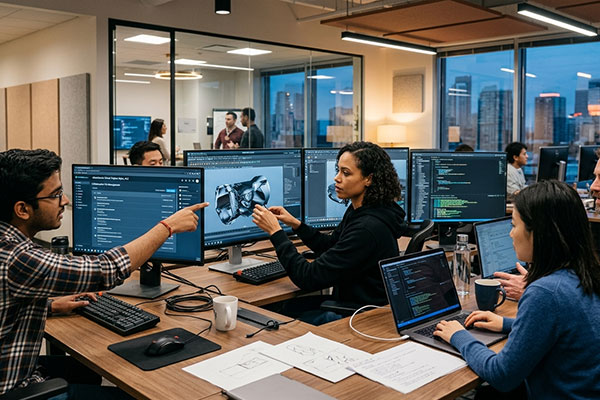
All assets and project files live in the vDeskWorks cloud. Distributed teams collaborate on the same files at GPU-accelerated speed.
Feature comparison with Neverinstall, Dincloud, and Ncomputing
| Feature | vDeskWorks | Neverinstall | Dincloud | Ncomputing |
|---|---|---|---|---|
| Bandwidth | Un-Metered | Metered | Un-Metered | Metered |
| Load Balancing | ✓ | ✗ | ✗ | ✗ |
| Windows 7 / 8.x / 10 | ✓ | ✓ | ✓ | ✓ |
| Linux | ✓ | ✓ | ✗ | ✓ |
| MAC | ✓ | ✓ | ✗ | ✓ |
| Capture Screenshots | ✓ | ✗ | ✗ | ✗ |
| Capture Keystrokes | ✓ | ✗ | ✗ | ✗ |
| Capture Mouse Clicks | ✓ | ✗ | ✗ | ✗ |
| Track Productivity | ✓ | ✗ | ✗ | ✗ |
| Capture Screen Video Recording | ✓ | ✗ | ✗ | ✗ |
"Our architecture team now accesses full Revit and 3D rendering performance from home. We saved over $120,000 in dedicated workstation hardware in our first year with vDeskWorks."