Businesses no longer depend on employees sitting at one physical desk to get work done. Teams may work from offices, homes, client locations, coworking spaces, or different countries. At the same time, businesses need to keep applications, files, user access, and sensitive information under control.
This shift has made virtual computing an important part of modern IT strategy. However, terms such as Cloud Desktop, Virtual PC, Remote Desktop, VDI, and Desktop as a Service (DaaS) are often used interchangeably even though they describe different approaches.
Understanding these differences matters because the wrong architecture can create unnecessary costs, management challenges, security gaps, or performance limitations.
A Cloud Desktop may be suitable for a business looking for a ready-to-use managed workspace. A Virtual PC or RDP setup may be enough for simple remote access. Meanwhile, VDI can provide deeper infrastructure-level control for organizations with complex requirements.
So, what separates these technologies, and what does a modern business actually need?
What Is a Cloud Desktop?
A Cloud Desktop, also known as a Cloud PC or Desktop as a Service (DaaS), provides users with a complete desktop environment hosted in the cloud.
Instead of purchasing a powerful physical computer for every employee, the business provides access to a virtual desktop hosted on cloud infrastructure. Employees can connect to that environment from supported computers, laptops, tablets, thin clients, or other devices.
The desktop can include the operating system, business applications, files, user settings, and required computing resources.
The biggest attraction is simplicity. Much of the infrastructure management is handled by the service provider rather than the business's internal IT team.
What Is a Virtual PC or Remote Desktop?
A Virtual PC generally refers to a virtualized computer environment, while Remote Desktop Protocol (RDP) is a technology used to connect to a remote Windows computer or server.
In a simple RDP arrangement, an employee's device acts as the access point while the actual computing environment runs on another physical or virtual machine.
For example, a small business may have a Windows computer or server in its office. An authorized employee can use remote desktop software to connect to that machine from another location.
This approach can be practical when the requirement is straightforward: access a particular computer or application remotely without implementing a broader desktop virtualization architecture.
What Is VDI?
VDI, or Virtual Desktop Infrastructure, is an architecture designed to host and manage multiple virtual desktops from centralized infrastructure.
Instead of giving every employee a separate physical computer, IT teams can create virtual desktop environments that run on centralized servers. These environments can be persistent, where a user's desktop remains assigned to them, or pooled, where desktops are provisioned from standardized images.
A central concept in VDI is the standardized desktop image, often called a golden image. IT administrators can configure an operating system, applications, security policies, and settings and then use that configuration as the foundation for multiple virtual desktops.
This creates a more structured approach to desktop management.
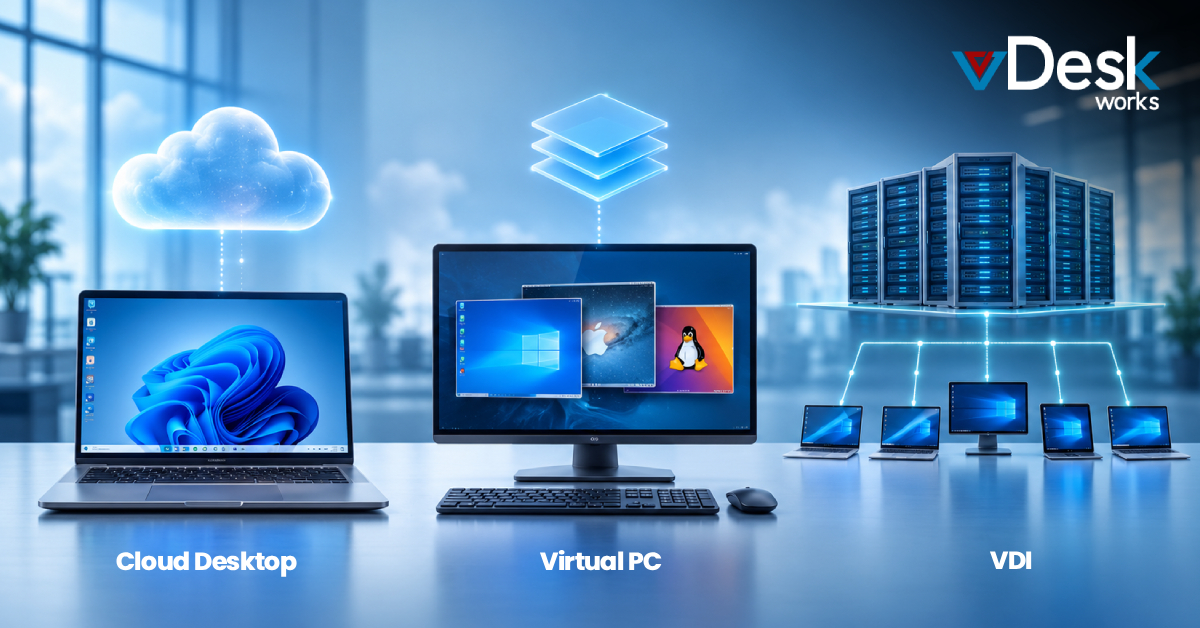
Cloud Desktop vs Virtual PC vs VDI: The Core Difference
The easiest way to understand the three models is to look at where the desktop runs, who manages it, and how much control the business requires.
Cloud Desktop
A Cloud Desktop is generally a managed service. The provider operates much of the underlying infrastructure, while the business consumes virtual desktops as a service.
It is often suitable when simplicity, predictable costs, fast deployment, and remote accessibility are priorities.
Virtual PC / RDP
Virtual PC or RDP is generally a remote connection approach. It allows users to access another computer or virtual machine without necessarily implementing a complete desktop virtualization platform.
It can be effective for straightforward requirements but may become harder to manage at scale.
VDI
VDI is an enterprise virtualization architecture. It gives IT teams deeper control over how desktops are created, hosted, secured, managed, and delivered.
It can support complex environments but typically demands more infrastructure planning and administration.
How vDeskWorks Approaches Virtual Desktop Delivery
vDeskWorks is designed around centralized application and desktop delivery, giving businesses the ability to manage virtual computing environments while supporting different deployment requirements.
Its platform capabilities include centralized administration, monitoring, cross-platform access, security controls, backup, disaster recovery, and flexible deployment options.
Centralized Management
The vDeskWorks Manager provides a central environment for managing systems, VDI resources, users, and infrastructure.
This can reduce the need for administrators to manage every desktop independently.
Monitoring and Visibility
Resource monitoring can provide administrators with visibility into server and session activity.
For businesses operating a distributed workforce, centralized monitoring can make it easier to understand how infrastructure is being utilized and identify potential resource issues.
Cross-Platform Access
A modern virtual desktop should not force employees to use one specific endpoint.
vDeskWorks supports cross-platform access so users can connect to their Windows desktop environments from different types of devices.
This can support BYOD and hybrid work models while keeping the primary computing environment centralized.
Security, Backup, and Recovery
Virtual desktop infrastructure also needs protection beyond simple login security.
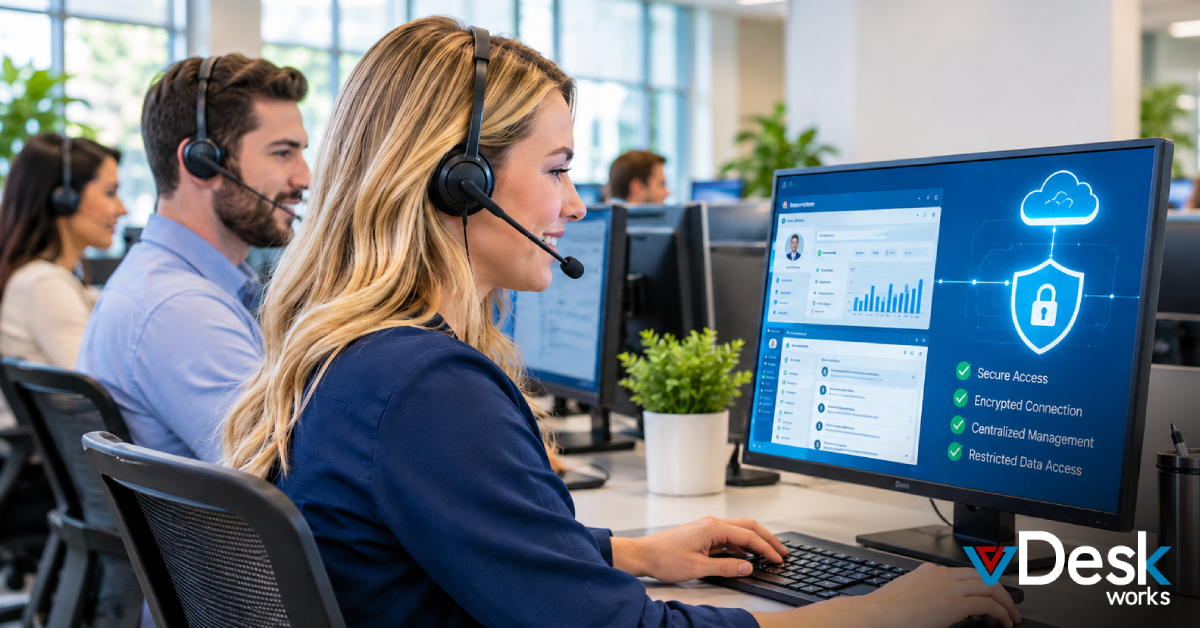
vDeskWorks provides capabilities around DDoS protection, backup and restoration, disaster recovery, secure data storage, and Active Directory integration.
These capabilities are particularly relevant for organizations that need business continuity and centralized control over their computing environments.
Cloud-Agnostic Deployment
One important distinction is that businesses do not always have to choose between completely public cloud infrastructure and completely on-premises infrastructure.
vDeskWorks supports on-premises, hybrid, and cloud deployments, allowing organizations to structure their virtual desktop environment according to their infrastructure and operational requirements.
What Businesses Should Evaluate Before Choosing
Before selecting a virtual desktop architecture, IT leaders should consider:
- Number of users: How many employees need virtual desktops today, and how quickly could that number grow?
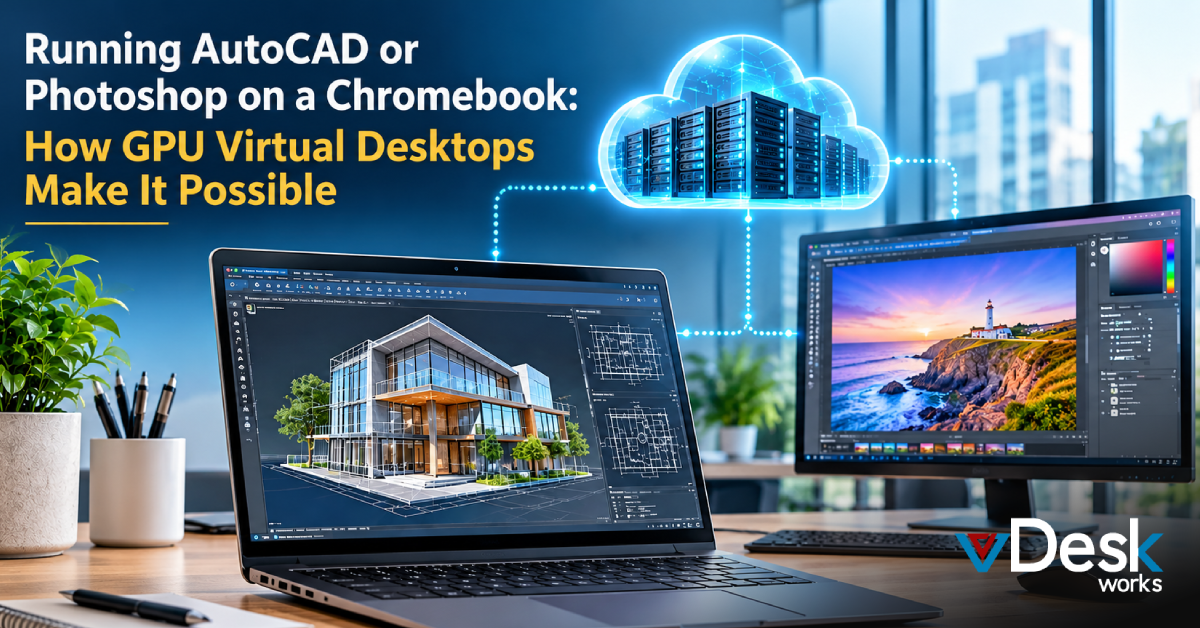
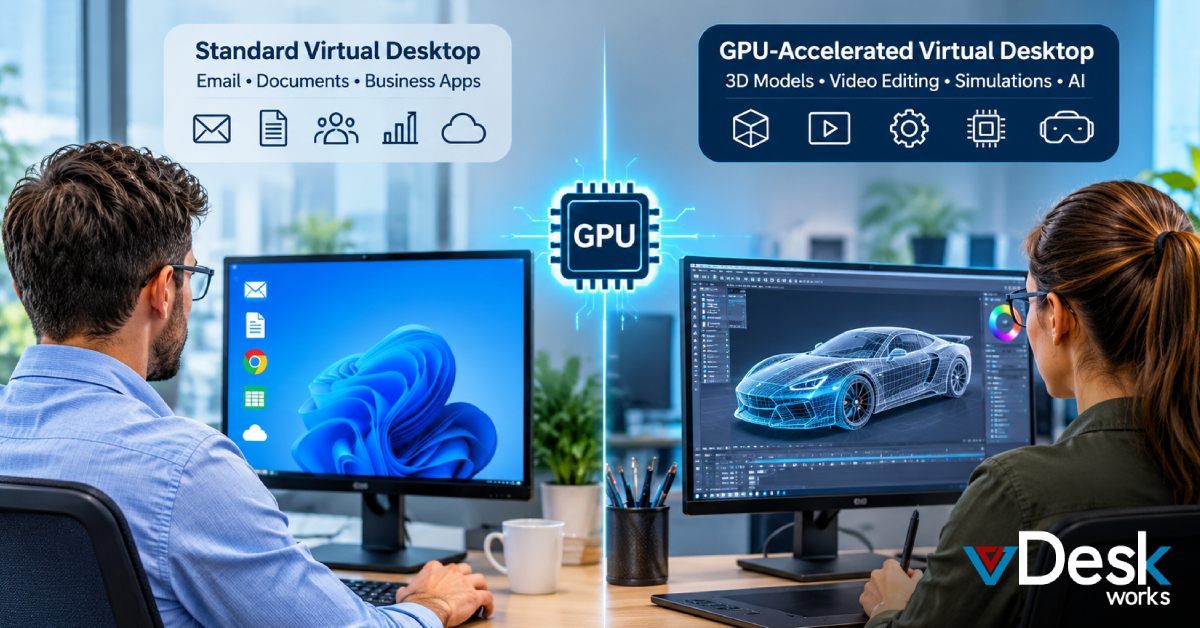
- Application requirements: Are users running standard office applications or resource-intensive workloads?
- Management needs: Does the internal IT team want to manage the underlying infrastructure?
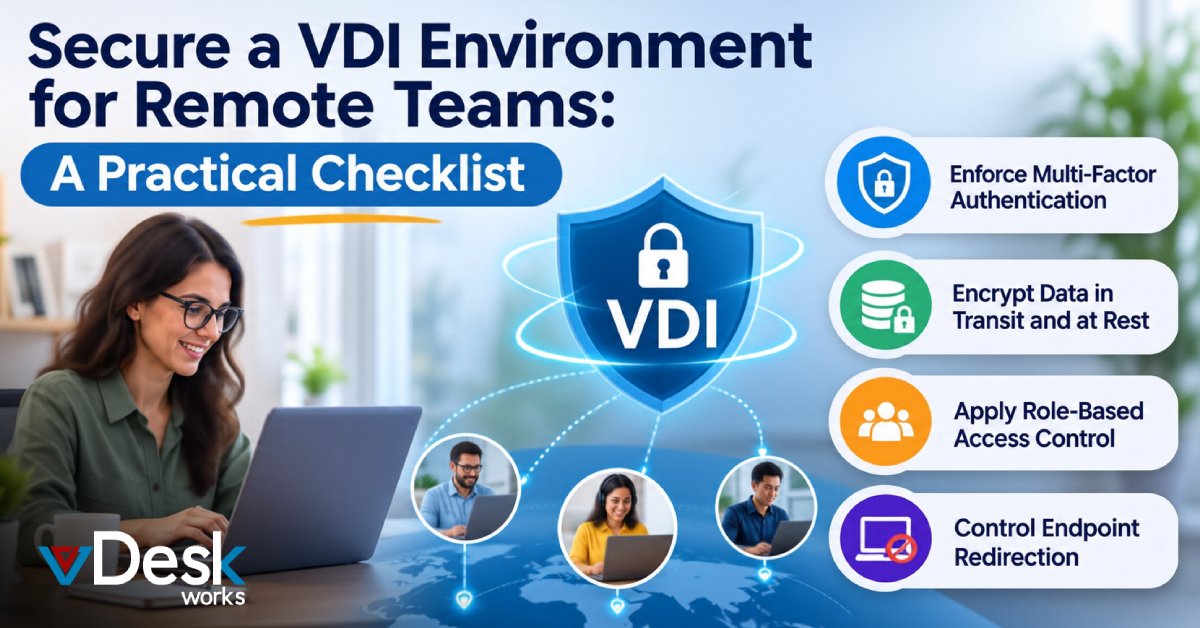
- Security requirements: What authentication, access control, monitoring, backup, and data protection capabilities are required?
- Deployment model: Would public cloud, private infrastructure, on-premises, or hybrid deployment be appropriate?
- Budget: Is the organization looking for predictable operating expenditure or prepared for infrastructure investment?
- Remote access: Which devices and operating systems must employees use?
- Business continuity: How quickly must desktops and applications be restored after an outage?
These questions help move the conversation away from technology labels and toward actual business requirements.
Final Thoughts
Cloud Desktop, Virtual PC/RDP, and VDI all provide ways to access computing environments remotely, but they operate at different levels.
A Cloud Desktop focuses on delivering a managed desktop as a service. Virtual PC and RDP provide a comparatively straightforward method for accessing another computer. VDI provides a broader enterprise architecture for centrally hosting and managing virtual desktops.
For modern businesses, the choice should be driven by workforce size, IT capabilities, security requirements, application demands, deployment preferences, scalability, and business continuity objectives.
With capabilities spanning centralized management, cross-platform access, monitoring, security, backup, disaster recovery, and on-premises, hybrid, and cloud deployment options, vDeskWorks provides a flexible foundation for organizations evaluating their next Virtual Desktop Solution.
 Emma Carson