As companies adopt more flexible work arrangements, the practice of Bring Your Own Device (BYOD) has rapidly gained popularity. Employees prefer using their personal devices to access corporate systems, as it offers them flexibility and convenience. However, this practice also introduces several security challenges. To mitigate risks and maintain the integrity of company data, it is crucial to implement a secure and well-structured BYOD policy. With the right tools and strategy, such as leveraging solutions like vDeskWorks, organizations can safely integrate BYOD while maintaining security and compliance.
In this blog, we’ll walk you through the steps to set up a secure BYOD policy, specifically using vDeskWorks to manage your organization’s virtual desktops and applications securely. This approach ensures that corporate data remains protected, regardless of the device accessing it.
What is a BYOD Policy?
A BYOD (Bring Your Own Device) policy is a set of rules and guidelines that govern how employees can use their personal devices (such as laptops, smartphones, and tablets) to access corporate resources. A well-crafted BYOD policy addresses security, privacy, and compliance issues while allowing employees the flexibility to use their preferred devices.
Steps to Create a Secure BYOD Policy
When setting up a secure BYOD policy, it's crucial to focus on both policy creation and technical controls. Here are the essential steps to consider:
1. Develop a Clear BYOD Policy
Your BYOD policy should cover several key areas to ensure security and clear expectations:
- Usage Rules: Define acceptable use, including which apps and services employees can use to access corporate systems. Clearly state which devices are supported and whether personal devices must meet specific security standards.
- Privacy Boundaries: Be transparent about what personal data will be protected and what corporate data IT will have access to. Employees should feel comfortable using their devices, knowing their personal information remains private.
- Exit Plan: Specify the process for removing corporate data and revoking access when an employee leaves the company. This should include remote wipe procedures to ensure that no company data is left behind on personal devices.
- Incident Response: Establish a protocol for handling lost, stolen, or compromised devices. Employees should know who to contact and the steps to take immediately if their device is at risk.
2. Implement Technical Controls with vDeskWorks
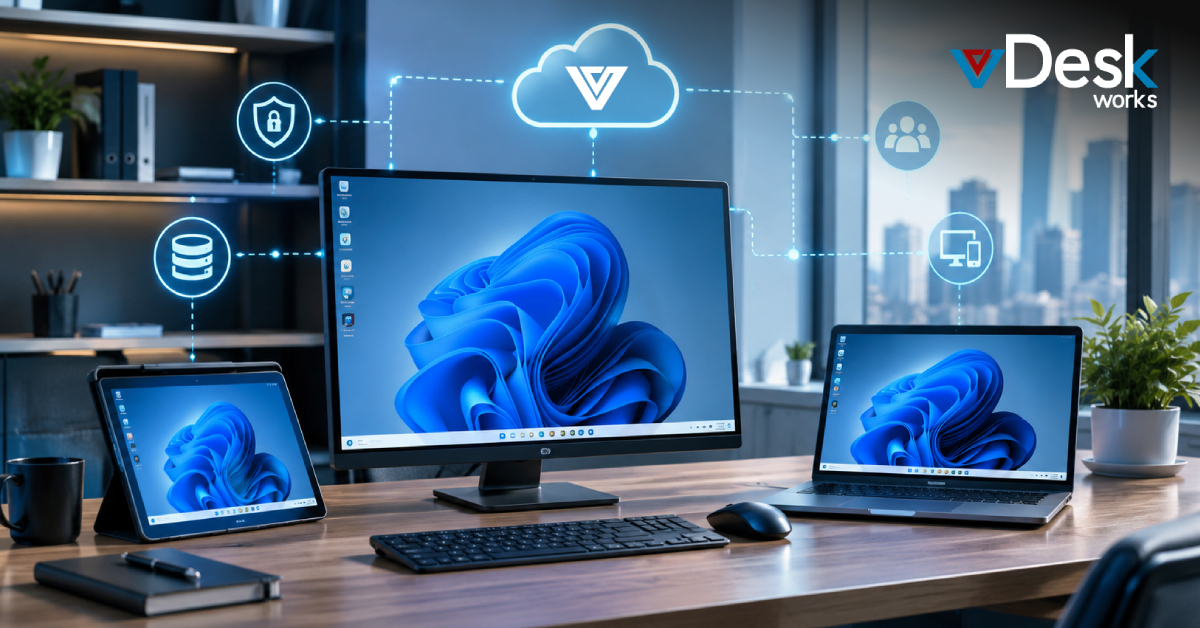
Using vDeskWorks can significantly enhance your BYOD policy by centralizing data management in a secure, cloud-hosted environment. This allows employees to access corporate resources without storing sensitive information on personal devices.
- Mobile Device Management (MDM): Implement MDM or Enterprise Mobility Management (EMM) to enforce security policies on personal devices. IT teams can remotely monitor device compliance and enforce security measures.
- Multi-Factor Authentication (MFA): Enforce MFA for all users accessing corporate resources. This provides an extra layer of security beyond just passwords.
- Data Encryption: Ensure that all sensitive data is encrypted both in transit and at rest. vDeskWorks uses strong encryption protocols, such as AES-256 bit, to safeguard corporate data.
- Virtual Desktop Infrastructure (VDI): Instead of storing data on personal devices, it provides a centralized virtual workspace where all corporate applications and data are stored securely in the cloud. This way, even if a device is lost or stolen, no sensitive data is compromised.
3. Establish Device Compliance Requirements
It’s essential to ensure that personal devices meet specific security standards before they can access corporate systems:
- Operating System (OS) Requirements: Require that devices run the latest OS versions with up-to-date security patches.
- Antivirus and Anti-malware: Ensure that personal devices have up-to-date antivirus software and that they meet certain security requirements before being allowed access to corporate resources.
- Device Encryption: Personal devices must have full-device encryption enabled to protect against unauthorized access to corporate data.
4. Training and Awareness for Employees
To successfully implement a secure BYOD policy, educating employees on security best practices is crucial. Employee training should cover the following areas:
- Security Protocols: Teach employees how to identify phishing attempts, the importance of using secure Wi-Fi networks, and how to recognize suspicious activities.
- BYOD Policy Overview: Ensure employees are fully aware of the rules, guidelines, and security requirements outlined in the policy.
- Device Enrollment Process: Guide employees through the process of enrolling their devices in the MDM system and explain the consequences of non-compliance.
5. Monitor, Audit, and Adapt the Policy
A secure BYOD policy isn’t static, it needs to evolve with changing technology and emerging threats. Continuous monitoring is essential to ensure compliance with the policy. Regular audits should check for potential vulnerabilities, and IT teams should review device access logs to detect any suspicious activity.
- Audit Compliance: Regularly audit devices for compliance with security policies, checking for updates, antivirus software status, and encryption.
- Adapt to Emerging Threats: As new threats and technologies emerge, update your policy to incorporate additional safeguards, such as enhanced encryption methods or new authentication techniques.
How Does vDeskWorks Enhance BYOD Security?
One of the key challenges of BYOD is ensuring that sensitive company data remains protected even when accessed by personal devices. It simplifies this by shifting the focus of security from the physical device to the virtual workspace itself. Here’s how vDeskWorks makes BYOD more secure:
- Data Stays in the Cloud: With vDeskWorks, corporate data is never stored locally on employees’ personal devices. Instead, all sensitive information and applications are securely hosted in the cloud. This minimizes the risk of data breaches in case a device is lost or stolen.
- Device-Agnostic Access: vDeskWorks supports a wide range of devices and operating systems, from Windows and Mac to iOS and Android. Employees can use their preferred devices without compromising the security of company data.
- Separation of Personal and Work Data: The virtual desktop environment runs separately from the personal device's operating system. This creates a strong division between work-related data and personal data, ensuring that employees' private information remains secure and unaffected by corporate systems.
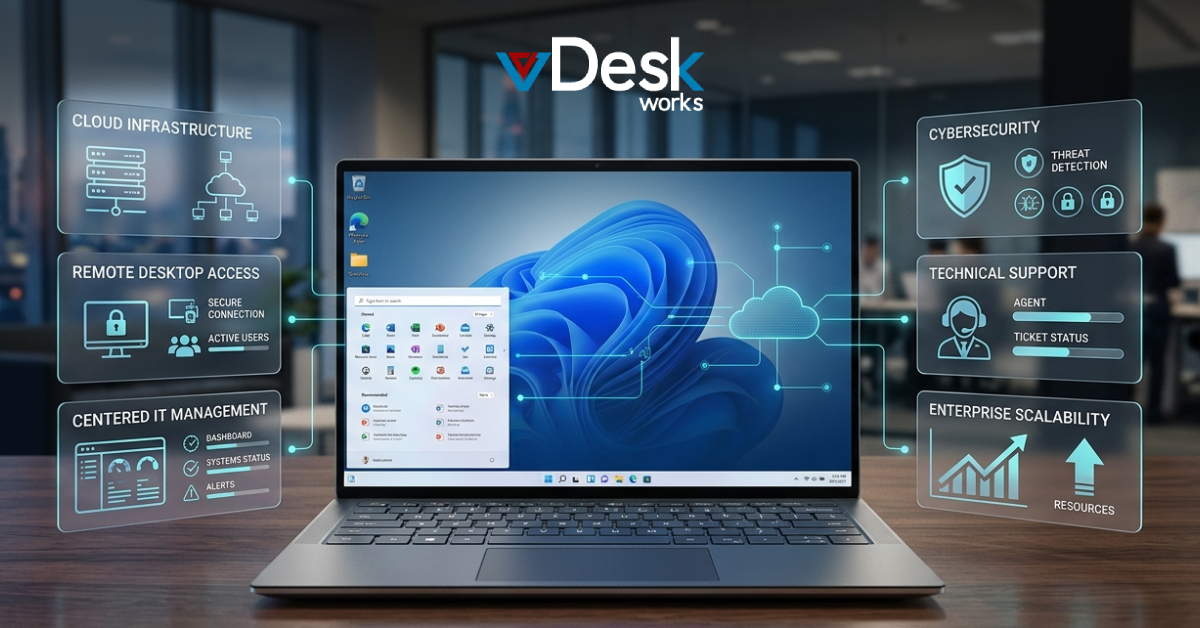
- Centralized Management: IT administrators can easily manage user access, apply security updates, and deploy applications from a single console using the vDeskWorks management interface. This centralized approach makes it easier to maintain consistent security policies across all devices.
Conclusion: Achieving a Secure BYOD Environment
A secure BYOD policy is essential for any organization that wants to provide employees with the flexibility to use their personal devices while ensuring that company data remains secure. By establishing clear policies, implementing technical controls, and leveraging solutions like vDeskWorks, businesses can create a secure, efficient, and compliant environment for their employees.
The right BYOD strategy, combined with the security features of vDeskWorks, ensures that data is kept safe, privacy is maintained, and employees can work productively from any device, anywhere. The future of BYOD is both secure and seamless, providing organizations with the flexibility to embrace modern work styles without compromising on security.
 Emma Carson