Plain-language walkthroughs for accountants, lawyers, contractors, and other business owners who aren't IT experts
You Don't Need to Be Technical to Use a Virtual Desktop
When most people hear "virtual desktop" or "cloud desktop," they picture server racks, IT administrators, and complicated setup processes. The reality in 2024 is very different. Modern virtual desktop solutions are designed to be as simple as logging into a website — and for the vast majority of day-to-day use, they work exactly like the computer you already have.
This guide is written specifically for business owners who are not IT professionals. Whether you run an accounting firm, a law office, a construction company, or a small marketing agency, this walkthrough will help you understand what a virtual desktop is, how to get set up, and what your first week will actually look like.
What Is a Virtual Desktop, in Plain English?
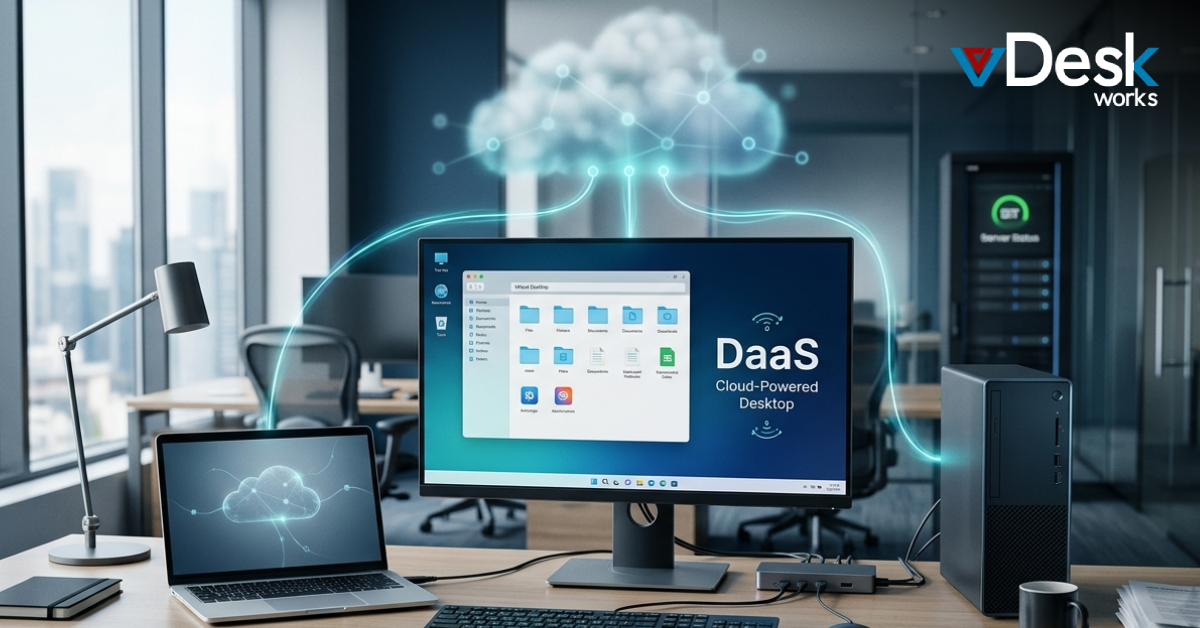
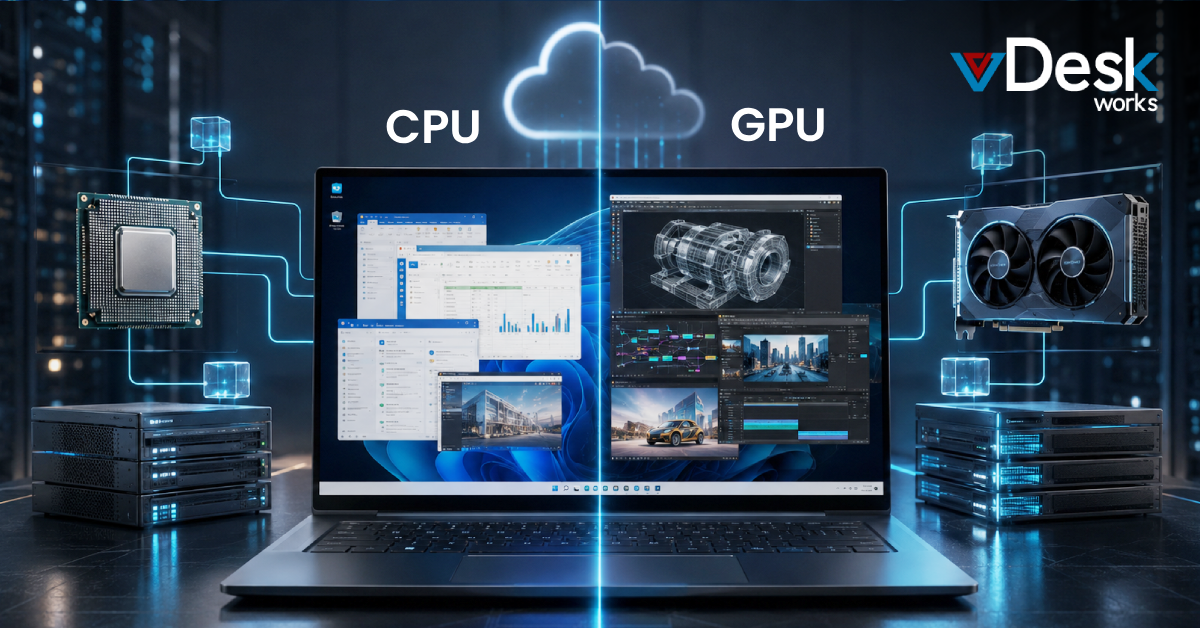
Think of a virtual desktop as your work computer — except it lives in the cloud instead of on your desk. When you log in, you see a familiar desktop interface with your applications, files, and settings, just like your regular computer. The difference is that everything is stored and processed on a powerful server somewhere else, and you're simply viewing and interacting with it through your screen.
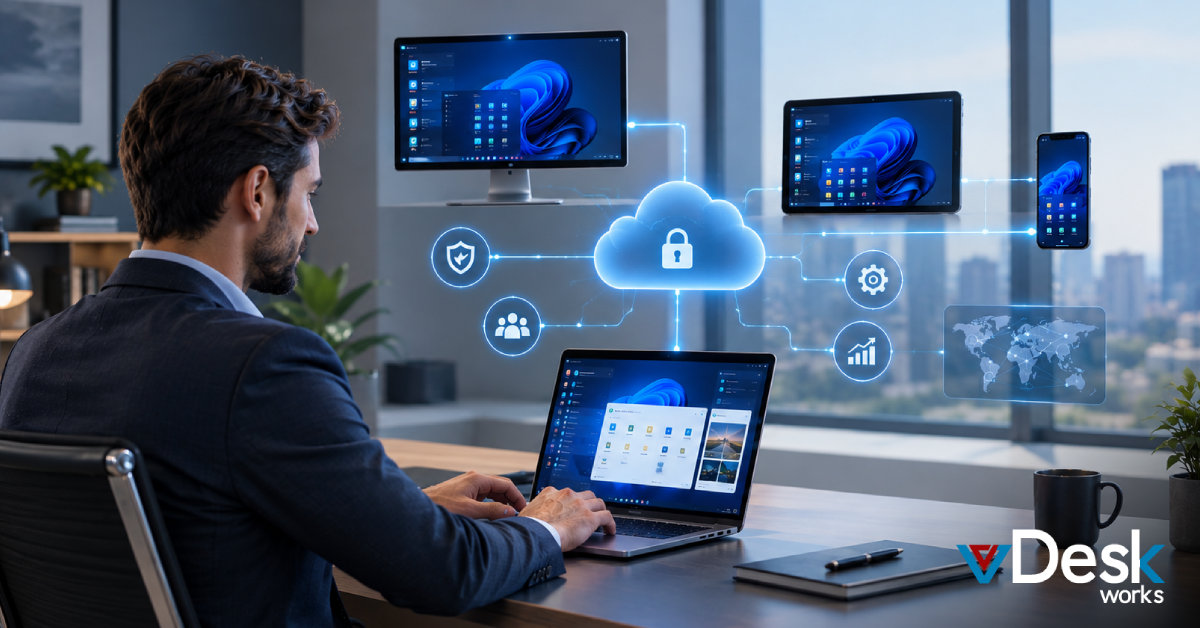
This means a few important things. First, it doesn't matter what device you're using — you can access your full work environment from your laptop at home, your iPad on a job site, or even a borrowed computer at a client's office. Second, your data never lives on any physical device, so if your laptop gets stolen or your hard drive fails, nothing is lost. Third, your IT team (or your provider) manages updates, security, and backups for you — automatically.
Step-by-Step: Getting Your Virtual Desktop Set Up
Setting up a virtual desktop with vDesk.works takes less time than you might expect. Here's what the process typically looks like. First, you'll have a brief onboarding call with our team where we learn about your business — how many people need access, what software you use, and what your security requirements are. This usually takes 30–45 minutes.
Second, we configure your environment. This is where our team does the technical heavy lifting — setting up your virtual machines, installing your applications, configuring security settings, and connecting any shared drives or printers you need. You don't need to do anything during this step. Third, we send you a simple login link and walk you through your first sign-in. From that point on, getting to your virtual desktop is as simple as opening a browser or a lightweight app and entering your username and password.
Your First Week: What to Expect
The first thing most new users notice is how familiar everything looks. Your virtual desktop looks and behaves like a normal Windows desktop — because it is one, just hosted in the cloud. Your applications are there, your files are accessible, and your email works exactly as it did before. The main adjustment is getting used to accessing everything through the vDesk.works portal instead of from your local machine.
During your first week, you'll likely discover a few things you love immediately. Logging in from home feels exactly like being at your office desk. If you have multiple monitors, they work seamlessly. Sharing files with colleagues is easier because everything lives in a central location. And if your internet connection drops briefly, your session stays open — you can simply reconnect right where you left off.
Common Questions from Non-Technical Business Owners
"What happens to my existing files?" We migrate them for you. Your existing documents, spreadsheets, and project files are moved to your virtual environment as part of onboarding. You don't need to manually copy anything. "What if my internet goes down?" For brief outages, your session persists and you can reconnect. For extended outages, most users switch to a mobile hotspot or work from another location — because your desktop is accessible from anywhere.
"Do my employees need training?" Very little. Because the interface looks like a standard Windows desktop, most employees adapt within an hour or two. We provide simple user guides written in plain language, and our support team is available if anyone has questions. "What if I want to add a new employee?" Just let us know and we'll provision a new seat, typically within one business day. No hardware to order, no IT visit required.
Industry-Specific Notes
For accounting firms, virtual desktops are particularly valuable during tax season when you may need to quickly scale up capacity for temporary staff. For law offices, the ability to access case files securely from a courthouse or client meeting — without carrying sensitive data on a laptop — is a major advantage. For construction and field services businesses, being able to pull up project documents, contracts, and blueprints from a tablet on a job site changes how your team works.
Regardless of your industry, the fundamental benefit is the same: you get a professional, secure, managed computing environment without needing an in-house IT department to maintain it. That's the promise of virtual desktops — and it's one that vDesk.works delivers every day for businesses just like yours.
Ready to get started?
Visit vDesk.works to explore our virtual desktop solutions and speak with a specialist today.
 Jerry Clark