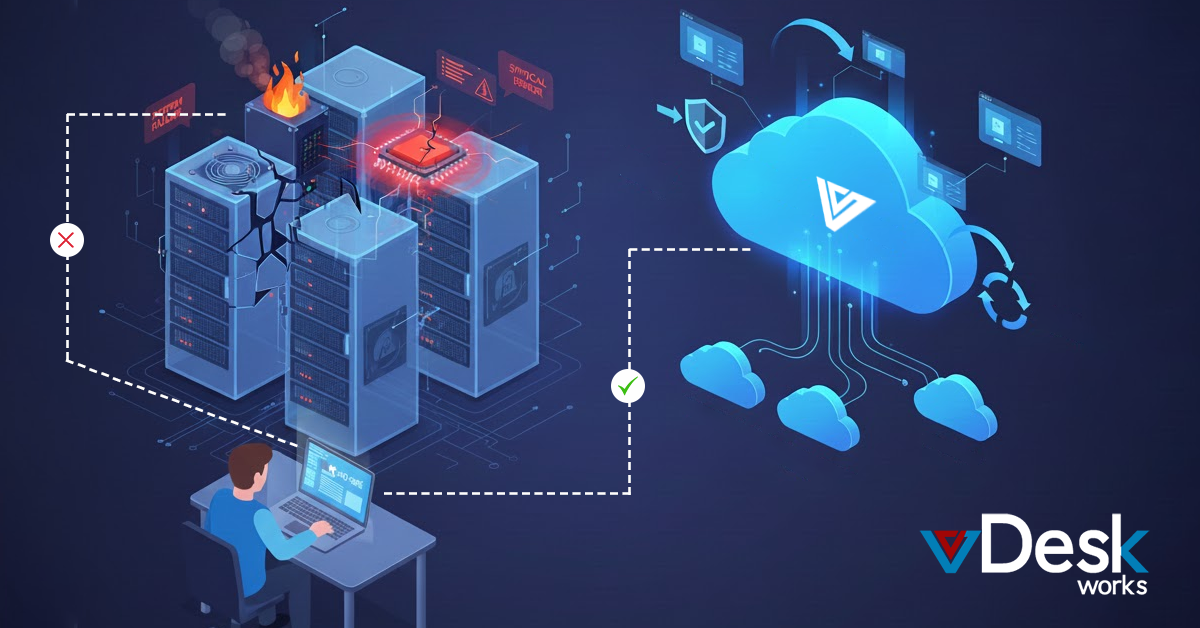
Whether it’s a malfunctioning power supply, a failing hard drive, or an overheated CPU, hardware issues continue to be one of the most common and costly IT disruptions.
In 2025, organizations can’t afford downtime and, this is precisely where vDeskWorks, powered by Microsoft Azure’s robust cloud infrastructure, provides a modern, resilient approach to Disaster Recovery (DR) and Business Continuity (BC).
This comprehensive guide breaks down:
- How hardware failures impact systems
- The symptoms and consequences of malfunctioning components
- How systems respond to temporary vs. permanent hardware faults
- vDeskWorks' complete disaster recovery ecosystem using Azure
- 2025’s emerging DR/BC trends powered by cloud and AI
- The essential components of an effective BCDR strategy
Let’s dive into each element in detail.
1. What Actually Happens When Hardware Fails?
Hardware failures are unpredictable and can range from minor disruptions to catastrophic system outages. When a critical component breaks down, the effects ripple across the entire IT environment.
Common Hardware Failure Symptoms
1. Frequent Crashes or Freezes
A failing RAM stick or motherboard component may cause:
- Applications to freeze
- Blue screen errors
- Random crashes that interrupt workflows
2. Failure to Boot
When the system starts but never reaches the operating system:
- A damaged power supply or motherboard may be responsible
- A corrupted boot drive can also prevent proper startup
- Users see a black screen or BIOS error messages
3. Unexpected Shutdowns and Restarts
Faulty PSUs often trigger:
- Abrupt power loss
- Random restarts under load
- Burning smells or electrical anomalies
4. Slow System Performance
A deteriorating hard drive or damaged RAM module can cause:
- Lagging programs
- Slow data retrieval
- Long boot times
5. Visual Distortions or Flickering Screens
A failing GPU produces:
- Colored lines
- Pixelation
- Artifacts or freezing during graphics-heavy tasks
6. Data Loss and Corruption
Hard drive failures lead to:
- Missing files
- Corrupted documents
- Lost application data
7. Overheating Issues
Cooling system failures result in:
- Excessive fan noise
- System throttling
- Sudden shutdowns to prevent internal damage
8. Strange Noises or Odors
Warning signs include:
- Clicking hard drives
- Grinding fans
- Burnt electronic smells
Understanding these symptoms helps businesses respond before the damage escalates.
2. How Systems React to Hardware Malfunctions
Not every failure leads to immediate system-wide downtime. Operating systems attempt to correct or compensate for issues before declaring a critical error.
How Systems Respond to Different Failure Types
1. Transient Failures (Temporary Issues)
These are short-lived disruptions. Operating systems usually:
- Retry the operation
- Log the issue
- Continue functioning if the problem resolves itself
2. Permanent Hardware Failures
When a component is completely unusable:
- Errors become repeatable
- The system may crash repeatedly
- A reboot often cannot resolve the issue
- Replacement or repair becomes necessary
3. Automatic Reconfiguration Attempts
After a reboot:
- Systems try to detect hardware problems
- They may disable malfunctioning devices
- Workarounds are created to keep the system operational
4. Possible Data Corruption
Severe hardware breakdowns can:
- Damage file systems
- Prevent the OS from loading
- Require OS repairs or complete reinstallation
5. Large-Scale System Unavailability
For enterprise networks:
- One hardware failure can disrupt hundreds of users
- Restoring normal operations may require extended downtime
- Costs increase due to lost productivity and emergency recovery
This highlights the critical need for a robust, cloud-based disaster recovery plan like the one offered by vDeskWorks.
3. How vDeskWorks Ensures Disaster Recovery & Business Continuity
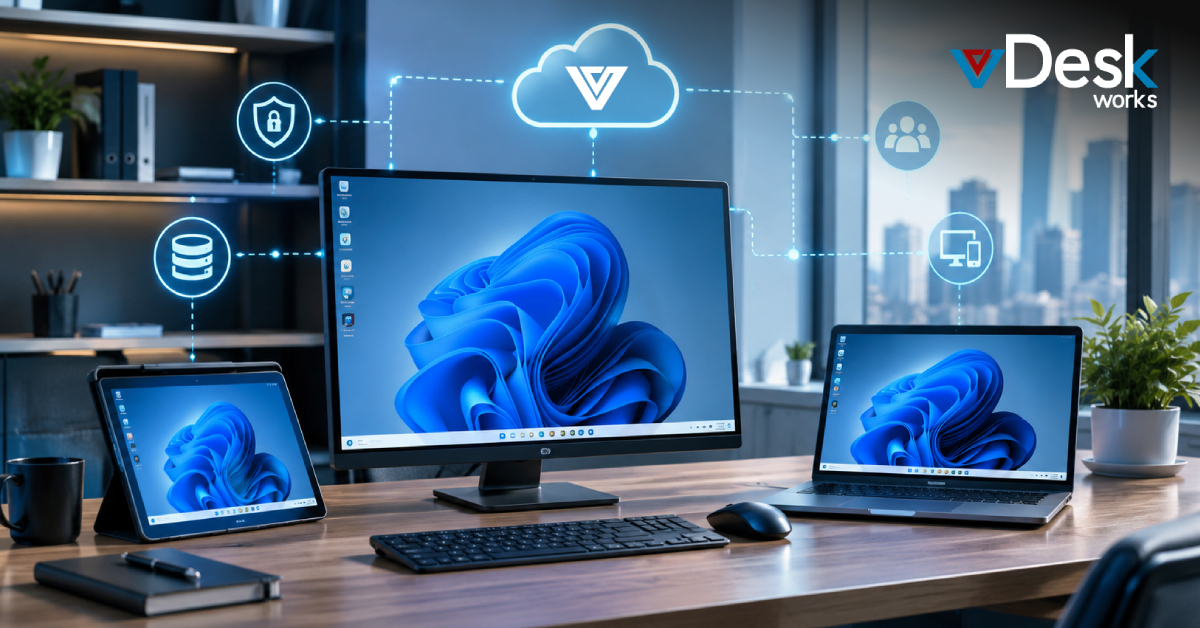
vDeskWorks uses Microsoft Azure’s enterprise-grade disaster recovery tools to build a resilient cloud environment that protects businesses from hardware failures, data loss, and downtime. Their Disaster Recovery as a Service (DRaaS) framework ensures operations continue even when local hardware breaks down.
- Azure DaaS Integration: Cloud-based recovery plans, automated failover, and access to virtual desktops/apps from any device.
- High Availability: Incremental backups, regular snapshots, and multiple recovery points ensure quick system restoration.
- Fast Recovery: Predefined workflows, real-time monitoring, and rapid restoration minimize downtime.
- Geographic Redundancy: Multiple Azure regions provide instant failover if one data center experiences an outage.
- No Local Backup Risks: All data is securely stored and replicated in Azure, removing the need for physical backups and eliminating on-premise vulnerabilities.
4. Step-by-Step: vDeskWorks Disaster Recovery & Azure Site Recovery Workflow
To achieve resilience, vDeskWorks follows a structured multi-stage process.
Step 1: Monitoring and Early Detection
- Azure continuously monitors:
- Application health
- System anomalies
- Security alerts
- Performance degradation
Proactive detection prevents small issues from becoming disasters.
Step 2: Data Replication
Azure Site Recovery replicates:
- Virtual machines
- On-premises servers
- Cloud workloads
Replication occurs continuously or at scheduled intervals.
Step 3: Automatic Failover
When a disaster or hardware failure occurs:
- Systems immediately shift to the secondary site
- Users access their desktops, files, and applications from the backup region
- Business operations continue without interruption
Step 4: Failback After Recovery
After the primary site is restored:
- vDeskWorks reverses replication
- Workloads return to the original environment
- Normal operations resume seamlessly
Step 5: Post-Recovery Validation
- No data corruption
- All systems restored
- Business functions fully are operational
This structured lifecycle reduces downtime to minutes instead of hours or days.
5. DR/BC Trends for 2025: Where Resilience Is Headed
As risks evolve, disaster recovery and business continuity strategies are rapidly modernizing.
- Organizations are increasing investment in disaster recovery and business continuity as cyber-attacks and geopolitical instability rise, leading to larger budgets, cloud-first recovery adoption, and stronger long-term resilience.
- Disaster recovery is now driven by the public cloud, offering unlimited scalability, fast failover, and cost-efficient redundancy.
- AI enhances DR by automating planning, predicting system failures, performing impact analyses, and identifying new threats.
- Modern DR planning involves interdisciplinary teams from IT, cybersecurity, legal, HR, and communications to ensure complete crisis coverage.
- Businesses using hybrid environments require DR strategies that protect cloud storage, on-premises servers, edge devices, and remote workstations.
- DR plans now address a wider range of risks, including cyber warfare, supply chain disruptions, ransomware, natural disasters, and political instability
- The overall focus has shifted toward operational resilience, ensuring organizations can continue functioning even during major disruptions.
6. Core Components of a Strong BCDR Strategy
A well-rounded Business Continuity & Disaster Recovery (BCDR) plan includes both proactive and reactive elements.
1. Business Continuity Plan (BCP): Ensures critical operations continue during disruptions by outlining communication protocols, managing staff, identifying alternate work locations, and maintaining essential business processes.
2. Disaster Recovery Plan (DRP): Focuses on restoring IT systems after an incident through server recovery, database restoration, backup activation, and system failover procedures.
3. Combined Impact: Together, BCP and DRP ensure the organization stays functional even during severe disruptions.
Conclusion: vDeskWorks Delivers the Modern Standard for Disaster Recovery
Hardware failures are inevitable, but business downtime doesn’t have to be. With vDeskWorks’ Azure-powered cloud infrastructure, companies gain an always-on environment capable of surviving hardware breakdowns, cyber threats, natural disasters, and unexpected outages.
vDeskWorks ensures that business operations never stop, even when hardware fails completely.
In a world where digital resilience determines business survival, vDeskWorks provides the foundation organizations need to stay secure, stable, and productive, no matter what challenges arise.
 Emma Carson