When you have to decide between getting help with your computer problems from someone who's not there in person and getting help from someone who comes to your office it can really affect how your business gets back to normal after something goes wrong with the technology. It also affects how much you spend on keeping your computer systems running and how safe you are from problems that can shut everything down. If your computers are not working that means your people are not getting anything done. You are not making any money. So this is an important decision. This guide is meant to help people who own businesses and the people in charge of the computer systems make a simple decision, about what kind of help they need with their computers.
So you want to know what kind of IT service is best for your business. If your business relies on things like servers, special equipment or point of sale systems that need to be fixed in person then onsite IT services are the way to go. Onsite IT services are great for this kind of thing because they can send someone to your location to fix the problem away.
When you read this you will get an idea of how to compare costs. You will learn what to look for in the computer systems you are using. You will also find out how long it takes for the system to respond. The information about cloud providers will help you make a decision. You will even get some tips on using a mix of systems like hybrid solutions, which is really, about combining different cloud providers.
Understanding IT Support Models
IT support is about helping the users taking care of the infrastructure keeping everything secure and making sure everything is running smoothly. The way IT support is delivered whether it is remote or onsite has an impact on how well it works how fast it is and what all it can do. IT support is really important because it affects the users and the infrastructure and the security of the system. IT support is not about fixing problems it is also, about preventing them from happening in the first place and this is where monitoring comes in which is a big part of IT support.
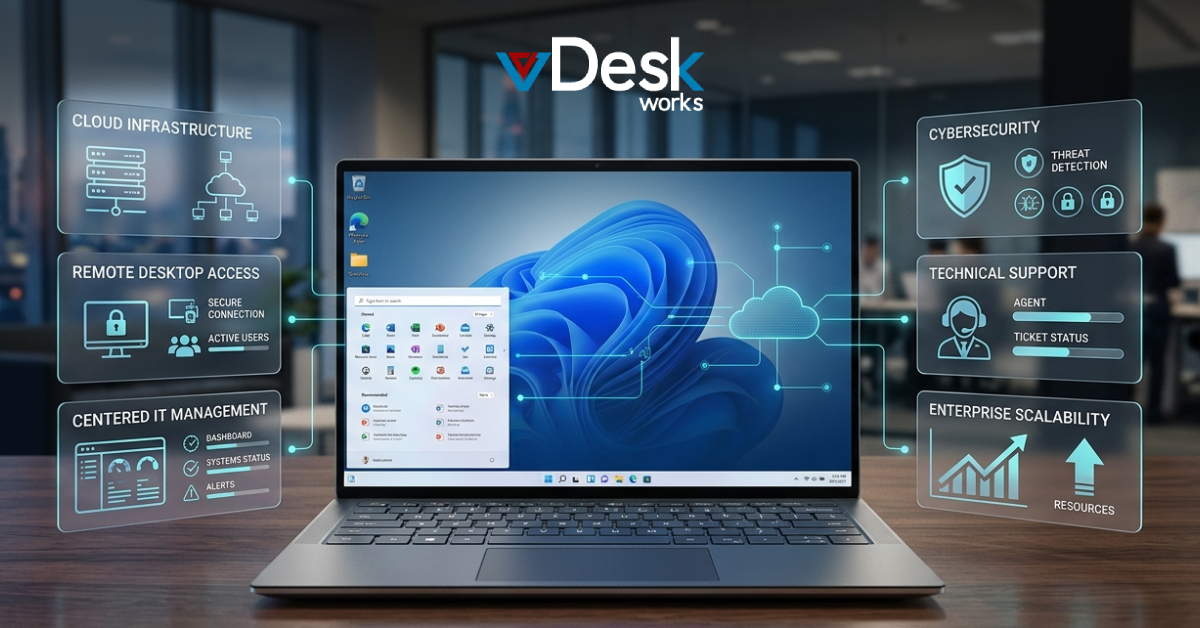
I get help from vDeskWorks when my computer is not working right. They use the internet to fix my problems. They can look at my computer screen. Talk to me all the time. This is great when I have trouble with software or when I need help with my cloud. It is also good for teams that're in different places.
VDeskWorks helps me save money because they do not have to come to my office. They can help people at the same time. VDeskWorks watches my computer all the time to make sure it is working. This is perfect for companies that use the cloud a lot. Most of the time they can fix my problems on the computer without having to come to my office. VDeskWorks is great for companies like that because they can fix 80 to 90 percent of problems, on the computer.
When you need help with your computers vDeskWorks technicians can come to your place to fix hardware do cabling or set up servers. They can get to your site the day or within 48 hours. This is really important, for places that have to follow a lot of rules or have their servers and need to make sure everything is secure. When the technicians visit in person you get to know them. They can show you how to do things. They can also find problems that they might not see if they were just working on your computers from away. This helps make sure your whole system is working well.
These models work together. The vDeskWorks model is special because it helps people find a balance between getting things done every day and being safe. The vDeskWorks model is really good at making sure that people have the tools they need to be efficient but that they have the safeguards they need to avoid problems. This is what makes vDeskWorks models so useful, for work.
Self-Assessment Framework for Your Business
Assess your setup systematically to pinpoint the right fit.
First you need to take a look at what you have for infrastructure. Make a list of the servers that're actually at your location. Do not forget to include any equipment like the controls for your manufacturing machines or medical devices. Also write down how old all of this hardware is. Then think about how much you rely on the cloud. If you use the internet to host things like your email or storage you can probably get by with remote support.. If you have systems that are only, at your location you will need someone to come onsite to make sure everything keeps running.
Next we need to look at the problems that have happened recently with the Tally. We have to see if the problems are with the hardware or the software. Let us look at what happened in the six months. If we find out that most of the problems are because of user errors or the app crashing and these problems can be fixed from a distance then we should focus on that. We also need to think about how good our staff's, with technology. Can they do tasks with their hands if someone guides them? We have to consider the Tally hardware and software problems and see what our staff can handle.
On the hand onsite support is more expensive. It costs 150 to 300 dollars per visit.. It is good for companies that need help with their hardware. It can also help prevent problems that can cost a lot of money to fix.
Response Time and Resolution:
When you use Remote you can get help in a few seconds to a few minutes and they can usually fix your software problems in under 30 minutes and they are available all the time, 24 hours a day 7 days a week. On the hand Onsite support can take a few hours to get to you but they are really good at fixing complicated problems so you do not have to call them back to fix the same thing again. VDeskWorks promises to get to you they will respond to Remote requests in under 15 minutes and they will be onsite within 4 hours, which helps to minimize the impact, on your work and vDeskWorks guarantees this so you can count on Response Time and Resolution from vDeskWorks.
This matrix shows that remote work is good for agility onsite work is good for depth. Hybrids are good for versatility. The matrix really highlights that remote work is best for agility onsite work is best for depth. Hybrids are best, for versatility.
Conclusion and Next Steps
Many companies do well with vDeskWorks hybrid IT support. This is because it combines the speed of support with the precision of onsite support. This helps businesses keep running smoothly. Some businesses make mistakes like relying much on remote support for hardware issues. Others are scared of the cost of onsite support.. Vdeskworks helps figure out what works best for each company with audits.. The best part is that these audits do not require any commitment from the company. VDeskWorks hybrid IT support is about finding the right fit, for each business, including vDeskWorks own services.
Ready to assess? Visit www.vdeskworks.com for a free consultation. Explore our remote and onsite services to safeguard your growth. Contact us today—empower your IT with vDeskWorks.
 Emma Carson