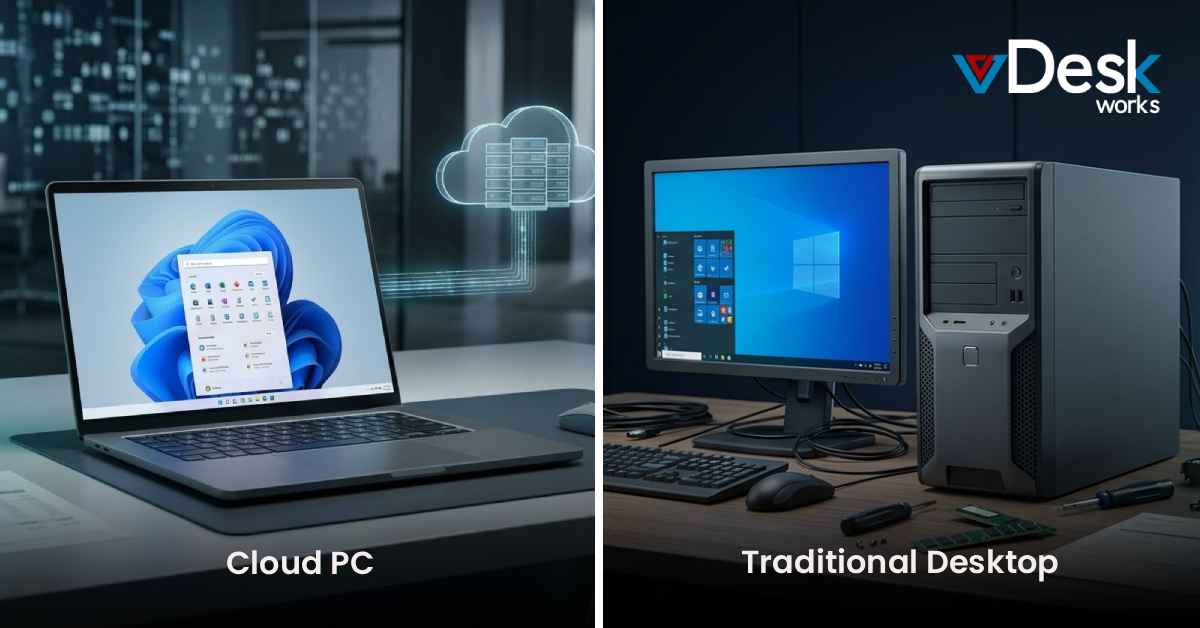
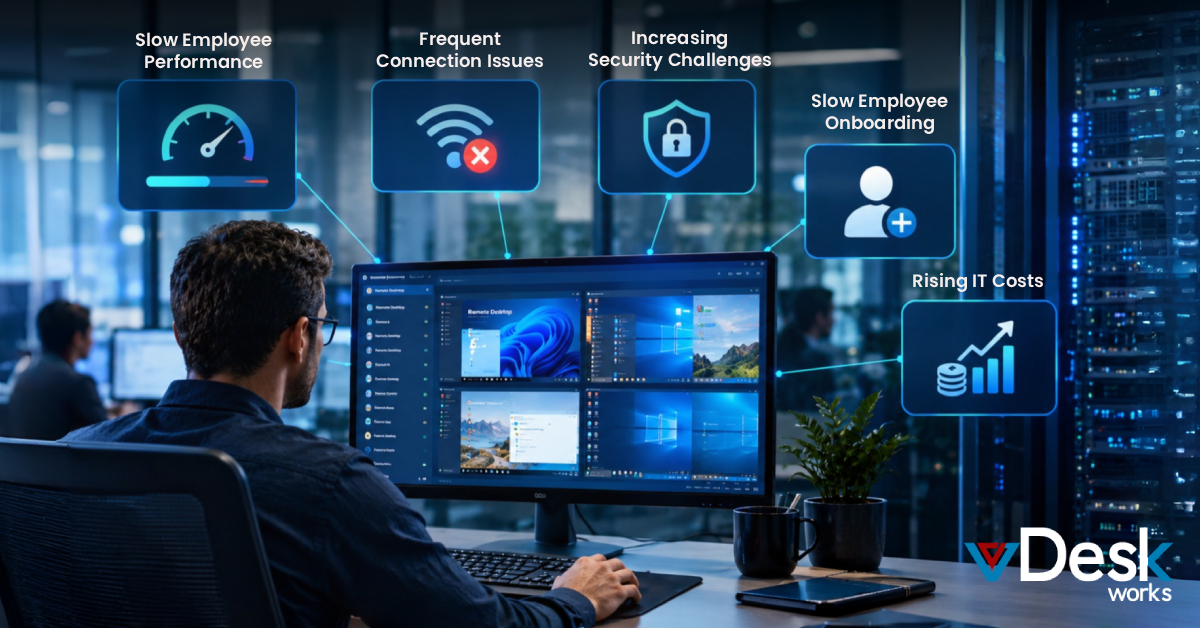
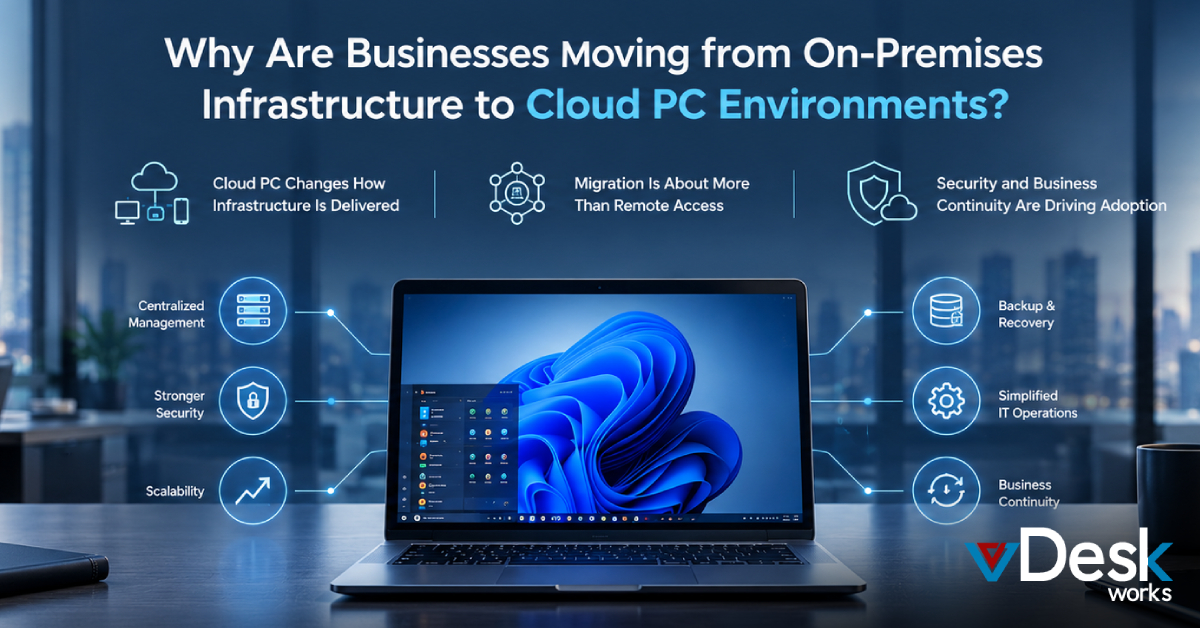
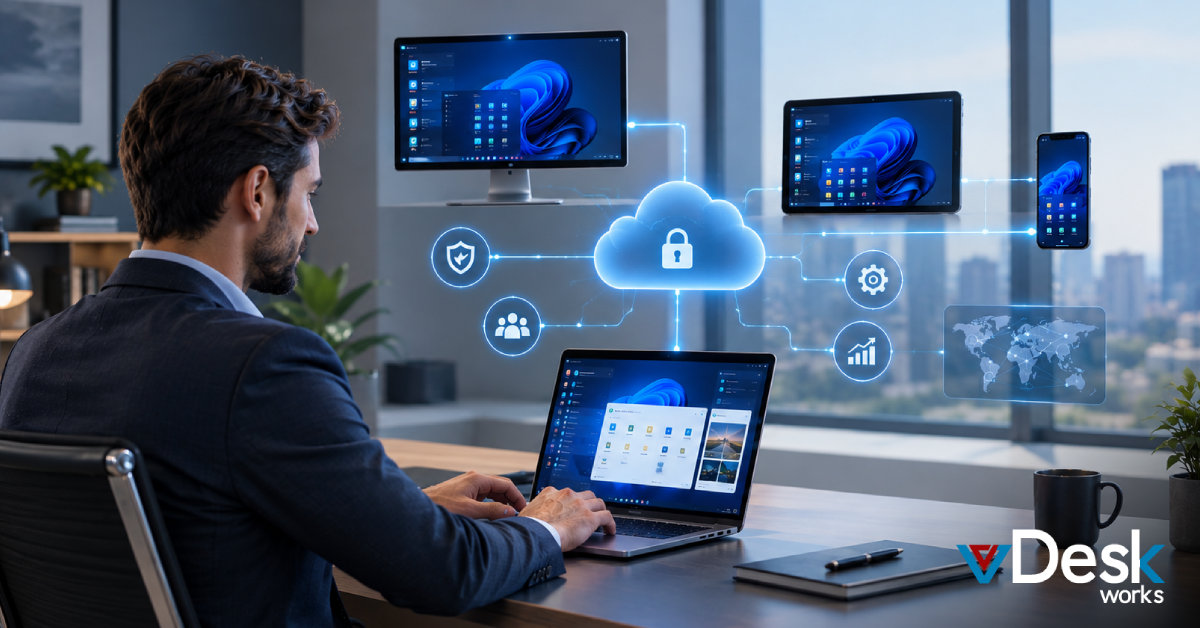
We have a lot of problems when people work from home or in offices with computers that're not the same. Sometimes the devices do not work well together the computers are slow. We have to worry about people stealing our important information. When the computers break it can stop everything from working. These problems make it hard for people to get their work done. It makes them very frustrated.
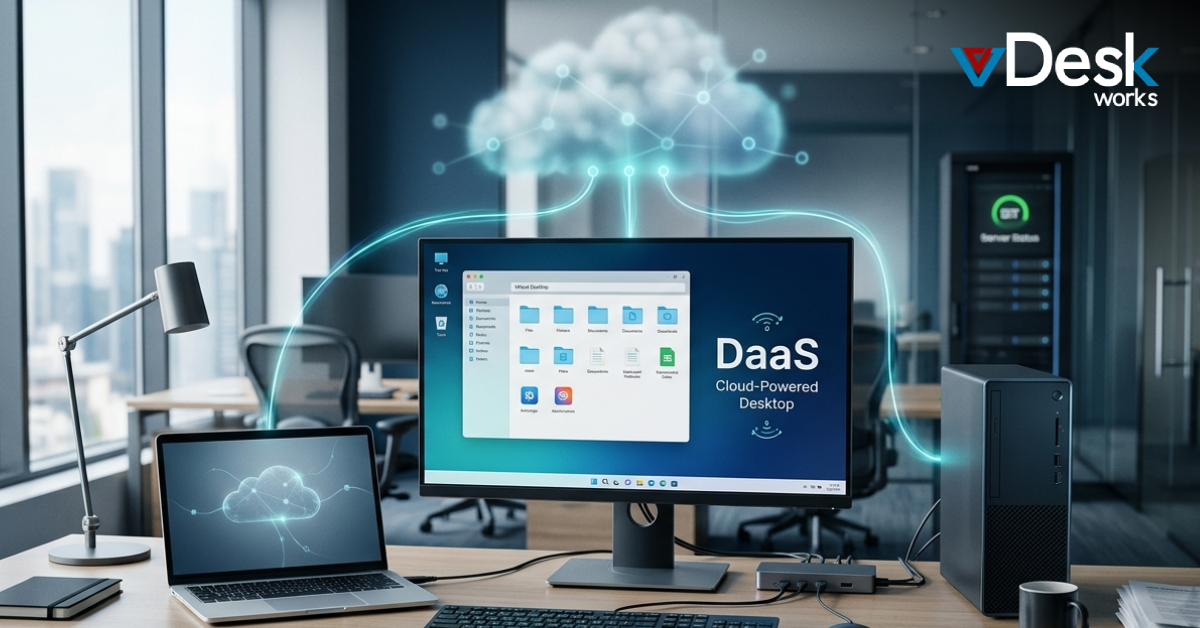
vDeskWorks is a company that helps people work from their computers. They do this by providing Desktop as a Service and virtual desktop solutions. These solutions are like secure and flexible computers that you can access from the internet. This means that teams can work together well without any problems.
This guide is going to show why vDeskWorks is the choice, for people who need to work from home or other places outside of the office. vDeskWorks has a lot of things that make it stand out from other companies that do similar things especially when it comes to helping people work from home without any issues.
Understanding Your Virtual Desktop Needs
To pick the virtual desktop solution you need to think about what your organization really needs. We live in a world where people use their devices all the time so you have to consider all the different devices your team uses. This includes laptops, tablets, smartphones and Chromebooks. You have to make sure that the virtual desktop solution works well on all of these devices.
You also have to think about the kinds of programs your team uses. For example virtual desktop solutions need to be able to handle programs, like AutoCAD, Photoshop or QuickBooks that use a lot of resources. These programs require a desktop solution that can provide consistent and high-performance access. You need to find a desktop solution that can handle these demands so your team can work smoothly.
We should pick something that can grow with us and that we only pay for what we use so we do not have to spend a lot of money on hardware away. This way we can change our budget as our needs change.
If we take the time to really think about what we need we can choose a solution that will help us for a time without making things more complicated. The solution should support the companys long-term growth and it should be easy to use so we can focus on our work without worrying about the technology.
Comparing Virtual Desktop Options
There are ways to do virtual desktops but they are not all good at dealing with problems that happen a lot. The old way of doing Virtual Desktop Infrastructure, where everything is stored on site needs a lot of money for hardware. Someone to always take care of it. This makes it really only good for companies that have a lot of technology people working for them. Virtual Desktop Infrastructure is expensive. Does not work well for a lot of people at the same time. Virtual Desktop Infrastructure is just not a choice, for many companies because of these issues.
On the hand some simple tools that let you use a computer from another location like standard Remote Desktop Protocol options do not have all the features you need. They are not very safe. They do not work well with big jobs that need a lot of power. You cannot manage everything from one place either. This means they are not good enough for people who work in offices and have a lot of problems to deal with. Cloud based services like vDeskWorks are a choice because they give you a complete desktop, with good security and you can get help when you need it.
Proactive vs. Reactive Virtual Desktop Approaches
Reactive virtual desktop solutions only fix problems after something goes wrong. This means you have to deal with downtime. It can be really frustrating. On the hand proactive DaaS platforms stop problems before they even happen.
Proactive cloud desktops are a lot better when it comes to performance. They can be twice as fast as the computer you have at home or, in the office. This is because they use hardware that helps them handle tough tasks.
Security is really important. It gets better when all the data is stored in one place. This means that no secret information is kept on the devices that people use so there is chance of it getting lost or stolen. You also know how much you will pay each month because the price is always the same and you do not have to worry about costs. vDeskWorks does a job of taking care of these things for you so your team can just focus on their work. They make sure everything runs smoothly and that your team is safe and productive. vDeskWorks is, about being prepared and taking care of problems before they happen which helps teams do their main jobs without any distractions.
vDeskWorks has a lot of ways to deal with these issues when you are working from home or from a location.
The people at vDeskWorks know that remote issues can be a problem for people who work remotely.
They have a team that works on fixing these issues at vDeskWorks.
Here are some things that vDeskWorks does to handle these issues:
- They have a system to find and fix problems quickly at vDeskWorks.
- The team at vDeskWorks is always available to help you with any issues you have with work.
- vDeskWorks also has a lot of information and tools to help you fix problems on your own when you are working remotely with vDeskWorks.
The goal of vDeskWorks is to make sure you can work without any problems even when you're not, in the office and they are always working to improve vDeskWorks.
vDeskWorks is really good at fixing problems that people have when they try to access things from away. The reason it is so good is that it has a lot of features that work together. People who use vDeskWorks can get to what they need at any time and from any place using any device they like such, as Windows, iOS, Android, Mac or Chromebook. This means they do not have to deal with the hassle of trying to make different devices work together which can be very frustrating when you are trying to access something from a location using vDeskWorks.
Security is really important. The company has a system in place to keep everything safe. They store all the data in one place, which makes it easier to protect. They also have antivirus software to catch any viruses. Every day they make a copy of all the data so if something goes wrong they can fix it. They even have options to follow the rules of HIPAA, which's a law that says how to keep peoples health information safe.
This system is also very flexible. You only have to pay for what you use which's nice. You can also get started away which is great. The system supports computer parts called GPUs, which are good for things that need a lot of graphics like videos and games. This means that Security and compliance, like Security and compliance will run smoothly and not be slow. Security and compliance are very important. This system does a good job of taking care of Security and compliance.
Managing everything from one place makes it easy to give people the applications they need make sure they follow the rules and keep an eye on what they're doing. This is all done with a dashboard that is easy to use.
The system also has a plan, in case something goes wrong. This means that if something bad happens like the system going a device failing the Centralized management system can get everything back up and running quickly. This helps to make sure that the business keeps running even when things go wrong with the Centralized management system.
Empower Your Team with vDeskWorks
Remote access problems are a hassle, for many companies.. They do not have to hold your organization back. vDeskWorks has a solution that's safe and works very well. This solution helps people get their work done faster. It also makes the company safer. Makes it easier for the IT team to do their job. This is exactly what modern workplaces need.
Experience the difference with vDeskWorks—contact us today for a free trial and discover seamless virtual desktops customized to your unique needs.
 Emma Carson