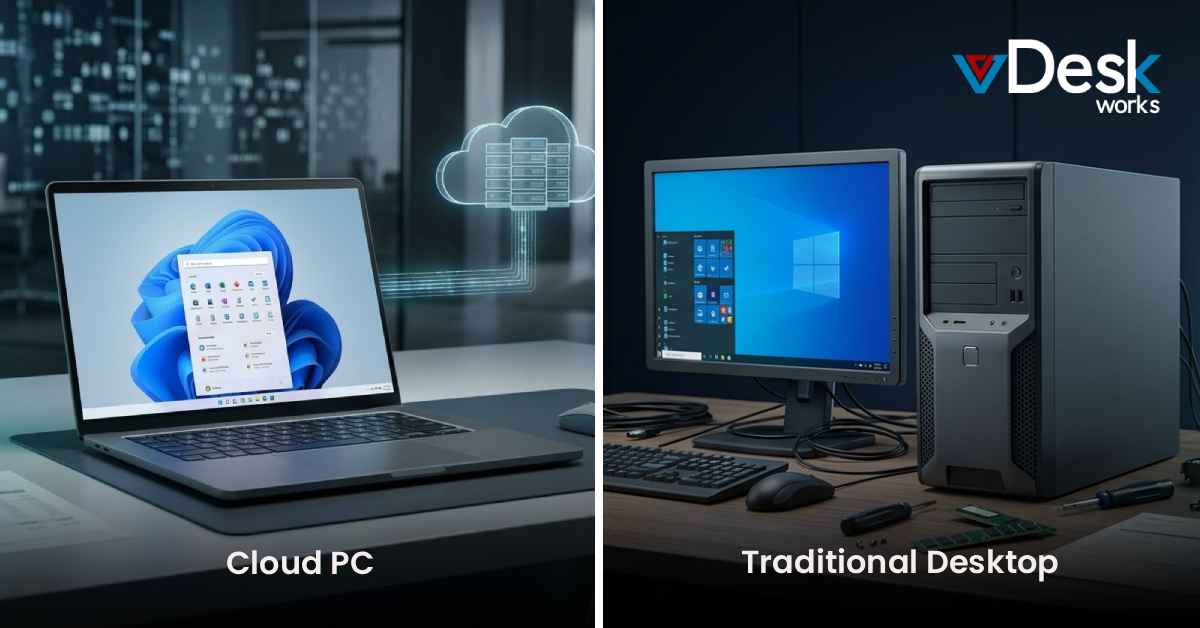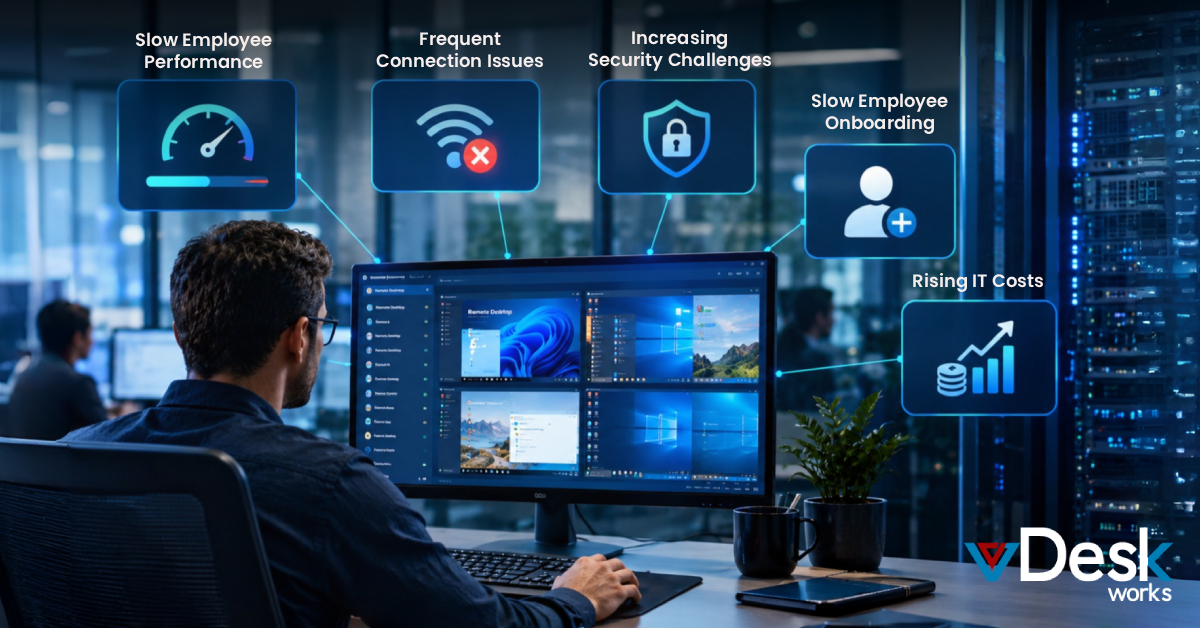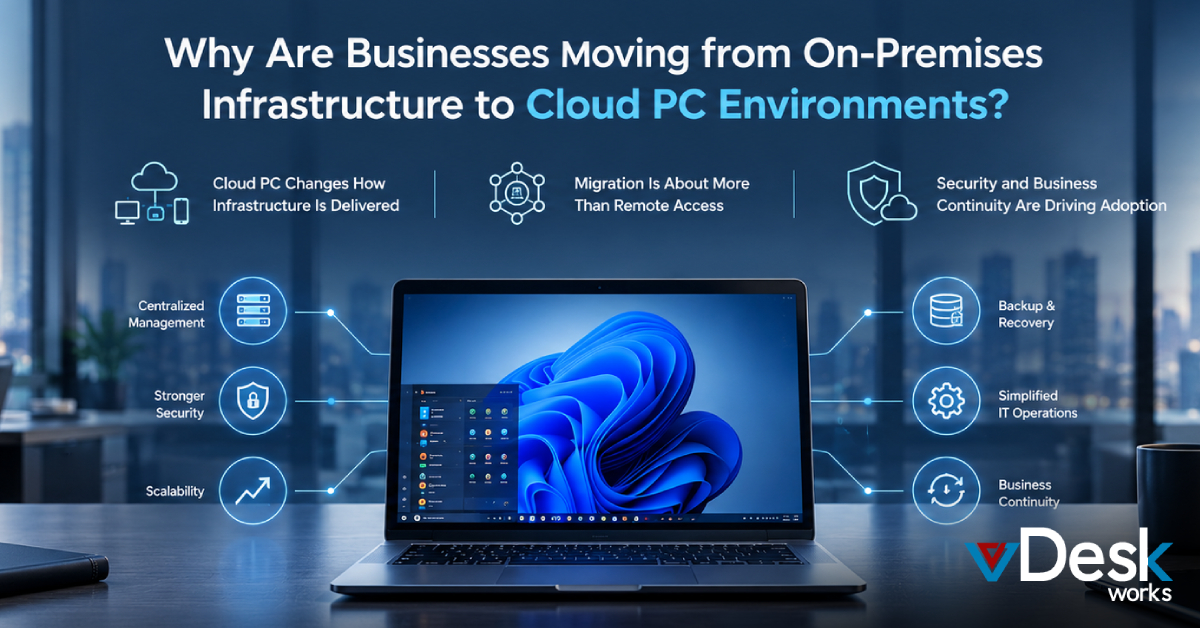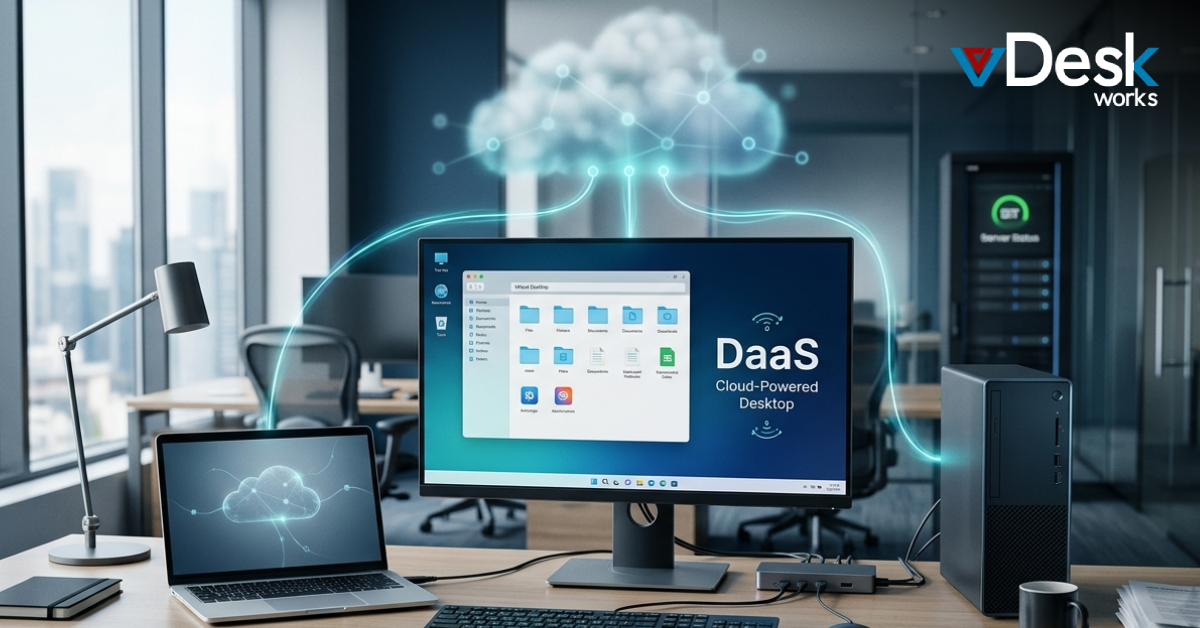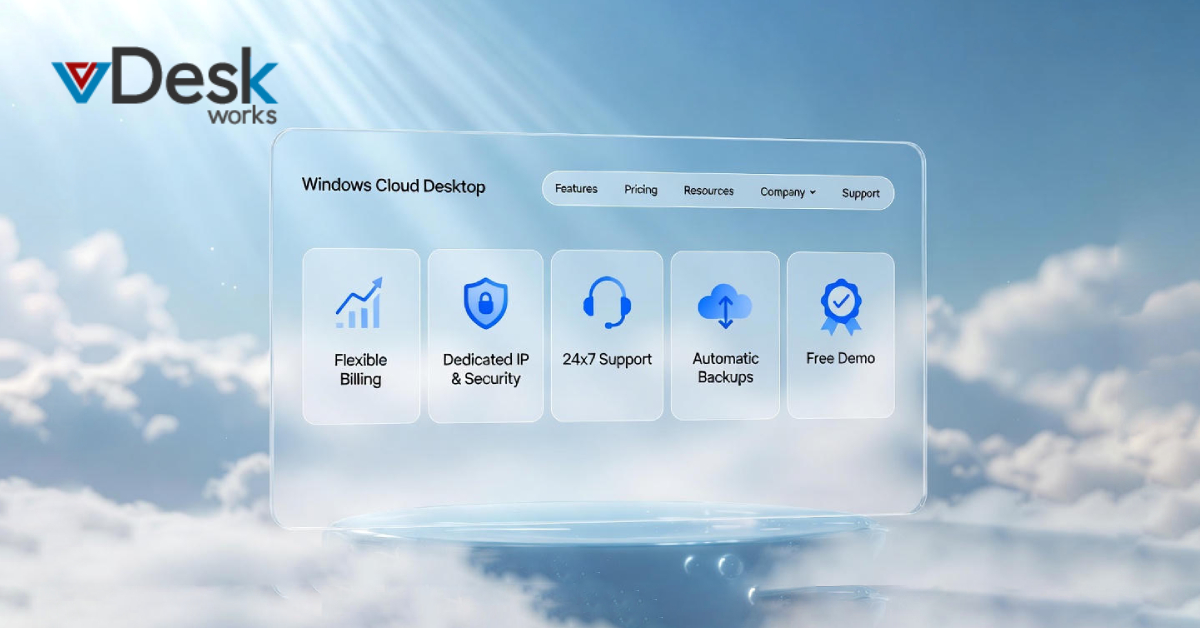
Windows Cloud Desktop allows one to access every application, file, and resource from a single virtual environment, which is hosted in the cloud. No more hardware to move around and no more compatibility issues-everything is streamlined for instant availability. But while the core of the concept is fairly straightforward, it requires the right set of supporting tools to realize its full potential. Otherwise, frustrations like downtime, security gaps, and unexpected costs are bound to disrupt your workflow.
The beauty of a Windows Cloud Desktop lies in its flexibility: it's scalable, secure, and accessible from any internet-connected device-be it at home, traveling, or collaborating in a coffee shop. However, to harness this power, a set of essential tools is required to ensure reliability, efficiency, and peace of mind. Below, we explore five such must-have tools that every Windows Cloud Desktop user will need at their fingertips-not 'nice-to-haves' but the backbone of a seamless experience-and at the end, we'll highlight why vDeskWorks comes out as the premier provider ticking all those boxes.
1. Pay Only for What You Use: Embrace Flexible, Cost-Effective Billing
One of the most appealing aspects of a Windows Cloud Desktop is its pay-as-you-go model, aligning perfectly with variable workloads. Consider a freelance graphic designer who increases hours in periods of a big project but scales back during downtime. Under this structure, you are billed per active use, right down to the minute or hour, which avoids the waste of traditional fixed subscriptions.
This isn't merely a tool of savings but a strategic enabler for budgeting. For small businesses or solopreneurs, this translates into precise financial projection of expenses, avoiding overpayments for resources that would otherwise sit idle. Providers usually track usage through intuitive dashboards showcasing real-time metrics such as session duration and resource consumption. The result? Up to 70% cost reductions compared to on-premises setups, according to industry benchmarks. If your schedule is as unpredictable as a startup's launch cycle, this feature ensures your Windows Cloud Desktop remains an affordable ally, not a financial burden.
2. Get a Dedicated IP Address: Fortify Stability and Global Access
When it comes to remote computing, a dedicated IP address acts as your digital anchor. Unlike shared IPs that expose you to throttling or blacklisting, a unique IP delivers an uninterrupted, high-speed connection curated according to your needs. This makes it very important for applications such as video conferencing, where lag might be disastrous, or accessing geo-restricted contents without the hassles involving VPN.
Beyond reliability, it unlocks worldwide accessibility. Imagine a sales team member logging in from Tokyo one day and Berlin the next-your Windows Cloud Desktop remains just a click away, impervious to network variances. Security-wise, it's a powerhouse: by assigning an exclusive IP, providers reduce exposure to shared threats, adding a layer of isolation that's vital in this rising tide of cyber risks. For IT admins, this makes management easier because you can whitelist IPs for compliance-heavy industries like finance or healthcare. In other words, this tool turns your cloud setup from a convenience into a fortress of consistent performance.
3. 24x7 Remote Support: Your Always-On Lifeline to Uninterrupted Operations
No cloud service is completely free of the occasional hiccup, be it a software bug or connectivity issue, and this is where round-the-clock remote support comes into play. A Windows Cloud Desktop succeeds on immediacy, and thus downtime is not an option. Look for providers that offer 24x7 support through live chat, phone, or screensharing to ensure experts are ready to troubleshoot at 3 a.m. if a deadline looms.
This tool goes beyond reactive fixes; proactive monitoring often comes bundled, alerting you to potential issues before they escalate. For global teams spanning time zones, it's invaluable-support in multiple languages and rapid response times (under 5 minutes, in top-tier services) keep productivity humming. Consider a scenario: a marketer mid-campaign encounters a rendering error. With instant remote access, the issue resolves in minutes, not hours. Ultimately, 24x7 support isn't a luxury; it's the glue holding your Windows Cloud Desktop's promise of "anytime, anywhere" access together, fostering confidence in your daily grind.
4. Automatic Backups: Protect Your Data with Easy Recovery
Data loss can cripple any operation, but automatic backups turn what could be catastrophe into minor blips. In a Cloud Desktop for Windows environment, this tool takes incremental snapshots of your files, apps, and configurations-often hourly or daily-and stores them redundantly across secure data centers. Recovery is easy: one-click restores get you back online in under 30 minutes, minimizing business impact.
What makes this special is its seamlessness; no need for manual uploads or complicated scripts. For creative pros who deal with big media libraries or enterprises with sensitive databases, versioning ensures that you can roll back at any moment in time without overwriting current work. Compliance? Covered, through encryption and audit trails that meet strict standards such as GDPR or HIPAA. It's deep peace of mind to know that the ecosystem of your Windows Cloud Desktop is always safeguarded and allows you to innovate fearlessly, not under the shadow of "what ifs." At a time when ransomware attacks increase by hundreds every year, automatic backups are not an option but your needed safety net.
5. Free Demos: Test-Drive Before You Dive In
Committing to a new platform without trying it out feels like buying a pair of shoes online without trying them on first. Welcome the free demo-the hands-on preview of your Windows Cloud Desktop in action. Most providers offer 7-14 day trials with full access to features, letting you migrate sample data, run apps, and simulate real workflows risk-free.
This tool demystifies the setup: explore the interface, test integrations with tools like Microsoft Office or Adobe Suite, and gauge performance on your network. In particular, it's great for non-tech users who are intimidated by cloud migrations. There are also feedback loops: many demos include guided tours or Q&A sessions, where it's possible to address queries on the spot. You will know by the end whether it scales to your needs-be it solo usage or enterprise deployment. A free demo isn't just a perk; it's a smart vetting process that ensures your investment yields real ROI from day one.
vDeskworks: Your Partner in Windows Cloud Desktop
Speaking of providers who embody these tools, vDeskWorks stands tall among the pack with unparalleled reliability and innovation. A specialist for Windows Cloud Desktops, vDeskWorks offers the pay-only-for-what-you-use model by making granular billing available; dedicated IP addresses assure ironclad security and global reach. Its 24x7 remote support team, staffed by Microsoft-certified pros, offers a stellar 98% client satisfaction rate, while automated backups occur on enterprise-grade infrastructure with 99.999% uptime.
But that is not all: vDeskWorks custom demos are free, meaning you can have sessions tailored to your industry, from e-commerce to engineering. Loaded with extras like one-click scaling, collaboration capabilities out of the box, and seamless integration with Azure, this cloud workspace makes things happen. Users boast about how intuitive the dashboard is and how zero-lock-in policies ensure that you grow with your business. Weary of fragmented setups, vDeskWorks condenses your world into a seamlessly unified high-performance hub.
Bottom Line: Upgrade your workflow today with Windows Cloud Desktop.
The Windows Cloud Desktop isn't just a virtual machine; it is a launchpad to amplified productivity, where your apps and data are brought together like never before. With these five essential tools at your fingertips-flexible billing, dedicated IP, constant support, auto-backups, and free trials-you will surely navigate the cloud with confidence and efficiency. With vDeskWorks as your provider, you're not just getting features, you're gaining a partner committed to your success.
 Emma Carson