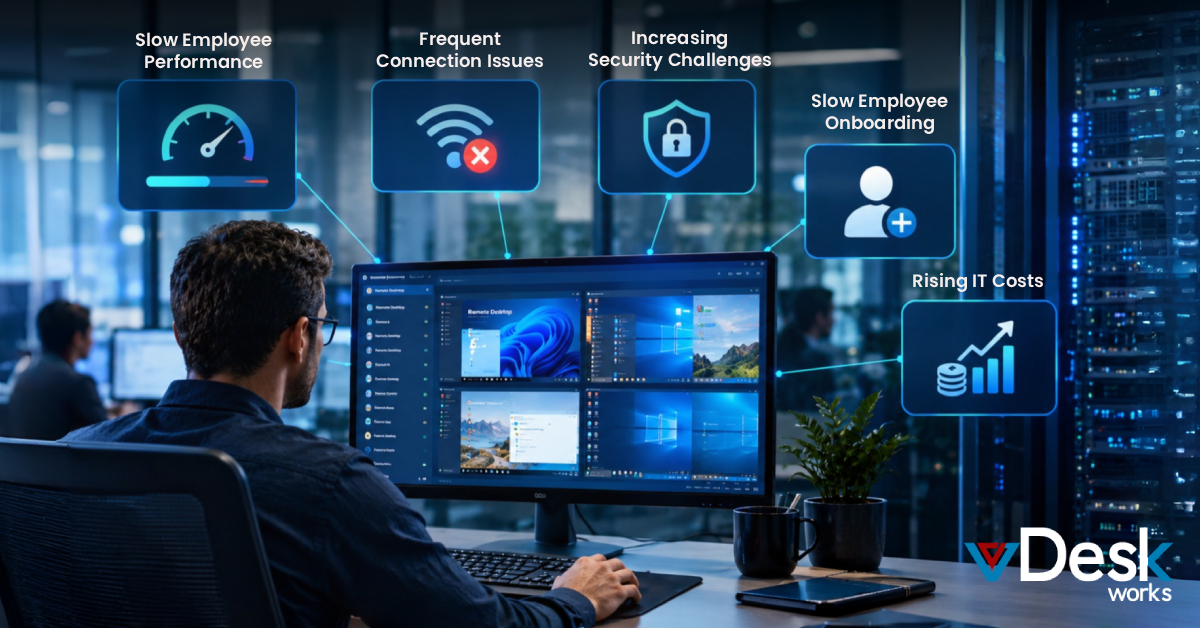
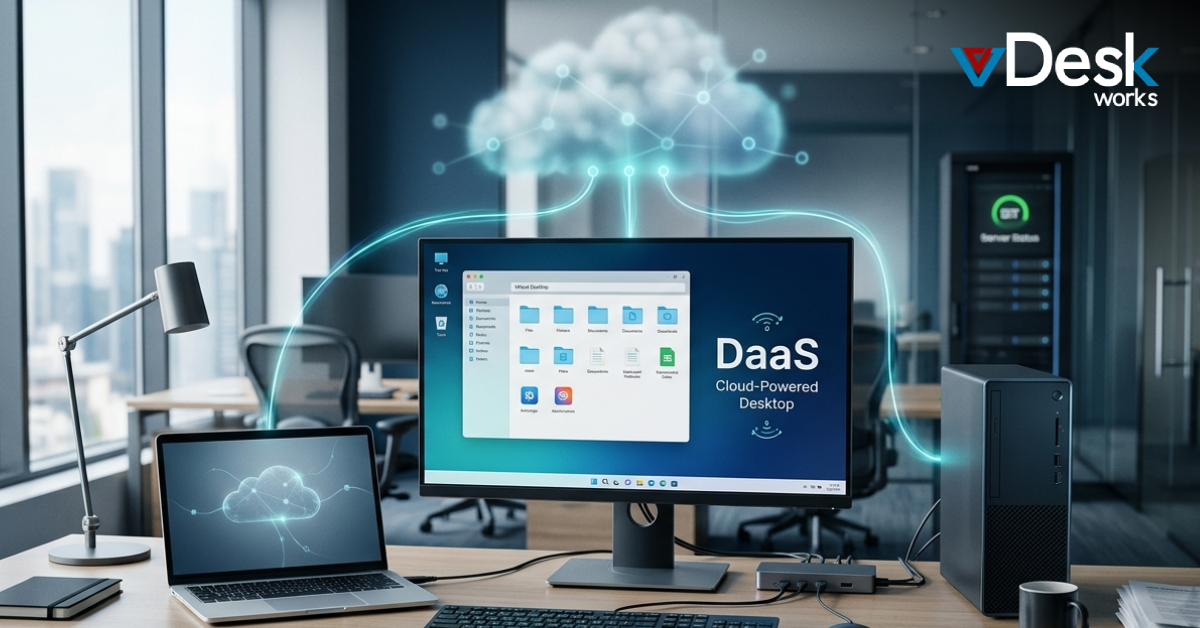
A lot of companies have a time limit because their systems are not connected, they have security problems and their employees cannot work from home easily. This makes the experience bad for the customer.
The answer is to use creative solutions like vDeskWorks Remote DaaS to make things better for the customer. VDeskWorks has a Remote DaaS solution that lets people get to their desktops and programs from anywhere in a safe way. This helps teams do a job and make the customer happy. VDeskWorks Remote DaaS is really good, at making sure people can get to what they need from anywhere. This guide shows you how to make Remote DaaS work for you so you can stay ahead of the competition for a time. It is a plan that you can follow to get the most, out of Remote DaaS.
Why Remote DaaS Matters for Customer Experience Now?
Customers want service that's fast and safe and works well especially when they are not in the office. The old way of doing things often does not work because people can not get to the information they need. VDeskWorks Remote DaaS helps with this problem by giving people desktops that are hosted in the cloud. This means that customers have an experience because their information is safe and they can get to it easily. VDeskWorks Remote DaaS makes sure that customers can get to their desktops from anywhere which is very important, for customers who use vDeskWorks Remote DaaS.
10 Steps to Elevate Customer Experience with Remote DaaS
1. Map Your Customer Journey
Begin by mapping key phases: Attract, Onboard, Serve, Retain, and Advocate. Identify pain points like remote access delays or security risks. With vDeskWorks Remote DaaS, target these areas to streamline interactions and boost customer experience.
2. Choose the Right Remote DaaS Provider
You should work with people who know what they are doing like the folks at vDeskWorks. They have a Remote DaaS solution that really works well with what your businesss trying to do. It is also very flexible and easy to set up. It works perfectly with the cloud. When you work with vDeskWorks you will see improvements in how your customers feel about your business. VDeskWorks and their Remote DaaS solution can really help you make things better, for your customers.
3. Identify Opportunities for Remote DaaS Integration
Apply vDeskWorks Remote DaaS across phases:
- Attract: Personalized remote demos for higher conversions.
- To get started with Onboard you can have a desktop set up quickly and it is very secure. This will help reduce the time you have to wait. Onboard is a way to get a virtual desktop set up fast and securely which reduces time.
- Serve: Multimodal access for faster issue resolution and better customer experience.
- Retain: Proactive remote support to lower churn.
- Advocate: Secure feedback collection via virtual tools.
4. Implement a Modular Remote DaaS Strategy
- You should start with the things using vDeskWorks Remote DaaS.
- Try it out for a little while see how it goes and then make it bigger.
- This way of doing things helps you make changes that last, for the customer experience.
- You use vDeskWorks Remote DaaS to make these changes to the customer experience.
5. Integrate Remote DaaS Seamlessly
vDeskWorks Remote DaaS works well with the systems you already have in place like Azure, AWS and the systems you have, at your own office. This means you do not have to worry about the money you have already spent on these systems. At the time vDeskWorks Remote DaaS helps you give your customers a better experience when they use your systems from another location. This is because vDeskWorks Remote DaaS gives them an reliable way to access what they need from anywhere.
6. Create Persistent and Personalized Remote Interactions
vDeskWorks Remote DaaS is really good at keeping track of what you do so it can figure out what you need next. It also makes sure you can get to everything you need from any device. This means that the people who help you get what you need are able to do their job. They can fix problems before you even know about them which makes your experience with vDeskWorks Remote DaaS even better. VDeskWorks Remote DaaS is about making things easier, for you.
7. Adopt Real-Time Remote Feedback
Use vDeskWorks Remote DaaS dashboards for instant analytics on interactions. Gather live insights to continuously refine customer experience.
8. Demonstrate Clear Business Impact
You can track things like how less downtime you have and how much happier your customers are with vDeskWorks Remote DaaS. This helps you show that it is worth the money so you can make it bigger and better, for your customers. You want to give your customers a good experience.
9. Start Small and Scale Remote DaaS
Let us start with a test of vDeskWorks Remote DaaS. We will figure out what we want to achieve with it. Then make it bigger if it works well. This way we can make sure our customers are really happy with what we're doing. We will use vDeskWorks Remote DaaS to make things better, for them.
10. Redesign Operations with Remote DaaS
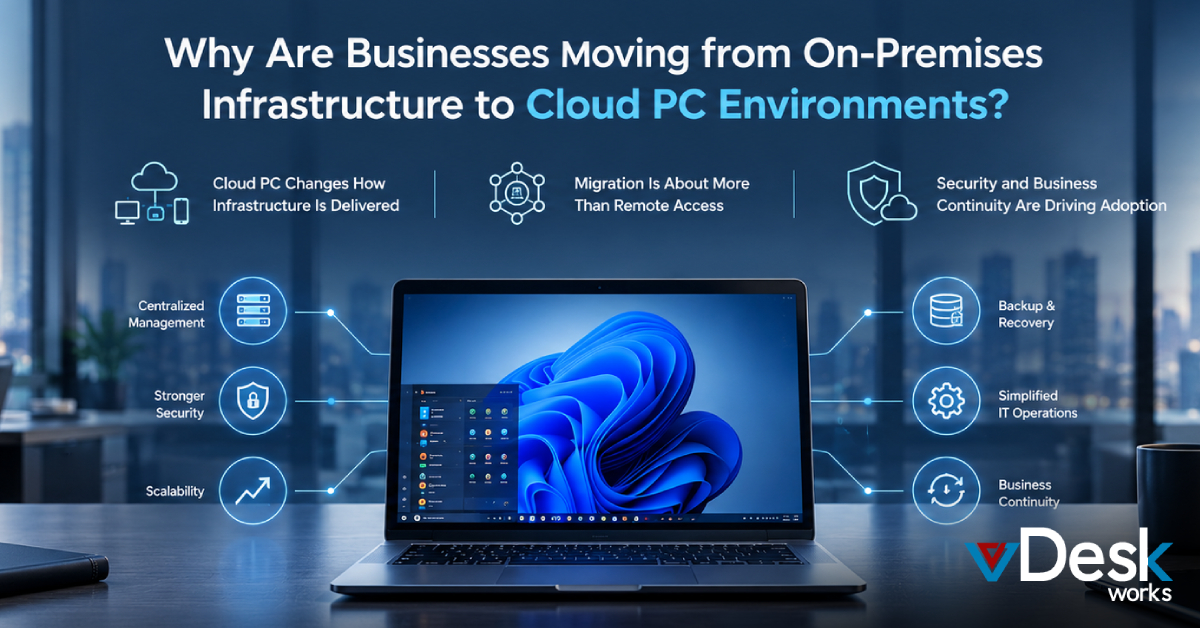
You can use vDeskWorks Remote DaaS to make your model better. This will give you control over everything from one place keep your information safe and make it easy for people to work from home. When you use vDeskWorks Remote DaaS you are giving your teams the tools they need to give customers an experience. VDeskWorks Remote DaaS is really good, for teams because it helps them work well together and make customers happy.
vDeskWorks Remote DaaS redefines secure remote access, driving seamless customer experience across industries. Embrace it today for a future-ready business.
 Lauren King