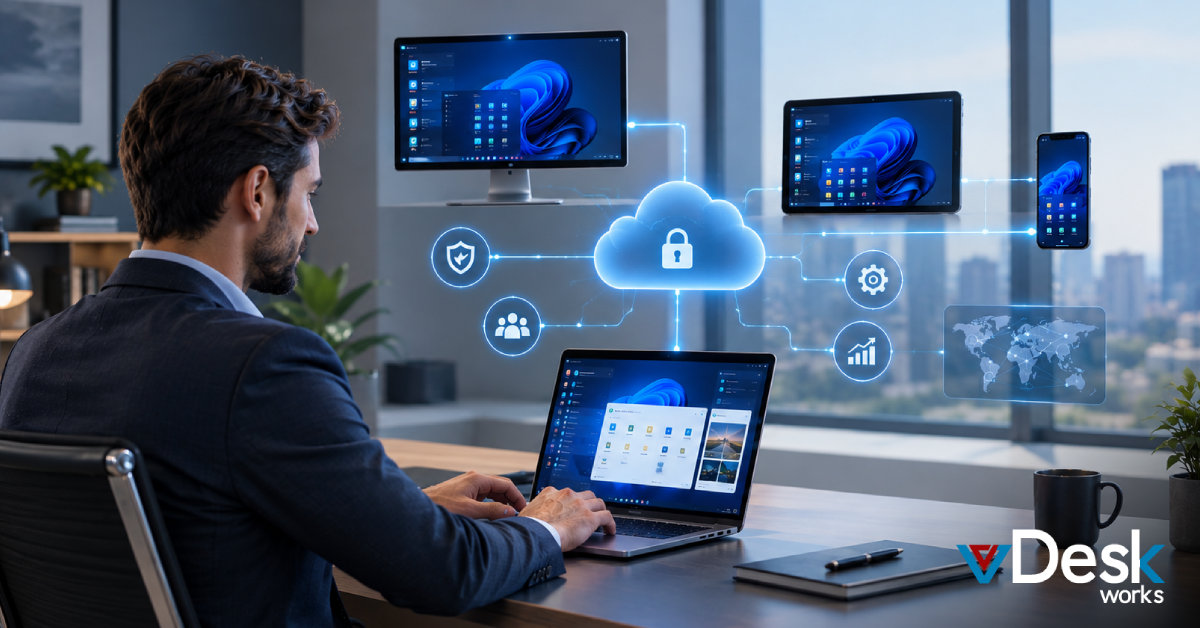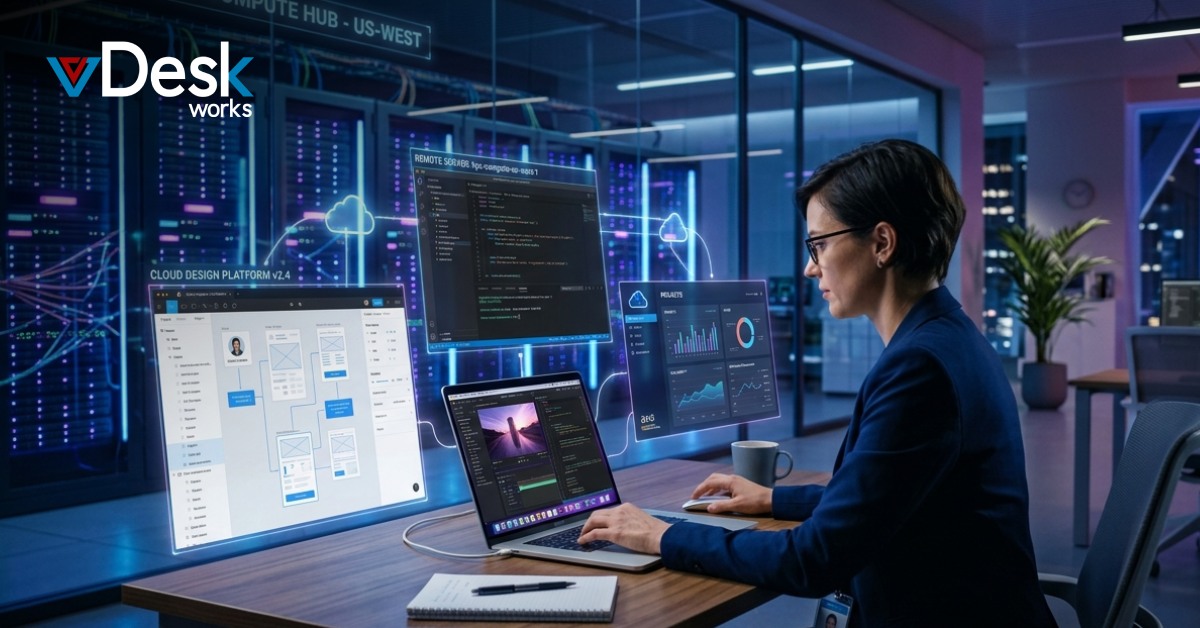
A virtual workstation, often referred to as a Virtual PC, is a powerful computing environment that runs on centralized servers instead of a physical desktop machine. It allows users to access high-performance computing resources remotely, using any device with an internet connection.
In simple terms, a virtual workstation or Virtual PC solutions delivers the same experience as a traditional workstation but without being tied to specific hardware. This makes it highly flexible, scalable, and ideal for modern work environments. Many businesses today rely on a Virtual PC setup to support remote teams and digital workflows.
How a Virtual Workstation Works?
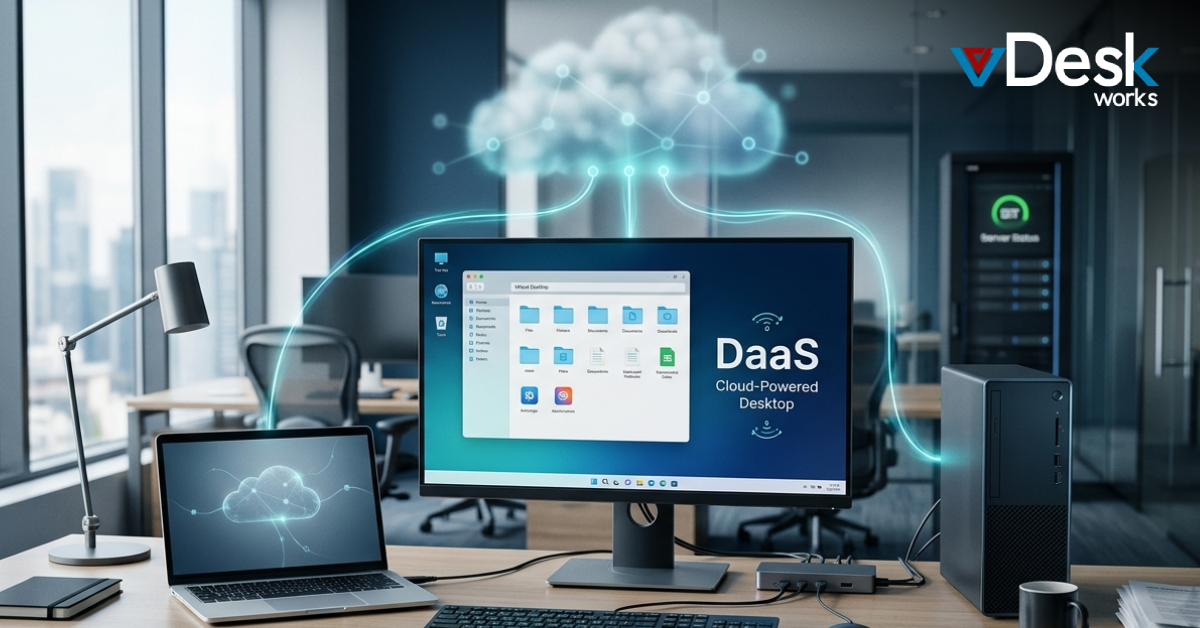
A virtual workstation, commonly known as a Virtual PC, operates through virtualization technology. Instead of running applications locally, everything is hosted in a data center or cloud environment.
When a user logs in, they connect to a remote server that provides computing power, storage, and applications—essentially functioning as their Virtual PC. The user interacts with the system through a display protocol, which streams the desktop interface to their device.
This setup ensures that all processing happens on the server side, while the user’s device acts as a simple access point to the Virtual PC. Because of this, even low-powered devices can run demanding applications smoothly.
Key Features of Virtual Workstations
Virtual workstations or Virtual PC solutions come with several important features that make them suitable for businesses and professionals:
High performance computing They provide access to powerful CPUs, GPUs, and memory resources through a Virtual PC environment.
Remote accessibility Users can work from anywhere using laptops, tablets, or even smartphones with their Virtual PC.
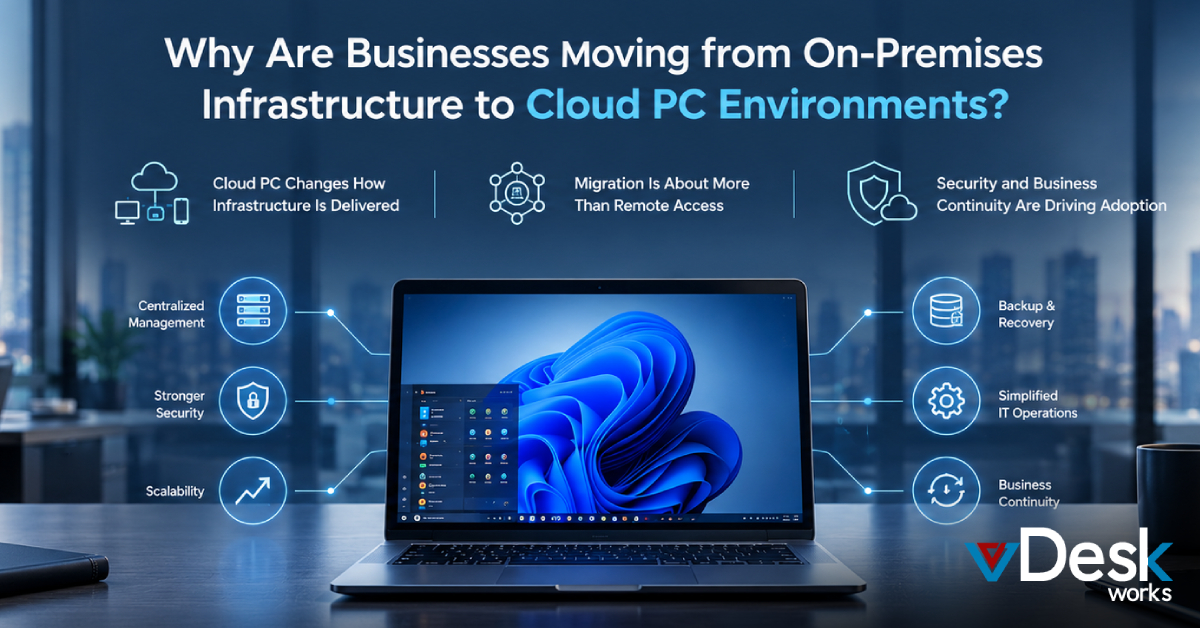
Centralized management IT teams can manage systems, updates, and security of every Virtual PC from a single location.
Scalability Resources in a Virtual PC setup can be increased or decreased based on business needs.
Enhanced security Data remains in the data center instead of being stored on local devices, making the Virtual PC more secure.
These features make Virtual PC systems a preferred solution for industries that require both performance and flexibility.
Benefits of Using Virtual Workstations
One of the biggest advantages of a Virtual PC is flexibility. Employees can access their work environment from any location without compromising performance.
Another major benefit of a Virtual PC is cost efficiency. Organizations do not need to invest heavily in high-end hardware for every employee. Instead, they can rely on centralized infrastructure.
Security is also significantly improved with a Virtual PC. Since data is stored centrally, the risk of data loss due to device theft or damage is reduced. IT teams can also implement stronger security policies across all Virtual PC users.
Additionally, a Virtual PC simplifies IT management. Updates, patches, and maintenance can be handled centrally, saving time and effort.
Common Use Cases
Virtual workstations, often deployed as a Virtual PC, are widely used across different industries. Some of the most common use cases include:
Design and engineering Professionals working with CAD software rely on a Virtual PC for high-performance systems.
Media and entertainment Video editing, animation, and rendering benefit from a GPU-powered Virtual PC.
Software development Developers can access pre-configured environments through a Virtual PC without local setup.
Remote work and hybrid teams Employees can securely access their workspace using a Virtual PC from anywhere.
These use cases highlight how a Virtual PC enables productivity without hardware limitations.
Virtual Workstations vs Traditional Workstations
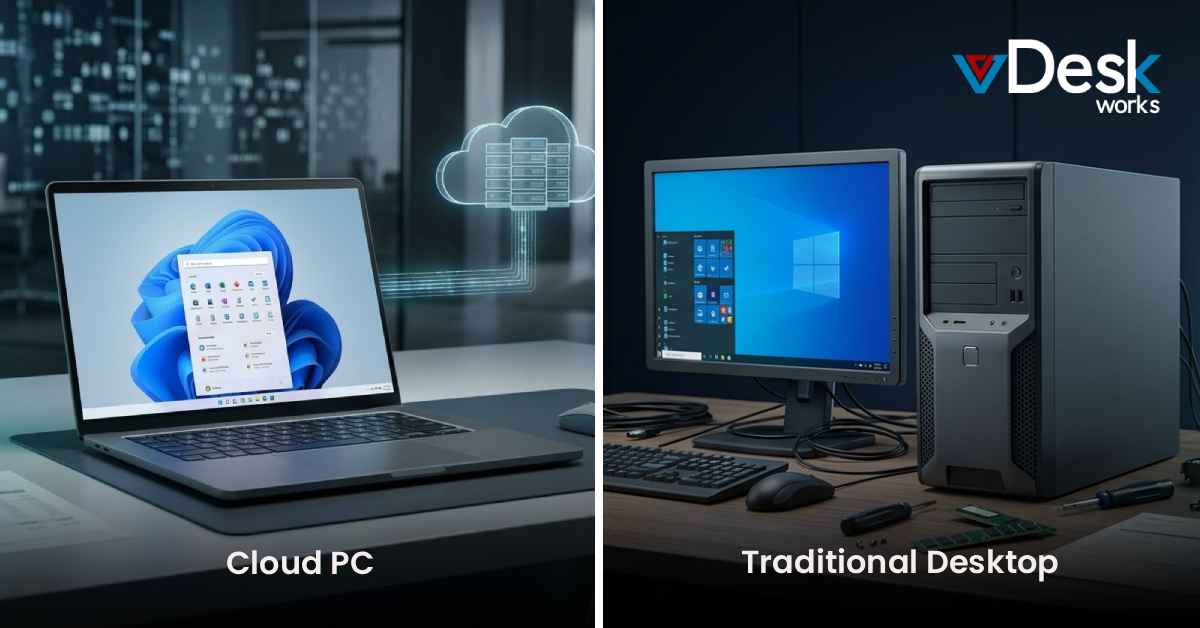
Traditional workstations rely on local hardware, which can be expensive and difficult to maintain. Upgrading systems often requires replacing physical components.
In contrast, a Virtual PC eliminates hardware dependency. Resources can be upgraded instantly without changing devices.
Another key difference is accessibility. Traditional systems are limited to physical locations, while a Virtual PC can be accessed remotely.
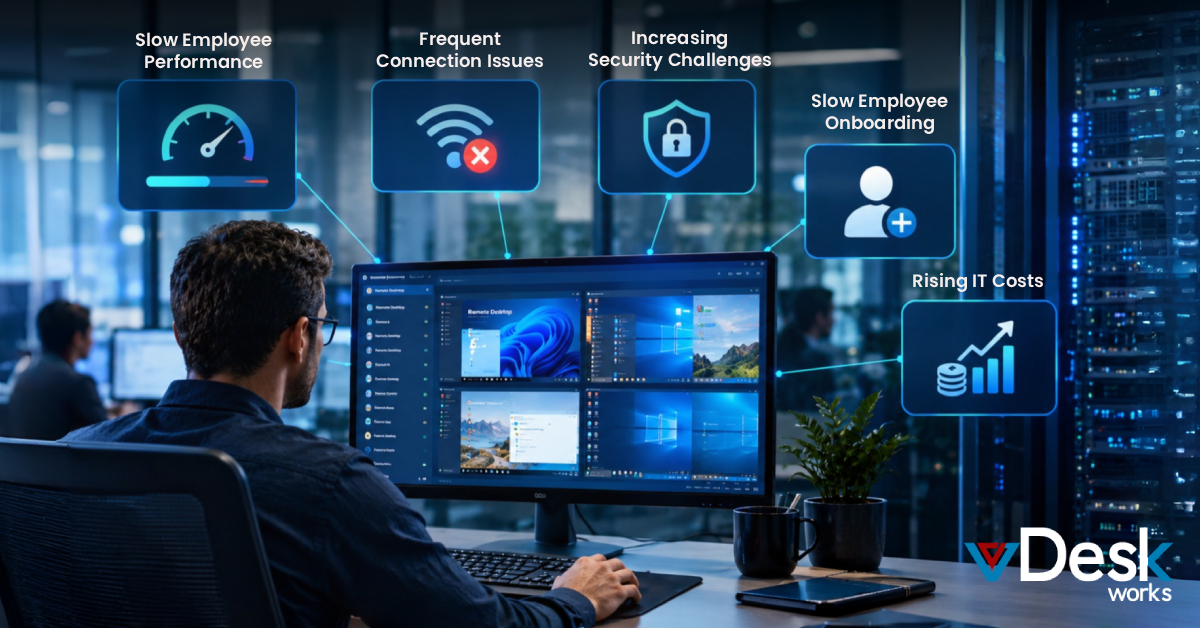
However, a Virtual PC depends on a stable internet connection. Without it, performance may be affected.
Challenges to Consider
Network dependency A reliable internet connection is essential for smooth Virtual PC performance.
Initial setup complexity Setting up a Virtual PC infrastructure may require expertise.
Latency issues Poor network conditions can impact the Virtual PC user experience.
Despite these challenges, advancements in technology continue to improve Virtual PC performance and reliability.
Why Businesses Are Adopting Virtual Workstations?
The shift toward remote and hybrid work has accelerated the adoption of Virtual PC solutions. Companies are looking for systems that provide flexibility without sacrificing security or performance.
A Virtual PC meets these needs by enabling employees to work from anywhere while keeping data centralized and secure.
They also support business continuity. Even during disruptions, employees can access their Virtual PC environments without interruption.
Moreover, organizations can scale operations easily by adding or removing resources within their Virtual PC infrastructure.
Why Choose vDeskWorks Virtual PC Solution?
If you’re looking to implement a reliable and high-performance Virtual PC, vDeskWorks offers a complete solution designed for modern businesses. Its Virtual PC platform combines powerful infrastructure, enterprise-grade security, and seamless accessibility to deliver an exceptional user experience.
With a Virtual PC solutions from vDeskWorks, organizations can provide employees with instant access to their work environment from anywhere, without worrying about hardware limitations. The platform is built to support demanding workloads, including design, development, and business applications, ensuring smooth performance at all times.
One of the key advantages of the vDeskWorks Virtual PC is its scalability. Businesses can easily adjust resources based on their needs, making it ideal for growing teams and hybrid work models. Additionally, centralized management allows IT teams to control and secure every Virtual PC from a single dashboard, reducing complexity and improving efficiency.
Security is another strong point. The vDeskWorks Virtual PC keeps data stored in secure data centers, minimizing risks associated with local devices. Advanced security protocols ensure that sensitive information remains protected at all times.
Overall, the vDeskWorks Virtual PC solution is a smart choice for businesses that want flexibility, performance, and security in one package—making it easier to embrace the future of digital work.
Conclusion
Virtual workstations, widely known as Virtual PC solutions, are transforming how businesses and professionals use computing resources. By moving workloads to centralized servers or the cloud, they provide flexibility, scalability, and improved security.
As technology continues to evolve, the Virtual PC is becoming an essential part of modern IT infrastructure. Whether for remote work, high-performance tasks, or simplified management, a Virtual PC offers a practical and efficient alternative to traditional desktops.
 Emma Carson