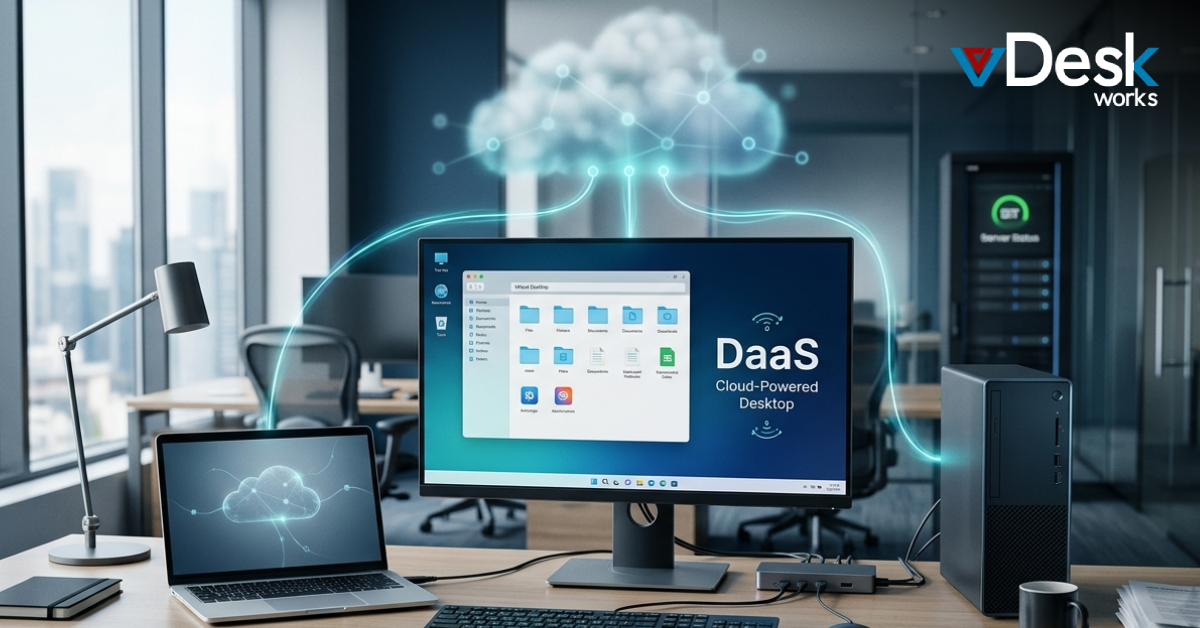
A remote access policy is a formal document that defines how users can connect to an organization’s network from outside the office. In today’s hybrid work environment, where employees frequently rely on a Remote Desktop Solution, having a clear and enforceable policy is essential for maintaining security and operational efficiency.
What Is a Remote Access Policy?
With the rapid rise of remote work, employees now access corporate systems from various locations using laptops, tablets, and mobile devices. A Remote Desktop Solution enables seamless connectivity, but it also introduces potential risks if not managed properly.
A remote access policy serves as a guideline for users who connect to company resources externally. It extends existing in-office policies, such as password requirements and acceptable use, to remote environments. By integrating a Remote Desktop Solution into this framework, organizations can ensure that only authorized users with compliant devices gain access.
This policy typically defines which employees are eligible for remote access, what devices they can use, and the security standards those devices must meet. When supported by a Remote Desktop Solution, these policies can be enforced consistently across distributed teams.
Employees are usually required to sign an acknowledgment form confirming they understand and will follow the policy. Enforcement is carried out through both technical controls and administrative oversight, often supported by a Remote Desktop Solution that monitors and regulates access.
Why Is a Remote Access Policy Important?
While remote work increases flexibility and productivity, it also introduces security challenges. Employees connecting through unsecured networks or personal devices can unknowingly expose sensitive data. Without a structured approach, even the most advanced Remote Desktop Solution may not be enough to prevent vulnerabilities.
A well-defined remote access policy educates users about secure practices and ensures that everyone understands their responsibilities. When combined with a Remote Desktop Solution, organizations can enforce rules such as multi-factor authentication, restricted access, and activity monitoring.
This combination significantly reduces the risk of data breaches caused by human error. It also ensures accountability, as employees who violate the policy can be identified and addressed accordingly. In essence, a Remote Desktop Solution works best when guided by a strong policy framework.
What Should You Address in a Remote Access Policy?
An effective remote access policy should cover all aspects of external connectivity. Organizations must determine which users truly need remote access, as not every role requires it. For example, employees handling sensitive data may need stricter controls even when using a Remote Desktop Solution.
Device compliance is another critical factor. Only devices that meet security standards—such as updated operating systems and antivirus protection—should be allowed to connect. A Remote Desktop Solution can help enforce these requirements by blocking non-compliant devices.
The policy should also define who has the authority to grant access and what constitutes acceptable use. Managers often play a role in approving access, while IT teams ensure that a Remote Desktop Solution is configured to enforce restrictions.
Additional elements to include are:
Standardized hardware and software requirements
Encryption protocols for data transmission
Authentication mechanisms like strong passwords and multi-factor authentication
Secure network connectivity, including VPN usage
Guidelines for handling sensitive information
Monitoring and auditing procedures
By aligning these components with a Remote Desktop Solution, organizations can create a comprehensive security framework.
How Can You Update a Remote Access Policy?
A remote access policy is not a one-time document; it must evolve with changing business needs and technological advancements. As organizations adopt new tools, including advanced Remote Desktop Solution platforms, policies must be updated to reflect these changes.
Regular reviews ensure that the policy remains relevant and effective. Organizations should consider legal, regulatory, and operational requirements when updating their guidelines. A Remote Desktop Solution can provide insights through logs and analytics, helping identify gaps or areas for improvement.
It is also important to customize the policy rather than copying templates from other organizations. Each company has unique requirements, and the policy should align with its specific infrastructure and use of a Remote Desktop Solution.
Enhancing Remote Access with Technology
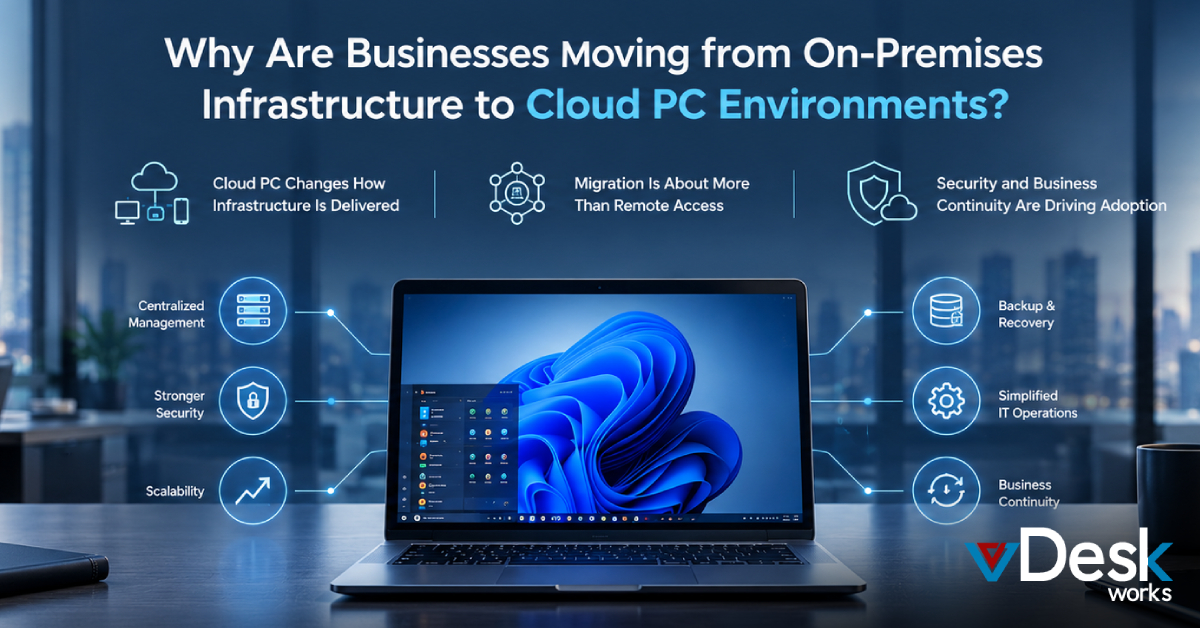
Technology plays a crucial role in enforcing remote access policies. A modern Remote Desktop Solution provides centralized control, allowing IT teams to manage access, monitor activity, and implement security measures efficiently.
Features such as multi-factor authentication, encryption, and user access controls help strengthen security. A Remote Desktop Solution can also simplify management by automating policy enforcement, reducing the burden on IT teams.
Additionally, centralized deployment ensures that data remains secure, even when accessed remotely. By leveraging a Remote Desktop Solution, organizations can maintain control over their systems while enabling employees to work from anywhere.
vDeskWorks Remote Desktop Solution: Secure and Scalable Remote Access
When it comes to implementing a reliable and secure remote access strategy, choosing the right technology partner is just as important as defining the policy itself. This is where vDeskWorks Remote Desktop Solution stands out.
vDeskWorks offers a powerful Remote Desktop Solution designed for modern businesses that operate in hybrid and remote environments. It provides centralized desktop management, ensuring that employees can securely access their work environment from anywhere without compromising performance or data integrity.
One of the key advantages of vDeskWorks Remote Desktop Solution is its strong focus on security. With built-in features like multi-factor authentication, end-to-end encryption, and role-based access control, organizations can enforce their remote access policies with confidence. This ensures that only authorized users gain access to critical systems.
Additionally, vDeskWorks Remote Desktop Solution simplifies IT operations by offering a centralized dashboard for monitoring, management, and deployment. IT teams can easily control user access, track activity, and enforce compliance policies without complexity.
Scalability is another major benefit. Whether you are a small business or a large enterprise, vDeskWorks Remote Desktop Solution adapts to your needs, allowing you to scale resources as your workforce grows. This flexibility makes it an ideal choice for organizations looking to future-proof their remote work infrastructure.
By integrating vDeskWorks Remote Desktop Solution into your remote access policy framework, you can create a secure, efficient, and user-friendly environment that supports productivity while minimizing risks.
Final Words
A remote access policy alone is not enough in today’s evolving work landscape—it needs to be backed by the right technology. While defining clear guidelines is essential, the real impact comes from how effectively those rules are implemented and enforced.
This is where solutions like vDeskWorks Remote Desktop Solution make a significant difference. By combining strong policy frameworks with advanced Remote Desktop Solution capabilities, businesses can achieve both security and seamless user experience.
Investing in a trusted Remote Desktop Solution such as vDeskWorks ensures that your organization stays protected, compliant, and ready for the future of work. If you’re looking to enhance your remote access strategy, now is the time to align your policies with a powerful Remote Desktop Solution that delivers performance, control, and peace of mind.
Get started with vDeskWorks Remote Desktop Solution today and transform the way your teams work remotely.
 Emma Carson