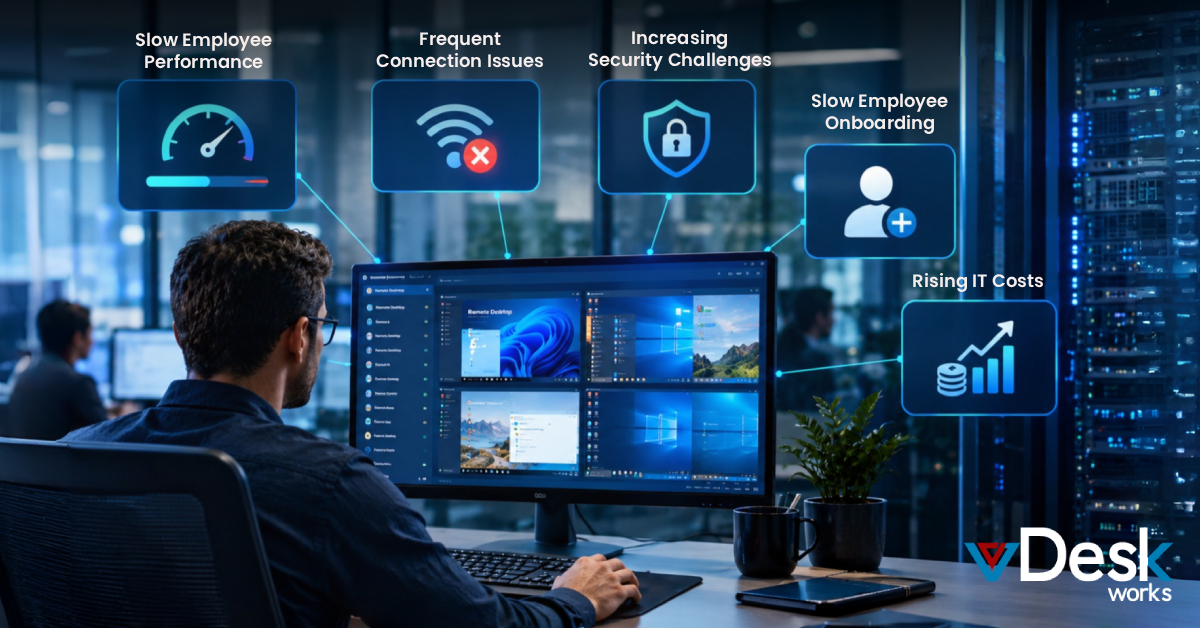
Managing virtual desktops has become more challenging than ever. Businesses now support employees working from offices, homes, and multiple locations. IT teams need complete visibility into virtual desktops, server performance, user sessions, licenses, and system health without adding extra workload.
This is why VDI Monitoring Software has become an important part of modern IT management. It helps administrators monitor virtual desktop environments, identify issues before users notice them, generate reports, and improve the overall user experience.
However, not every monitoring tool is designed the same. Some solutions focus only on infrastructure monitoring, while others provide complete visibility into users, applications, and server resources.
In this guide, we'll compare seven popular free and paid VDI Monitoring Software solutions and explain why vDeskWorks is becoming a preferred choice for growing businesses.
Why Businesses Need VDI Monitoring Software
Virtual desktop environments are becoming larger every year. As organizations expand, manually checking servers, applications, and user sessions becomes nearly impossible.
A modern monitoring solution helps businesses:
- Monitor virtual desktop performance in real time
- Detect server issues before downtime occurs
- Track user sessions and resource usage
- Generate detailed reports for IT teams
- Improve productivity and user experience
- Reduce troubleshooting time
- Simplify virtual infrastructure management
Instead of reacting to problems after employees report them, IT administrators can proactively identify and resolve issues.
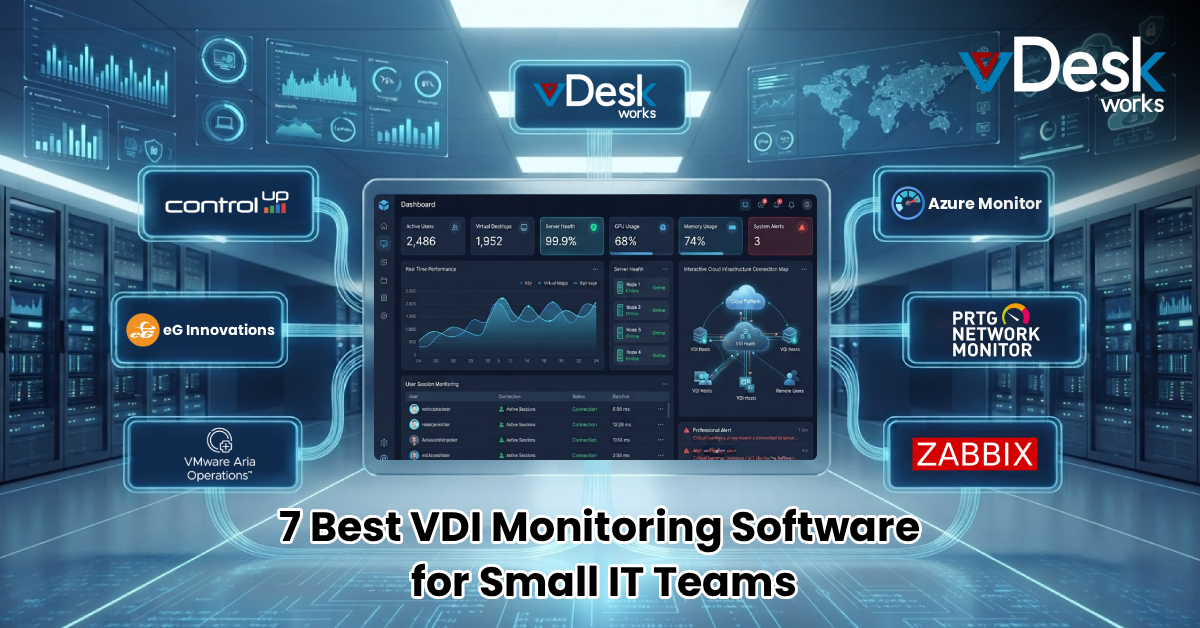
7 Best VDI Monitoring Software for Small IT Teams
1. vDeskWorks Enhanced Monitoring
Best For: Businesses looking for an all-in-one VDI monitoring solution.
vDeskWorks provides much more than basic server monitoring. Its enhanced monitoring module gives administrators complete visibility into virtual desktop infrastructure through a centralized dashboard.
Key capabilities include:
- Monitor active user sessions in real time
- Track server resource utilization
- View application usage
- Monitor user login activity
- Check software license status and expiration dates
- Export reports to Excel
- Generate audit logs
- Receive automatic email notifications
- Create customized event alerts
Unlike many traditional monitoring tools, vDeskWorks combines monitoring, reporting, and alert management in one platform, reducing the need for multiple software solutions.
2. ControlUp
ControlUp focuses on real-time performance monitoring for Microsoft virtual desktop environments.
It provides live performance dashboards and troubleshooting tools that help IT teams identify resource bottlenecks quickly. However, its advanced features may require additional licensing and configuration.
3. eG Enterprise
eG Enterprise is designed for businesses managing large virtual desktop deployments.
It offers deep performance analytics across servers, storage, applications, and network infrastructure. While it delivers detailed insights, the platform can be more suitable for enterprise environments than smaller IT teams.
4. VMware Aria Operations
VMware Aria Operations helps organizations monitor VMware Horizon environments.
The software provides infrastructure health monitoring, workload analysis, and capacity planning. It works best for companies already using VMware technologies.
5. Microsoft Azure Monitor
Organizations using Azure Virtual Desktop often rely on Azure Monitor for resource tracking.
It helps monitor cloud performance, virtual machines, storage, and networking but may require additional setup for complete VDI monitoring.
6. PRTG Network Monitor
PRTG is a flexible monitoring solution capable of tracking servers, networks, bandwidth, and virtual machines.
It provides customizable sensors for infrastructure monitoring, although dedicated VDI management features are limited.
7. Zabbix
Zabbix is a popular open-source monitoring platform.
It offers server monitoring, resource tracking, dashboards, and alerts at no licensing cost. However, businesses may require technical expertise for deployment and customization.
Why vDeskWorks Stands Out
Many monitoring solutions focus only on infrastructure health. vDeskWorks goes further by providing complete visibility into both users and virtual desktop resources.
Businesses can monitor:
- Current server status
- Active user sessions
- Applications currently in use
- License utilization
- Login statistics
- Resource consumption
- Event logs
- Audit reports
- Service notifications
Everything is presented through an easy-to-understand dashboard, helping administrators make faster decisions.
Advanced Monitoring Features Available in vDeskWorks
Centralized Performance Dashboard
Instead of switching between multiple monitoring tools, administrators can manage their entire virtual desktop environment from one dashboard.
The dashboard displays server health, user activity, application usage, login statistics, and licensing information through graphical reports that simplify monitoring.
Event Notifications
IT administrators don't have time to constantly watch every server.
vDeskWorks automatically sends notifications whenever predefined events occur, allowing administrators to respond quickly before issues affect users.
Reporting and Log Monitoring
Every activity within the environment is recorded.
Administrators can:
- Review historical logs
- Generate audit reports
- Export monitoring reports
- Search system events
- Analyze weekly or monthly trends
These reports also help organizations meet compliance and auditing requirements.
Automatic Email Alerts
Monitoring becomes easier when important events arrive directly in your inbox.
vDeskWorks automatically sends email notifications whenever system events match administrator-defined conditions, helping IT teams respond faster.
Benefits of Using vDeskWorks VDI Monitoring Software
Businesses choosing vDeskWorks VDI Monitoring Software benefit from:
- Better visibility across virtual desktops
- Faster issue detection
- Reduced system downtime
- Improved user experience
- Centralized infrastructure management
- Detailed reporting for audits
- Automatic event notifications
- Easier license management
- Simplified server monitoring
- Improved IT productivity
How Small IT Teams Benefit
Small IT departments often manage hundreds of users with limited resources.
vDeskWorks helps by:
- Reducing manual monitoring
- Automating notifications
- Simplifying troubleshooting
- Improving resource planning
- Providing real-time operational insights
Instead of spending hours investigating problems, administrators receive immediate information that helps resolve issues quickly.
Final Thoughts
Choosing the right VDI Monitoring Software depends on your business requirements, IT resources, and virtual desktop environment.
Open-source platforms like Zabbix provide flexibility, while enterprise tools such as ControlUp and eG Enterprise offer advanced analytics. However, businesses looking for a complete monitoring solution with user activity tracking, reporting, alerts, license management, and centralized dashboards will find vDeskWorks to be a strong option.
Its enhanced monitoring capabilities help organizations maintain healthy virtual desktop environments, improve IT efficiency, and support business growth without increasing administrative complexity.
If your organization wants greater visibility, proactive monitoring, and simplified VDI management, vDeskWorks VDI Monitoring Software provides everything needed to keep your virtual desktop infrastructure running efficiently.
 Emma Carson