Remote work has become a permanent part of modern business operations. Whether employees work from home, satellite offices, or client locations, they depend on reliable remote desktop technology to stay connected and productive. While many organizations started with basic remote desktop solutions, business growth often exposes the limitations of outdated infrastructure.
A remote desktop setup that worked well for a small team may struggle to support a growing workforce, increased application demands, and stricter security requirements. Slow performance, recurring technical issues, and complex user management can reduce productivity and increase operational costs.
Recognizing when your existing environment is no longer meeting business needs is essential for maintaining efficiency and supporting future growth. This blog highlights five clear signs that indicate it may be time to upgrade your Remote Desktop Setup and explains how vDeskWorks provides a modern cloud-based solution for today's enterprises.
Why Modern Businesses Need a Scalable Remote Desktop Setup
As organizations expand, employees require secure access to business applications, files, and collaboration tools from anywhere. At the same time, IT teams must manage user accounts, protect sensitive information, and ensure consistent performance across multiple locations.
Modern businesses need a remote desktop platform that offers:
- Fast and reliable access from any location
- Enterprise-grade security
- Centralized administration
- Easy onboarding for new employees
- Flexible scalability
- High application performance
- Reduced IT maintenance
When your current system can no longer deliver these capabilities, it begins affecting both productivity and customer satisfaction.
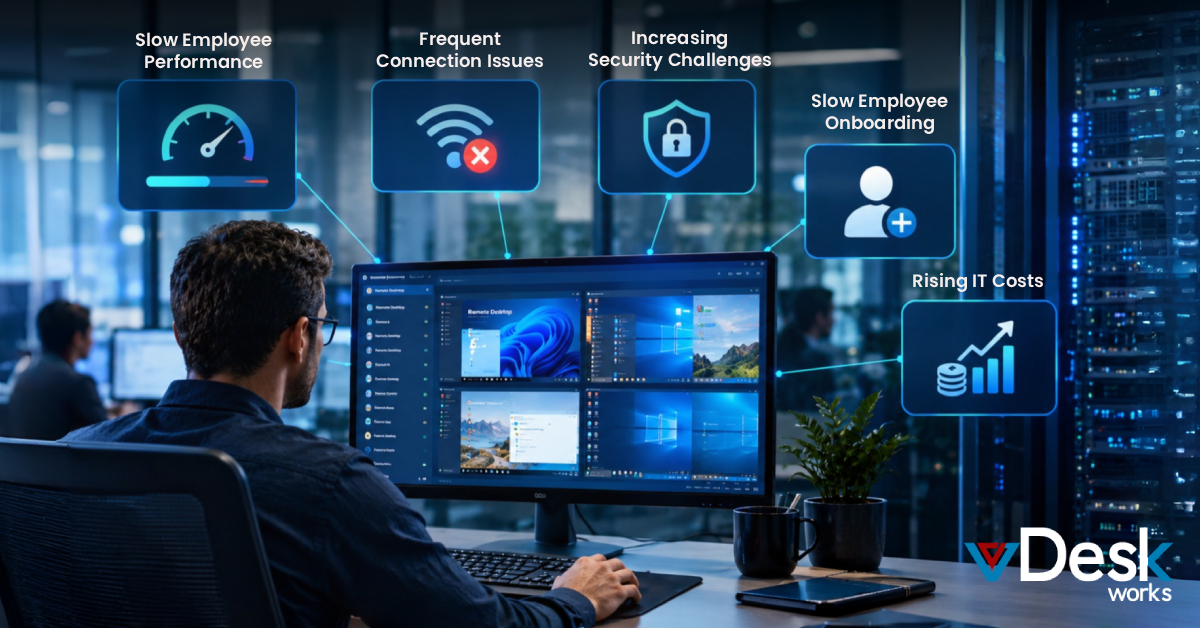
Sign 1: Employees Constantly Experience Slow Performance
One of the earliest indicators that your remote desktop environment has reached its limits is declining performance.
As more users connect simultaneously, aging infrastructure often struggles to keep up with demand. Employees begin experiencing slow logins, application delays, and screen freezing during critical tasks.
Common warning signs include:
- Slow desktop startup times
- Applications taking several minutes to load
- Screen lag while working
- Delayed audio and video during virtual meetings
- Poor responsiveness during peak business hours
Every minute employees spend waiting for systems to respond directly impacts productivity.
How vDeskWorks Helps
vDeskWorks delivers high-performance cloud desktops powered by enterprise infrastructure that automatically allocates resources based on workload. Employees receive a fast and consistent desktop experience regardless of where they work.
Sign 2: Frequent Connection Issues Are Interrupting Work
Remote employees expect uninterrupted access to business resources. However, older remote desktop environments often depend on limited server capacity or a single office network.
As workloads increase, connection reliability decreases.
Common problems include:
- Random session disconnects
- Repeated login failures
- Server overload during busy periods
- Interrupted customer meetings
- Lost unsaved work
Frequent outages not only frustrate employees but also affect customer service and business continuity.
How vDeskWorks Helps
vDeskWorks provides cloud-hosted desktops with reliable infrastructure, high availability, and secure remote connectivity. Employees can reconnect quickly without relying on aging on-premise servers.
Sign 3: Security Is Becoming Difficult to Manage
Cybersecurity threats continue to evolve, making outdated remote desktop systems increasingly vulnerable.
If your IT team struggles to enforce security policies or quickly deploy updates, your organization faces unnecessary risk.
Typical security concerns include:
- Limited control over user permissions
- Missing Multi-Factor Authentication (MFA)
- Delayed software updates
- Inconsistent security policies
- Increased compliance challenges
- Sensitive data stored on local devices
These weaknesses create opportunities for cyberattacks, ransomware, and unauthorized access.
How vDeskWorks Helps
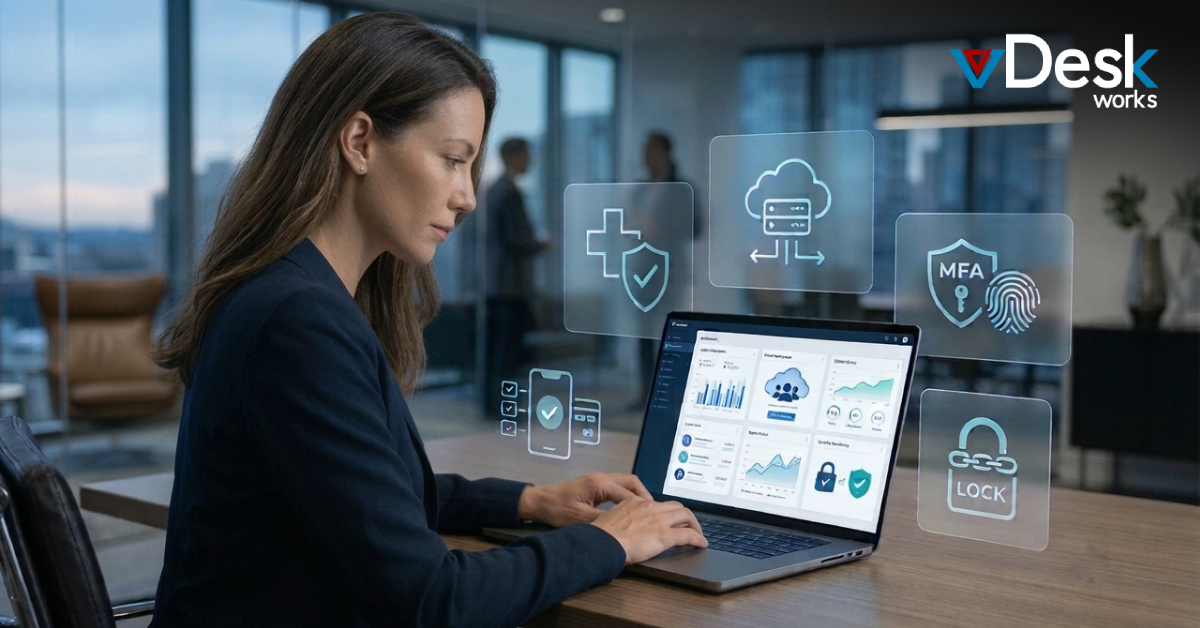
vDeskWorks strengthens security with:
- Multi-Factor Authentication
- End-to-end encryption
- Centralized access control
- Secure cloud storage
- Continuous monitoring
- Automated security updates
- Role-based permissions
By keeping business data inside a secure cloud environment, organizations significantly reduce their exposure to security threats.
Sign 4: Adding New Employees Takes Too Long
Business growth should be exciting—not slowed down by lengthy IT processes.
If onboarding a new employee requires purchasing hardware, configuring software manually, and waiting several days before they can begin work, your infrastructure is limiting growth.
Signs include:
- Slow desktop provisioning
- Manual account creation
- Complex permission assignments
- Hardware shortages
- License limitations
- Increased administrative workload
Every delay reduces employee productivity and increases IT costs.
How vDeskWorks Helps
With vDeskWorks, new virtual desktops can be deployed in minutes. IT administrators can provision users, assign applications, configure permissions, and provide secure access from one centralized console, allowing new employees to become productive almost immediately.
Sign 5: IT Costs Continue Rising While Productivity Falls
Many organizations continue investing in outdated infrastructure because replacing it seems expensive. In reality, maintaining aging systems often costs more than modernizing them.
Hidden expenses include:
- Hardware replacements
- Emergency repairs
- Server maintenance
- Software upgrades
- Increased energy consumption
- IT overtime
- Productivity losses caused by downtime
When maintenance costs continue increasing without improving performance, it is time to evaluate a more efficient solution.
How vDeskWorks Helps
vDeskWorks replaces expensive hardware investments with predictable subscription-based pricing. Businesses reduce capital expenditure while gaining enterprise-grade infrastructure, simplified management, and automatic updates without ongoing maintenance costs.
Additional Benefits of Upgrading Your Remote Desktop Environment
Moving to a modern cloud-based platform provides long-term advantages beyond solving immediate problems.
Organizations benefit from:
- Better Workforce Flexibility
Employees can securely access their desktops from laptops, tablets, or mobile devices while maintaining the same user experience. - Simplified IT Management
Administrators manage users, applications, updates, and security policies through a single dashboard instead of maintaining hundreds of individual devices. - Improved Business Continuity
Automatic backups, cloud redundancy, and centralized data storage help businesses continue operating even during hardware failures or unexpected disruptions. - Greater Scalability
Whether hiring five employees or five hundred, organizations can expand their virtual desktop environment without purchasing additional physical infrastructure.
Why Businesses Choose vDeskWorks
vDeskWorks is designed to meet the needs of modern enterprises that require secure, reliable, and scalable remote desktop solutions.
Key advantages include:
- High-performance cloud desktops
- Centralized desktop management
- Enterprise-grade security
- Multi-Factor Authentication
- Automated updates and maintenance
- Rapid user provisioning
- Cross-platform compatibility
- Secure remote access from anywhere
- Flexible resource scaling
- Professional technical support
By replacing outdated infrastructure with a modern cloud workspace, businesses can improve employee productivity while reducing IT complexity.
Conclusion
A remote desktop environment should support business growth, not limit it. If your employees regularly experience slow performance, connection failures, security concerns, difficult onboarding, or rising maintenance costs, your organization has likely outgrown its current Remote Desktop Setup.
Upgrading to a modern cloud-based platform allows businesses to improve performance, strengthen security, simplify IT operations, and support remote employees more effectively.
With vDeskWorks, organizations gain a secure, scalable, and enterprise-ready remote desktop solution built for today's hybrid workforce. As your business grows, your technology should grow with it, helping your teams stay productive, connected, and secure from anywhere in the world.
Schedule a Live Demo Today.
 Emma Carson