Business operations today depend heavily on digital infrastructure. Applications, customer information, financial records, employee data, and communication systems all rely on technology functioning without interruption. Unfortunately, hardware failures, cyberattacks, ransomware incidents, network outages, human errors, and natural disasters can bring operations to a standstill within minutes.
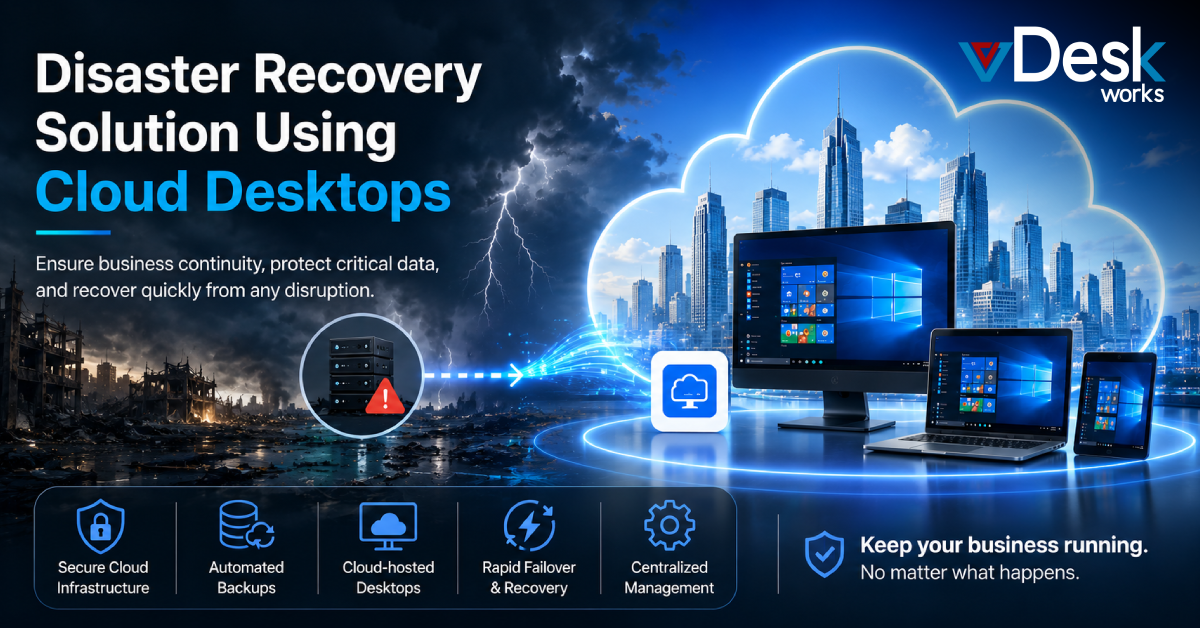
This is why organizations are increasingly investing in a disaster recovery solution using cloud desktops. Rather than relying solely on local infrastructure and traditional backup methods, businesses are adopting cloud-based recovery strategies that ensure employees remain productive even when disruptions occur.
vDeskWorks provides a modern Disaster Recovery as a Service (DRaaS) platform that combines cloud desktops, automated backups, Azure-powered failover capabilities, and business continuity tools to help organizations minimize downtime and recover quickly.
What Is a Disaster Recovery Solution Using Cloud Desktops?
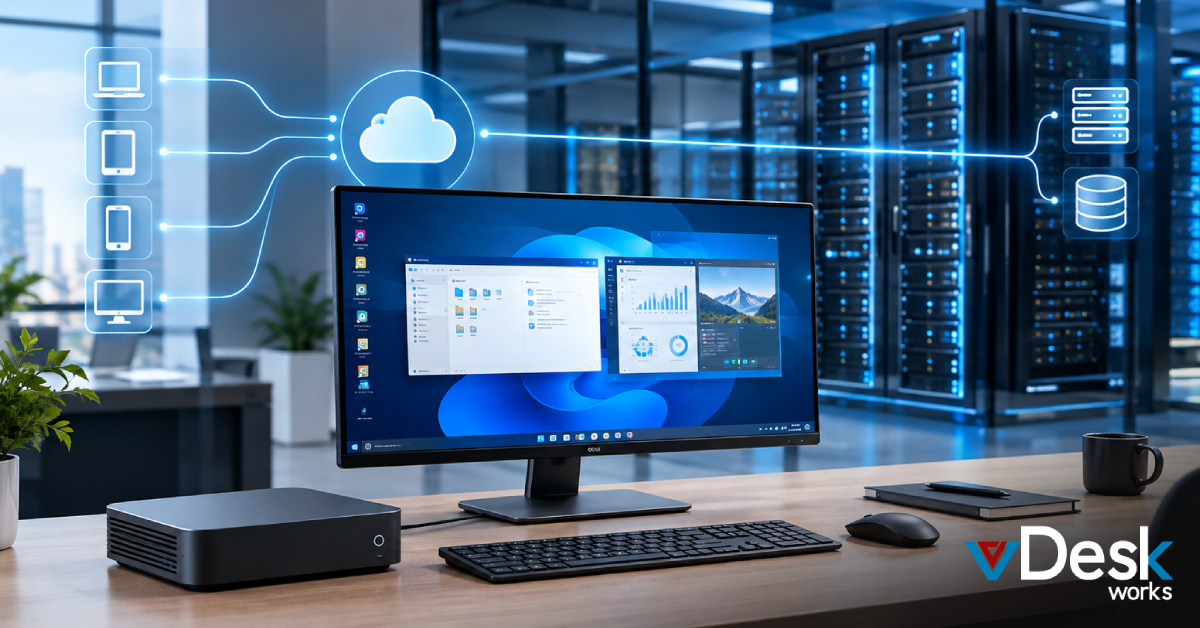
A disaster recovery solution using cloud desktops combines cloud-hosted desktop environments with automated backup and recovery technologies. Instead of storing applications and data on individual devices or local servers, resources are securely hosted within cloud infrastructure.
Employees can access:
- Business applications
- Files and documents
- Collaboration tools
- User settings
- Corporate resources
from virtually any device and any location.
If a disruption occurs, users can continue working through their cloud desktop without waiting for damaged hardware or systems to be repaired.
Why Traditional Recovery Methods Are No Longer Enough
Historically, organizations relied on local backups, physical recovery sites, and manual restoration procedures. While these methods offered some protection, they often introduced several limitations:
- Slow Recovery Times: Restoring systems from physical backups can take hours or even days.
- High Infrastructure Costs: Maintaining duplicate hardware and recovery facilities is expensive.
- Limited Accessibility: Employees often cannot access business resources until systems are fully restored.
- Increased Administrative Complexity: IT teams must manually coordinate recovery efforts.
Modern organizations require a more agile and automated approach to disaster recovery.
Common IT Disruptions That Threaten Businesses
Hardware Failures
Hardware remains one of the most common causes of downtime.
Examples include:
- Hard drive failures
- Motherboard issues
- Power supply failures
- Storage corruption
- Network device failures
These issues can quickly impact productivity if systems depend entirely on local infrastructure.
Cybersecurity Threats
Cybercriminals continue to target organizations through:
- Ransomware
- Phishing attacks
- Malware
- Data theft
- Unauthorized access
Without proper recovery strategies, these attacks can severely disrupt operations.
Natural Disasters and Facility Outages
Unexpected events such as floods, storms, fires, and power outages can make physical offices inaccessible.
Businesses need solutions that allow employees to continue working regardless of location.
How Cloud-Based Disaster Recovery Works
Cloud desktop environments provide a centralized platform where applications, desktops, and data remain available even when local infrastructure experiences disruptions.
The recovery process typically includes:
- Continuous Monitoring: This approach dramatically reduces recovery times while improving operational resilience
- Automated Data Replication: Business data is replicated across secure cloud locations.
- Backup Snapshots: Regular snapshots create multiple recovery points.
- Automated Failover: If the primary environment becomes unavailable, workloads automatically shift to backup infrastructure.
- Rapid Restoration: Applications and desktops can be restored quickly with minimal interruption.
This approach dramatically reduces recovery times while improving operational resilience.
Key Benefits of a Disaster Recovery Solution Using Cloud Desktops
Reduced Downtime
Cloud desktops enable employees to continue working even during infrastructure failures.
Benefits include:
- Faster recovery
- Improved productivity
- Reduced business interruption
- Better customer service continuity
- Enhanced Data Protection
Centralized cloud environments provide stronger security controls than many traditional desktop deployments.
Organizations benefit from:
- Encrypted storage
- Secure access controls
- Automated backups
- Continuous monitoring
- Multi-factor authentication
- Anywhere Access
Cloud desktops allow employees to securely access business resources from:
- Home offices
- Branch locations
- Temporary workspaces
- Mobile devices
- Any internet-connected environment
This flexibility supports both remote work and emergency response scenarios.
Lower Recovery Costs
Cloud-based recovery eliminates the need for expensive secondary data centers and duplicate hardware investments. Businesses can achieve enterprise-grade resilience without significant capital expenditures.
How vDeskWorks Strengthens Business Continuity
vDeskWorks combines cloud desktop technology with integrated disaster recovery capabilities to help organizations remain operational during unexpected disruptions.
The platform is designed to support:
- Continuous Operations: Employees maintain access to applications and files even during outages.
- Secure Cloud Infrastructure: Business resources remain protected within centralized cloud environments.
- Rapid User Recovery: Users can reconnect from alternative devices within minutes.
- Centralized Management: Administrators maintain visibility and control from a single platform.
- Scalable Recovery Resources: Businesses can adjust resources as operational requirements evolve.
Azure-Powered Disaster Recovery Capabilities
One of the most powerful components of vDeskWorks is its integration with Microsoft Azure's disaster recovery infrastructure.
Automated Backup Protection
The platform supports:
- Incremental backups
- Scheduled snapshots
- Multiple recovery points
- Long-term data retention
- Site Recovery Services
Azure Site Recovery continuously replicates workloads from primary environments to secondary locations.
This enables:
- High availability
- Geographic redundancy
- Automated failover
- Faster recovery times
Failback Functionality
Once primary systems are restored, workloads can seamlessly return to their original environment without disruption.
Supporting the Modern Remote Workforce
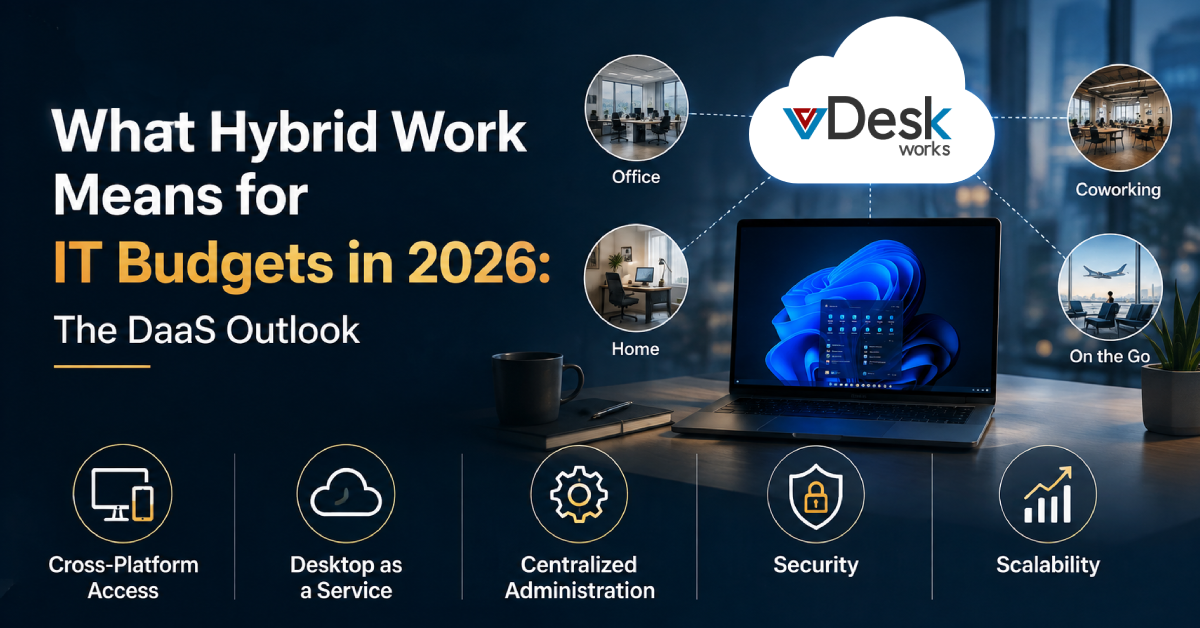
Remote and hybrid work models have significantly changed disaster recovery requirements.
Organizations must ensure employees can continue working even if:
- Offices become inaccessible
- Devices fail
- Networks experience outages
- Local infrastructure is compromised
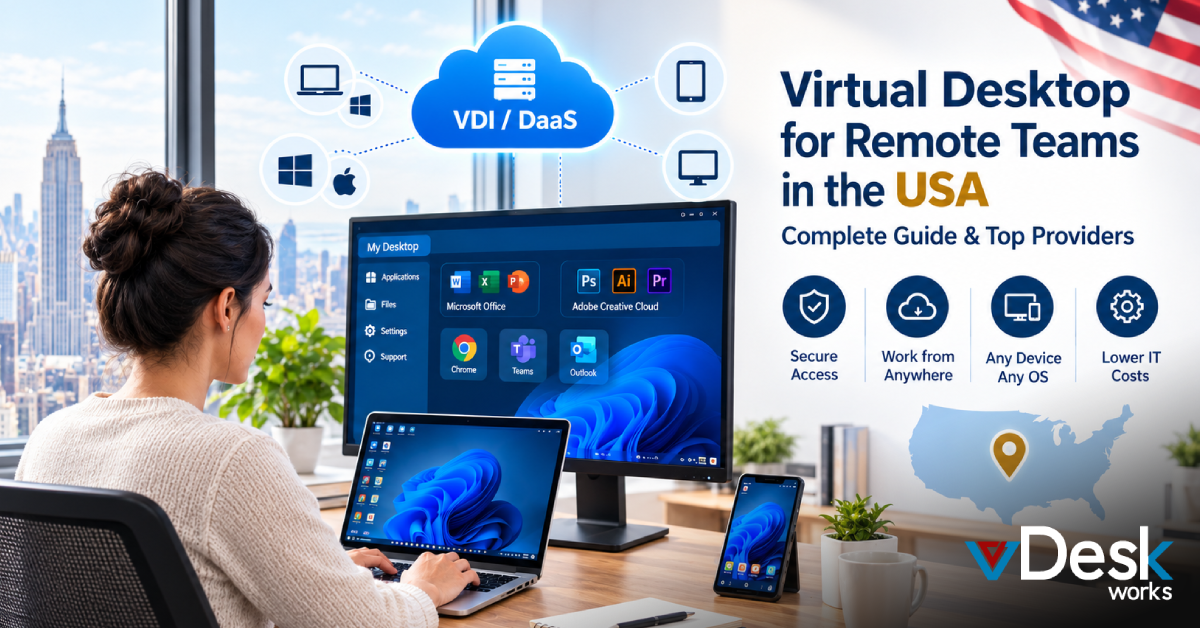
The cloud-based disaster recovery allows users to simply log in from another device and resume work immediately. This level of flexibility has become essential for maintaining productivity in today's business environment.
Why Businesses Are Choosing vDeskWorks
Organizations increasingly select vDeskWorks because it combines secure cloud desktops with enterprise-grade disaster recovery and business continuity capabilities.
Key advantages include:
- Business Continuity Keep employees productive during disruptions.
- Azure-Powered Recovery Leverage enterprise-class recovery infrastructure.
- Secure Cloud Access Protect applications and data through centralized environments.
- Automated Protection Reduce manual intervention with scheduled backups and failover processes.
- Cost Efficiency Avoid the expenses associated with traditional disaster recovery infrastructure.
- Remote Work Readiness Enable employees to work securely from any location.
These capabilities help businesses build a resilient IT environment that supports both growth and operational stability.
Conclusion
Technology disruptions are no longer a matter of if, they are a matter of when. Whether caused by hardware failures, cyberattacks, human error, or unexpected disasters, downtime can significantly impact business performance and customer trust.
A disaster recovery solution using cloud desktops provides the resilience organizations need to maintain operations, protect critical data, and recover quickly from disruptions.
With Azure-powered infrastructure, automated backups, cloud-hosted desktops, rapid failover capabilities, and centralized management, vDeskWorks delivers a comprehensive business continuity platform designed for today's modern workforce.
For organizations seeking a smarter, faster, and more secure approach to disaster recovery, vDeskWorks provides the tools needed to stay productive, protected, and prepared for whatever challenges arise.
 Emma Carson