Hiring employees across different countries gives businesses access to a wider talent pool. However, international remote work also creates new IT challenges.
One area that companies may overlook is software licensing.
An employee working from another country may still need access to the same business applications, databases, design tools, productivity software, and other resources used by the team. But software licenses do not always work the same way across countries.
Some licenses have geographic restrictions, user limitations, regional terms, or specific rules about where software can be accessed.
This makes software licensing an important consideration for companies with international and distributed teams.
A virtual desktop solution can help businesses centralize applications and provide employees with controlled access to their work environment, regardless of where they are physically located.
Why International Employees Can Create Software Licensing Challenges
When an employee moves from one country to another, the software they use does not automatically become compliant with the new location.
Depending on the vendor and license agreement, businesses may need to consider:
- Where the software is purchased
- Where the software is hosted
- Where it is accessed
- Who is using the license
- Whether the license is assigned to a user or device
- Whether temporary international use is allowed
- Whether local regulations apply
- Whether the software contains export restrictions
For this reason, companies should review software agreements before allowing employees to access certain applications internationally.
A virtual desktop can simplify the technical side of this process, but it does not automatically override a vendor's licensing terms.
Common Software Licensing Issues When Employees Work Abroad
1. Geographic Licensing Restrictions
Some software agreements include geographic restrictions.
For example, a company may purchase software for use in a specific country or region. If an employee regularly accesses that software from another country, the organization may need to confirm whether the license permits such use.
The exact rules depend on the software provider and license agreement.
Before moving an employee abroad, businesses should review the applicable EULA and licensing terms.
2. Temporary International Travel Rules
Some vendors allow employees to use company software temporarily while traveling internationally.
However, these permissions may have limitations.
A license could allow short-term international access but impose restrictions on longer stays. The permitted period can vary by vendor and contract.
This becomes particularly important when an employee is not simply traveling for a few days but is working from another country for several months.
3. User-Based vs. Device-Based Licensing
Software licenses can be structured in different ways.
A license may be assigned to:
- A specific employee
- A specific computer
- A group of users
- A certain number of devices
- A concurrent user pool
- A company or organization
This distinction matters when employees use multiple devices.
For example, a user-based license may allow an employee to access the same application from different approved devices, while a device-based license may have different requirements.
Companies should understand their licensing model before creating an international BYOD strategy.
How a Virtual Desktop Solution Can Help
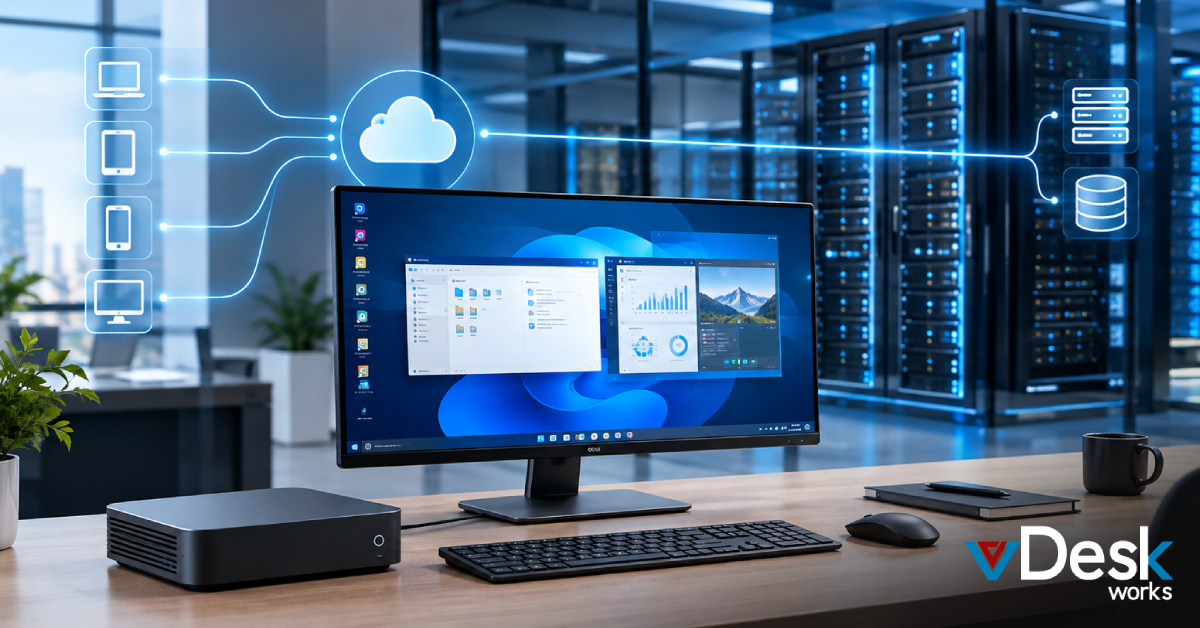
A virtual desktop solution changes how employees access their business workspace.
Instead of installing every application directly on an employee's laptop, applications can be hosted within a centrally managed virtual desktop environment.
The employee connects to that environment remotely.
This provides businesses with greater control over:
- Applications
- User access
- Desktop configurations
- Security policies
- Software updates
- Data access
- License assignment
With vDeskWorks, organizations can provide employees with a centrally managed virtual workspace while reducing their dependence on locally installed business applications.
Centralized Application Management
One of the biggest advantages of a virtual desktop environment is centralized management.
Instead of installing and updating software on hundreds of laptops, IT teams can manage applications within the virtual environment.
This can simplify tasks such as:
- Installing approved applications
- Applying software updates
- Removing outdated applications
- Controlling application access
- Managing user permissions
- Standardizing desktop configurations
For global teams, centralized management can make it easier to maintain a consistent software environment.
Security Benefits of Centralized Software Access
Software licensing is only one part of the international work equation.
Security is equally important.
Employees working abroad may connect through different networks and devices. Businesses therefore need to consider how company applications and information are protected.
With a centrally managed virtual workspace, organizations can reduce their dependence on local storage and installations.
A virtual desktop solution can support security measures such as:
- Multi-factor authentication
- Centralized access controls
- Encryption
- User permissions
- Session management
- Centralized application management
- Backup and recovery policies
vDeskWorks provides a centralized virtual desktop environment designed to help businesses manage remote access while keeping greater control over their digital workspace.
What Businesses Should Check Before Sending Employees Abroad
Before allowing an employee to work internationally, companies should create a simple licensing and security checklist.
- Review Software Licenses
Check whether the software can legally be accessed from the employee's destination country. - Check User Restrictions
Confirm whether the license is assigned to a person, device, location, or number of concurrent users. - Review Data Requirements
Determine whether company or customer information can be accessed across borders. - Confirm Hosting Locations
Understand where virtual desktops, applications, and business data are hosted. - Apply Security Controls
Use appropriate authentication, encryption, access policies, and endpoint controls. - Remove Unnecessary Access
When an employee changes roles or leaves the company, revoke application and desktop access promptly.
How vDeskWorks Supports Global Workforces
vDeskWorks provides businesses with a centralized virtual workspace that can support employees working from different locations.
Organizations can use virtual desktops to provide controlled access to applications and business resources without relying entirely on locally installed software.
Key capabilities can include:
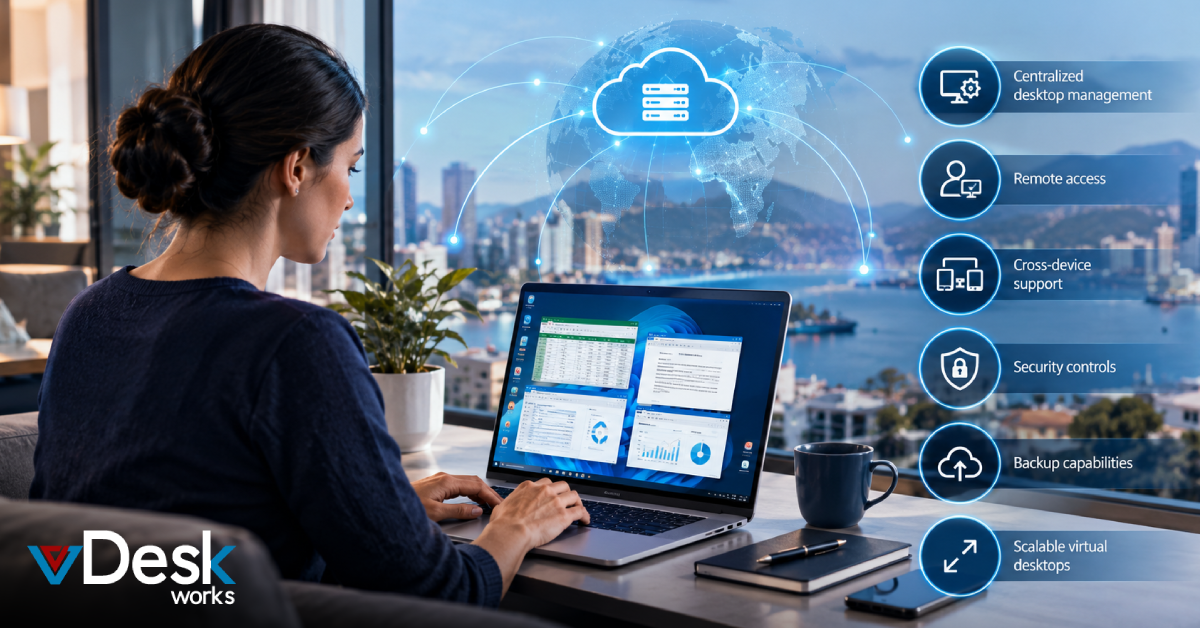
- Centralized desktop management for distributed users
- Remote access to business workspaces
- Cross-device support for flexible working environments
- Security controls for remote access
- Centralized application delivery
- Scalable virtual desktops for changing workforce requirements
- Backup capabilities to support business continuity
This approach can be especially useful when businesses are hiring internationally and want to maintain a consistent technology environment.
Final Thoughts
International hiring gives businesses more flexibility, but it also creates new challenges around software licensing, data access, security, and IT management.
A virtual desktop solution does not replace the need to understand software licensing agreements. Instead, it provides a centralized way to deliver and manage business applications while reducing dependence on individual employee devices. For global organizations, the combination of centralized application management, controlled access, and scalable virtual desktops can make international work easier to manage.
With vDeskWorks, businesses can create a more consistent digital workspace for employees working across countries while maintaining greater control over their applications, users, and IT environment.
Planning to expand your remote team internationally? Reviewing your software licenses alongside your virtual desktop strategy can be a useful next step before onboarding employees abroad.
 Emma Carson