Virtual desktops are becoming an increasingly practical option for businesses managing remote employees, hybrid teams, contractors, and distributed workforces. Instead of depending entirely on powerful physical computers, organizations can deliver a centralized desktop environment that employees can access from different devices and locations.
However, understanding Virtual Desktop Pricing is not always straightforward. Some providers charge per user per month, while others use consumption-based or per-hour pricing. Managed DaaS providers may bundle infrastructure, licensing, storage, backup, support, and management into one subscription.
This means the lowest advertised price does not necessarily represent the lowest overall cost. Businesses need to examine what is included, what is charged separately, and how the solution affects their total IT spending.
Understanding Virtual Desktop Pricing Models
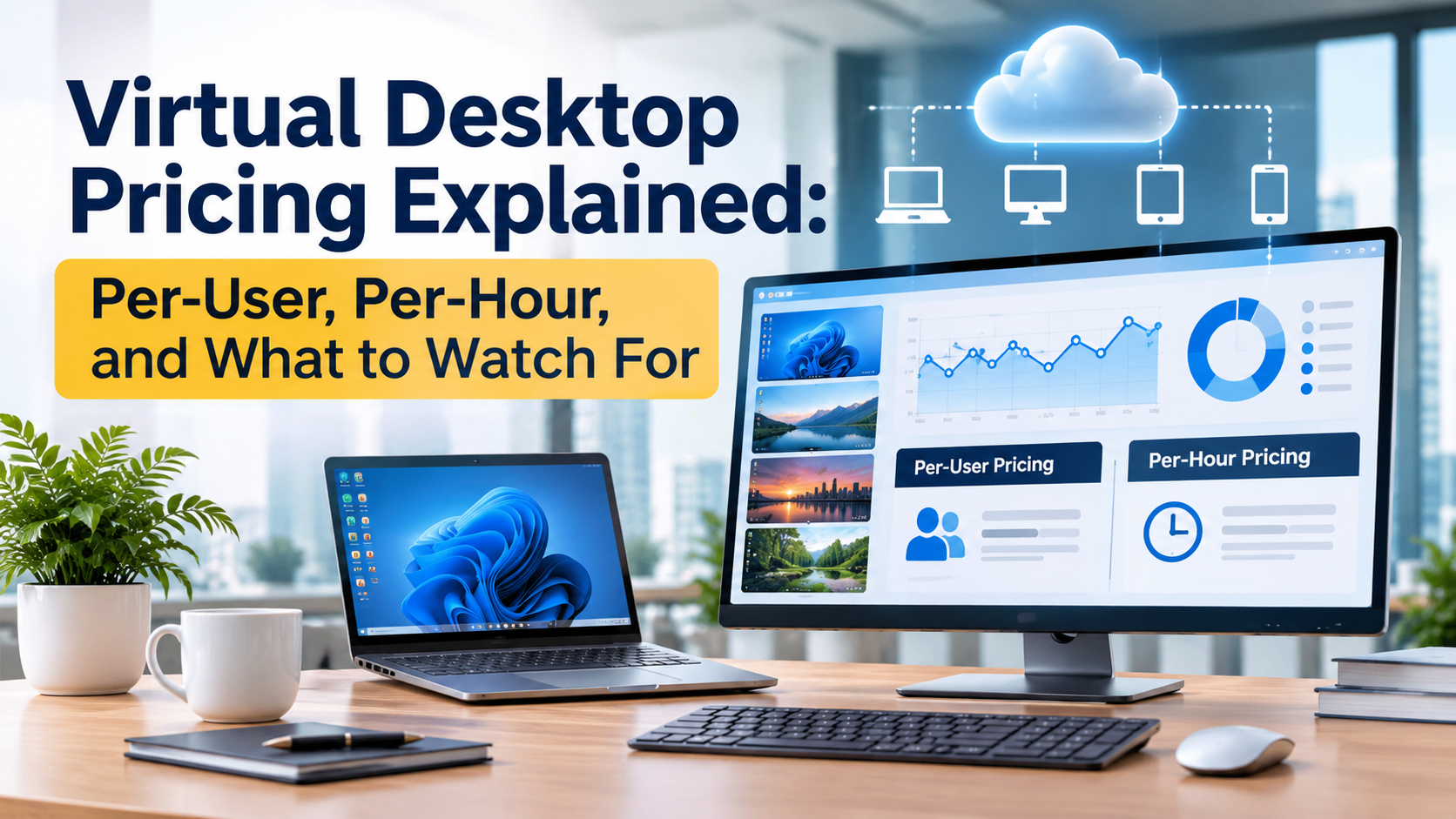
The three most common approaches are per-user pricing, consumption-based pricing, and managed DaaS pricing.
Per-User, Per-Month Pricing
With this model, businesses pay a fixed monthly amount for every assigned user. It is straightforward and makes budgeting easier because costs are directly connected to workforce size.
For example, a company with 50 employees using a $30-per-user monthly plan would have a basic subscription cost of $18,000 annually.
This model works particularly well for organizations with stable employee numbers and consistent desktop usage. However, businesses should check whether Windows licensing, storage, backup, security, and technical support are included.
Per-Hour or Consumption-Based Pricing
Consumption-based environments charge according to the resources actually used. Costs can depend on virtual machines, CPU, memory, storage, networking, and operating time.
This approach can benefit organizations with seasonal employees, shift-based teams, temporary users, or variable workloads. However, it requires careful resource management because continuously running infrastructure can increase monthly expenses.
Managed DaaS Pricing
Managed Desktop as a Service combines the virtual desktop environment with operational services. Depending on the provider, the subscription can include desktop management, storage, backup, security, support, and licensing.
For businesses without large internal IT teams, this approach can reduce infrastructure complexity while making costs easier to understand.
What Actually Determines Virtual Desktop Cost?
A virtual desktop is rarely just a monthly desktop license. Several components influence the final cost.
- Compute resources determine how much processing power and memory each user receives. Basic office users may need fewer resources than developers, designers, or other performance-intensive users.
- Storage is another consideration. Businesses may need space for operating systems, applications, user profiles, files, and backups.
- Licensing can also affect the final price. Windows, Microsoft 365, and specialized business applications may be included in some plans but charged separately by others.
- Backup and security should also be included in the calculation. A business should understand whether backup, monitoring, malware protection, identity controls, and recovery capabilities are part of the subscription.
Finally, there is IT management and support. A low-cost platform may require substantial internal administration, while a managed provider may include these services within the monthly fee.
Why the Cheapest Plan May Not Be the Cheapest Solution
Businesses often compare virtual desktops by looking at the advertised monthly price. This can be misleading.
Consider two providers. One charges $20 per user, while another charges $30. The first appears cheaper. However, if the $20 plan requires separate payments for backup, Windows licensing, support, security, and additional storage, the final cost may exceed the $30 plan.
Therefore, organizations should compare the effective cost per user, not just the starting subscription.
A better calculation considers:
Total Virtual Desktop Cost = Subscription + Licensing + Storage + Backup + Security + Support + Management
This gives decision-makers a more realistic view of what they are actually purchasing.
Virtual Desktop Pricing vs. Traditional Desktop Costs
The cost of a physical computer does not end when the device is purchased.
Businesses also spend money on hardware replacement, repairs, warranties, deployment, software installation, security, IT support, shipping, and asset management.
What to Watch for When Comparing DaaS Pricing
Before choosing a provider, businesses should look beyond the headline price and examine the complete package.
- Licensing: Determine whether Windows and other required software licenses are included or require separate purchases.
- Storage: Check how much storage is included and what additional storage will cost as the business grows.
- Backup: Ask whether automated backups are included, how frequently they run, and how restoration works.
- Support: Understand whether technical support is included and whether assistance is available outside normal business hours.
- Performance: Check CPU, memory, storage performance, and upgrade options. Not every employee requires the same configuration.
- Scalability: Find out how quickly new desktops can be provisioned and whether inactive users can be suspended or removed without unnecessary charges.
- Device Compatibility: A modern workforce may use Windows PCs, Macs, Linux devices, smartphones, tablets, or browsers. Cross-platform access can therefore become an important part of the solution's overall value.
How vDeskWorks Approaches Virtual Desktop Pricing
For businesses looking for a managed and predictable Virtual Desktop Solution, vDeskWorks provides cloud desktops designed around accessibility, centralized management, scalability, and simplified administration.
vDeskWorks offers pricing options positioned around approximately $19 to $29.98 per user per month for entry configurations, while higher ready-to-use and performance-oriented configurations can cost more depending on the selected resources and features.
The important consideration is not simply the monthly figure but what the business receives in return.
vDeskWorks emphasizes capabilities such as Windows licensing with applicable plans, cross-platform access, browser accessibility, centralized management, backup and management services, and scalable cloud desktop infrastructure.
This bundled approach can help businesses avoid assembling and managing multiple independent services.
Final Thoughts
Virtual desktop pricing is becoming an increasingly important consideration as businesses move toward flexible and distributed work environments. Per-user pricing provides predictability. Consumption-based pricing provides flexibility. Managed DaaS provides simplicity by combining infrastructure and operational services.
The right choice depends on workforce size, usage patterns, performance requirements, licensing needs, and internal IT capabilities.
Most importantly, businesses should evaluate the total cost of ownership, rather than comparing virtual desktop subscriptions with the purchase price of physical computers. For organizations seeking a scalable and centrally managed Virtual PC Solution, vDeskWorks provides a practical way to deliver cloud-based desktops across different devices while simplifying desktop administration.
The smartest virtual desktop investment is not necessarily the one with the lowest advertised price. It is the one that provides transparent pricing, predictable costs, reliable performance, strong management, and long-term value for the business.
 Emma Carson