For many American businesses, the traditional company computer is no longer the only way employees access their work environment. Teams may be working from corporate offices, home offices, coworking spaces, client locations, or while traveling between different states.
This shift has created a new IT requirement: employees need access to a reliable business desktop without requiring the company to purchase and maintain a high-performance physical computer for every user.
This is where Cloud Desktop Solutions for USA Businesses are becoming increasingly relevant.
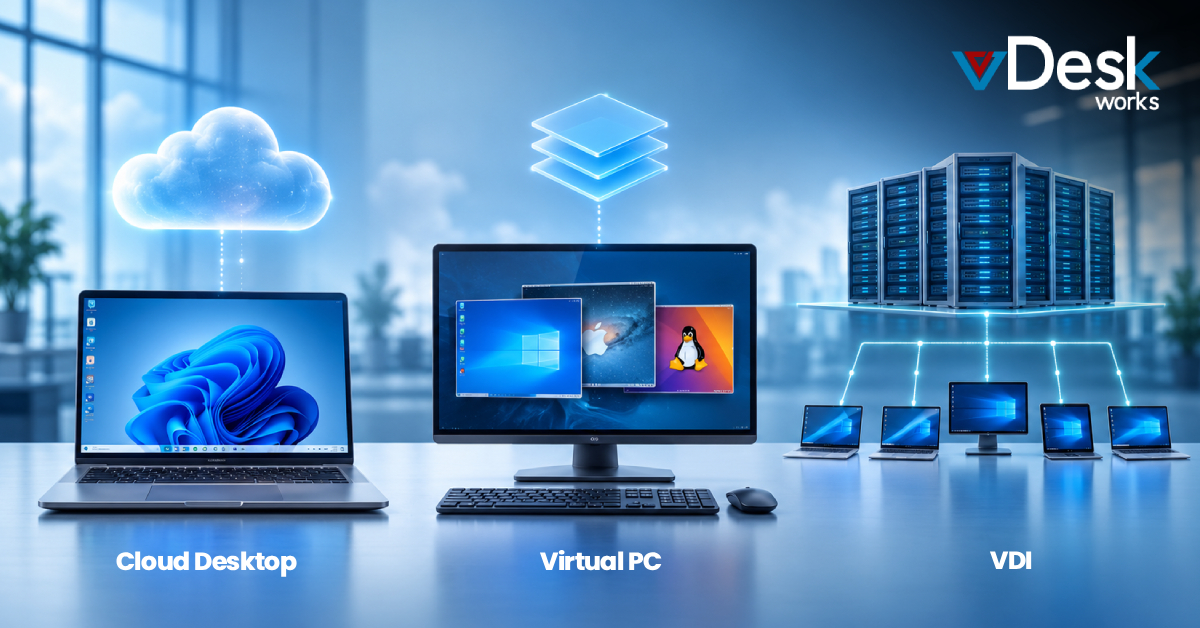
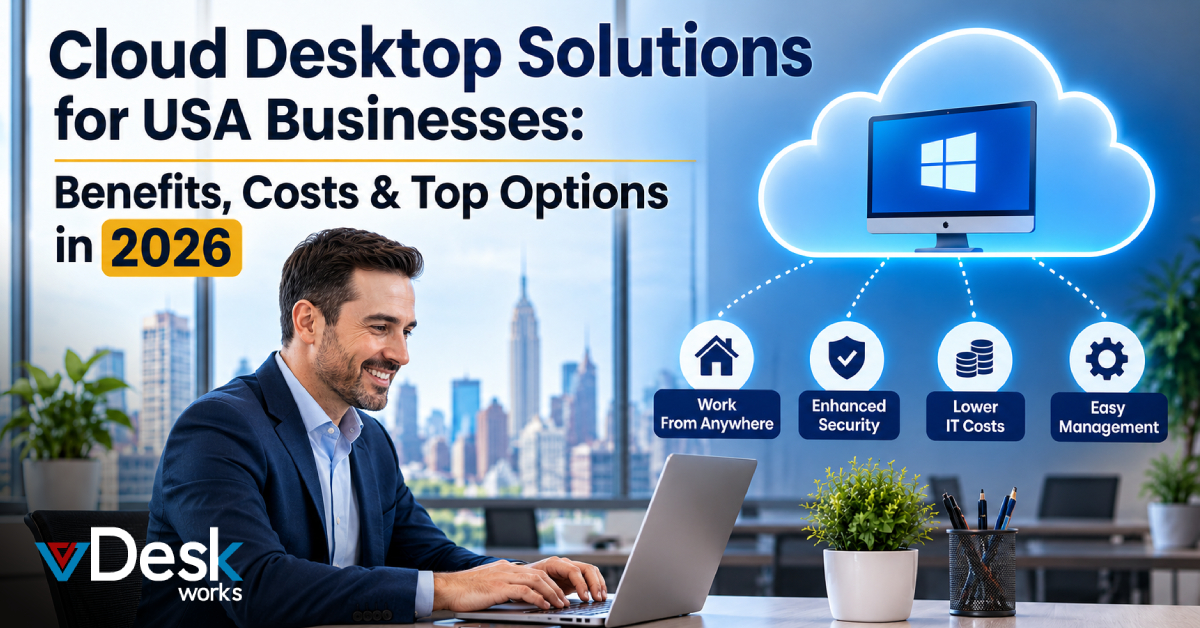
A cloud desktop moves the computing environment away from the employee's physical device and hosts it in a cloud infrastructure. The operating system, applications, files, and computing resources are delivered to the user through a supported device, application, or browser.
Instead of asking, "Which computer should we purchase?" businesses can increasingly ask, "What computing environment does each employee need?"
For organizations managing remote teams, hybrid workforces, contractors, distributed offices, or specialized workloads, that distinction can have a significant impact on IT management, cost planning, security, and scalability.
Why USA Businesses Are Looking at Cloud Desktops in 2026
The business case for cloud desktops is connected to several changes happening simultaneously.
Remote and hybrid work have expanded the number of locations from which employees operate. Businesses are also dealing with increasing cybersecurity requirements, distributed workforces, hardware replacement cycles, and pressure to control technology spending.
A cloud desktop can address several of these challenges through one centralized architecture.
Supporting Distributed Employees
A business may have employees across California, Texas, New York, Florida, Colorado, or other locations while maintaining the same applications and workflows.
Cloud desktops allow users to connect to a centrally managed work environment instead of requiring IT teams to configure every physical device in exactly the same way.
Reducing Dependence on High-End Hardware
Not every employee needs an expensive workstation.
When computing resources are hosted remotely, an organization may be able to use existing laptops, thin clients, or other supported devices as access points. The required computing power can reside in the cloud instead.
This can be particularly useful for businesses with employees who need access to resource-intensive applications but do not need to carry a powerful workstation everywhere.
Simplifying IT Operations
Managing physical computers involves operating system updates, application installations, endpoint troubleshooting, hardware replacement, security configuration, and user provisioning.
A centralized Virtual Desktop Solution can shift many of these responsibilities toward a centrally managed environment.
IT administrators can establish standardized desktop configurations, manage access, deploy applications, and maintain policies from a central platform.
Key Benefits of Cloud Desktop Solutions for USA Businesses
1. Lower Hardware Dependency
Traditional desktop infrastructure often requires businesses to purchase computers based on the highest expected workload.
Cloud desktops can separate the user's endpoint from the computing environment.
Employees may be able to access their cloud workspace through existing business devices or lower-cost endpoints, depending on the workload and provider requirements.
This can reduce the pressure to replace physical hardware whenever an employee needs more computing power.
2. Flexible Remote and Hybrid Work
Employees can access their work environment from different locations without having to recreate the entire desktop setup on every device.
This is especially useful for organizations with:
- Remote employees
- Hybrid teams
- Traveling professionals
- Contractors
- Distributed offices
- Temporary project teams
The objective is not simply remote access. It is providing a consistent digital workspace regardless of where the employee is working.
3. Centralized Security
Cloud desktops can place business applications and data within a centrally managed environment rather than distributing everything across employee endpoints.
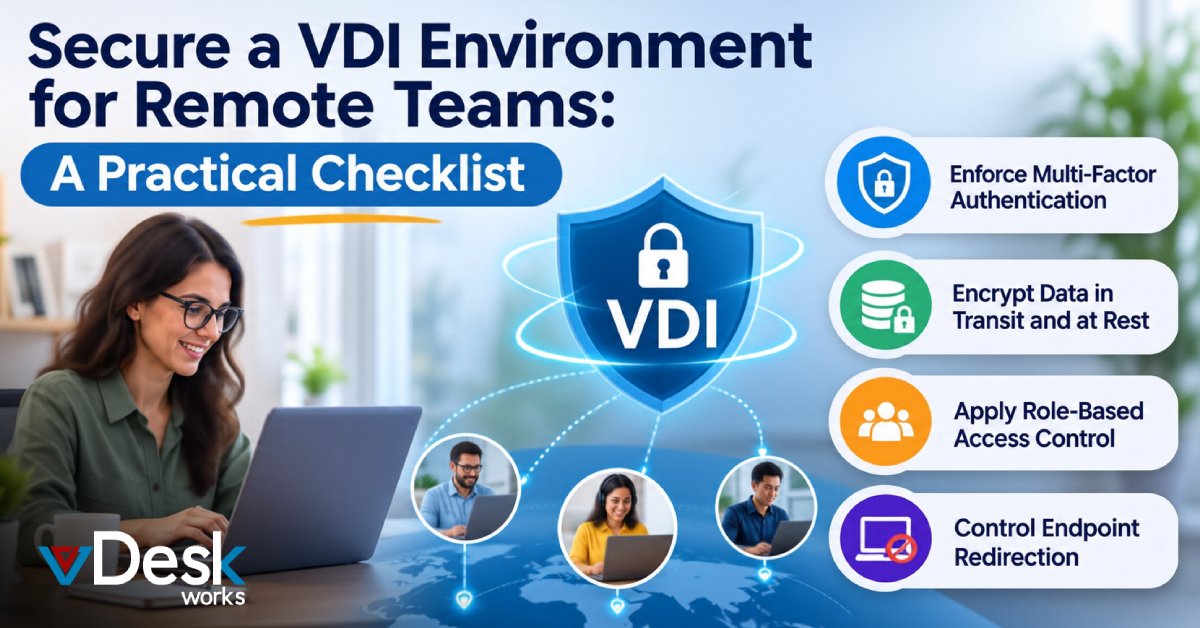
Organizations can combine virtualization with controls such as:
- Multi-factor authentication
- Role-based access
- Centralized policies
- Encryption
- Session controls
- Monitoring
- Backup and recovery
Cloud desktops do not automatically make an organization secure. Security still depends on configuration, identity management, endpoint controls, network design, and operational practices. However, centralized architecture can make these controls easier to administer consistently.
4. Easier Employee Onboarding and Offboarding
When a new employee joins, IT teams can provision a virtual desktop rather than preparing an entirely new physical computer.
Similarly, when an employee leaves, access to the virtual environment can be disabled centrally.
This can make workforce changes easier to manage, particularly for organizations with frequent hiring, contractors, seasonal employees, or distributed teams.
5. Business Continuity
Physical computers can be damaged, lost, or affected by local infrastructure failures.
A centrally hosted desktop environment can support backup and disaster recovery strategies that help organizations restore access to important computing environments when disruptions occur.
For businesses where downtime directly affects revenue or customer service, this capability can become an important part of the broader IT continuity strategy.
vDeskWorks Cloud PC
vDeskWorks provides cloud desktop and DaaS capabilities designed for businesses that need flexible virtual computing without relying entirely on traditional physical workstations.
Its capabilities include cross-platform access, centralized management, security features, backup and restoration, disaster recovery, and support for cloud, hybrid, and on-premises deployments.
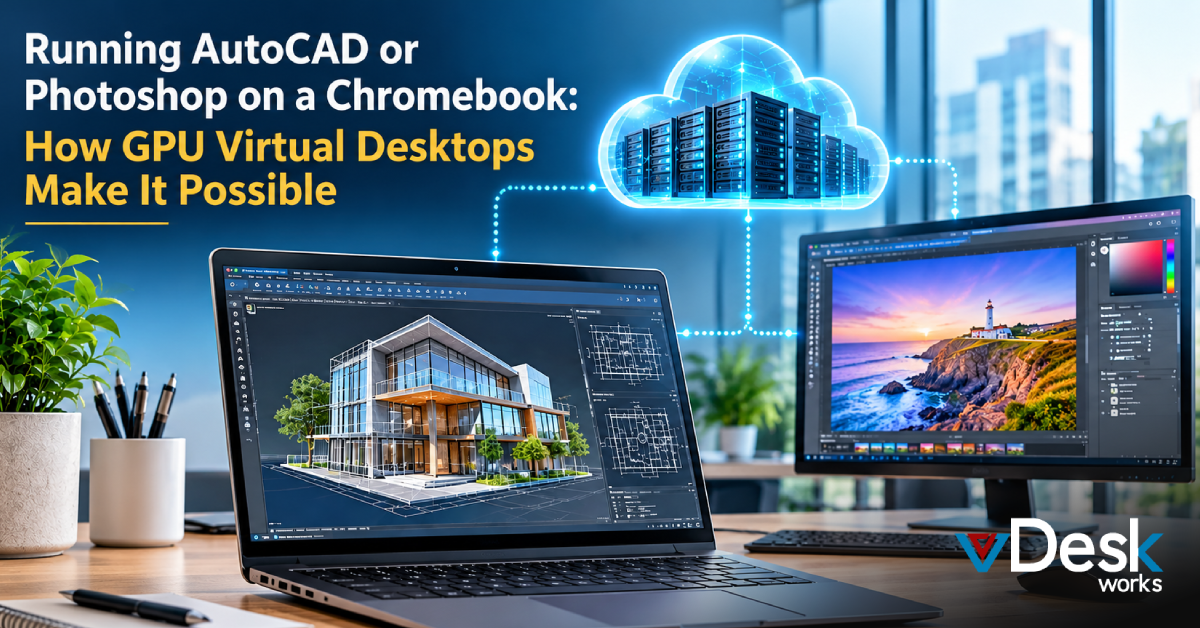
For businesses with specialized workloads, vDeskWorks also supports GPU-enabled virtual desktop environments, allowing users to access more demanding applications without necessarily requiring a physical high-performance workstation at every location.
Businesses evaluating the platform can also explore a vDeskWorks Cloud PC Live Demo to understand how the environment works in practice.
What Should Businesses Consider Before Choosing a Cloud Desktop?
A successful deployment starts with business requirements rather than the provider's feature list.
Organizations should evaluate:
- Number of users: How many employees need cloud desktops now?
- Growth: Will the workforce expand significantly?
- Applications: Which applications must run inside the desktop?
- Performance: Do users require standard office resources or GPU acceleration?
- Security: What identity, access, encryption, and monitoring controls are required?
- Data: Where should company information be stored?
- Compliance: Are there industry-specific or contractual requirements?
- Device support: Which Windows, Mac, Chromebook, tablet, or thin-client devices will users access?
- Recovery: How quickly must desktops and applications be restored after an outage?
- Management: How much infrastructure does the internal IT team want to operate?
Answering these questions can help businesses determine whether they need a basic Cloud PC, a broader DaaS environment, or a more customized Virtual Desktop Solution.
Final Thoughts
Cloud desktop technology is changing how USA businesses think about employee computing.
Instead of connecting productivity to a specific physical machine, organizations can deliver centralized virtual workspaces that employees’ access from supported devices and locations.
The benefits can extend beyond remote work. Cloud desktops can support centralized management, flexible workforce operations, security controls, simplified provisioning, hardware efficiency, scalability, and business continuity. For businesses evaluating their options in 2026, the most important step is to understand the organization's actual workload, security requirements, workforce structure, budget, and infrastructure strategy.
A well-planned Cloud Desktop Solution should not simply provide a virtual computer. It should provide a practical foundation for how the business wants its employees, applications, data, and IT resources to operate in a distributed working environment.
For businesses looking for flexible desktop delivery, centralized administration, cross-platform access, and multiple deployment choices, vDeskWorks provides a platform designed around these modern requirements.
 Emma Carson