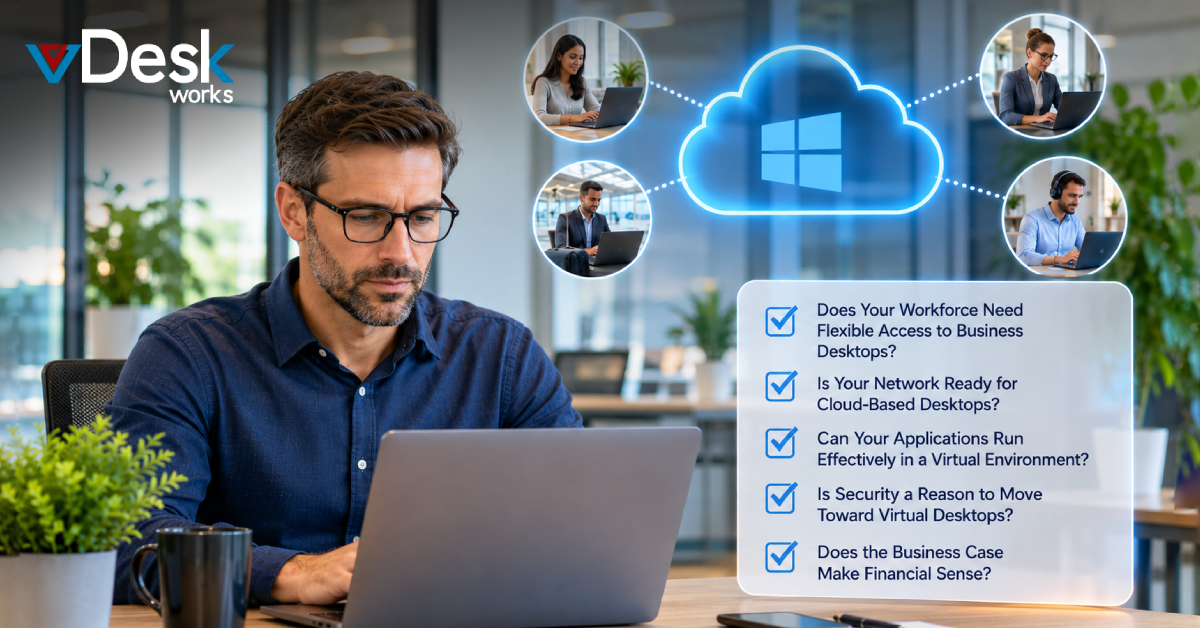
The modern workplace no longer revolves around a single office, a fixed computer, or a workforce that works from one location. Employees may work from home, travel between offices, use personal devices, or collaborate with teams across different regions. At the same time, businesses are expected to protect corporate data, support flexible work, control technology costs, and provide employees with reliable access to applications.
This changing environment is making Virtual Desktops an increasingly important consideration for businesses.
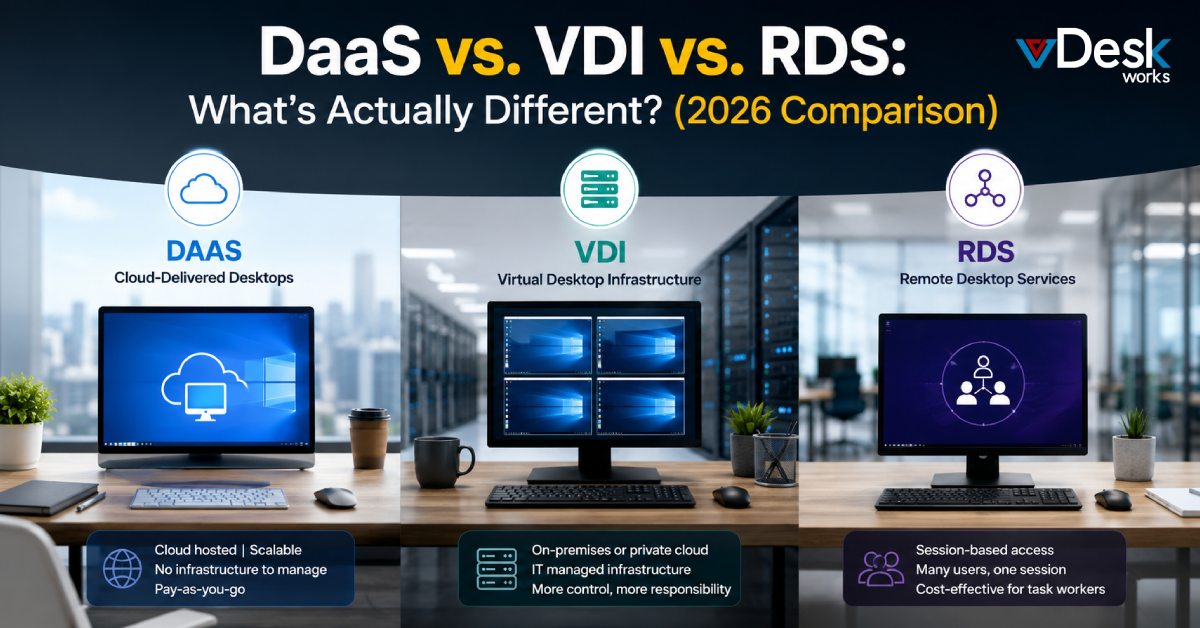
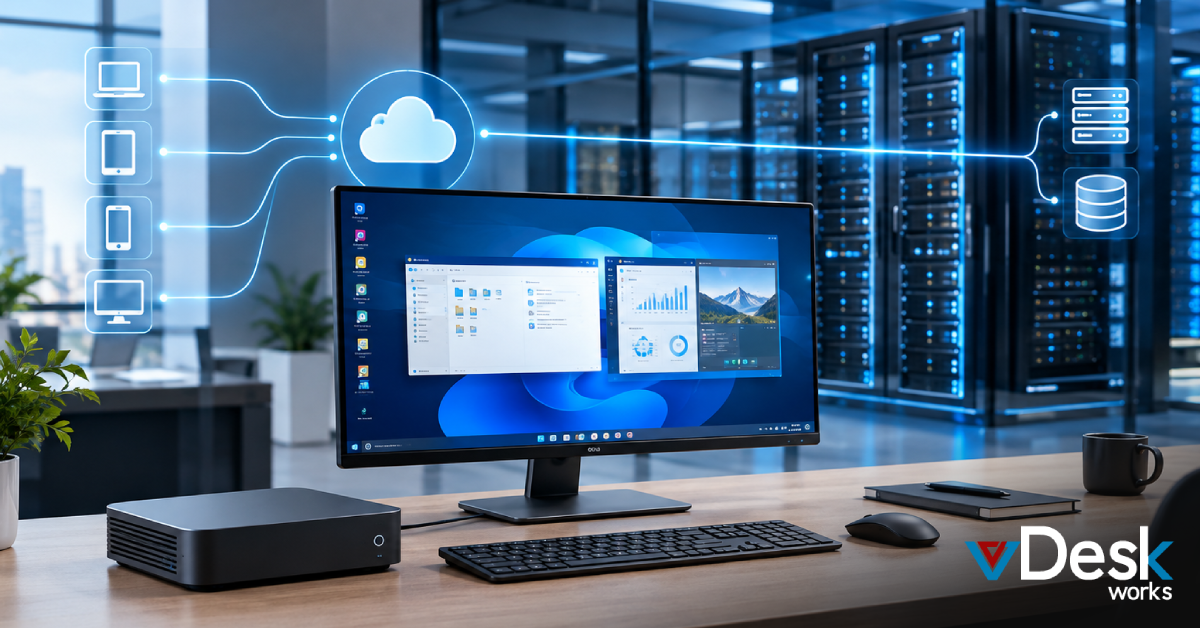
A virtual desktop moves the user's computing environment away from a single physical machine and into a centrally managed infrastructure. Employees can access their desktop, applications, and business resources through supported computers, mobile devices, or browsers, depending on the solution.
But moving to a virtual desktop environment should not be treated as simply purchasing another IT service. A successful deployment requires the right network, application compatibility, security strategy, endpoint environment, and financial plan.
So, how can a company determine whether it is ready?
A practical starting point is to ask five important questions.
Question 1: Does Your Workforce Need Flexible Access to Business Desktops?
The first question is about the workforce itself.
If employees regularly work remotely or follow hybrid schedules, traditional desktop infrastructure can become increasingly difficult to manage. Employees may need access to the same applications and files whether they are working from the office, home, a client location, or while traveling.
Virtual desktops can provide a consistent working environment without requiring every employee to remain tied to a specific physical computer.
This is particularly relevant for organizations with:
- Remote and hybrid employees
- Distributed teams
- Contractors and temporary workers
- Employees working across multiple locations
- Seasonal staff
- BYOD programs
- Teams that travel frequently
The BYOD trend makes this even more relevant. Employees may already use personal laptops, tablets, or other devices for work. Allowing business information to reside directly on those devices can create additional security and management concerns.
A virtual desktop approach can provide a centrally managed workspace while reducing the need to store sensitive business information directly on every endpoint.
Question 2: Is Your Network Ready for Cloud-Based Desktops?
Virtual desktops depend heavily on connectivity.
Unlike traditional computers where many applications and files operate locally, cloud-based desktop environments rely on network communication between the user's device and the hosted environment.
That means a reliable internet connection is essential.
Businesses should evaluate:
- Internet speed
- Connection stability
- Network latency
- Office bandwidth
- Wi-Fi reliability
- Remote employee connectivity
- Network redundancy
- Business continuity provisions
A fast connection is useful, but consistency matters just as much. An unreliable connection can create delays, interruptions, or a poor user experience.
This is particularly important for businesses with employees using applications that require frequent interaction with the virtual environment.
Question 3: Can Your Applications Run Effectively in a Virtual Environment?
Moving the desktop is only one part of virtualization.
Businesses must also determine whether their applications are compatible with the chosen environment.
Most organizations rely on a mixture of applications, including:
- Productivity software
- CRM platforms
- Accounting systems
- Communication tools
- Industry-specific applications
- Browser-based applications
- Legacy software
- File management systems
- Specialized business applications
Some applications are naturally suited to virtual environments, while others may have specific hardware, graphics, licensing, or integration requirements.
For this reason, businesses should perform an application assessment before migration.
Question 4: Is Security a Reason to Move Toward Virtual Desktops?
Security has become one of the strongest reasons businesses are reconsidering traditional endpoint environments.
When employees work on physical devices, sensitive information may be stored locally. A lost laptop, compromised endpoint, or improperly secured device can therefore create security and compliance concerns.
Virtual desktop environments can centralize business applications and data, allowing organizations to manage access and security policies from a more controlled environment.
This does not mean that virtualization automatically makes an organization secure. A virtual desktop still requires appropriate identity management, authentication, monitoring, patching, backups, and access controls.
However, centralized management can make security administration more consistent.
Question 5: Does the Business Case Make Financial Sense?
The final question is financial.
Virtual desktops should not be evaluated simply by comparing the monthly subscription with the purchase price of a laptop.
Businesses should calculate the total cost of ownership.
Traditional desktops involve expenses such as:
- Hardware purchases
- Hardware refreshes
- Repairs
- Warranty management
- Software installation
- Endpoint security
- IT labor
- Device deployment
- Employee onboarding
- Hardware shipping
- Replacement devices
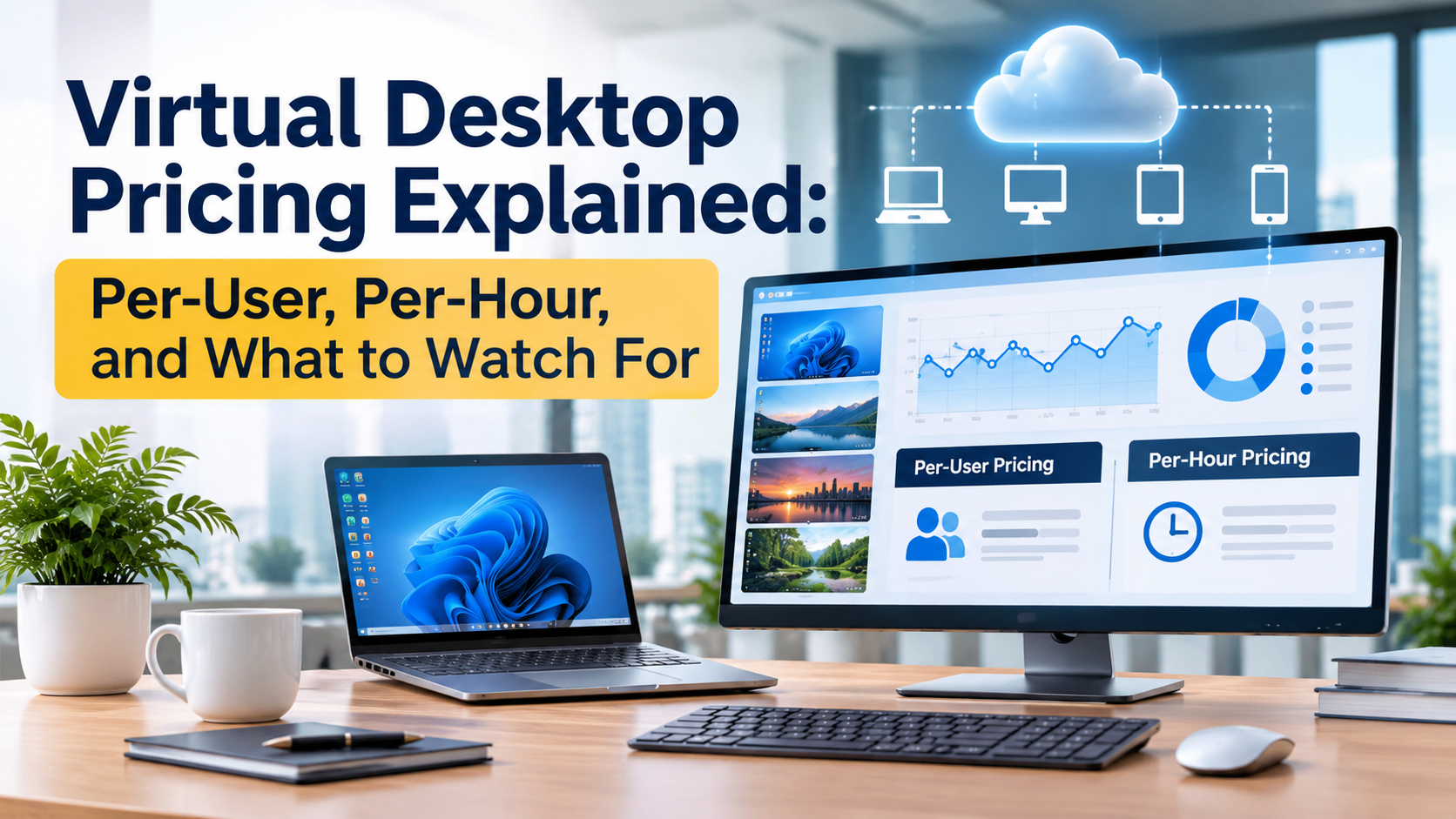
Virtual desktops introduce a different cost structure that can include:
- Per-user subscriptions
- Compute resources
- Storage
- Licensing
- Backup
- Security
- Technical support
- Migration
- Network improvements
The important question is whether the virtual environment delivers sufficient operational value to justify the investment.
How vDeskWorks Can Support the Transition
For organizations that want the benefits of cloud desktops without taking on the complexity of building and managing the entire infrastructure themselves, vDeskWorks provides a managed approach to Desktop as a Service.
vDeskWorks offers cloud-based desktop environments designed to provide centralized management, flexible access, scalability, and business-focused desktop delivery.
Its platform supports access across PC, Mac, Linux, Android, iPhone, and browsers, helping businesses provide employees with a consistent virtual workspace across different devices.
vDeskWorks also emphasizes capabilities such as Windows-based virtual desktops, centralized administration, backup and management, and scalable deployment. For businesses evaluating a transition, this can reduce the amount of infrastructure they need to build and maintain internally.
Final Thoughts
As businesses continue moving toward more flexible and distributed operating models, the ability to deliver a secure, manageable, and scalable desktop environment is becoming increasingly valuable.
Virtual desktops are no longer just an alternative to physical PCs. For the right organization, they can become the foundation of a more flexible, centralized, and future-ready digital workplace.
Want to book a live demo? Click here: www.vdeskworks.com/live-demo-client.
 Emma Carson