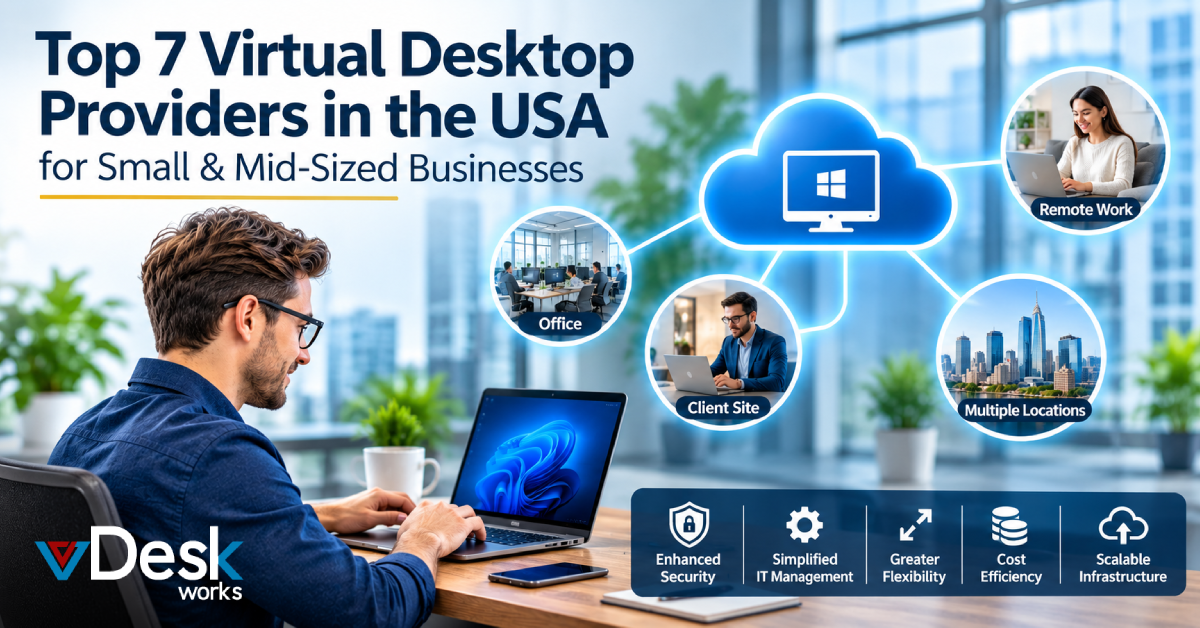
The way businesses operate has changed significantly. Employees may work from offices, homes, client locations, or multiple cities, while companies continue to expect secure and consistent access to business applications and data.
For a small or mid-sized business, supporting this environment through traditional physical computers can become difficult. Every new employee may require a laptop, operating system configuration, application installation, security software, updates, troubleshooting, and ongoing maintenance.
Virtual desktop technology offers a different approach.
With Virtual Desktop for SMBs, the employee's work environment can be hosted centrally and accessed through an internet-connected device. Instead of depending entirely on the physical endpoint, businesses can manage desktops, applications, access policies, and resources from a centralized environment.
This is one reason the market for Desktop-as-a-Service (DaaS) and cloud-hosted virtual desktops continues to attract businesses looking for more flexible IT infrastructure.
However, choosing a provider requires more than comparing monthly prices. A solution that works well for a 20-person consulting company may not be suitable for a 200-person organization with graphics-intensive applications.
Below are seven providers and platforms that businesses may consider when evaluating the U.S. virtual desktop market.
1. Microsoft Azure Virtual Desktop
Best for: Businesses already invested in Microsoft 365, Azure, and the Windows ecosystem.
Microsoft Azure Virtual Desktop (AVD) provides cloud-hosted Windows desktops and applications through Microsoft's Azure infrastructure. It supports Windows 10 and Windows 11 Enterprise multi-session capabilities, allowing organizations to provide multiple user sessions on a shared Windows environment where appropriate.
For SMBs already using Microsoft 365 and Azure services, AVD can fit naturally into an existing technology ecosystem.
Key considerations
- Windows multi-session capabilities
- Azure-based infrastructure
- Integration with Microsoft identity and management services
- Flexible infrastructure configuration
- Consumption-based Azure infrastructure costs
- Support for remote application and desktop delivery
The flexibility of AVD can be valuable, but it can also introduce management complexity. Smaller IT teams may need additional expertise or management tools to simplify provisioning, monitoring, optimization, and cost management.
2. Amazon WorkSpaces
Best for: SMBs looking for managed virtual desktops within the AWS ecosystem.
Amazon WorkSpaces provides managed cloud desktops that can support Windows and Linux environments. Businesses can provision virtual desktops without purchasing and maintaining traditional desktop infrastructure for every user.
Its billing options can accommodate different workforce patterns. Depending on the WorkSpaces configuration, organizations can choose models based on monthly or usage-related costs.
Why SMBs may consider it
Amazon WorkSpaces can be particularly relevant for companies already using AWS for applications, storage, databases, or other cloud services.
Important considerations include:
- Windows and Linux desktop options
- AWS infrastructure integration
- Managed desktop provisioning
- Flexible billing approaches
- Security and authentication capabilities
- Ability to scale desktop resources
For organizations already comfortable with AWS, keeping desktop infrastructure within the same broader cloud environment can simplify certain aspects of technology management.
3. Nerdio
Best for: Smaller IT teams looking to simplify the management of Microsoft Azure Virtual Desktop and related Microsoft cloud environments.
Nerdio takes a somewhat different position from traditional cloud infrastructure providers. Rather than operating as a standalone desktop cloud in the same way as a hyperscaler, its platform is designed to simplify the deployment, management, automation, and optimization of Microsoft cloud environments.
This can be useful for SMBs that want the capabilities of Azure Virtual Desktop but do not want their internal IT teams to manage every component manually.
Potential SMB benefits
- Simplified AVD management
- Automation capabilities
- Resource optimization
- Cost-management tools
- Centralized administration
- Support for managed service providers
For smaller organizations, management simplicity can be just as important as raw infrastructure capacity.
4. V2 Cloud
Best for: Businesses looking for a relatively straightforward, turnkey cloud desktop experience.
V2 Cloud focuses on simplifying virtual desktop deployment for organizations that may not have extensive virtualization expertise.
The platform is designed around a managed cloud desktop model where businesses can provision desktop environments without building their own VDI infrastructure.
Key considerations
- Simplified desktop deployment
- Windows cloud desktops
- Backup capabilities
- Security features
- User-based desktop provisioning
- Cloud-hosted infrastructure
This approach may appeal to smaller businesses that want to avoid the complexity associated with building a virtual desktop environment from individual infrastructure components.
5. Omnissa Horizon
Best for: Organizations with hybrid, private-cloud, or more complex desktop virtualization requirements.
Omnissa Horizon is designed for enterprise desktop and application delivery across cloud, hybrid, and other infrastructure environments.
Its capabilities make it relevant to growing businesses that may have more complicated application delivery requirements or need to connect existing infrastructure with cloud resources.
Areas to evaluate
- Hybrid deployment requirements
- Application delivery
- Desktop management
- Graphics performance
- Security controls
- Existing infrastructure compatibility
- Multi-cloud requirements
For SMBs, the main consideration is whether the platform's capabilities match the organization's complexity. A powerful enterprise platform can provide flexibility, but businesses should also consider administration requirements and overall ownership costs.
6. Citrix DaaS
Best for: Mid-sized organizations with demanding application delivery and endpoint-control requirements.
Citrix has been a major name in application and desktop virtualization for many years. Citrix DaaS provides cloud-based desktop and application delivery capabilities and can support complex enterprise environments.
Its technology is designed to provide optimized application experiences across different network conditions and endpoint types.
Key areas of interest
- Application delivery
- Virtual desktop delivery
- Graphics and multimedia optimization
- Centralized policy management
- Hybrid and multi-cloud environments
- Broad endpoint support
For growing businesses, Citrix may become relevant when application delivery requirements are more complicated than those of a basic office workforce.
7. vDeskWorks
Best for: Small and mid-sized businesses looking for managed, secure, and flexible cloud desktops.
vDeskWorks provides cloud-hosted virtual desktops designed to help businesses centralize their desktop environment while allowing employees to work from different devices and locations.
For SMBs that may not have a large internal IT department, a managed approach can reduce the amount of infrastructure that needs to be deployed and maintained internally.
The platform supports access from Windows, Mac, Linux, mobile devices, thin clients, and HTML5-compatible browsers, making it suitable for organizations with varied endpoint environments.
Key Features for SMBs
- BYOD support: Employees can access their virtual work environments from compatible personal or business devices.
- Managed desktop environment: Businesses can centralize desktop provisioning and administration rather than configuring every endpoint individually.
- Security capabilities: MFA, antivirus protection, backups, and other security controls can support a layered desktop security strategy.
- Automated resource management: Auto-delete capabilities can help remove inactive virtual desktops and optimize resource utilization.
- Performance options: GPU-enabled environments can support users working with graphics-intensive applications.
- Centralized administration: IT teams can manage virtual desktop environments from a centralized platform.
For small businesses without a dedicated virtualization team, the ability to access a managed environment can be an important consideration when comparing Virtual Desktop Providers in the USA.
How Does vDeskWorks Support Modern Virtual Desktop Needs?
The growing demand for Virtual Desktop Providers in the USA reflects a broader transformation in how businesses manage employee computing. Small and mid-sized organizations need to support hybrid teams, protect business information, control IT costs, and provide reliable access to applications without constantly expanding their physical infrastructure.
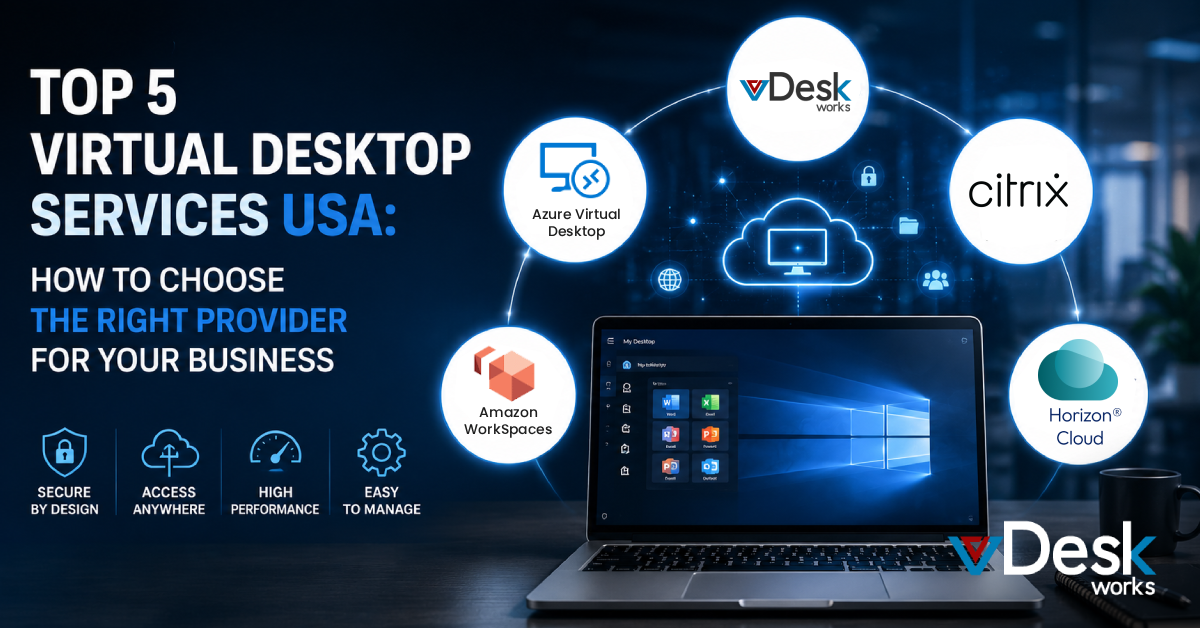
Azure Virtual Desktop, Amazon WorkSpaces, Nerdio, V2 Cloud, Omnissa Horizon, Citrix DaaS, and vDeskWorks approach these requirements from different directions.
For SMBs, the selection process should focus on practical business requirements: the applications employees use, the number of users, required performance, security expectations, existing cloud investments, administrative capabilities, and long-term scalability.
vDeskWorks provides a managed cloud desktop option for organizations seeking centralized administration, cross-platform access, security features, resource flexibility, and support for different workforce requirements.
Ultimately, the right virtual desktop strategy is the one that fits the organization's operational model today while leaving enough flexibility to support how the business will work tomorrow.
 Emma Carson