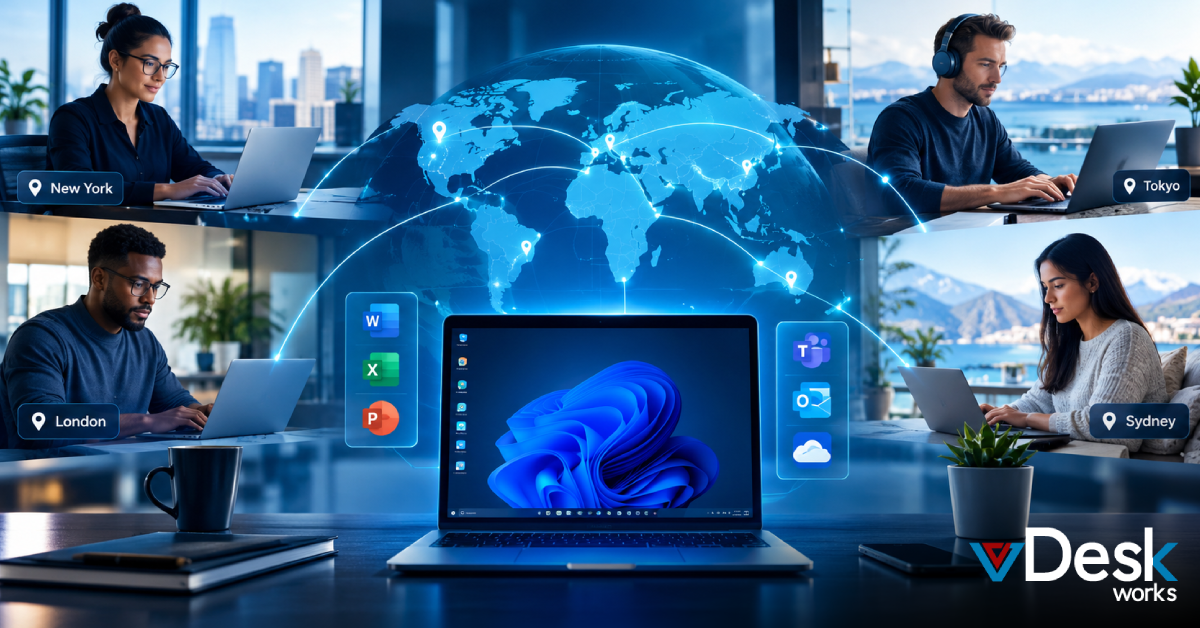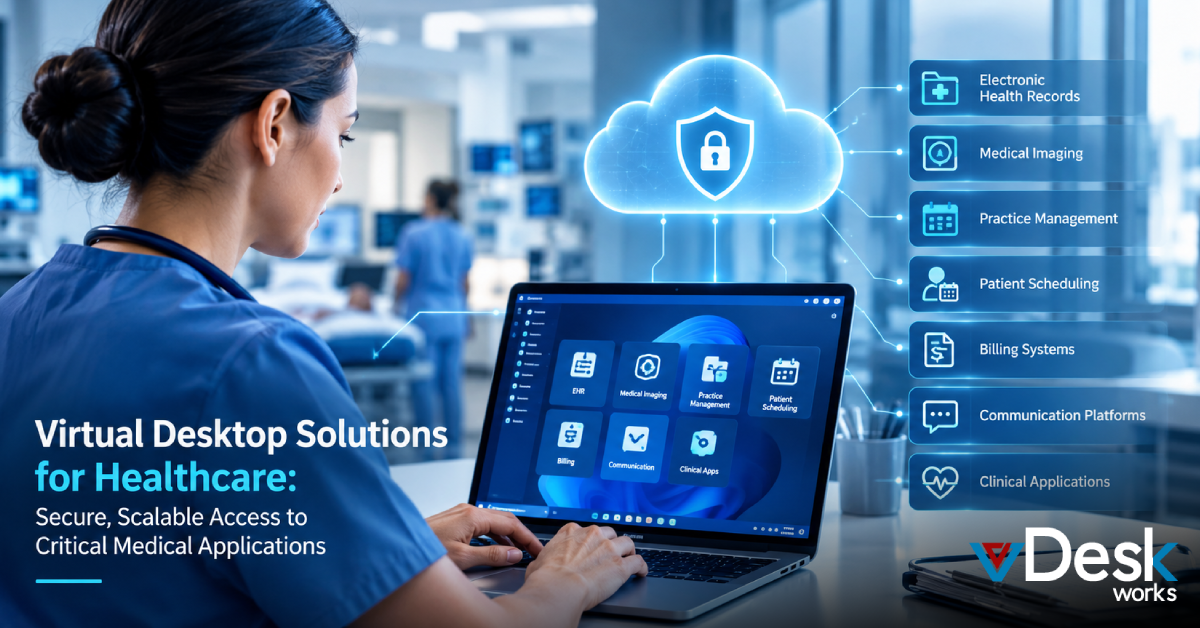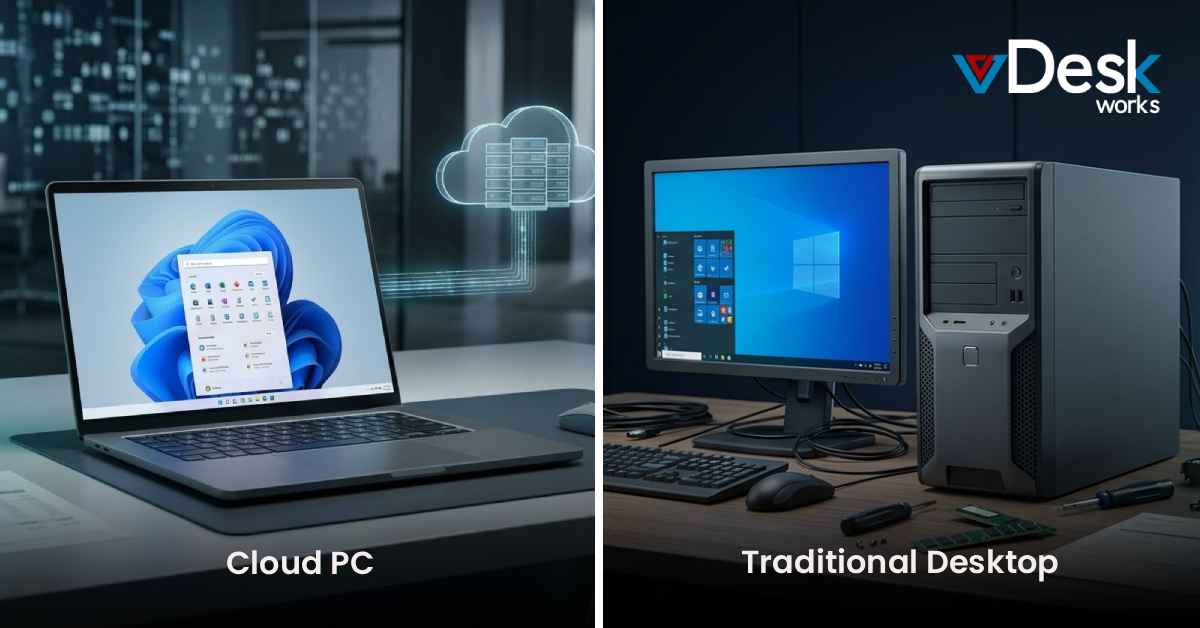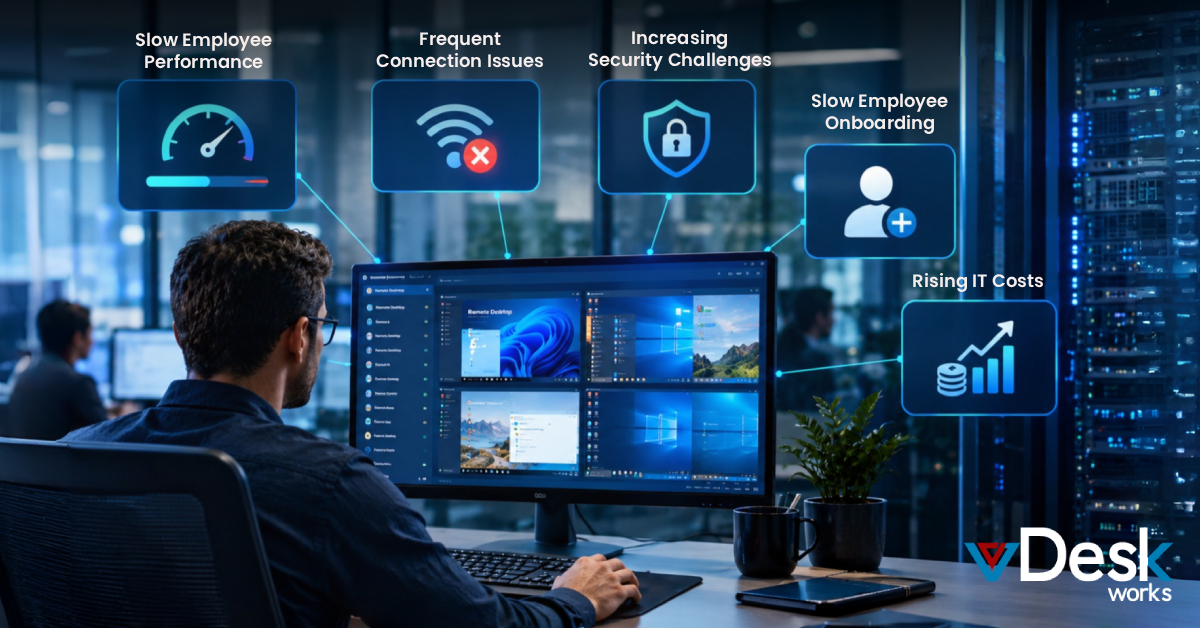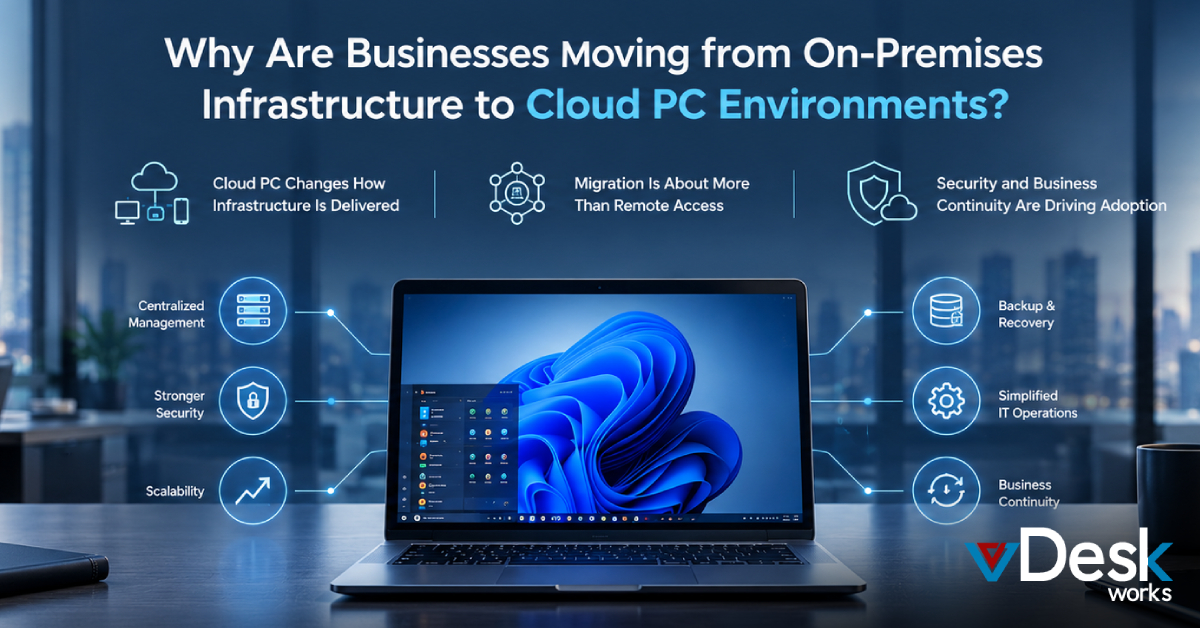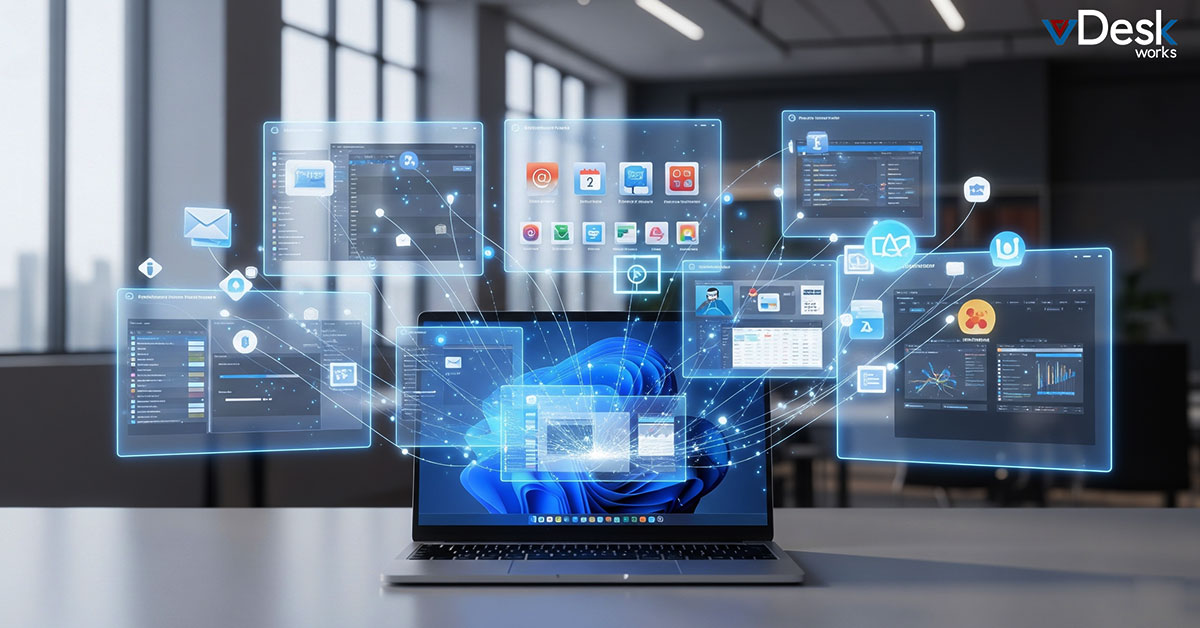
The vDeskWorks Virtual Desktop Solution is built to transform how businesses and individuals manage their digital workspaces. Instead of relying on a single, cluttered desktop, users can access multiple virtual environments that are hosted securely on the cloud. This approach allows for better organization, improved accessibility, and a smoother overall workflow. With the vDeskWorks Virtual Desktop Solution, each virtual desktop functions as an independent workspace. Users can run different applications, manage files, and switch between tasks seamlessly from any device. This flexibility ensures that work remains uninterrupted, whether you are in the office, at home, or on the move.
When to Use vDeskWorks Virtual Desktop Solution?
The vDeskWorks Virtual Desktop Solution is ideal for professionals and businesses that handle multiple tasks or projects simultaneously. By assigning separate virtual desktops to different workflows, users can maintain clarity and avoid distractions. This makes it easier to focus on specific tasks without being overwhelmed by unrelated applications.
It is also highly effective for organizations that need to separate work environments. With the vDeskWorks Virtual Desktop Solution, teams can create distinct spaces for professional tasks, client projects, or personal use—all within a secure system. This separation enhances productivity while maintaining strong data control and privacy.
Key Benefits of vDeskWorks Virtual Desktop Solution
- The vDeskWorks Virtual Desktop Solution improves productivity by organizing tasks into dedicated workspaces. Users can separate projects and workflows without overlap. This structured approach helps reduce confusion and boosts overall efficiency.
- With the vDeskWorks Virtual Desktop Solution, screen clutter is significantly reduced. Applications and files are neatly distributed across desktops for easier access. This allows users to navigate their work environment quickly and effortlessly.
- The vDeskWorks Virtual Desktop Solution enhances focus by creating distraction-free environments. Each desktop is tailored to a specific task or purpose. This helps users stay engaged and perform better throughout the day.
- One major advantage of the vDeskWorks Virtual Desktop Solution is seamless access from any device. Whether on a laptop, tablet, or phone, users can continue their work without interruption. This makes it ideal for remote and hybrid work setups.
- The vDeskWorks Virtual Desktop Solution ensures consistent performance through powerful remote servers. Users are not dependent on their local device capabilities. This results in a smooth and reliable experience at all times.
- Security is strengthened with the vDeskWorks Virtual Desktop Solution by keeping data centralized. Sensitive information is stored securely in the cloud instead of local devices. This reduces risks related to data loss or unauthorized access.
- The vDeskWorks Virtual Desktop Solution minimizes the need for high-end hardware. Since processing happens remotely, even basic devices can deliver strong performance. This helps businesses reduce infrastructure costs effectively.
- Scalability is another key strength of the vDeskWorks Virtual Desktop Solution. Businesses can easily add or remove users based on their needs. This flexibility makes it suitable for both small teams and large enterprises.
- IT management becomes simpler with the vDeskWorks Virtual Desktop Solution. Updates, maintenance, and monitoring are handled centrally. This reduces workload for IT teams and ensures systems stay up to date.
- The vDeskWorks Virtual Desktop Solution improves workflow efficiency with quick desktop switching. Users can move between tasks instantly without losing progress. This creates a smoother and more productive work experience.
How to Master vDeskWorks Virtual Desktop Solution?
To maximize the value of the vDeskWorks Virtual Desktop Solution, it’s important to use it with a clear structure. Creating a few well-defined virtual desktops based on tasks or priorities helps maintain organization without adding complexity. This ensures that the system remains efficient and easy to manage.
Users can further enhance their experience with the vDeskWorks Virtual Desktop Solution by adopting smart usage habits such as quick switching, structured workflows, and consistent desktop setups. By doing so, businesses and individuals can fully leverage the power of this solution and turn it into a key driver of productivity, flexibility, and long-term growth.
Conclusion
In a world where flexibility, security, and performance define success, the vDeskWorks Virtual Desktop Solution stands out as a powerful way to modernize your work environment. From improving productivity and streamlining workflows to enabling secure remote access, it provides everything businesses need to stay competitive and future-ready. Whether you're managing a growing team or optimizing daily operations, this solution adapts to your needs effortlessly.
If you're ready to upgrade your digital workspace and experience smarter, more efficient computing, now is the time to act. Explore how the vDeskWorks Virtual Desktop Solution can transform your business today—visit https://www.vdeskworks.com/ and get started.
 Lauren King