The workplace has undergone a remarkable transformation over the last few years. Hybrid work, distributed teams, cloud-first operations, stricter cybersecurity regulations, and the growing adoption of AI-powered applications have significantly changed how businesses deliver desktops and applications to employees. Instead of relying on traditional office computers, organizations are increasingly investing in Virtual Desktop Solutions that provide secure, scalable, and centrally managed workspaces accessible from anywhere.
However, selecting the right platform has become increasingly challenging. The market now includes browser-based workspaces, traditional VDI platforms, cloud-native Desktop as a Service (DaaS) providers, and highly specialized virtualization solutions. Each platform serves different business objectives, making a thorough Virtual Desktops Comparison essential before making an investment.
Among today's enterprise solutions, vDeskWorks has positioned itself as a comprehensive Desktop as a Service platform that combines flexibility, enterprise-grade security, simplified deployment, and high-performance virtual desktops into one complete ecosystem.
This guide explores how vDeskWorks compares with popular virtual desktop providers while helping organizations determine which solution aligns best with their operational requirement.
Understanding Virtual Desktop Infrastructure
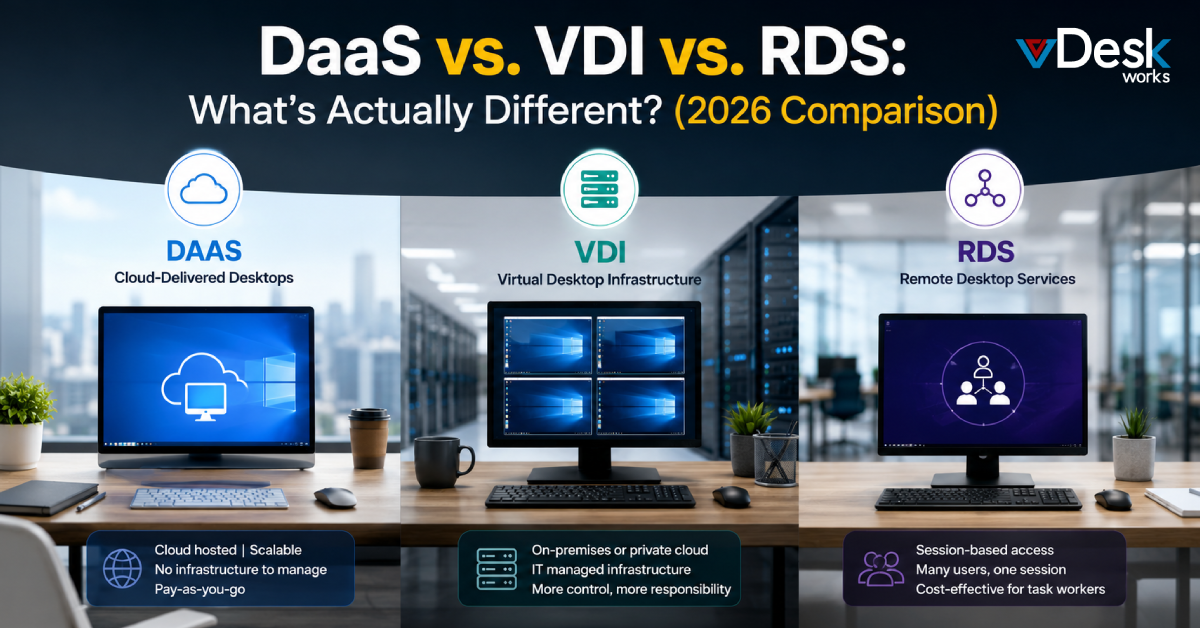
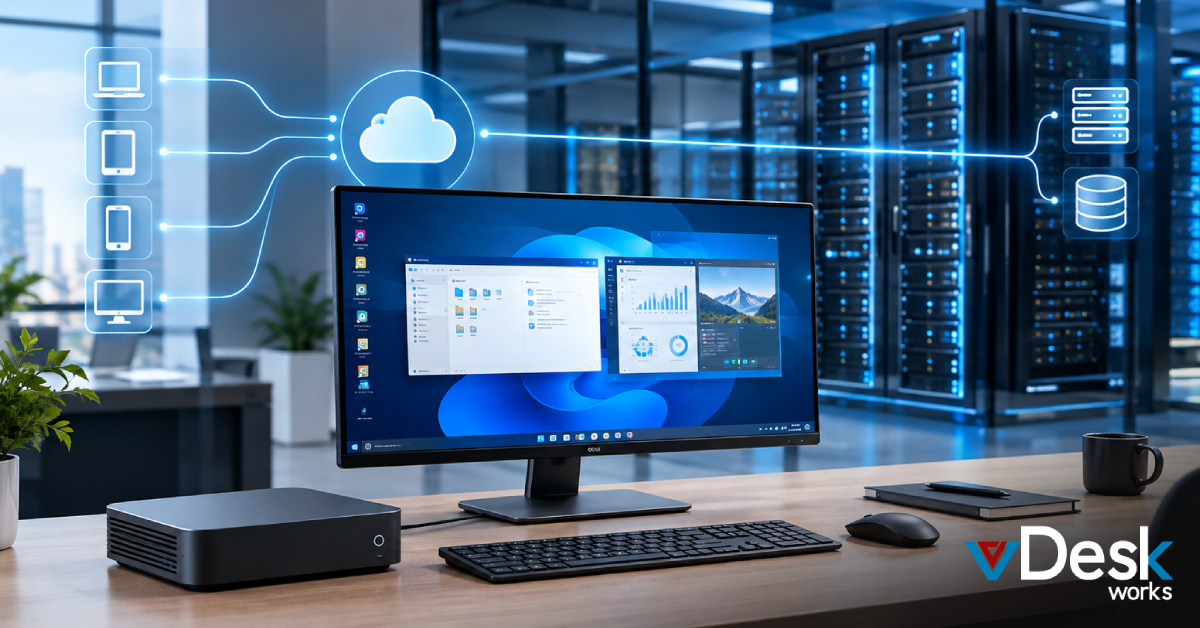
A Virtual Desktop Solution enables organizations to host desktops, applications, and user data within centralized cloud or virtualized infrastructure rather than on individual computers.
Employees simply log in from laptops, desktops, tablets, or thin clients and immediately gain access to their personalized Windows environment, applications, and files.
Modern Desktop as a Service (DaaS) platforms provide several advantages:
- Centralized IT administration
- Enhanced endpoint security
- Simplified software deployment
- Remote workforce enablement
- Business continuity
- Faster onboarding
- Reduced hardware dependence
- Easier compliance management
As enterprises continue embracing remote operations, virtual desktops have become a strategic necessity rather than an optional technology investment.
Important Factors to Consider During a Virtual Desktops Comparison
Before selecting a provider, businesses should evaluate more than just pricing.
A comprehensive Virtual Desktops Comparison should include:
1. Performance
Can the platform support demanding workloads including:
- Engineering software
- CAD applications
- Adobe Creative Cloud
- Video rendering
- Financial modeling
- Database management
2. Resource Customization
Organizations often require different desktop configurations.
Look for flexible options including:
- Multiple CPU choices
- Large RAM allocations
- Expandable storage
- GPU acceleration
- Custom user profile storage
3. Security
Security has become the defining factor in enterprise virtualization.
Essential capabilities include:
- Multi-factor authentication
- Active Directory integration
- Device fingerprinting
- Dedicated firewalls
- DNS filtering
- Backup snapshots
- Endpoint protection
- Custom lockdown policies
4. Scalability
Businesses should be able to increase or decrease resources without replacing infrastructure.
5. Deployment Simplicity
IT administrators should spend less time configuring desktops and more time supporting business initiatives.
vDeskWorks: A Complete Enterprise Virtual Desktop Platform
Unlike platforms that focus only on browser applications or localized virtualization, vDeskWorks delivers a complete enterprise desktop ecosystem.
The platform supports organizations that require:
- Full Windows desktops
- Remote applications
- Enterprise software
- GPU-enabled workstations
- Persistent virtual desktops
- Multi-session environments
- Secure remote work
It combines enterprise-grade infrastructure with cloud flexibility, allowing businesses to scale efficiently without sacrificing security or performance.
vDeskWorks vs Neverinstall
Neverinstall primarily focuses on browser-based workspaces designed for quick access to applications through a web browser.
While this approach works well for lightweight development environments, enterprise organizations often require significantly greater flexibility.
Resource Availability
Both platforms support multiple CPU and RAM configurations, but vDeskWorks offers additional enterprise capabilities including:
- User Profile Disks (25 GB, 50 GB, 100 GB and beyond)
- Shared storage for large deployments
- Unmetered bandwidth
- BYOL flexibility
Neverinstall lacks integrated User Profile Disk support and shared enterprise storage, which may limit larger deployments.
Enterprise Features
vDeskWorks includes:
- Load balancing
- Application publishing
- Printing redirection
- Unlimited users
- Office Suite compatibility
- Windows desktop publishing
Neverinstall supports application publishing but lacks enterprise load balancing capabilities.
Security Comparison
vDeskWorks offers:
- Free Active Directory services
- Free On-Prem Active Directory synchronization
- Mail-based MFA
- Device fingerprinting
- DNS filtering
- Dedicated firewall
- Automatic backup snapshots
- Endpoint protection using Webroot and Windows Defender
These additional security layers make it more suitable for businesses handling regulated or sensitive workloads.
vDeskWorks vs Desktop.Rent
Desktop.Rent offers many cloud desktop capabilities but differs in several important enterprise areas.
Shared Infrastructure
Both platforms provide:
- Flexible CPU options
- BYOL support
- Shared storage
- User Profile Disks
- Unmetered bandwidth
However, vDeskWorks introduces additional enterprise management capabilities.
Feature Differences
vDeskWorks provides:
- Printing redirection
- SSL-enabled subdomains
- Simplified deployment
- Enterprise SSD storage
- Application publishing
- Unlimited users
Desktop.Rent lacks several of these enterprise deployment enhancements.
Security Advantages
While both platforms provide Active Directory integration and backups, vDeskWorks adds:
- Mail MFA
- Device fingerprinting
- Custom lockdown policies
These capabilities strengthen endpoint authentication and reduce unauthorized access.
vDeskWorks vs flexVDI
flexVDI is designed primarily for organizations that prefer managing their own virtualization infrastructure.
Although it supports hybrid deployments, it requires greater administrative involvement.
Infrastructure Flexibility
vDeskWorks provides configurable:
- CPU
- RAM
- Storage
- User Profile Disks
- Shared storage
- Enterprise SSD infrastructure
flexVDI relies heavily on custom infrastructure sizing rather than standardized cloud provisioning.
Enterprise Productivity
vDeskWorks includes:
- Load balancing
- Printing redirection
- SSL-enabled subdomains
- Simplified deployment
- Enterprise Office Suite support
- Unlimited users
Several of these features are unavailable or require additional configuration within flexVDI.
Security Comparison
vDeskWorks includes:
- Mail MFA
- Device fingerprinting
- DNS filtering
- Dedicated firewall
- Automatic snapshots
- Endpoint protection
These built-in protections reduce administrative overhead while strengthening cybersecurity.
Enterprise Features That Differentiate vDeskWorks
Several capabilities distinguish vDeskWorks from many competing Virtual Desktop Solutions.
Flexible Resource Allocation
Organizations can configure desktops with:
- Up to 32+ virtual CPUs
- 128+ GB RAM
- Expandable storage
- User Profile Disks
- Shared storage
Enterprise Security
The platform incorporates multiple security layers including:
- Device fingerprinting
- Multi-factor authentication
- Dedicated firewall
- DNS filtering
- Endpoint protection
- Automatic snapshots
- Active Directory integration
Simplified IT Administration
Centralized management enables IT teams to:
- Deploy desktops faster
- Manage applications centrally
- Publish applications remotely
- Reduce maintenance costs
- Monitor user environments
High Performance
vDeskWorks supports demanding workloads including:
- Engineering applications
- Design software
- Financial systems
- ERP platforms
- Office productivity suites
- Remote development environments
Conclusion
Choosing the right provider requires more than comparing specifications, it involves selecting a platform that aligns with long-term business goals, security requirements, and workforce expectations.
This Virtual Desktops Comparison demonstrates that while solutions such as Azure Virtual Desktop, Citrix DaaS, Amazon WorkSpaces, Neverinstall, Desktop.Rent, and flexVDI each serve specific use cases, vDeskWorks distinguishes itself through its comprehensive enterprise feature set, flexible resource allocation, integrated security capabilities, and simplified deployment model.
For organizations seeking a scalable, secure, and production-ready Desktop as a Service platform, vDeskWorks offers a balanced solution capable of supporting today's hybrid workforce while remaining adaptable for future business growth.
 Emma Carson