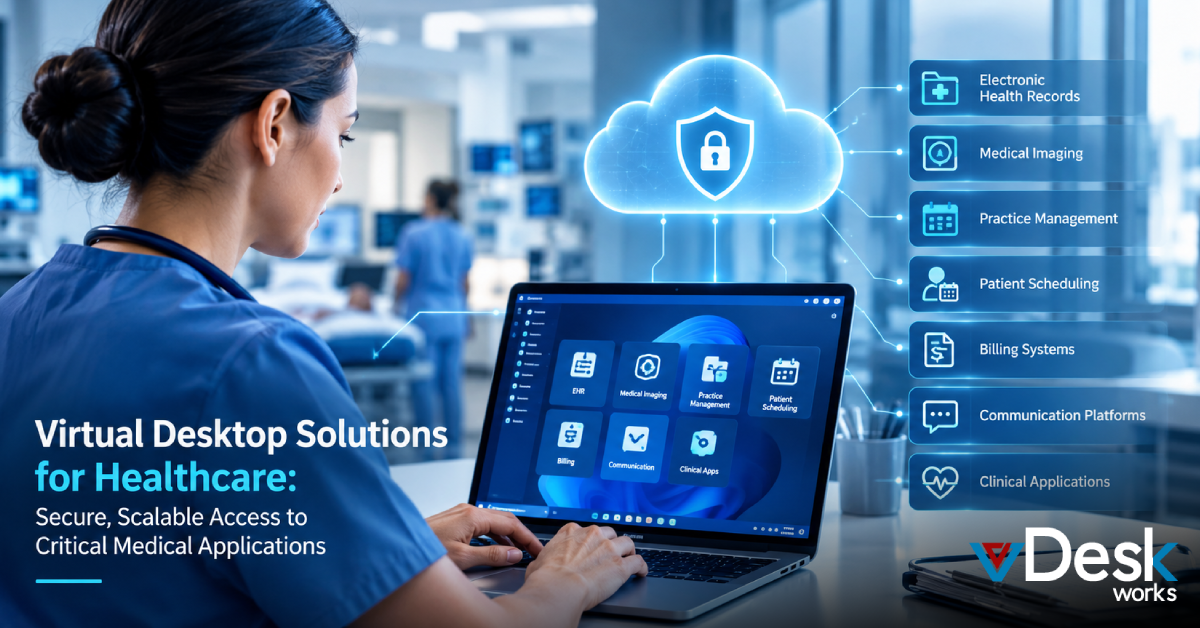
Healthcare organizations depend on technology for almost every part of daily operations. Electronic health records, medical imaging, practice management applications, patient scheduling, billing systems, communication platforms, and clinical applications all need to remain available when healthcare professionals need them.
At the same time, healthcare IT teams face growing pressure to protect sensitive patient information, control costs, support remote care, and maintain reliable access across multiple locations.
This is where a virtual desktop solution can provide significant value.
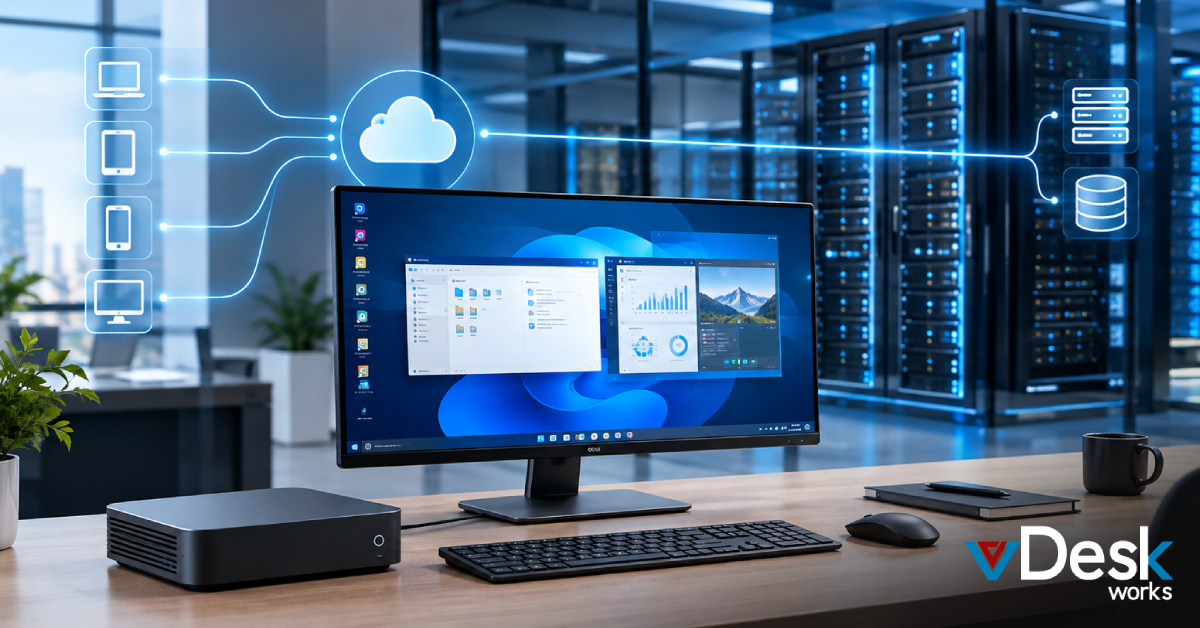
Instead of keeping applications and data on individual computers, virtual desktop technology allows organizations to host desktop environments centrally and provide authorized users with secure access from supported devices.
For hospitals, clinics, medical practices, and healthcare networks, this approach can create a more centralized, manageable, and flexible IT environment.
What Is a Virtual Desktop Solution for Healthcare?
A virtual desktop solution delivers a complete desktop environment from centralized infrastructure rather than relying entirely on the physical computer being used by the employee.
A healthcare professional can access:
- Electronic health records
- Medical applications
- Patient information
- Imaging systems
- Office applications
- Practice management software
- Communication tools
- Business files
through a centralized virtual desktop environment.
The endpoint essentially becomes a way to access the workspace, while much of the computing and data management takes place within the controlled infrastructure.
This model can be particularly useful for healthcare organizations where employees need access to the same applications from multiple rooms, departments, facilities, or locations.
Why Healthcare Is Moving Toward Cloud-Based IT
Healthcare organizations are increasingly looking for ways to modernize infrastructure without continually expanding physical server and workstation environments.
Cloud-based infrastructure can help organizations achieve:
- Lower infrastructure costs: Reduce dependence on large on-site server environments and expensive workstation upgrades.
- Simpler data access: Authorized professionals can access required applications and information from supported locations.
- Better scalability: IT teams can provision environments as staffing requirements change.
- Support for modern applications: Centralized computing environments can support resource-intensive applications and evolving healthcare technologies.
- Centralized security management: IT administrators can apply consistent security policies across managed virtual environments.
The Challenges of Traditional Healthcare Desktop Infrastructure
Traditional desktop environments can become increasingly difficult to manage as healthcare organizations grow.
Common challenges include:
- Aging computers requiring frequent replacement
- Increasing server infrastructure costs
- Complex software updates
- Multiple versions of applications
- Difficult endpoint management
- Decentralized data access
- High IT support requirements
- Temporary staff requiring additional equipment
- Growing cybersecurity concerns
- Increasing regulatory requirements
For organizations operating multiple clinics or healthcare facilities, managing every workstation individually can become particularly time-consuming.
A virtual desktop solution provides an alternative by centralizing much of the desktop environment.
1. Protect Sensitive Patient Information
Keep applications and data in a centrally managed environment instead of storing sensitive information on every device.
Key benefits:
- Centralized data control
- Access management
- Encryption and authentication
- Reduced endpoint data exposure
2. Support HIPAA & Compliance
A virtual desktop solution can help healthcare organizations centralize:
- User access
- Patient data
- Applications
- Security policies
- Desktop configurations
vDeskWorks supports healthcare environments with centralized desktop management and security controls.
3. Enable Secure Healthcare Access
Doctors and staff can access a consistent workspace across:
- Hospitals
- Clinics
- Examination rooms
- Offices
- Remote locations
4. Support Telemedicine
Enable authorized healthcare professionals to securely access required applications for:
- Remote consultations
- Patient monitoring
- Documentation
- Healthcare collaboration
5. Secure BYOD
Allow employees to use personal devices while keeping the work environment centrally managed and separate from the physical device.
6. Simplify IT Management
Centralized virtual desktop solutions help IT teams manage:
- Desktop configurations
- Applications
- Updates
- User access
- Troubleshooting
7. Reduce Hardware Costs
Healthcare organizations can use simpler endpoint devices while computing resources remain centrally hosted, helping reduce hardware and maintenance costs.
8. Manage Temporary Staff
Quickly provision and remove virtual desktops for:
- Contractors
- Interns
- Temporary staff
- Seasonal healthcare workers
9. Strengthen Business Continuity
If a physical device fails, users can potentially access their workspace from another supported device, helping reduce operational disruption.
10. Support Multiple Healthcare Locations
Provide a consistent digital workspace across hospitals, clinics, diagnostic centers, offices, and remote teams, all through centralized management with vDeskWorks.
How vDeskWorks Supports Healthcare Organizations
vDeskWorks provides virtual desktop solutions designed to help organizations modernize how employees access business applications and digital workspaces.
Key capabilities include:
- Centralized Virtual Desktops: Provide users with managed desktop environments from centralized infrastructure.
- Secure Remote Access: Allow authorized employees to access their workspaces from supported devices and locations.
- Cross-Device Accessibility: Support flexible working environments across different endpoint devices.
- Centralized Management: Simplify administration of users, desktops, applications, and resources.
- Data Protection: Keep business information within a centrally managed environment rather than relying entirely on local endpoint storage.
- Scalability: Support changing staffing levels and organizational requirements.
- Remote Assistance: Help IT teams provide support without requiring physical access to every endpoint.
- Cloud or On-Premises Deployment: Organizations can select an infrastructure approach based on their operational and security requirements.
Why a Virtual Desktop Solution Makes Sense for Healthcare
The healthcare industry needs technology that can balance accessibility, security, reliability, and cost control.
A modern virtual desktop strategy can help healthcare organizations:
- Centralize applications and data
- Improve access to digital workspaces
- Reduce endpoint dependency
- Simplify IT administration
- Support hybrid and remote healthcare workflows
- Improve scalability
- Strengthen control over sensitive information
- Support business continuity
- Reduce hardware management requirements
For healthcare providers managing multiple locations and increasingly digital workflows, these advantages can make virtual desktop infrastructure an important component of IT modernization.
Modernize Your Healthcare Workspace With vDeskWorks
Build a more centralized, scalable, and secure digital workspace for your healthcare organization.
Schedule a Live Demo with vDeskWorks and explore how a virtual desktop solution can support your healthcare IT environment.
 Emma Carson