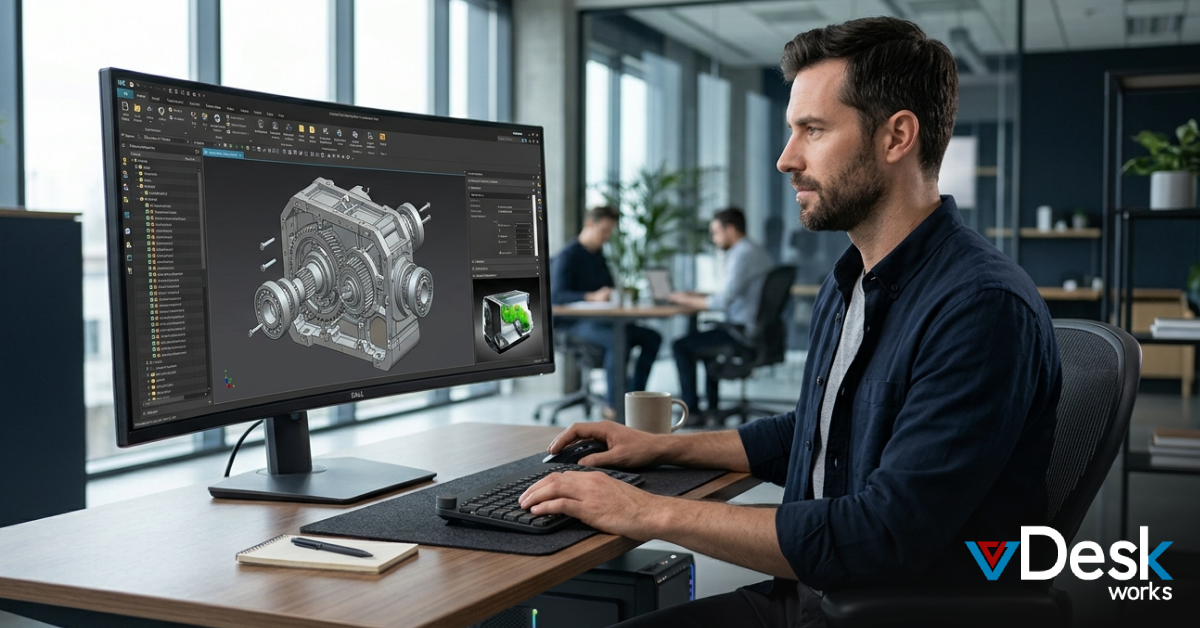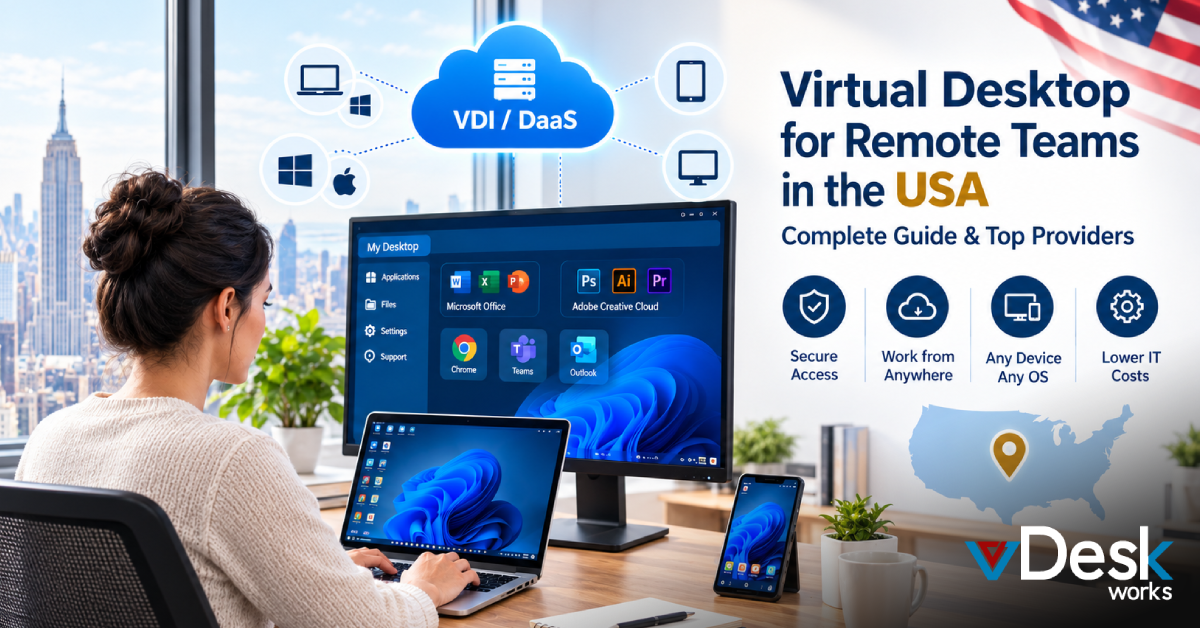
Remote and hybrid work have become a normal part of business operations. Teams no longer need to sit in the same office to work on the same applications, access company resources, or collaborate on projects. However, managing a remote workforce can become difficult when employees use different laptops, operating systems, networks, and devices.
This is where a virtual desktop for remote teams USA can make a major difference.
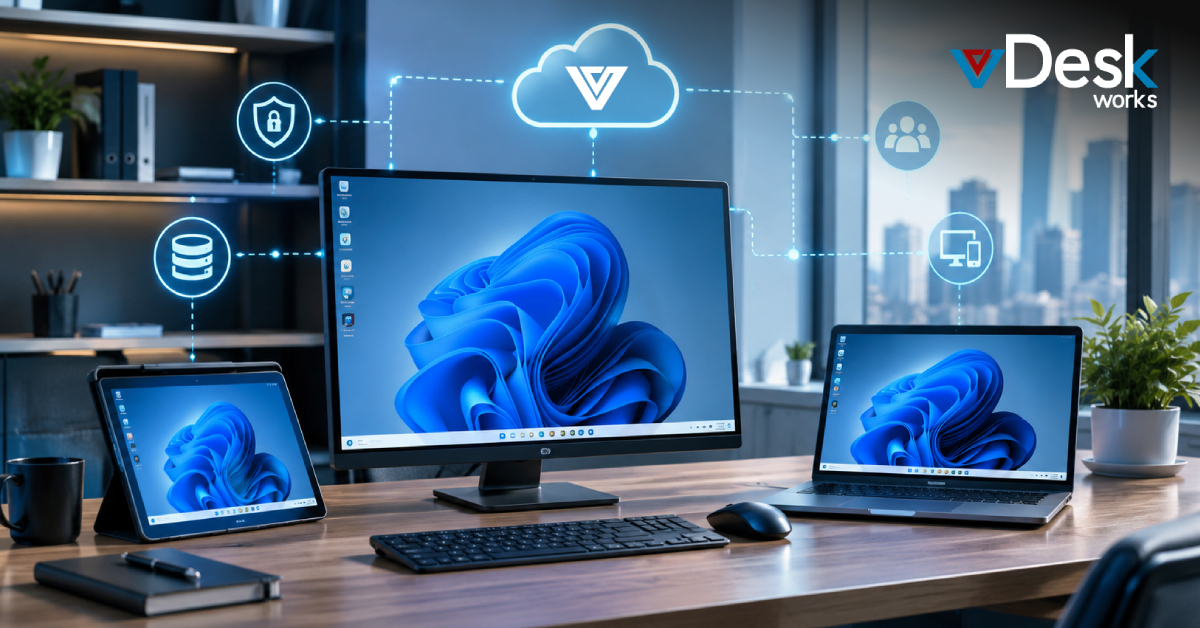
Virtual Desktop Infrastructure (VDI) and Desktop-as-a-Service (DaaS) allow businesses to provide employees with a centralized digital workspace that can be accessed securely from almost any location. Instead of storing everything on an employee's physical computer, applications, files, settings, and computing resources can be hosted in a virtual environment.
For businesses looking for flexibility without building and maintaining expensive infrastructure, working with a reliable cloud workstation provider USA can provide a practical solution.
What Is a Virtual Desktop for Remote Teams?
A virtual desktop is a computer environment hosted on a remote server rather than running entirely on an employee's physical computer.
Employees can connect to their assigned virtual desktop using a laptop, desktop, tablet, thin client, Chromebook, or supported web browser. Once connected, they can work with the applications and resources provided by the organization.
For example, an employee working from home can log into their company virtual desktop and access the same work environment they would normally use from the office.
VDI and DaaS can support:
- Windows or Linux desktop environments
- Business applications
- Company files and resources
- Remote access
- Centralized IT management
- Security controls
- Backup and recovery
- User monitoring and administration
- Scalable computing resources
This makes virtual desktops particularly useful for companies with distributed teams.
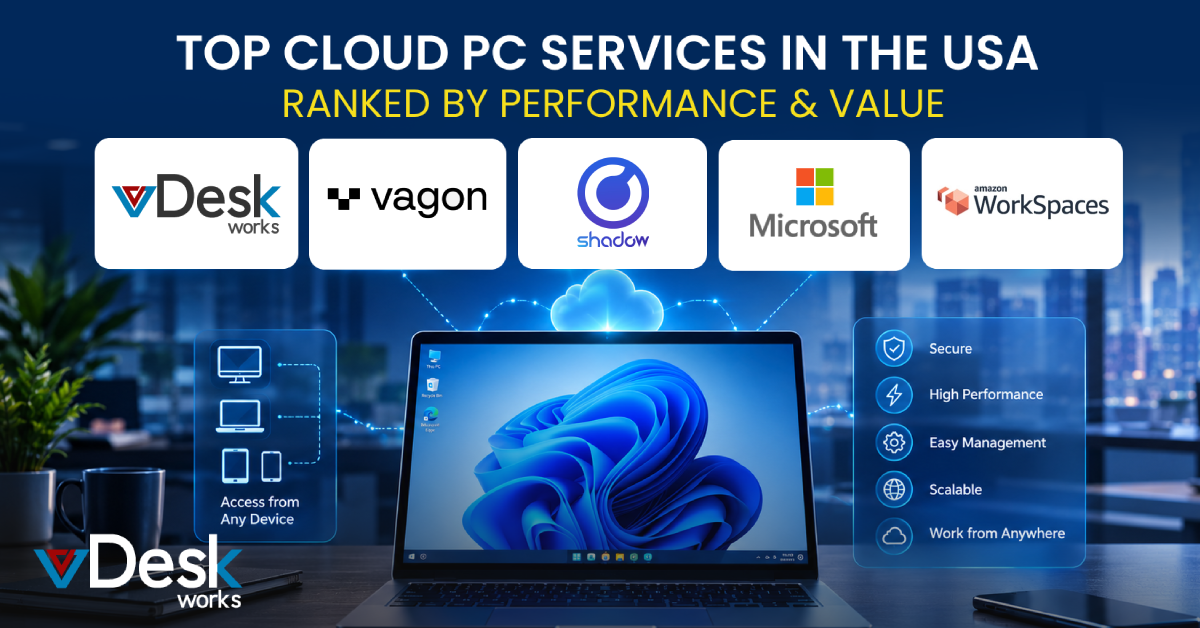
Best Virtual Desktop Solutions for Remote Teams in the USA
The US market has several established virtual desktop and DaaS options. The right platform depends on the company's size, applications, security requirements, budget, and IT capabilities.
1. Microsoft Azure Virtual Desktop
Azure Virtual Desktop is Microsoft's cloud-based desktop virtualization service. It can support Windows desktop environments and multi-session configurations while allowing IT teams to manage virtual desktops through Microsoft's cloud ecosystem.
It can be suitable for organizations that already rely heavily on Microsoft technologies and need a flexible environment for distributed employees.
Businesses can use it to provide remote access to applications and Windows environments while maintaining centralized administration.
2. Amazon WorkSpaces
Amazon WorkSpaces is a managed desktop service from AWS designed to provide cloud-hosted desktops to users.
It can be used by businesses that need to provide employees with remote work environments without purchasing and maintaining traditional desktop hardware for every user.
Because it operates within the AWS ecosystem, it can be particularly attractive to organizations already using AWS infrastructure.
3. Apps4Rent
Apps4Rent offers hosted virtual desktop services, including US IP-based virtual desktop options and month-to-month plans.
Its model can be attractive to businesses looking for flexible virtual desktops without making a large long-term infrastructure investment.
For smaller organizations, predictable monthly billing can also make budgeting easier.
4. Citrix DaaS
Citrix has long been associated with enterprise desktop virtualization and remote application delivery.
Citrix DaaS is designed for organizations that need advanced workspace management and support for complex IT environments.
It can be a strong consideration for larger businesses with sophisticated application delivery, security, hybrid-cloud, or multi-environment requirements.
5. VMware Horizon
VMware Horizon is another enterprise-oriented virtual desktop platform designed to deliver applications and desktop environments across different infrastructure models.
It can be useful for organizations that have established virtualization environments and require centralized management for large or complex deployments.
6. vDeskWorks
vDeskWorks provides fully managed virtual desktops designed for both remote and office-based employees.
The platform focuses on providing businesses with a centrally managed virtual PC environment that employees can access from different devices.
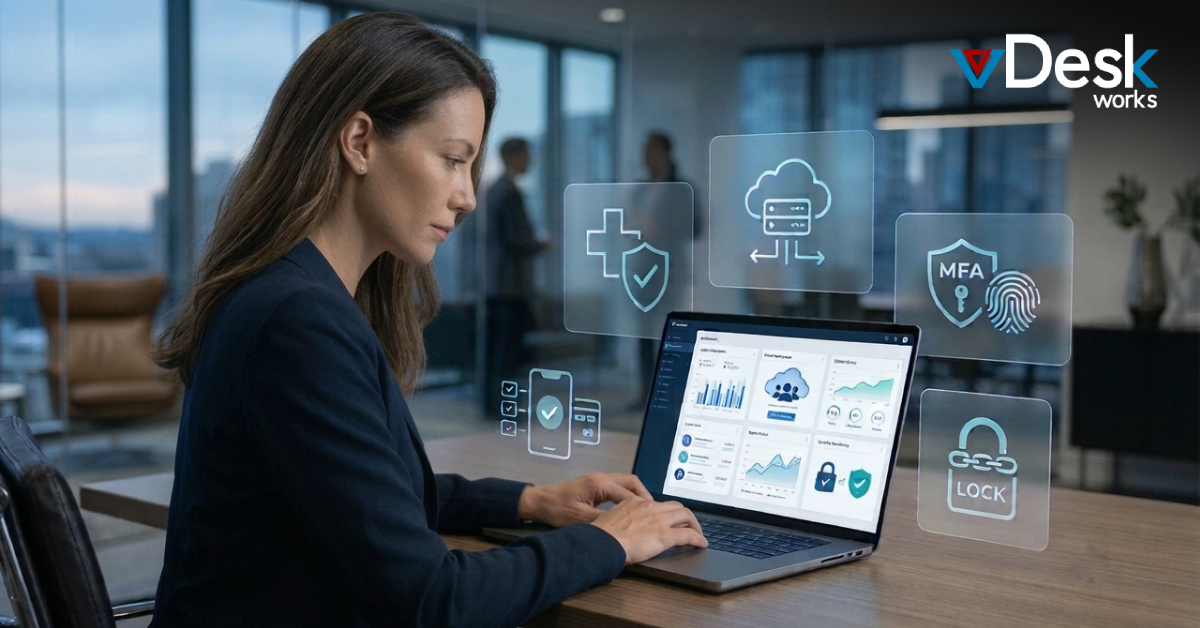
Its capabilities include encryption, security controls, BYOD support, centralized management, remote access, backups, monitoring, and scalable desktop deployment.
For organizations looking for a practical cloud workstation provider USA, vDeskWorks can provide an alternative to managing physical workstations individually.
vDeskWorks: Virtual Desktops Built for Remote Teams
For businesses that want a managed environment rather than handling every component of desktop virtualization themselves, vDeskWorks provides a centralized virtual desktop approach.
Its virtual desktop infrastructure is designed for both remote employees and traditional office workers.
The platform provides capabilities such as:
- Centralized virtual desktop management
- Remote access
- BYOD support
- AES-256 encryption
- Antivirus protection
- Daily backups
- User management
- Monitoring and auditing
- Instant scalability
- Web-based access
- Cross-device accessibility
- GPU-backed VDI options
- Role-based customization
The goal is to provide employees with a consistent workspace while giving IT teams greater control over the environment.
Work From Any Device With Web-Based Virtual Desktops
One major challenge with remote work is device diversity. One employee may use Windows, another may use macOS, while another may work from a Chromebook or tablet.
A browser-accessible virtual desktop can reduce this problem by making the workspace available through a web interface. vDeskWorks' HTML5 web access is designed to provide a richer remote workspace experience, including features such as file drag-and-drop, shared clipboard functionality, and support for local peripherals.
This can make virtual desktops more convenient for distributed teams.
Conclusion
Remote work is no longer simply about giving employees laptops and asking them to connect to a video meeting. Modern distributed businesses need secure access to applications, centralized IT management, reliable performance, data protection, and the ability to scale quickly.
A virtual desktop for remote teams USA can bring these requirements together within a centralized environment. Instead of building a separate technology setup for every employee, businesses can deliver standardized digital workspaces that can be accessed from different locations and devices.
For organizations evaluating a cloud workstation provider USA, the decision should ultimately come down to security, performance, scalability, management capabilities, device compatibility, compliance requirements, and total cost of ownership.
vDeskWorks offers businesses a managed virtual desktop approach that combines remote accessibility, centralized control, security, scalability, and BYOD support. For companies building or expanding a remote workforce, this type of infrastructure can provide a more flexible foundation for modern work while reducing the operational burden associated with traditional physical workstations.
 Emma Carson