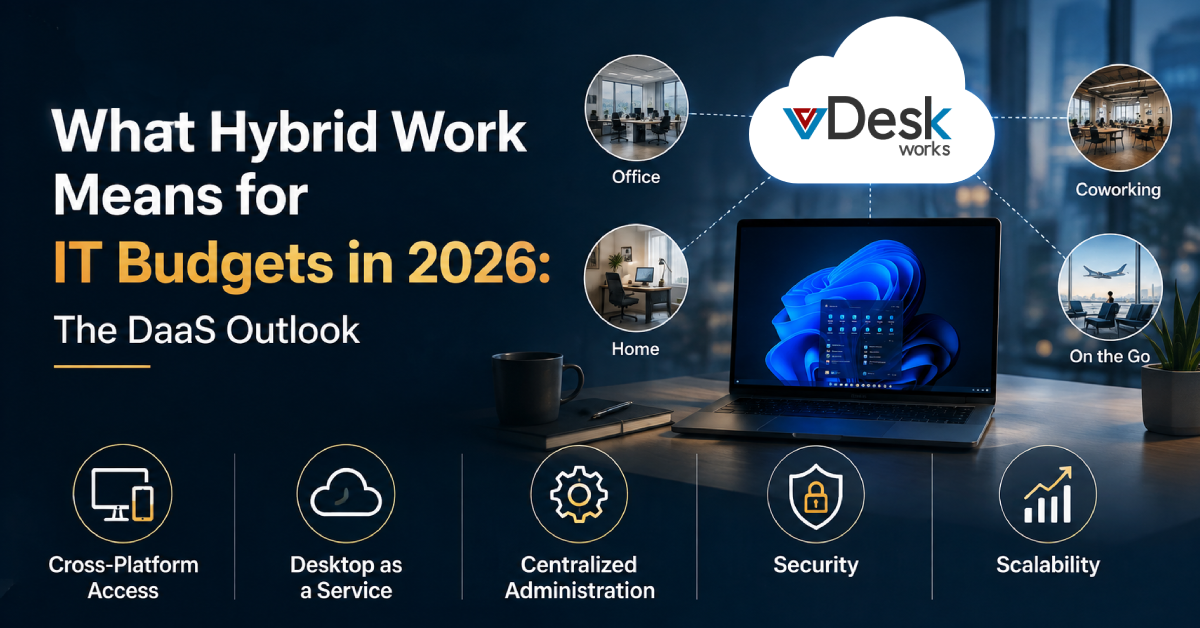
As businesses expand across countries, managing technology becomes increasingly complex. Employees may work from corporate offices in different cities, home offices across time zones, coworking spaces, or while traveling. At the same time, IT teams must ensure that everyone has access to the same applications, files, security policies, and business tools.
A virtual desktop solution can help organizations solve this challenge by creating a centralized digital workspace that employees can access from almost anywhere.
Instead of installing and maintaining the entire software stack on every employee's computer, businesses can host desktops and applications centrally and deliver them securely to users. This approach gives global teams a more consistent work environment while simplifying IT administration.
What Is a Virtual Desktop for Global Teams?
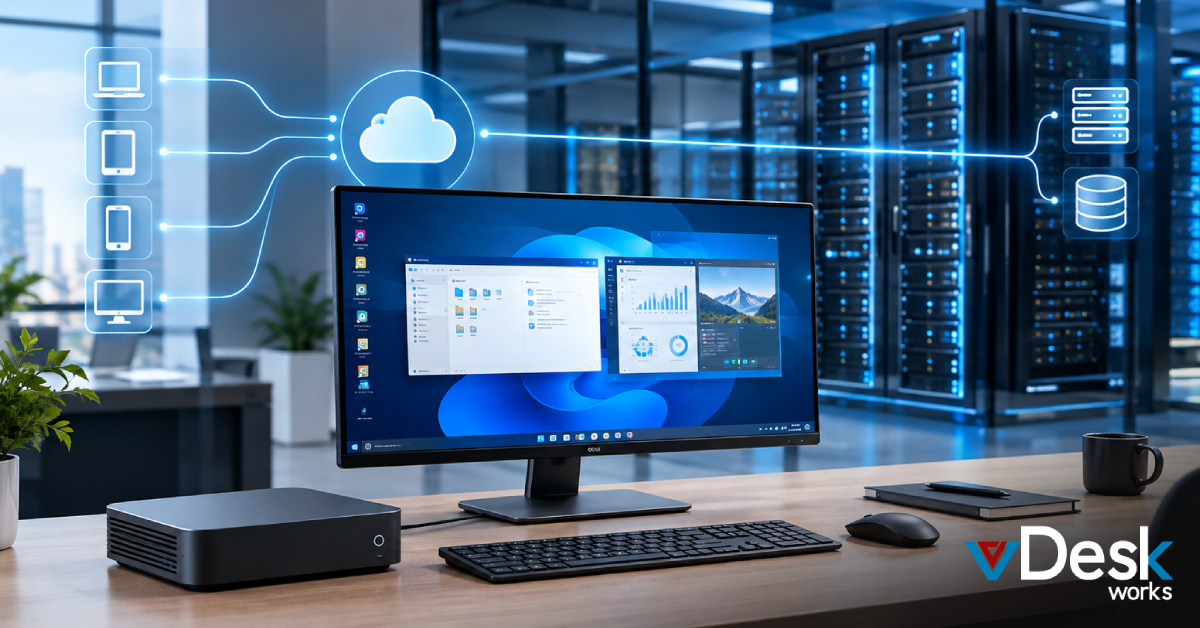
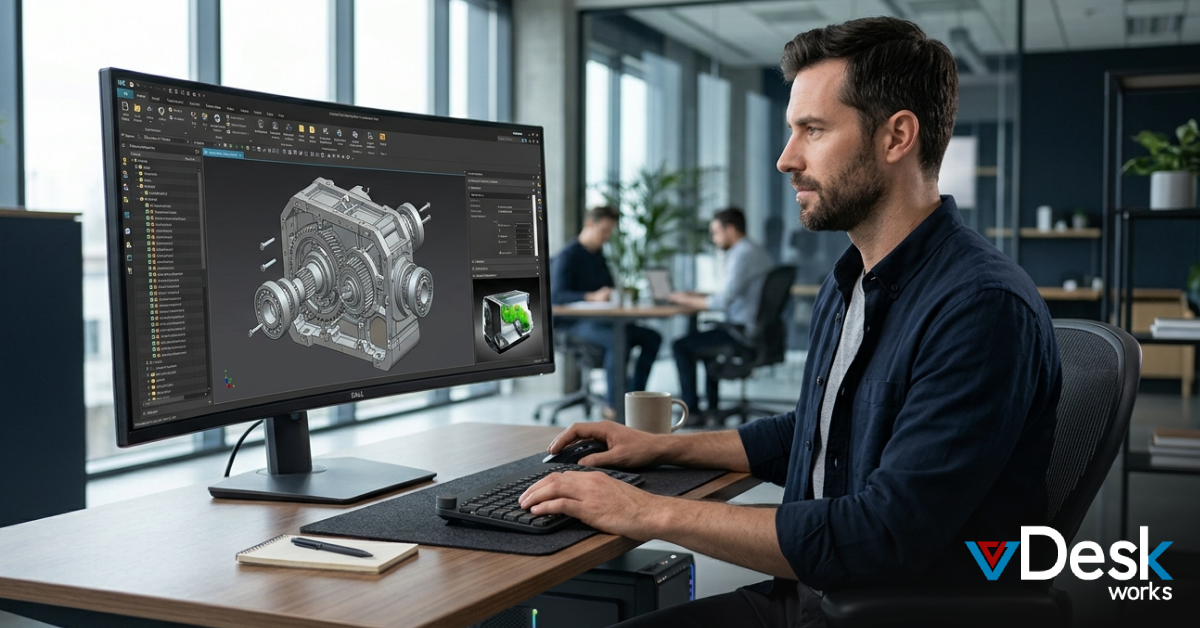
A virtual desktop is a centrally hosted desktop environment that users can access remotely through an internet connection. Instead of depending entirely on the physical computer sitting on an employee's desk, the operating system, applications, settings, and computing resources can be hosted within a centralized cloud or data-center environment.
The employee simply connects to the workspace using a supported device.
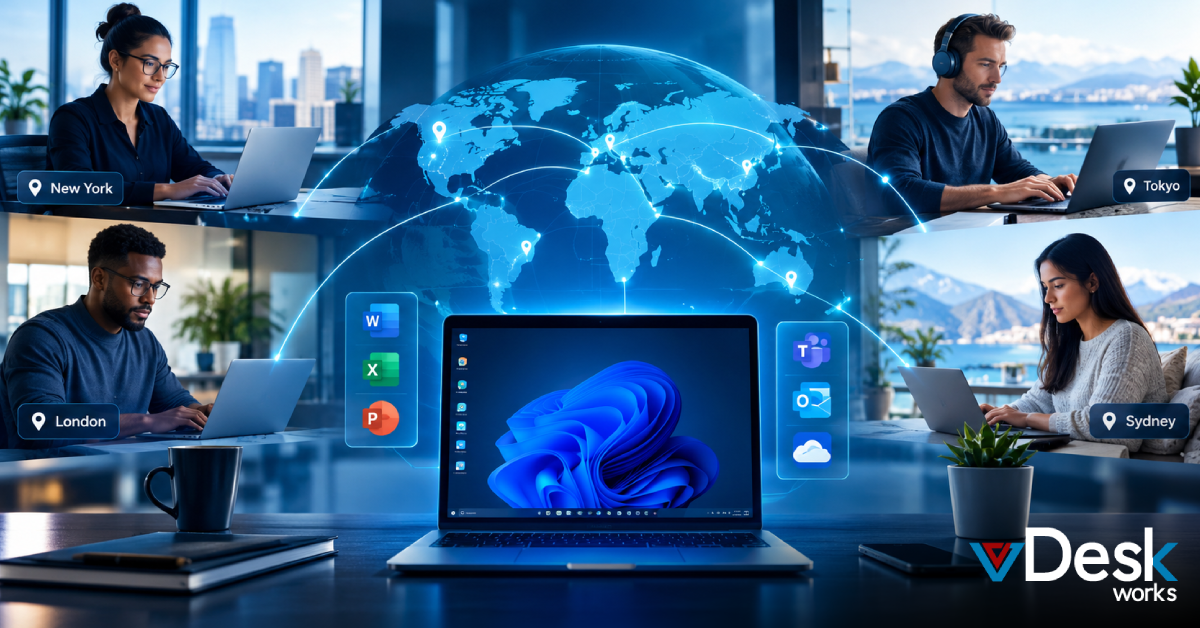
This means a team member in New York and another in London can potentially access the same business applications, configurations, security policies, and desktop environment without IT teams having to manually configure two completely separate workstations.
A virtual desktop solution can therefore act as a common technology layer for a geographically distributed workforce.
Why Global Businesses Struggle to Maintain One Software Stack
Keeping software consistent becomes difficult as organizations expand internationally.
Consider a company with employees across five countries. Without centralized desktop management, IT teams may need to manage:
- Different laptop models
- Different operating systems
- Different application versions
- Local software installations
- Security configurations
- Regional IT requirements
- Employee permissions
- Software updates
- Hardware replacements
- Remote troubleshooting
Over time, these differences can create what is often called technology drift.
One employee may have the latest version of an application while another may still be using an older release. One device may have the latest security patches while another has missed several updates.
This creates unnecessary complexity for IT departments.
A centralized virtual desktop solution can reduce this variation by allowing IT administrators to manage the core workspace centrally.
How Virtual Desktops Keep Global Teams on One Software Stack
1. Create a Standardized Desktop Environment
The first step is to create a standardized virtual desktop environment.
IT teams can configure the required:
- Operating system
- Business applications
- Security settings
- User policies
- Productivity tools
- Network configurations
- Access permissions
Once the environment is approved, it can become the foundation for additional users.
Instead of configuring every laptop individually, administrators can provision standardized virtual workspaces.
The result:
One approved environment → multiple users → consistent software experience
2. Centralize Application Management
Application consistency is one of the biggest challenges for distributed organizations.
A centralized virtual desktop environment allows IT administrators to control which applications are available to users.
For example, a company may require employees to use:
- Microsoft 365
- CRM software
- Accounting applications
- Project management platforms
- Design applications
- Communication tools
- Industry-specific applications
Rather than installing every application separately on every physical computer, applications can be managed within the centralized virtual environment.
This helps reduce version inconsistencies and simplifies application administration.
3. Manage Updates From a Central Location
Software updates can become a major administrative burden when employees are spread across multiple countries.
With traditional endpoint management, IT teams may need to make sure every device receives:
- Operating system updates
- Security patches
- Application updates
- Configuration changes
- Policy updates
A virtual desktop model shifts much of this work toward centralized management.
IT teams can update the relevant desktop environment and distribute the changes according to their deployment strategy.
This can help reduce the number of individual endpoints that need to be manually maintained.
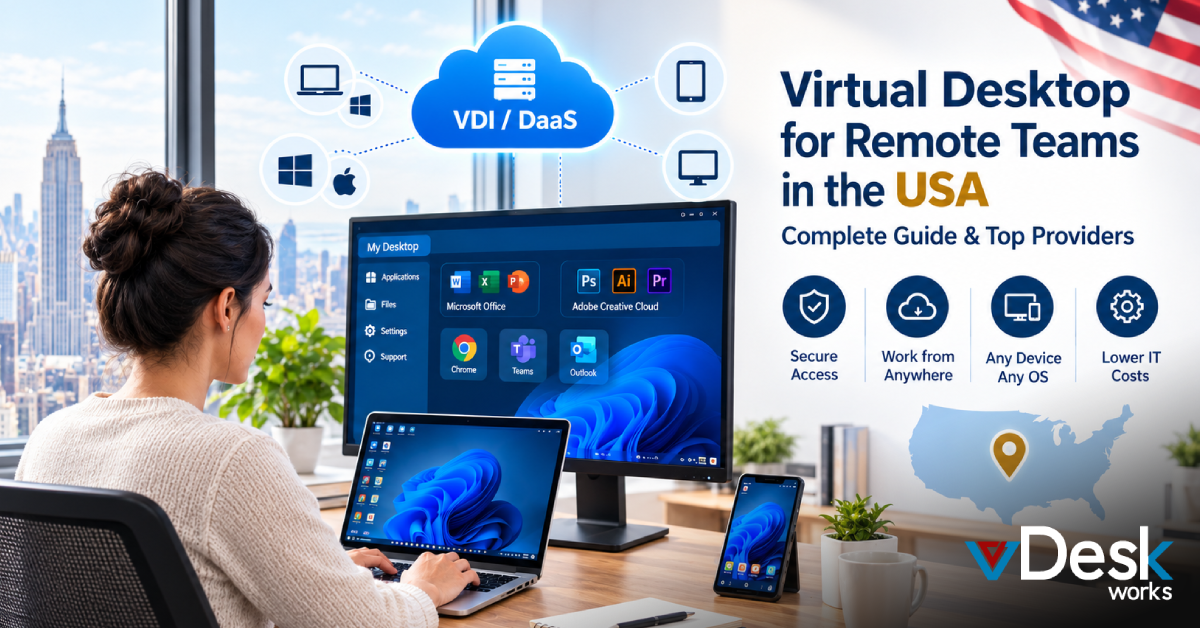
4. Give Employees Device Freedom
Global employees do not always use the same hardware.
Some may work from company-issued laptops, while others may use desktops, Macs, tablets, or other supported devices.
A virtual desktop allows the computing environment to remain consistent while the access device changes. They can potentially access the same corporate workspace through supported clients or browser-based access.
This makes the virtual desktop solution particularly useful for organizations with BYOD and flexible workplace policies.
5. Keep Corporate Data Centralized
Data security becomes more complicated when employees work from multiple locations.
If sensitive files are stored directly on individual laptops, businesses have less centralized control over where that information resides.
With virtual desktops, organizations can keep applications and data within a centrally managed environment, depending on the architecture and configuration.
This can reduce reliance on local endpoint storage and help IT teams enforce centralized access policies.
If an employee loses a laptop, the organization can still maintain control over the centrally hosted workspace rather than relying entirely on the security of that physical device.
6. Support Zero-Trust Security Strategies
A global workforce increases the number of locations and devices connecting to corporate resources.
Businesses therefore need to consider security beyond simply protecting the office network.
A modern virtual desktop solution can work alongside security controls such as:
- Multi-factor authentication
- Role-based access
- Device policies
- Encryption
- Session controls
- Access restrictions
- Identity management
- Activity monitoring
The objective is to verify users and devices before providing access to corporate resources.
This creates a more controlled approach to remote access.
7. Make Global Employee Onboarding Faster
Hiring employees in different countries can create additional IT workload.
Traditional onboarding may involve:
- Purchasing hardware
- Shipping the device
- Installing applications
- Configuring security settings
- Creating accounts
- Installing company software
- Testing access
- Troubleshooting issues
A virtual desktop environment can simplify this process.
Once the appropriate user account and permissions are established, employees can access their assigned workspace through a supported device.
This can help organizations reduce the technology-related delays associated with bringing new employees into the business.
8. Simplify Employee Offboarding
The same principle applies when employees leave.
Instead of relying exclusively on recovering a physical device and manually removing applications, IT administrators can centrally disable or modify access to the virtual environment.
This helps organizations respond more quickly when employees change roles or leave the company.
Final Thoughts
For organizations with global and hybrid teams, maintaining one software stack across hundreds or thousands of employees can become a significant IT challenge. Virtual desktop solutions offer a practical way to centralize applications, standardize work environments, secure corporate resources, and provide employees with consistent access from different locations and devices.
vDeskWorks brings these capabilities together through a flexible virtual desktop environment designed for modern distributed businesses.
Give your global workforce one consistent workspace, wherever they work. Explore vDeskWorks and schedule a Live Demo to see how a virtual desktop solution can support your organization's next stage of growth.
 Emma Carson