Businesses today need secure, flexible, and cost-effective ways to support remote and hybrid employees. Traditional desktop computers often create challenges like hardware failures, expensive maintenance, software updates, and limited remote access.
This is why more organizations are investing in Virtual Desktop Cloud Infrastructure. Whether you're a small business owner or managing a growing company, understanding the difference between VDI, DaaS, and Cloud PC can help you choose the right solution.
In this guide, we'll explain these technologies in simple language and show how vDeskWorks helps businesses build secure, scalable, and easy-to-manage virtual workspaces.
What is Virtual Desktop Cloud Infrastructure?
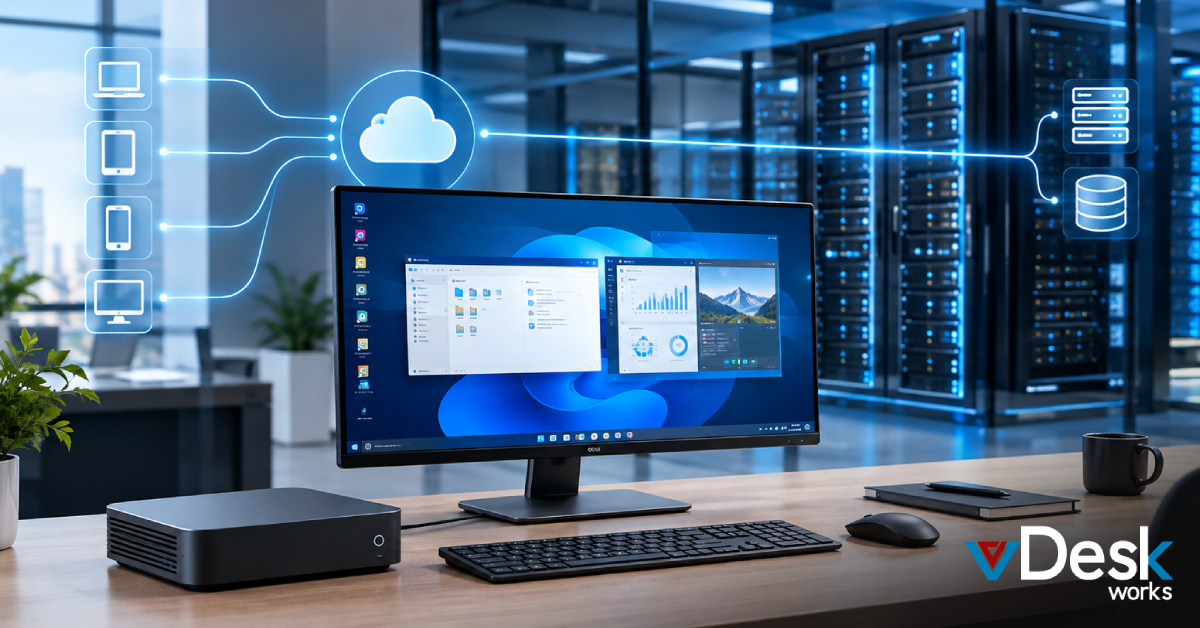
Virtual Desktop Cloud Infrastructure is a technology that allows employees to access their Windows desktop, business applications, and company files through the internet instead of relying on a physical office computer.
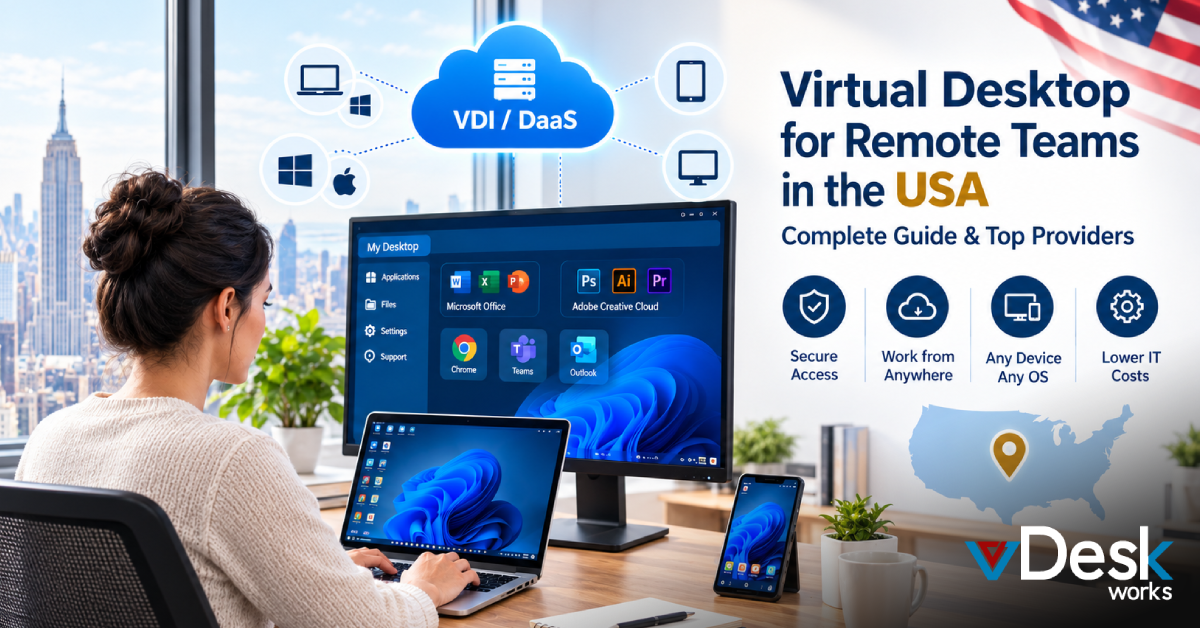
Instead of storing everything on individual devices, desktops are hosted securely in the cloud or on centralized servers. Employees simply log in from their laptop, tablet, smartphone, Chromebook, Mac, or desktop and continue working from where they left off.
This approach improves flexibility, strengthens security, and simplifies IT management.
Why Businesses Are Moving to Cloud Desktops
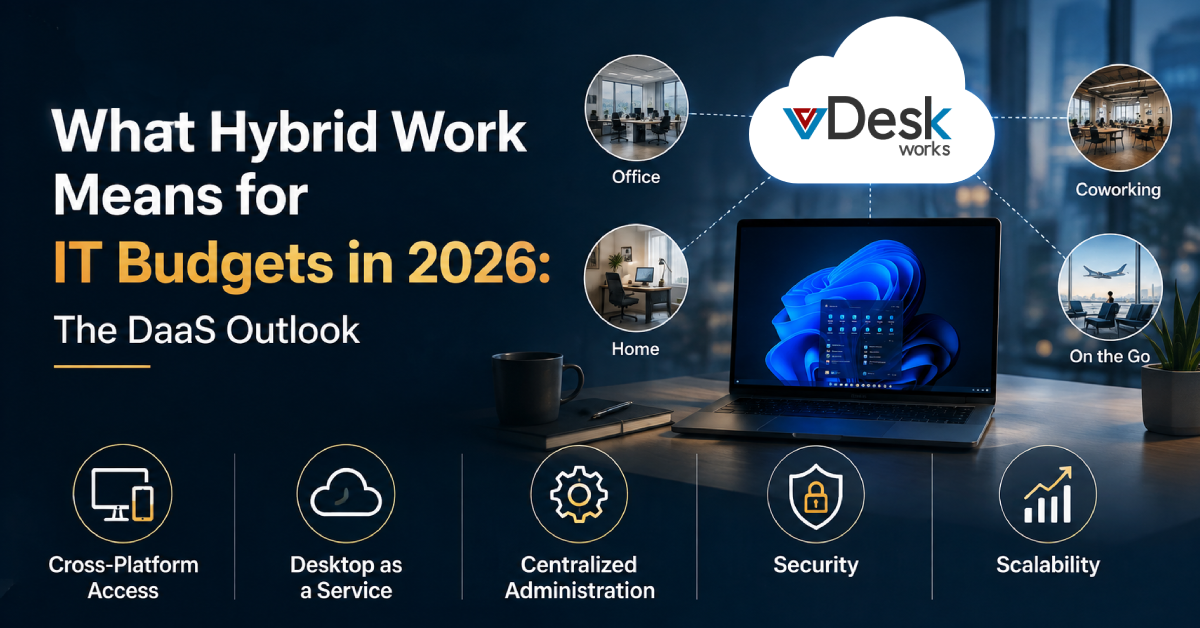
Modern businesses need technology that supports work from anywhere while keeping company data protected.
Some common reasons organizations adopt virtual desktop solutions include:
- Support remote and hybrid employees
- Reduce hardware replacement costs
- Improve business security
- Simplify desktop management
- Provide secure access from any device
- Scale quickly as the business grows
- Reduce IT maintenance
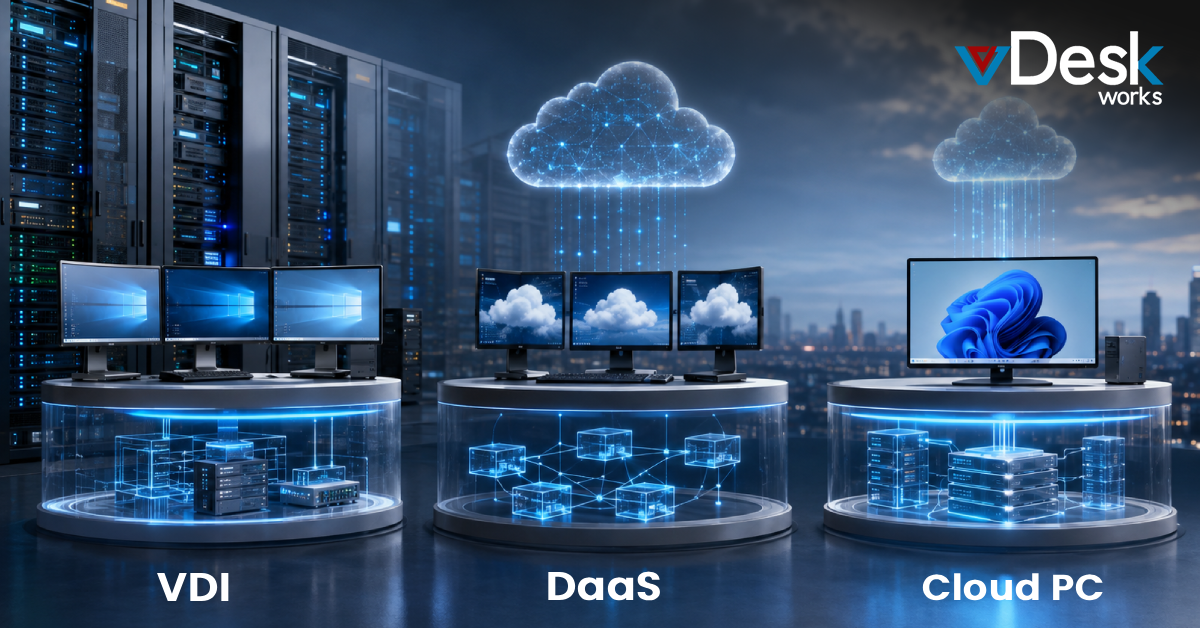
Understanding VDI, DaaS, and Cloud PC
Although these terms are often used together, each solution serves a different purpose.
Virtual Desktop Infrastructure (VDI)
VDI hosts virtual desktops on centralized servers while allowing employees to access them remotely.
With vDeskWorks VDI, businesses can provide persistent desktops for individual users or non-persistent desktops for shared environments. GPU-enabled virtual desktops also support applications like AutoCAD, Photoshop, and SolidWorks.
VDI is ideal for organizations that need complete desktop control, higher security, and support
Desktop as a Service (DaaS)
Desktop as a Service delivers cloud-hosted desktops and applications through a subscription model.
Instead of purchasing expensive servers, businesses simply subscribe to desktops hosted by the provider.
vDeskWorks DaaS offers:
- Full Windows desktop hosting
- Secure application hosting
- Flexible monthly pricing
- Remote access from any device
- Built-in technical support
- Easy scalability
DaaS removes much of the infrastructure management, making it a popular option for growing businesses.
Cloud PC
A Cloud PC gives each employee their own personalized Windows desktop hosted in the cloud.
Users always return to the same desktop with their applications, files, and settings exactly as they left them.
Cloud PCs are perfect for employees who need a consistent work environment across multiple devices.
How vDeskWorks Supports Every Deployment
Unlike many providers that focus on only one deployment model, vDeskWorks offers flexible options to fit different business requirements.
Businesses can choose:
- Cloud-hosted desktops
- Application hosting
- Persistent virtual desktops
- Non-persistent desktops
- Profile-managed desktops
- On-premises deployments
- Hybrid cloud environments
This flexibility allows organizations to adopt the deployment model that best matches their operations and budget.
Key Features of vDeskWorks Virtual Desktop Cloud Infrastructure
vDeskWorks provides a complete virtual desktop platform designed for businesses of every size.
Key features include:
- Secure cloud-hosted desktops
- Desktop and application publishing
- Access from Windows, Mac, Linux, Android, and iOS devices
- Centralized file sharing
- Enterprise-grade security
- Flexible cloud applications
- Persistent and non-persistent desktops
- User profile management
- Remote application access
- Easy scalability
vDeskWorks vs Other Virtual Desktop Solutions
Several vendors provide virtual desktop solutions, but they differ in features, flexibility, and management.
- Microsoft Azure Virtual Desktop delivers enterprise cloud desktops but often requires Azure expertise and additional infrastructure management.
- Amazon WorkSpaces offers managed cloud desktops but provides fewer deployment options for organizations needing hybrid environments.
- Citrix DaaS is a mature virtualization platform with powerful enterprise features, though licensing and deployment can be more complex.
- VMware Horizon supports large enterprise virtual desktop environments but usually requires dedicated IT resources and higher infrastructure investment.
- vDeskWorks combines Virtual Desktop Infrastructure, Desktop as a Service, Cloud PC, application publishing, hybrid deployment, centralized management, and enterprise security into one flexible platform. Businesses can choose cloud, on-premises, or hybrid deployments while simplifying IT operations and reducing costs.
Why Businesses Choose vDeskWorks
Companies looking for modern desktop solutions choose vDeskWorks because it helps them:
- Support remote and hybrid work
- Reduce IT administration
- Lower hardware expenses
- Secure business data
- Deliver Windows desktops anywhere
- Publish applications without installing them locally
- Scale users as business needs change
- Improve employee productivity
Whether employees work from home, the office, or while traveling, they always have secure access to the tools they need.
Which Solution Should You Choose?
Your business requirements will determine which solution fits best.
- Choose VDI if you need complete desktop control, GPU-powered applications, or customized environments.
- Choose DaaS if you want fully managed cloud desktops with predictable monthly costs.
- Choose Cloud PC if every employee needs a dedicated Windows desktop that remains personalized across devices.
If you're unsure, vDeskWorks offers all three options, allowing your business to grow without changing platforms.
Conclusion
As businesses continue embracing remote work, stronger security, and flexible IT infrastructure, investing in the right Virtual Desktop Cloud Infrastructure becomes increasingly important.
Understanding the differences between VDI, Desktop as a Service (DaaS), and Cloud PC helps decision-makers choose the best solution based on their business goals, workforce size, and budget.
With vDeskWorks, organizations receive a flexible platform that supports cloud desktops, virtual applications, hybrid deployments, centralized management, enterprise-grade security, and easy scalability. Whether you're a small business or a growing enterprise, vDeskWorks provides the tools needed to build a secure, productive, and future-ready digital workplace.
 Emma Carson