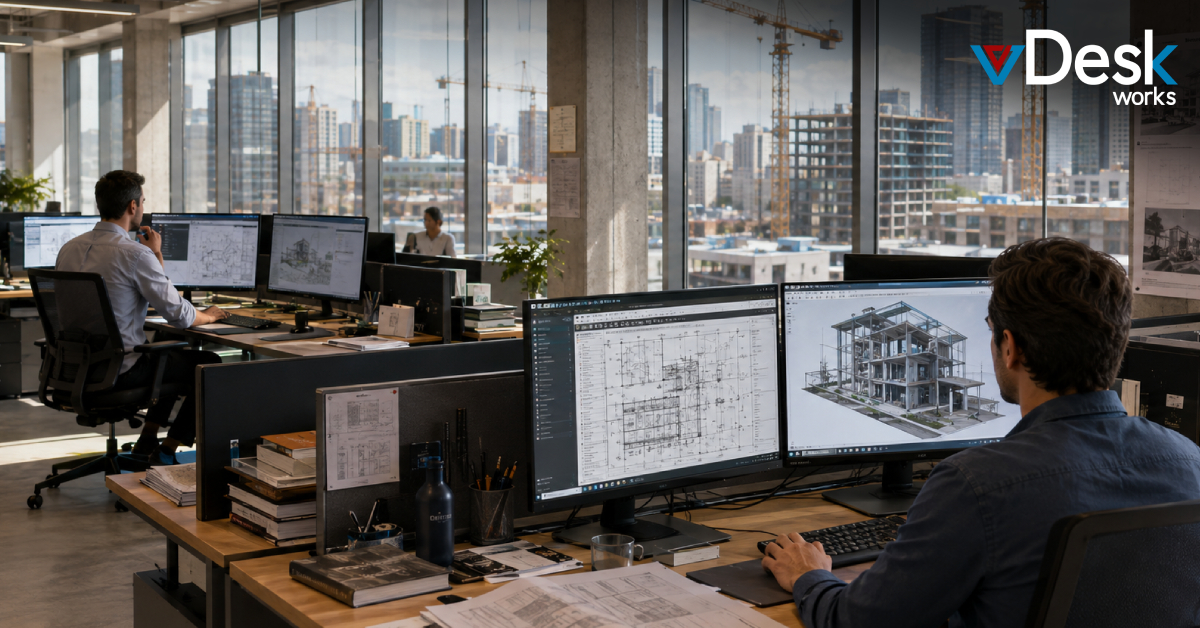
Construction and architecture projects have become more complex than ever. Design teams work across multiple offices, engineers visit job sites daily, and clients expect faster project updates. At the same time, software like AutoCAD, Revit, BIM, Rhino, and 3D rendering tools require powerful computers that are expensive to maintain.
This is why many businesses are moving to VDI for Construction & Architecture Firms. Virtual Desktop Infrastructure (VDI) allows architects, engineers, project managers, and field teams to securely access high-performance desktops from almost any device without carrying expensive workstations everywhere.
With vDeskWorks Virtual Desktop Solutions, businesses can centralize project data, improve collaboration, reduce hardware costs, and work efficiently from any location.
Why Construction and Architecture Firms Need Virtual Desktops
Traditional workstations often create challenges for growing firms. Designers remain tied to office computers, project files are stored locally, and hardware failures can delay important deadlines.
Modern construction companies need flexible solutions that support both office and field teams.
Some common business challenges include:
- Large CAD and BIM files stored on local computers
- Limited remote access for engineers and architects
- High workstation replacement costs
- Security risks when sharing project files
- Difficulty supporting multiple construction sites
- Delays caused by hardware failures
A cloud-based virtual desktop solves these problems by moving applications and data into a centralized, secure environment.
What is VDI for Construction & Architecture Firms?
VDI (Virtual Desktop Infrastructure) hosts desktop applications and project files on centralized cloud servers instead of individual computers.
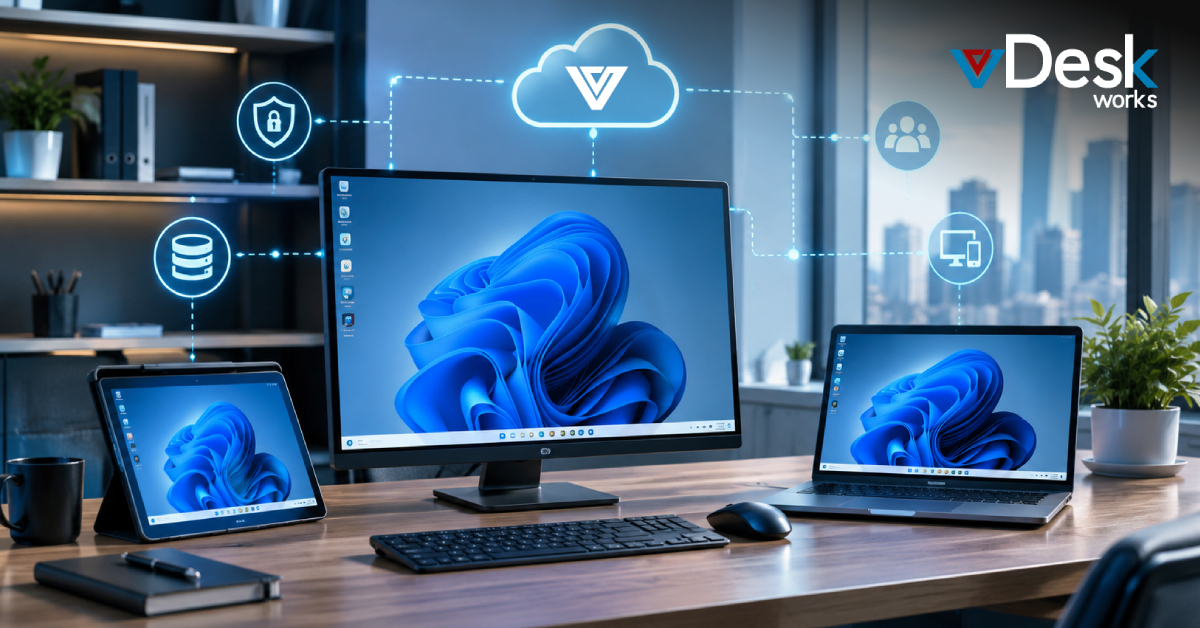
Users simply log in through their laptop, tablet, desktop, or mobile device to access their complete Windows desktop along with all required design software.
Instead of depending on powerful local hardware, the cloud performs the heavy processing.
Benefits of vDeskWorks VDI for Construction Businesses
vDeskWorks helps architecture and construction firms stay productive while simplifying IT management.
Work from Anywhere
Architects, engineers, and project managers can securely access their desktop applications and project files from the office, home, or construction site using virtually any internet-connected device.
Run Heavy Design Applications
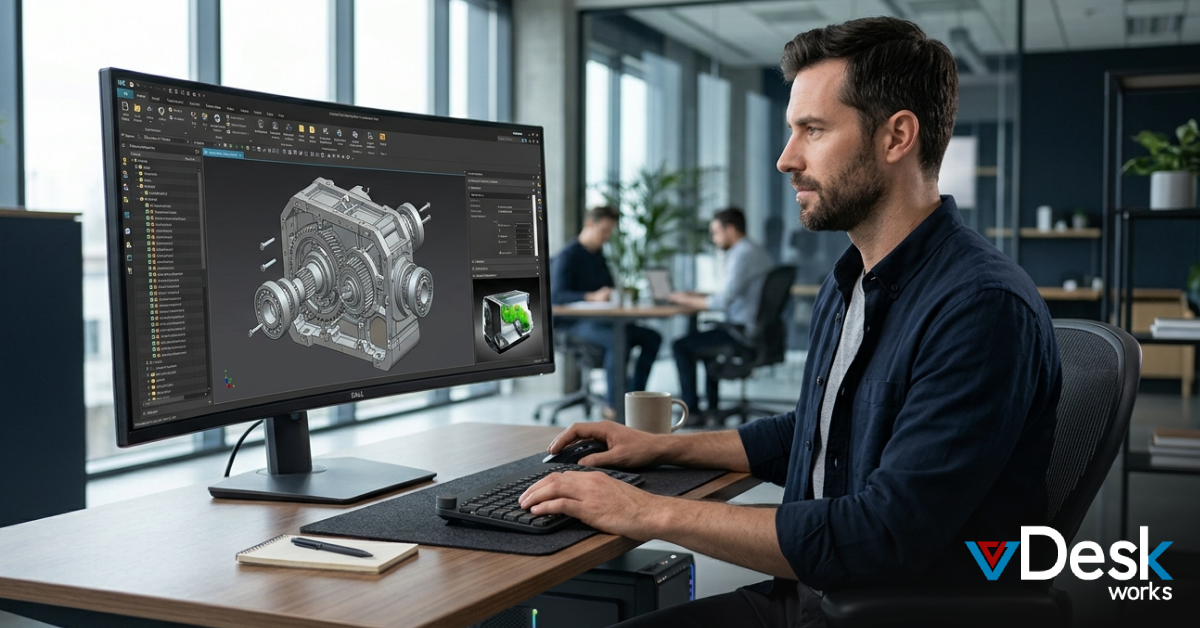
Applications like AutoCAD, Autodesk Revit, BIM software, and 3D rendering tools perform smoothly using centralized GPU-powered virtual desktops without relying on expensive local workstations.
Secure Project Data
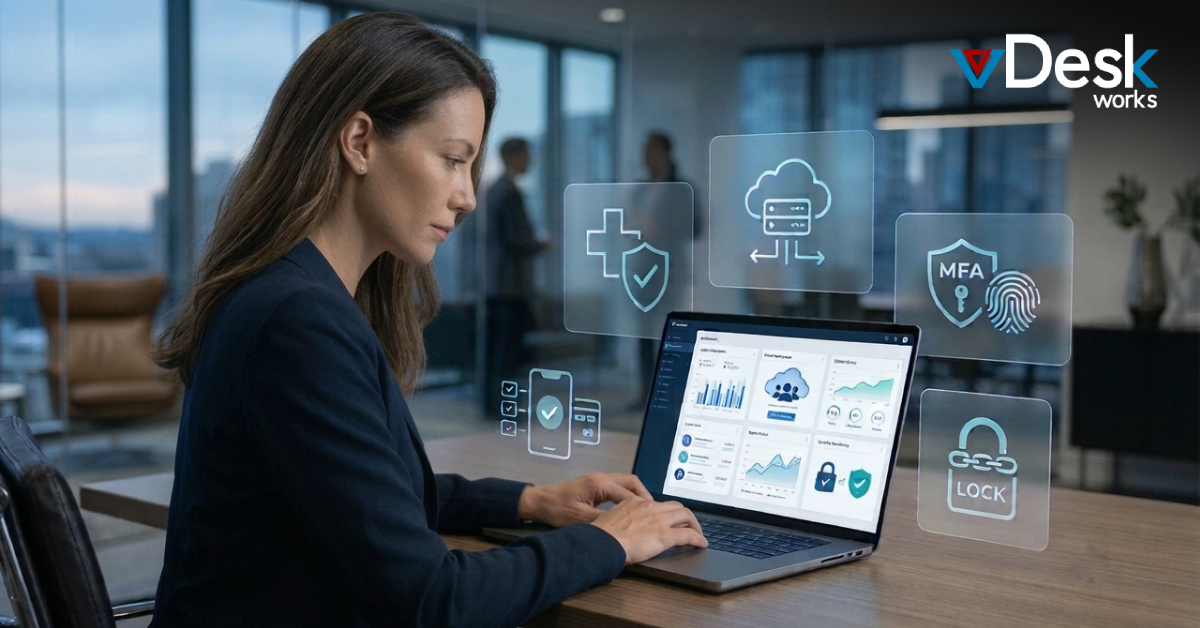
Project drawings, blueprints, contracts, and engineering documents remain stored inside a secure centralized environment rather than individual employee devices.
Easy Collaboration
Multiple offices, contractors, consultants, and clients can securely share project documents without creating duplicate files or version conflicts.
Centralized IT Management
Software updates, security patches, and desktop management are handled from one central location, reducing maintenance effort.
Key Features of vDeskWorks Virtual Desktop Solution
vDeskWorks provides several capabilities designed specifically for construction and architecture firms.
- Secure cloud-hosted virtual desktops
- Centralized project file storage
- Support for CAD, BIM, and 3D rendering software
- Access from laptops, tablets, smartphones, and desktops
- Secure file sharing across multiple offices
- Centralized desktop administration
- Flexible deployment for growing teams
- Easy scalability for temporary project staff
Real Business Benefits
Construction projects involve multiple stakeholders working from different locations.
Using vDeskWorks allows businesses to:
- Access project files across multiple construction sites
- Keep engineering data protected in one secure location
- Improve collaboration between office and field teams
- Reduce downtime caused by hardware failures
- Extend the life of existing computers
- Support remote and hybrid employees
- Improve overall project productivity
How vDeskWorks Solves Common Industry Challenges
Many architecture firms rely on powerful individual workstations. While these systems perform well, they also create risks.
If one workstation fails, valuable project files may become unavailable. Employees also remain tied to a single office location.
vDeskWorks changes this by hosting desktops inside a centralized cloud environment.
Instead of storing files locally, all project information remains securely available from anywhere. Engineers can continue working whether they're in the office, at home, or visiting construction sites.
vDeskWorks vs Other Virtual Desktop Solutions
Several VDI providers support virtual desktops, but businesses often need more than simple remote access.
- Microsoft Azure Virtual Desktop offers enterprise cloud desktops but usually requires additional Microsoft infrastructure and technical management.
- Citrix DaaS delivers powerful virtualization features but can become expensive and complex for growing businesses.
- VMware Horizon is suitable for large enterprises but often requires significant setup and ongoing administration.
- vDeskWorks, on the other hand, combines secure virtual desktops, centralized management, cloud deployment, GPU-powered performance, and simplified administration in one easy-to-manage platform. It supports construction firms that need secure access to CAD applications, centralized project files, and flexible remote working without unnecessary complexity.
Why Growing Construction Firms Choose vDeskWorks
Today's construction businesses need solutions that grow with every new project.
vDeskWorks helps firms:
- Scale desktops as project teams grow
- Add temporary contractors quickly
- Secure sensitive architectural designs
- Support mobile workforces
- Simplify IT operations
- Reduce infrastructure costs
- Improve business continuity
Whether your team manages one construction site or multiple projects across different locations, vDeskWorks provides the flexibility required for modern operations.
Conclusion
Construction and architecture firms depend on reliable access to design software, project files, and collaboration tools. Traditional workstations often limit flexibility while increasing hardware costs and security risks.
With VDI for Architecture, businesses can securely run CAD, Revit, BIM, and 3D rendering applications from virtually anywhere while keeping project data protected in a centralized cloud environment.
vDeskWorks Virtual Desktop Solutions help organizations improve collaboration, simplify IT management, reduce infrastructure costs, and give architects, engineers, and project managers the freedom to work efficiently wherever the project takes them.
 Emma Carson