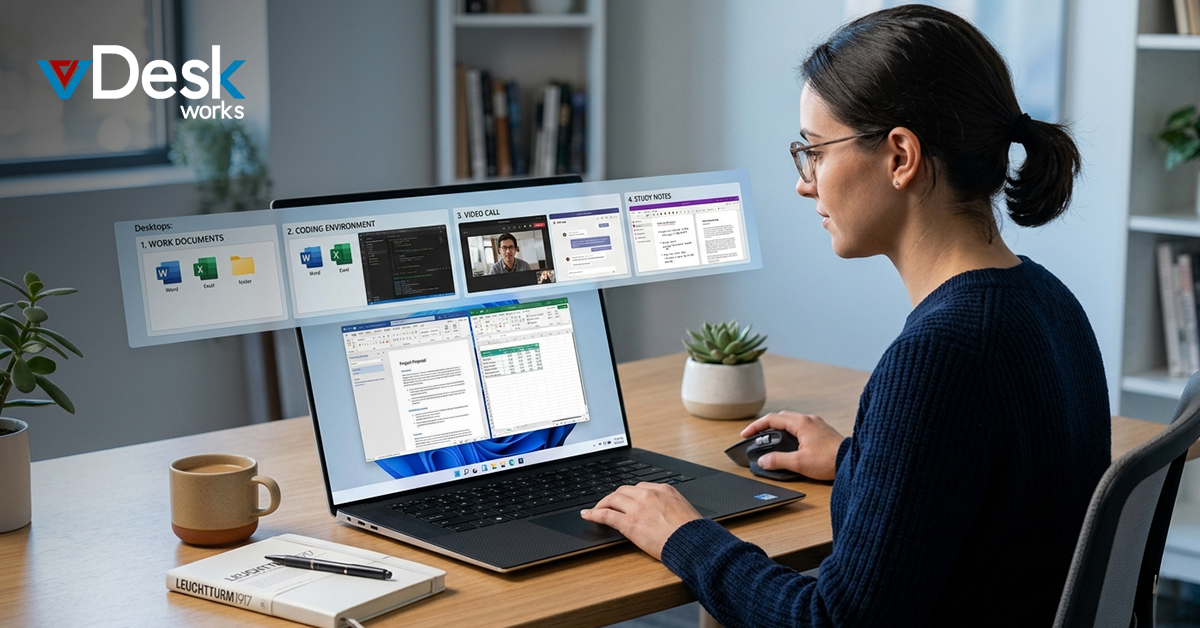
Managing multiple apps, tabs, and workflows on a single screen can quickly become overwhelming. Whether you're working, studying, or multitasking, clutter can slow you down. This is where a Virtual Desktop Solution becomes incredibly useful. It allows you to create multiple workspaces on a single device, helping you stay organized and productive without needing extra hardware.
Separate Work and Personal Activities
One of the most effective ways to use a Virtual Desktop Solution is to separate your work and personal environments. You can dedicate one desktop to professional tasks like emails, meetings, and documents, while another can handle entertainment, browsing, or social media.
This approach minimizes distractions and helps you maintain focus during work hours. By using a Virtual Desktop Solution, you avoid mixing tasks and create a clearer mental boundary between productivity and relaxation.
Organize Tasks by Projects
If you’re juggling multiple projects, a Virtual Desktop Solution can help you stay organized. Assign each project its own desktop and keep only relevant apps and files open within that workspace.
For example, one desktop can be used for research, another for writing, and another for communication tools. This structured setup ensures you don’t waste time searching through cluttered windows. A well-used Virtual Desktop Solution turns your system into a neatly organized productivity hub.
Customize Desktops for Easy Identification
Another advantage of using a Virtual Desktop Solution is customization. You can rename desktops based on their purpose, such as “Work,” “Study,” or “Leisure.” This makes navigation easier and faster.
You can also assign different wallpapers to each desktop, which adds a visual cue to quickly identify where you are. A personalized Virtual Desktop Solution not only improves usability but also enhances your overall workflow.
Improve Multitasking with Multiple Monitors
When combined with multiple monitors, a Virtual Desktop Solution becomes even more powerful. You can manage several desktops across different screens, making multitasking seamless.
Even if you don’t have multiple monitors, a Virtual Desktop Solution simulates the experience by giving you multiple workspaces on one screen. This allows you to spread out tasks logically without overcrowding a single desktop.
Create a Dedicated Space for Presentations
A Virtual Desktop Solution is especially useful for presentations and meetings. By creating a separate desktop for presentations, you ensure that only the necessary files and applications are visible.
This reduces the risk of interruptions from notifications or accidental exposure of personal data. A clean presentation environment made possible by a Virtual Desktop Solution helps you maintain professionalism and confidence.
Reduce Clutter and Boost Focus
Cluttered screens can lead to reduced productivity and increased stress. A Virtual Desktop Solution helps you minimize distractions by limiting what’s visible at any given time.
With fewer apps on your screen, you can focus better on the task at hand. Over time, using a Virtual Desktop Solution can significantly improve your concentration and workflow efficiency.
Save Time with Quick Switching
Switching between tasks becomes effortless with a Virtual Desktop Solution. Instead of minimizing and reopening windows, you can instantly move between desktops using shortcuts.
This quick navigation saves time and keeps your workflow smooth. A well-implemented Virtual Desktop Solution ensures that you spend more time working and less time managing windows.
Why Choose vDeskWorks Virtual Desktop Solution for Modern Workplaces
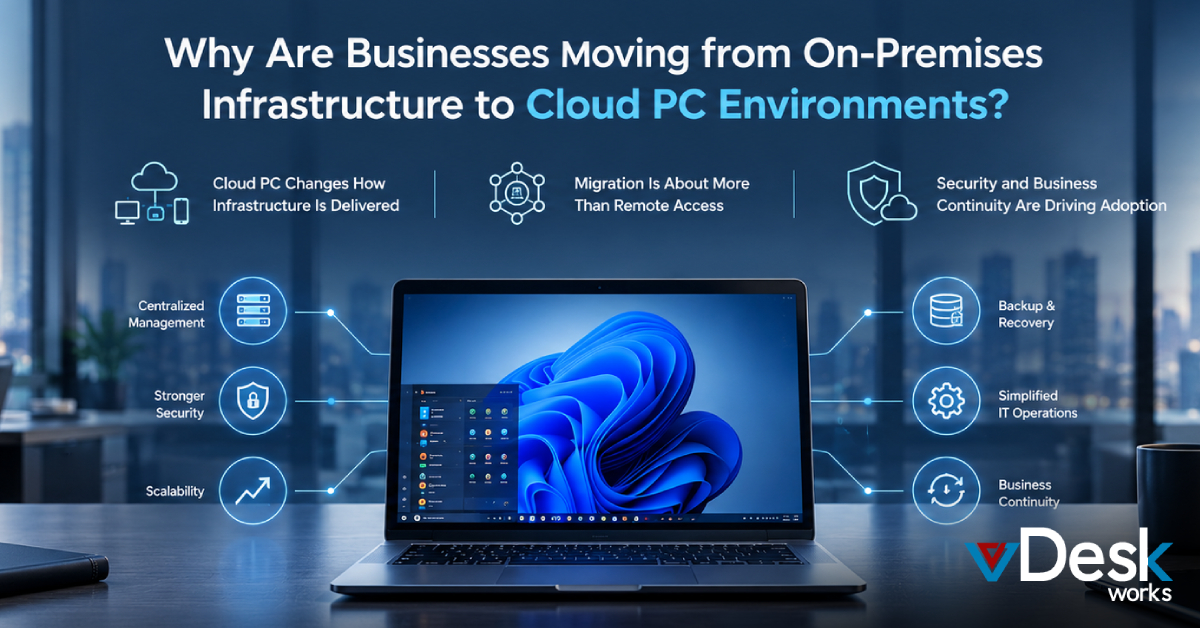
While built-in tools on Windows offer basic functionality, businesses today need something more powerful, secure, and scalable. That’s where vDeskWorks Virtual Desktop Solution stands out as a complete enterprise-ready platform.
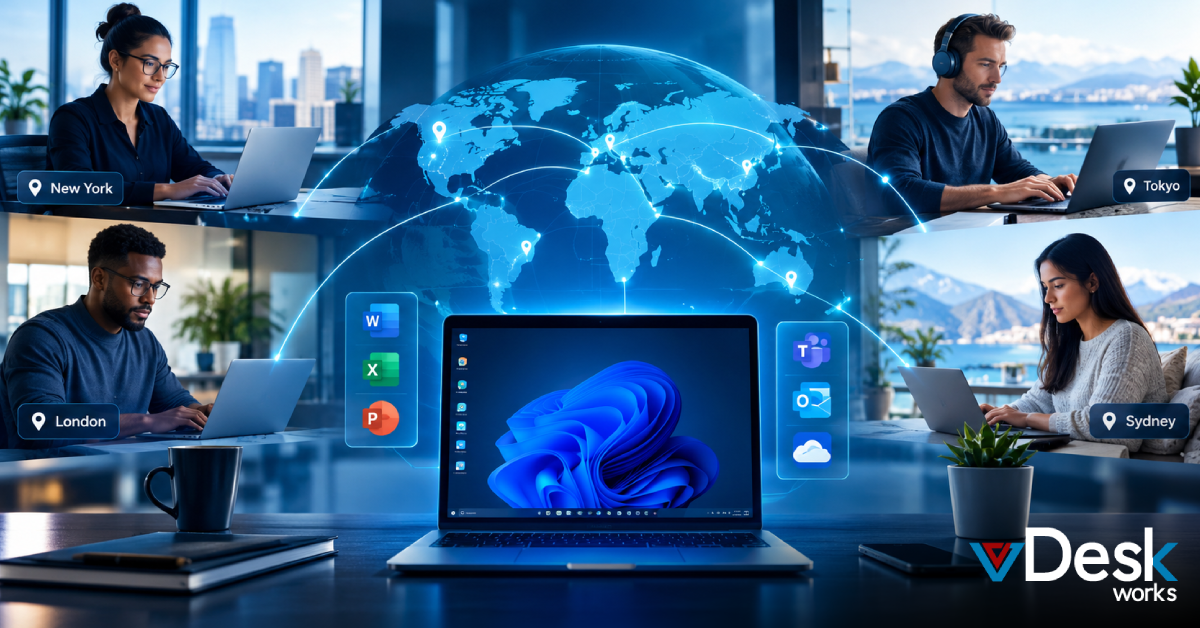
Unlike a standard Virtual Desktop Solution, vDeskWorks delivers a fully managed environment that allows teams to access their desktops securely from anywhere in the world. Whether your employees are working remotely, in a hybrid setup, or across multiple locations, vDeskWorks ensures seamless performance and accessibility.
Security is one of the biggest advantages of the vDeskWorks Virtual Desktop Solution. With centralized data storage, advanced encryption, and controlled access, your business data remains protected at all times. This significantly reduces risks related to data loss, unauthorized access, or device theft.
Another key benefit of the vDeskWorks Virtual Desktop Solution is scalability. As your business grows, you can easily add more users and resources without investing in additional hardware. This flexibility makes it an ideal Virtual Desktop Solution for startups as well as large enterprises.
Performance is equally impressive. The vDeskWorks Virtual Desktop Solution is optimized to deliver fast, lag-free experiences, even when running resource-intensive applications. Employees can work efficiently without worrying about system slowdowns or compatibility issues.
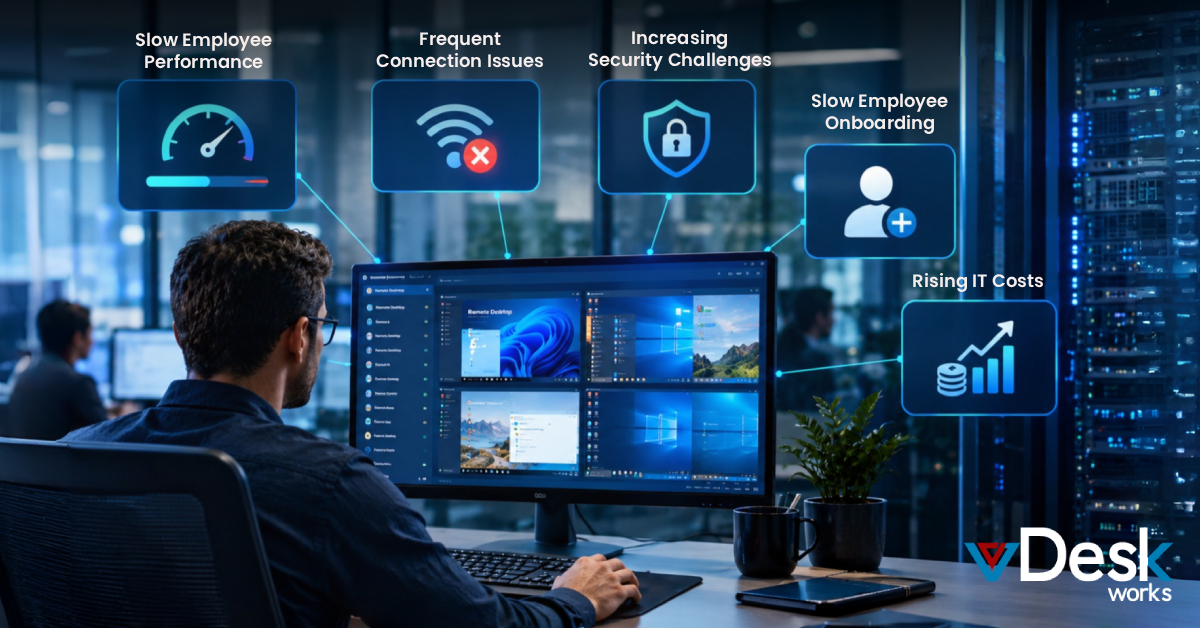
Additionally, IT management becomes much simpler with the vDeskWorks Virtual Desktop Solution. Since everything is centralized, updates, maintenance, and troubleshooting can be handled remotely, saving both time and operational costs.
In a world where remote work and digital collaboration are becoming the norm, choosing the right Virtual Desktop Solution is critical. With its powerful features, robust security, and scalability, vDeskWorks Virtual Desktop Solution offers everything modern businesses need to stay productive and competitive.
Final Thoughts
A Virtual Desktop Solution is no longer just a convenience—it’s a necessity for staying organized, productive, and adaptable in today’s fast-paced digital environment. By creating structured workspaces, reducing clutter, and enabling seamless multitasking, a Virtual Desktop Solution empowers users to take full control of their workflow.
However, for businesses that demand more than just basic functionality, upgrading to a robust platform makes all the difference. This is where vDeskWorks Virtual Desktop Solution becomes a game-changer. It combines flexibility, security, and performance to deliver a truly modern workspace experience.
If you’re ready to move beyond limitations and give your team the freedom to work from anywhere without compromising on efficiency or security, it’s time to switch to a smarter Virtual Desktop Solution.
Get started with vDeskWorks Virtual Desktop Solution today and transform the way your business works.
 Jerry Clark