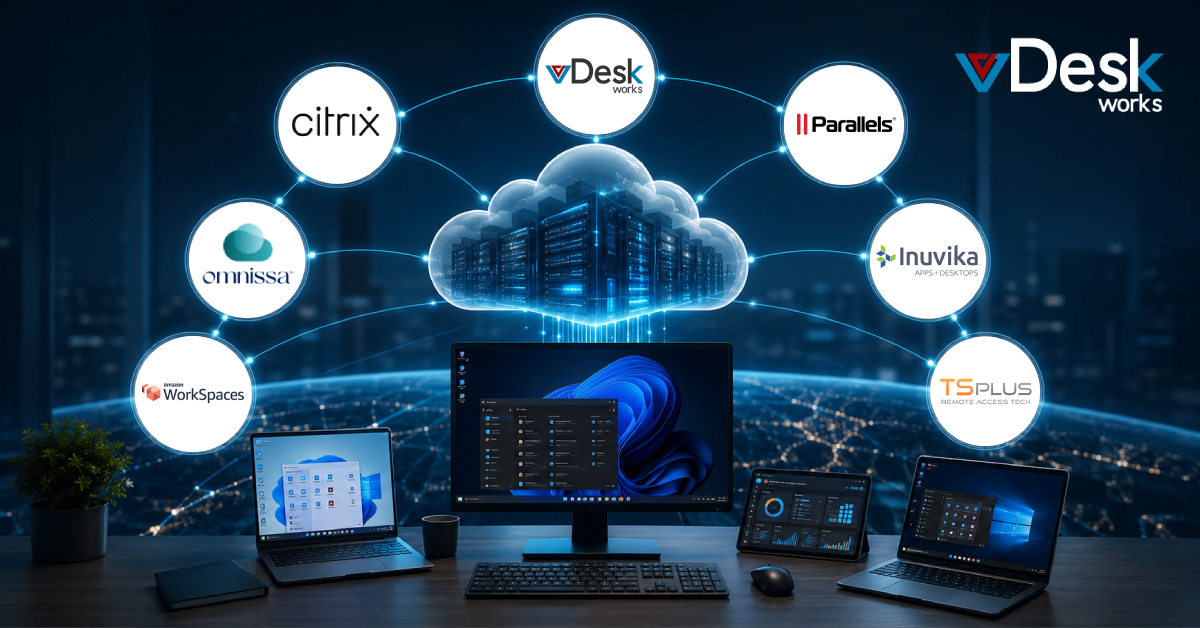
The way businesses provide employees with computers is changing. Remote work, hybrid teams, international hiring, BYOD, cybersecurity requirements, and rising hardware management costs are encouraging organizations to rethink traditional desktop infrastructure.
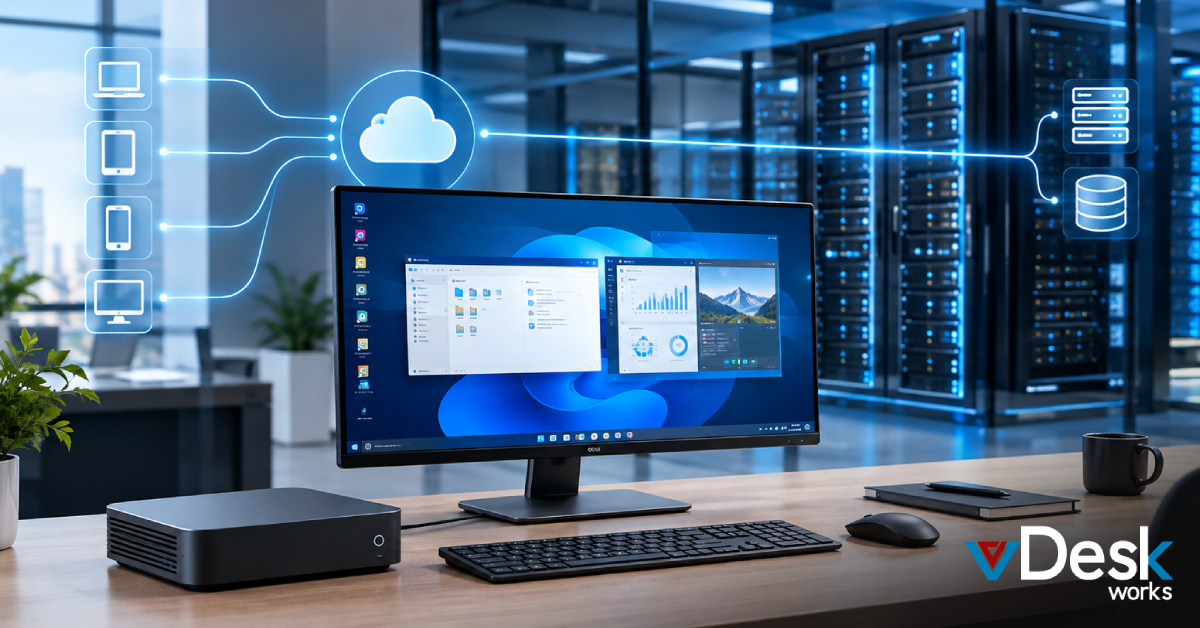
Instead of purchasing and maintaining a separate high-performance computer for every employee, businesses can use Desktop-as-a-Service (DaaS) or Virtual Desktop Infrastructure (VDI) to deliver complete desktop environments through the cloud.
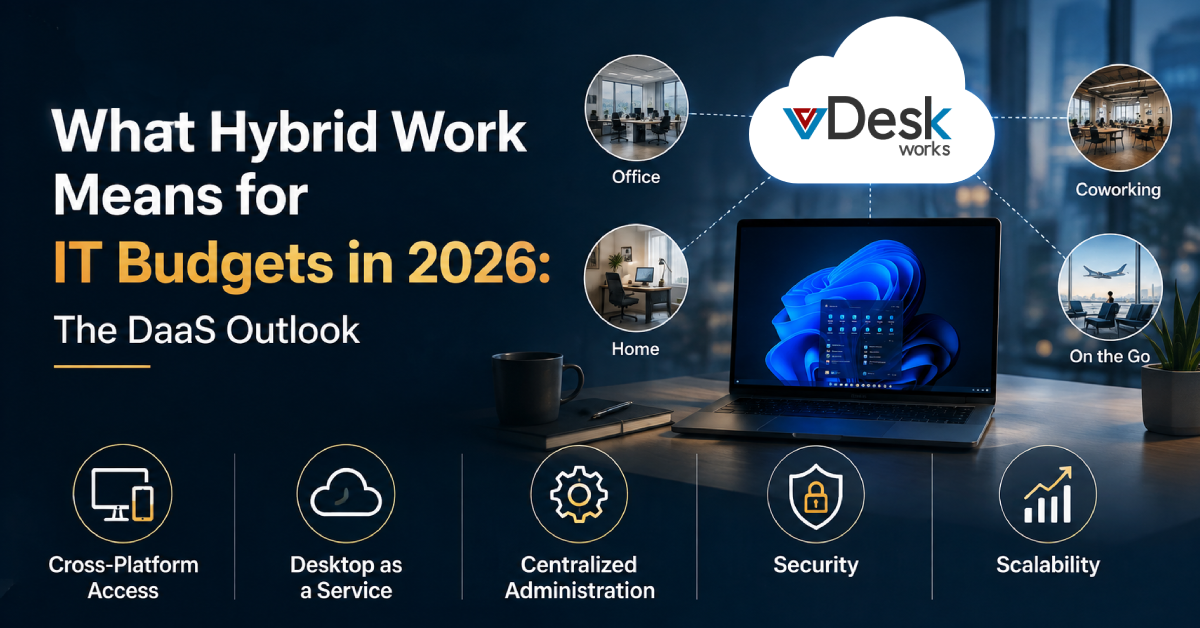
A virtual desktop solution allows users to access applications, files, and a familiar desktop environment from supported devices while much of the computing infrastructure is managed centrally. This approach can help businesses simplify IT operations, support distributed employees, improve access control, and scale desktop resources as their workforce changes.
However, the DaaS market includes platforms designed for very different business requirements. Some are deeply integrated with major cloud ecosystems, while others focus on enterprise application delivery, hybrid infrastructure, simplified management, or cost-effective desktop virtualization.
In this guide, we look at several leading virtual desktop and DaaS platforms in 2026 and explain where each approach can fit.
Top Virtual Desktop and DaaS Providers in 2026
There is no single platform that is best for every organization. The right choice depends on infrastructure, application requirements, security expectations, budget, workforce size, and the level of IT expertise available internally.
Here are several major options businesses may consider.
1. vDeskWorks
Best for: Businesses looking for a flexible, secure, and centrally managed cloud desktop environment across different devices and workloads.
vDeskWorks provides Desktop-as-a-Service and Virtual Desktop Infrastructure designed to help organizations deliver cloud-hosted desktop environments to distributed users.
The platform allows employees to access their virtual desktops through supported devices and web browsers, helping businesses reduce dependence on traditional physical desktop infrastructure.
For companies managing remote employees, contractors, multiple locations, or BYOD environments, this model can simplify how desktops are delivered and controlled.
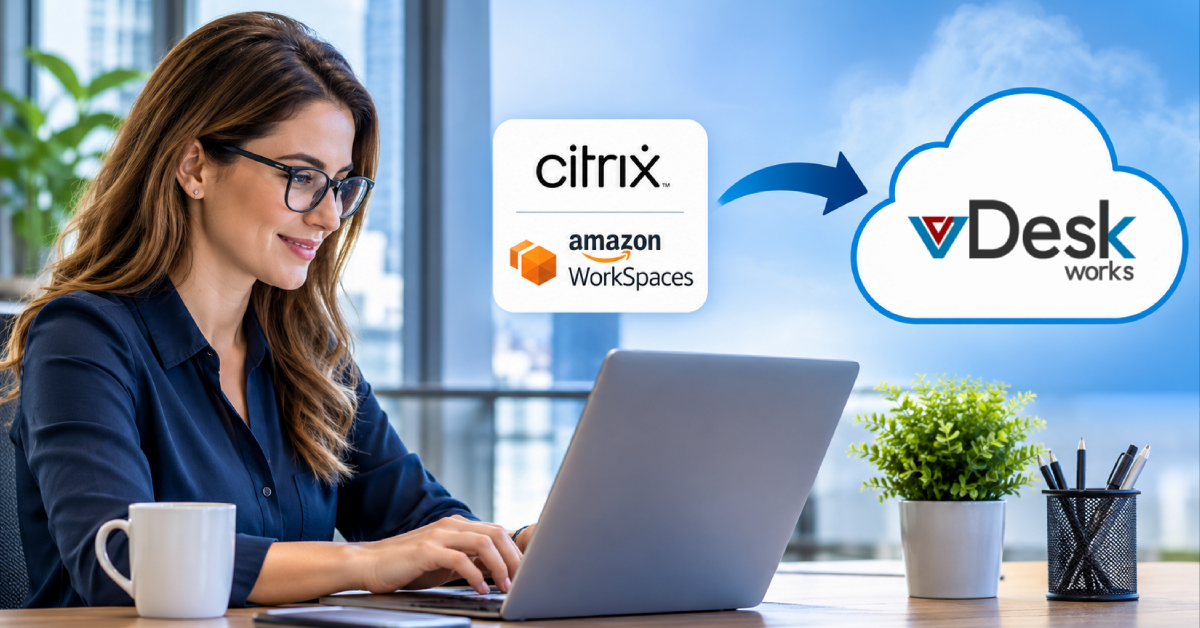
2. Citrix DaaS
Best for: Large organizations with complex application delivery and desktop virtualization requirements.
Citrix has been a major name in application and desktop virtualization for many years. Citrix DaaS is designed for organizations that require advanced controls, application delivery capabilities, security policies, and support for complex enterprise environments.
Its technology ecosystem is aimed at delivering desktops and applications across different endpoints while maintaining centralized administrative control.
Key Advantages
Citrix can be attractive for organizations requiring:
- Advanced application delivery
- Detailed policy management
- Enterprise scalability
- Support for diverse endpoints
- Multimedia optimization
- Hybrid and multi-cloud capabilities
Considerations
The platform can be more complex than simpler DaaS offerings. Organizations should evaluate licensing, infrastructure requirements, administrative expertise, and total cost of ownership before selecting it.
For smaller companies with straightforward requirements, a simpler platform may be easier to manage.
3. Omnissa Horizon
Best for: Organizations with existing enterprise virtualization investments and hybrid desktop requirements.
Omnissa Horizon is the product family formerly associated with VMware's desktop virtualization business. It provides capabilities for delivering virtual desktops and applications across enterprise environments.
Organizations with existing virtualization infrastructure may consider Horizon when they want to continue building on their existing technology investment.
Key Advantages
Depending on deployment, Horizon can provide:
- Enterprise virtual desktop management
- Hybrid deployment capabilities
- Application delivery
- Advanced desktop management
- Support for demanding workloads
- Integration with enterprise virtualization environments
Considerations
Businesses evaluating Horizon should examine the current licensing structure, infrastructure requirements, supported deployment models, and long-term platform strategy.
This is especially important for organizations reassessing their virtualization environment and considering whether to continue with an existing ecosystem or evaluate alternatives.
4. Amazon WorkSpaces
Best for: Organizations that already rely heavily on AWS.
Amazon WorkSpaces is AWS's managed DaaS offering. It allows businesses to provision cloud-hosted desktops without building and operating the entire underlying desktop infrastructure themselves.
For companies already using AWS services, WorkSpaces can provide a relatively direct way to introduce cloud desktops into their IT environment.
Key Advantages
Amazon WorkSpaces can offer:
- Managed cloud desktops
- AWS ecosystem integration
- Multiple desktop configurations
- Flexible provisioning
- Centralized administration
- Support for distributed employees
Considerations
Businesses should carefully model expected usage because cloud consumption costs can vary based on configuration and usage patterns.
Companies should also consider network performance, data residency requirements, licensing, and the level of customization they require.
5. Parallels RAS
Best for: Mid-sized organizations and service providers seeking straightforward application and desktop delivery.
Parallels Remote Application Server, commonly known as Parallels RAS, focuses on delivering applications and desktops across a variety of environments.
It can support organizations that want a more streamlined approach to desktop virtualization without necessarily deploying a highly complex enterprise architecture.
Key Advantages
Parallels RAS provides capabilities such as:
- Application publishing
- Desktop delivery
- Load balancing
- Centralized management
- Support for cloud and on-premise environments
- Reporting and administrative controls
Considerations
Businesses with extremely complex enterprise requirements may want to compare its feature depth and ecosystem with larger virtualization platforms.
For organizations looking for a flexible middle-ground approach, however, it can be worth evaluating.
6. Inuvika OVD Enterprise
Best for: Organizations looking for flexible application and desktop delivery across Windows and Linux environments.
Inuvika OVD Enterprise takes a different approach to desktop and application virtualization. Its architecture can support delivery of Windows and Linux applications and desktops while providing organizations with flexibility around the underlying infrastructure.
This can make it interesting for businesses looking beyond traditional Windows-centric virtualization environments.
Key Advantages
Organizations may consider Inuvika for:
- Windows and Linux application environments
- Flexible infrastructure choices
- Application publishing
- Multi-tenant deployments
- Centralized management
- Organizations seeking alternatives to larger virtualization ecosystems
Considerations
Businesses should evaluate application compatibility, available technical expertise, ecosystem support, and integration requirements before deciding.
7. TSplus
Best for: Small businesses looking for straightforward remote access to Windows applications and desktops.
TSplus focuses on making Windows application and desktop access relatively simple. It can be attractive to smaller organizations that do not require the full feature set or complexity associated with enterprise VDI platforms.
Key Advantages
Its approach emphasizes:
- Simple deployment
- Remote application access
- Windows desktop access
- Lower entry barriers
- Straightforward administration
Considerations
Organizations with advanced security, large-scale management, graphics-intensive workloads, or sophisticated virtualization requirements may need a more comprehensive platform.
Businesses should also carefully review their Microsoft licensing and security configuration before deploying any RDP-based remote access solution.
Final Thoughts
The DaaS market in 2026 offers businesses more choices than ever. Microsoft Azure Virtual Desktop and Amazon WorkSpaces are compelling for organizations already invested in their respective cloud ecosystems. Citrix and Omnissa remain important considerations for complex enterprise environments, while Parallels RAS, Inuvika, and TSplus provide alternative approaches for different business requirements.
The right decision ultimately depends on your organization's applications, workforce, infrastructure, security requirements, budget, and growth plans.
For businesses seeking a flexible cloud desktop environment that supports different devices, centralized administration, demanding workloads, and distributed teams, vDeskWorks provides a strong option to evaluate.
The goal is not simply to move desktops to the cloud. It is to create a desktop strategy that makes your business more secure, manageable, scalable, and prepared for the way people work today. Schedule a live demo online at www.vdeskworks.com/live-demo-client.
 Emma Carson