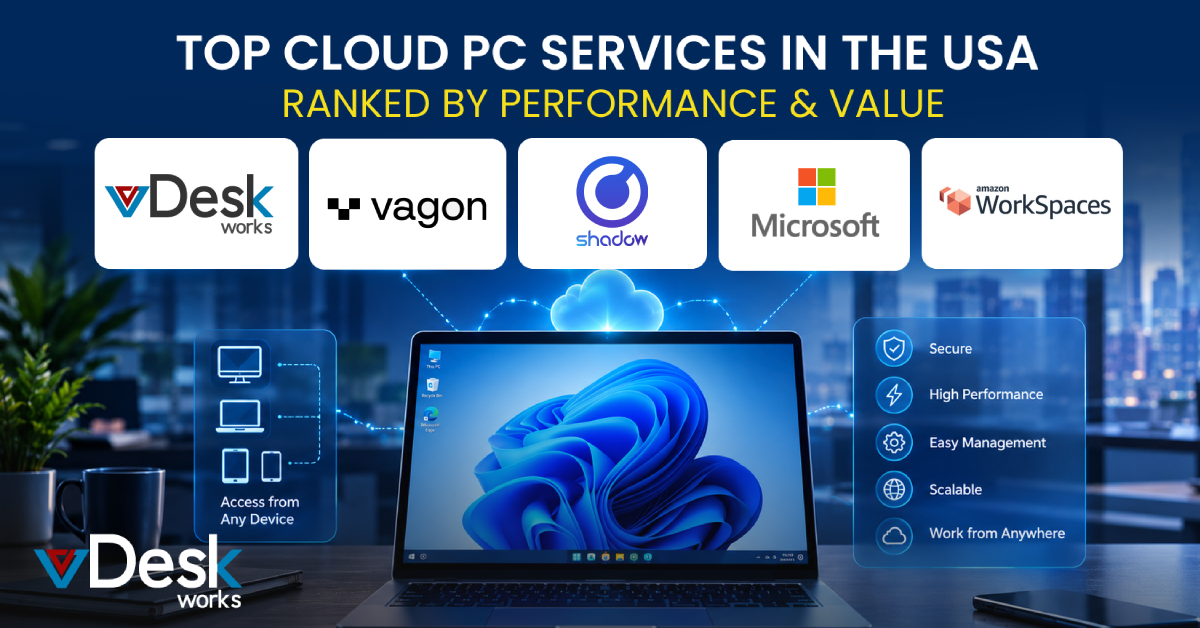
The way businesses provide computers to employees is changing. A few years ago, giving every employee a physical laptop or desktop was considered the standard approach. Today, remote work, hybrid teams, international hiring, BYOD, temporary projects, and distributed offices have made traditional desktop management more difficult.
Cloud PCs provide another option.
A Cloud PC gives users access to a complete computing environment hosted in the cloud. Instead of relying entirely on the processing power and storage of a physical computer, employees connect to a remotely hosted desktop through an application or web browser.
For businesses, this can mean less dependence on expensive hardware, easier IT management, faster employee onboarding, and greater flexibility.
However, the Cloud PC market includes many different services. Some focus on high-performance GPU computing, some are designed around Microsoft productivity environments, while others target gaming, development, or enterprise workloads.
This guide compares popular Cloud PC services in the USA based on performance, flexibility, pricing approach, business suitability, and overall value. It also looks at how vDeskWorks fits into the market as a business-focused Cloud PC and virtual desktop solution.
Why Cloud PC Services Matter to Modern Businesses
Businesses are increasingly looking for technology that can adapt to changing workforce requirements.
Consider a company hiring employees across several states. Shipping and configuring physical laptops for every new employee can take time. IT teams also have to maintain those devices, install software, apply patches, monitor security, and recover equipment when employees leave.
A Cloud PC can move much of this desktop management into a centralized environment.
Faster Employee Onboarding
Instead of waiting for a laptop to be purchased and shipped, IT teams can provision a virtual desktop and provide authorized access.
Reduced Hardware Dependency
Employees can access a powerful desktop without necessarily requiring equally powerful local hardware.
Centralized Management
Administrators can manage virtual desktops, users, applications, and access policies from a central environment.
Easier Scaling
Additional desktops can be provisioned when a business expands, launches a project, or hires temporary workers.
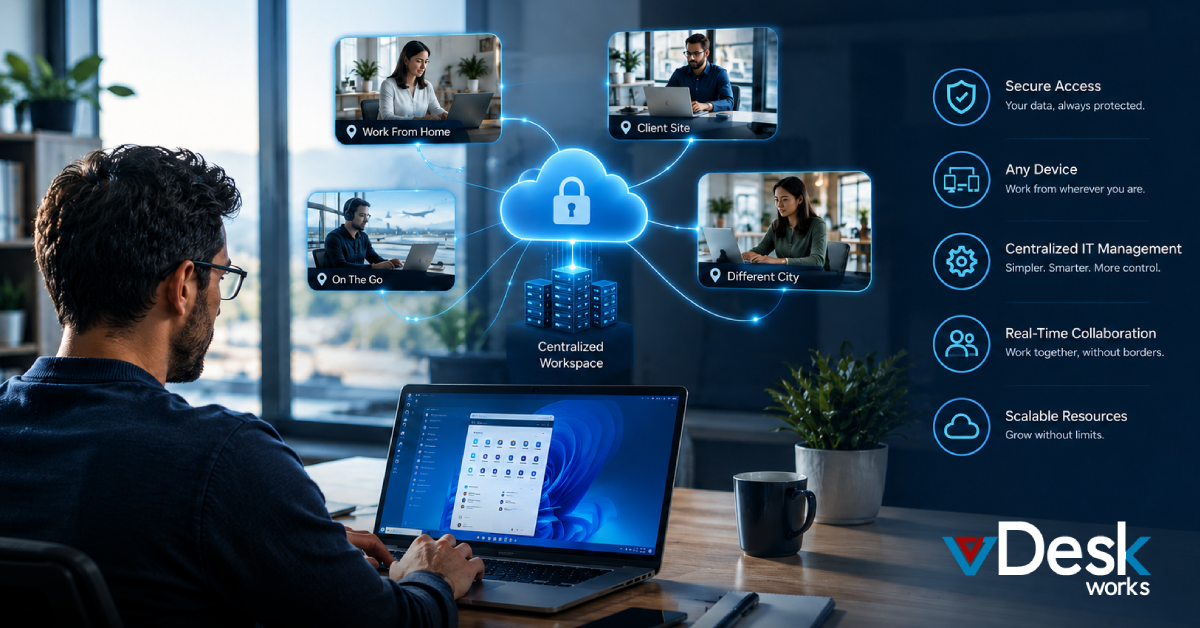
Support for Distributed Work
Employees can maintain access to their familiar business environment regardless of where they work.
Top Cloud PC Services in the USA
Different Cloud PC providers serve different audiences. A creative professional looking for GPU performance may have completely different requirements from an accounting company looking for secure business desktops.
Here are several services worth considering.
1. vDeskWorks Cloud PC
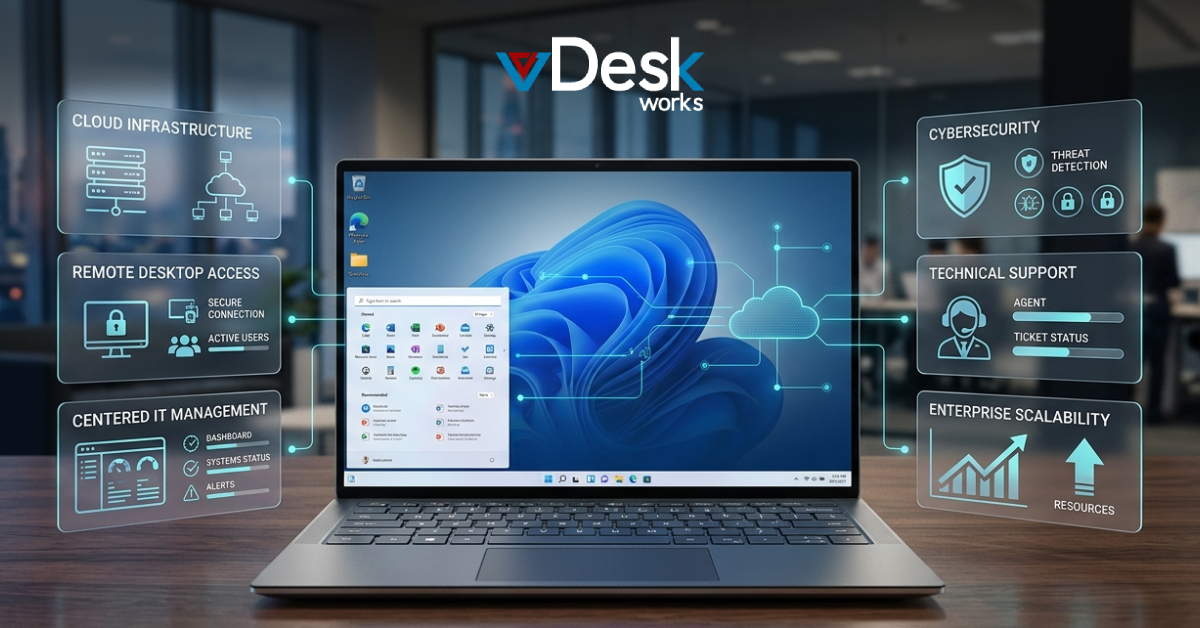
vDeskWorks is designed around the needs of businesses that want secure, flexible, and centrally managed Cloud PCs.
Rather than focusing only on one type of workload, vDeskWorks provides virtual desktop environments that can be configured according to business requirements.
The platform helps organizations move desktop computing away from individual physical machines and into a centralized cloud environment.
Key vDeskWorks Capabilities
vDeskWorks supports:
- Cloud-hosted virtual desktops
- Cross-device access
- Centralized administration
- Multi-factor authentication
- Encryption
- Automated backups
- Disaster recovery capabilities
- GPU-powered virtual desktops
- Persistent and non-persistent desktop environments
- Application management
- Remote access
- Flexible desktop configurations
Employees can connect through supported Windows, Mac, Linux, Chromebook, iOS, Android, and web-based environments.
This cross-platform capability can be useful for businesses supporting remote employees and BYOD programs.
Designed for Business Flexibility
One of the major advantages of a Cloud PC is that businesses do not necessarily need to give every employee identical computing resources.
A finance employee may require a standard business desktop, while an engineer or designer may need a GPU-enabled environment.
vDeskWorks allows organizations to configure desktop environments according to different user requirements.
This makes the platform suitable for companies with multiple departments and varied workloads.
2. Vagon Cloud Computer
Vagon Cloud Computer is particularly focused on users who need high-performance cloud computing without purchasing expensive local workstations.
Its strength is GPU-powered computing for creative and demanding workloads.
It can be useful for professionals working with:
- 3D applications
- Video editing
- Graphic design
- Architecture
- Engineering
- Other GPU-intensive workloads
One notable aspect of the service is its usage-based approach, which can be attractive for users who do not need a powerful cloud machine running continuously.
Best For
Vagon can be particularly appealing to creative professionals and users who need high-performance computing for specific projects.
Its flexible billing approach can also be useful when workloads vary significantly.
3. Shadow PC
Shadow PC takes a different approach by providing users with an always-available high-performance cloud computer.
It is particularly well known among gaming and personal power users.
The service provides users with a complete desktop environment and high-end hardware configurations designed for demanding workloads.
Best For
Shadow PC may be a strong option for:
- Gamers
- Power users
- Personal computing
- High-performance desktop requirements
For business users, however, organizations should evaluate enterprise management, administrative controls, security requirements, and support capabilities rather than focusing only on raw hardware performance.
4. Windows 365
Windows 365 is Microsoft's Cloud PC service and is particularly attractive to businesses already using Microsoft 365.
The service delivers Windows desktops through Microsoft's cloud infrastructure and integrates with the wider Microsoft environment.
Major Strengths
Businesses can benefit from:
- Windows-based Cloud PCs
- Microsoft 365 integration
- Centralized administration
- Enterprise identity capabilities
- Familiar Windows experience
- Per-user subscription options
For organizations already standardized on Microsoft products, Windows 365 can simplify the transition toward Cloud PCs.
The main consideration is that organizations should evaluate Microsoft's licensing, configuration options, resource requirements, and overall cost against alternative providers.
5. Amazon WorkSpaces
Amazon WorkSpaces is AWS's managed virtual desktop service.
It is particularly suitable for companies that already use Amazon Web Services for their infrastructure.
Businesses can provision virtual desktops and connect them with other AWS services and resources.
Key Benefits
Amazon WorkSpaces provides:
- Managed virtual desktops
- Windows and Linux environments
- Different desktop configurations
- AWS integration
- Flexible deployment
- Usage-based and subscription-style options
For AWS-centric organizations, this can make it easier to integrate desktop infrastructure with existing cloud operations.
However, companies should monitor consumption carefully because usage-based cloud pricing can become difficult to predict for employees who use their desktops continuously.
Why vDeskWorks Is Worth Considering
The value of a Cloud PC should not be measured solely by how powerful the virtual machine is.
For businesses, the larger question is whether the platform makes desktop computing easier to deliver, secure, manage, and scale.
vDeskWorks is designed around these requirements.
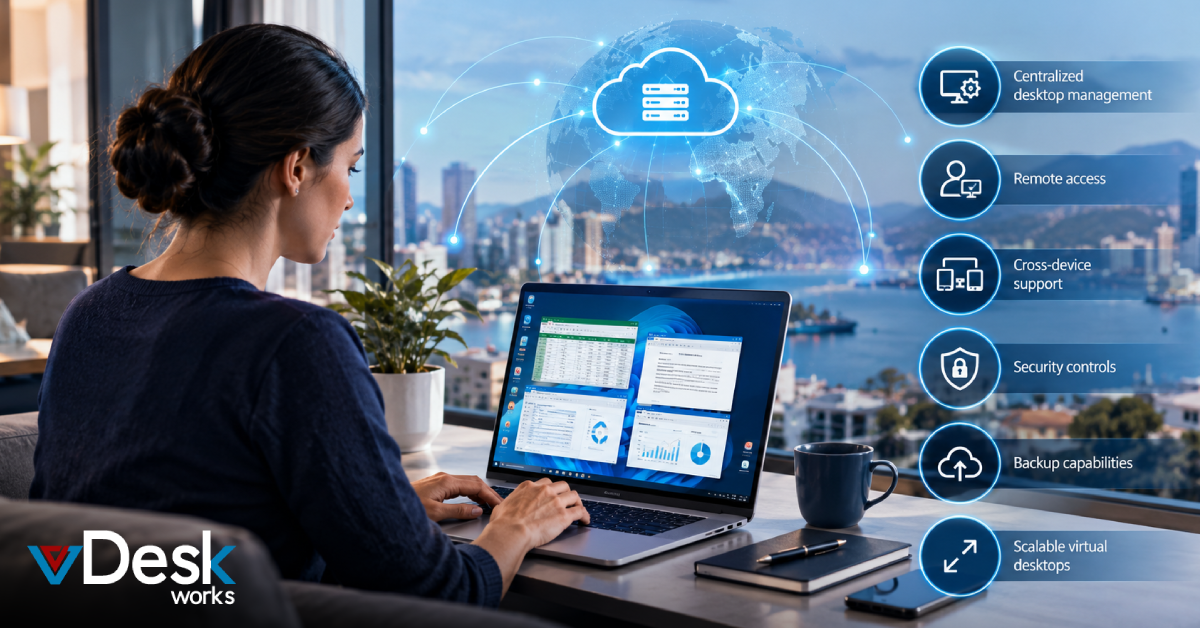
Its Cloud PC environment can help businesses:
- Reduce dependence on physical hardware
- Support employees across different devices
- Centralize desktop management
- Provide secure remote access
- Deploy different desktop configurations
- Support GPU-intensive workloads
- Maintain backup and recovery capabilities
- Improve flexibility for remote teams
- Simplify desktop administration
This makes vDeskWorks particularly relevant for organizations that want a business-oriented virtual desktop solution rather than simply a remote computer.
Conclusion
Cloud PC services are becoming an important alternative to traditional desktop infrastructure as businesses adopt remote work, hybrid operations, BYOD, international hiring, and cloud-first IT strategies.
Services such as Vagon, Shadow PC, Windows 365, Amazon WorkSpaces, Azure Virtual Desktop, Paperspace, AirGPU, and Shells each address different requirements. Some prioritize GPU performance, others focus on Microsoft or AWS ecosystems, while others target affordable or specialized cloud computing.
For businesses, however, performance is only one part of the decision.
Security, centralized management, scalability, cross-platform access, backup, support, and total cost should all be considered before selecting a provider.
vDeskWorks brings these business requirements together through its Cloud PC and DaaS capabilities, providing organizations with a flexible way to deliver secure virtual desktops without relying entirely on traditional physical hardware.
Want to book a live demo? Click here: www.vdeskworks.com/live-demo-client
 Emma Carson