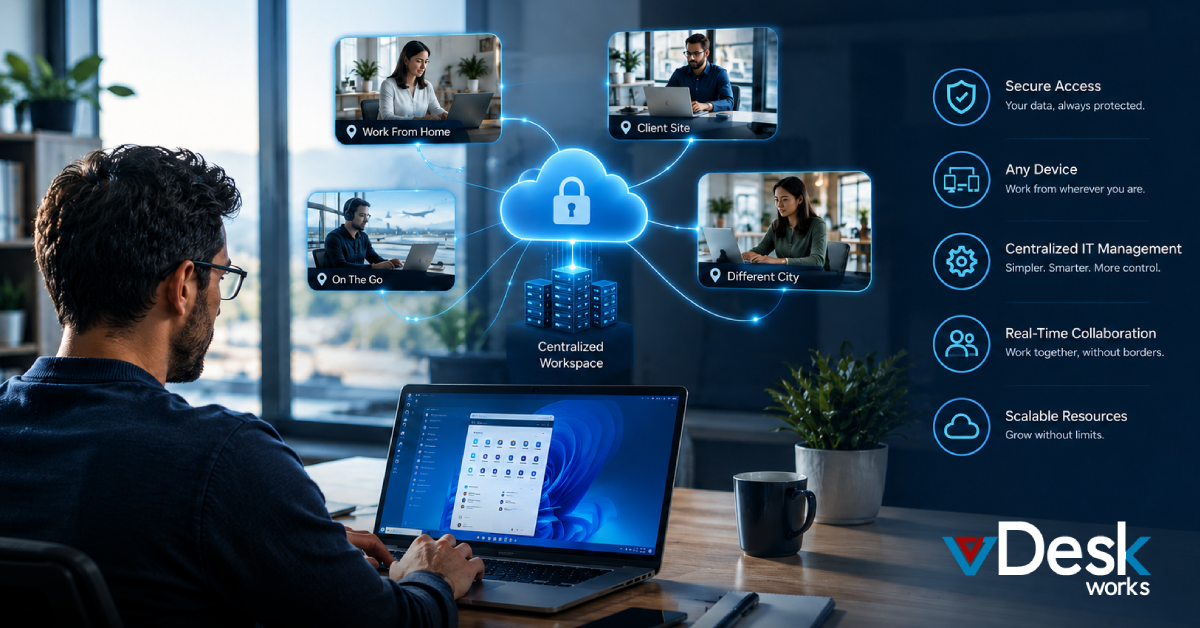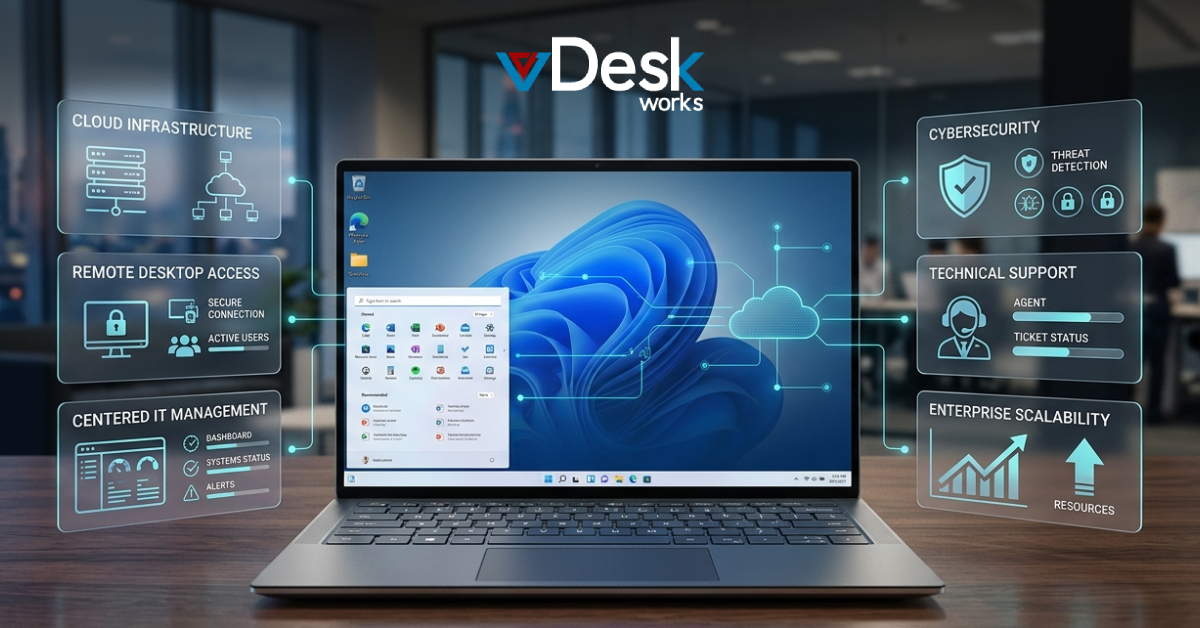
The traditional business desktop is changing. Employees no longer work only from company offices or from a computer physically connected to the corporate network. Today, teams may work from home, coworking spaces, client locations, different cities, or even different countries.
This shift has created a growing demand for Cloud PCs and virtual desktop solutions that allow employees to access their complete work environment from almost anywhere.
For businesses evaluating the market in 2026, some of the major names include vDeskWorks, Microsoft Windows 365, Azure Virtual Desktop, Amazon WorkSpaces, Citrix DaaS, and VMware Horizon Cloud.
The right choice ultimately depends on how much control your IT team needs, the type of applications employees use, the number of users you support, your budget, and how quickly you need to deploy virtual desktops.
Why Are Businesses Moving Toward Cloud PCs?
Reduced Hardware Dependency
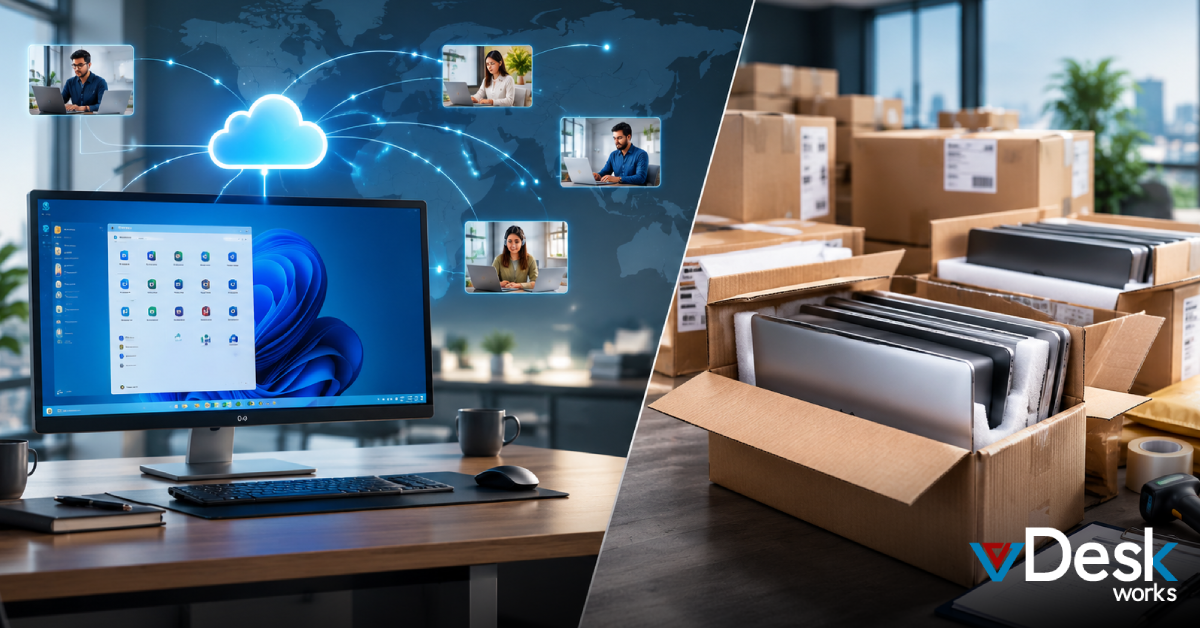
Employees do not necessarily need expensive local hardware to access a powerful desktop environment. The processing workload can take place in the cloud.
Faster Employee Onboarding
Instead of purchasing and shipping a new laptop whenever someone joins the company, IT teams can provision a virtual desktop and provide access credentials.
Centralized Security
Business applications and data can remain within the controlled virtual environment instead of being distributed across numerous local hard drives.
Easier Scalability
Businesses can add or remove virtual desktops as workforce requirements change.
Support for Remote Teams
Employees can access a familiar work environment from supported devices regardless of whether they are working from home, a branch office, or another location.
Top Cloud PC Providers in the USA
There is no single Cloud PC platform that is perfect for every organization. Each provider approaches cloud desktops differently.
Let's look at some of the major options businesses can consider.
1. vDeskWorks Cloud PC
vDeskWorks provides Cloud PC and Desktop-as-a-Service capabilities designed to make virtual desktop deployment more accessible to businesses.
Its approach focuses on providing organizations with a centralized desktop environment that can be accessed across multiple types of devices.
The platform can be useful for companies that want to reduce dependency on traditional physical desktops while maintaining centralized control over users, applications, and business resources.
Key Features of vDeskWorks
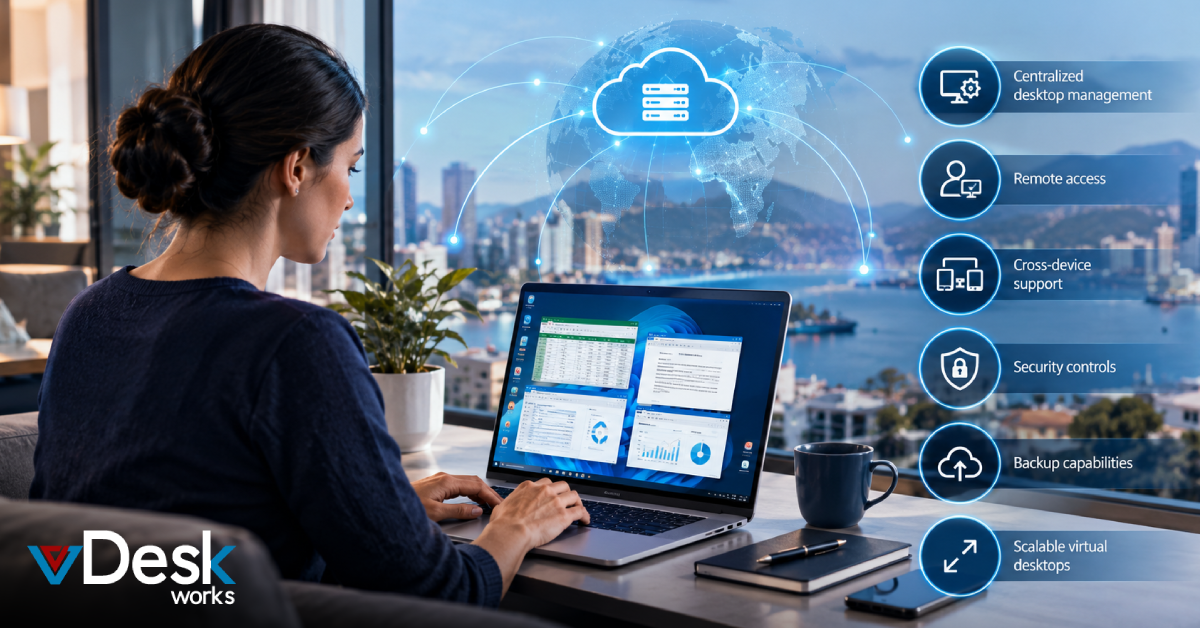
vDeskWorks provides capabilities designed for modern distributed work environments, including:
- Cross-device virtual desktop access
- Centralized administration
- Secure remote desktop access
- Automated backups
- Multi-factor authentication
- Encryption
- GPU-enabled virtual desktops
- Persistent and non-persistent desktop options
- Application management
- Disaster recovery capabilities
- Cloud and infrastructure flexibility
Employees can access their virtual desktops using Windows, Mac, Linux, Chromebook, iOS, Android, or supported web browsers.
This cross-platform approach can be particularly useful for businesses operating BYOD programs or supporting employees who use different devices.
Cloud PC for High-Performance Workloads
Not every employee requires the same computing power.
An accounting employee may need standard office applications, while a designer or engineer may require significantly more processing and graphics capability.
vDeskWorks supports GPU-backed environments for workloads involving applications such as CAD, 3D design, graphics production, and other resource-intensive software.
This allows organizations to build desktop environments around employee roles rather than providing every employee with the same expensive physical workstation.
Centralized Management
Another important advantage is centralized administration.
IT teams can manage virtual desktop environments, users, applications, access, and other resources from a central console.
This can reduce repetitive administrative work and make it easier to maintain consistent configurations across users.
For businesses searching for a flexible virtual desktop solution, this centralized approach can be particularly valuable as the workforce expands.
2. Microsoft Windows 365 and Azure Virtual Desktop
Microsoft has two major approaches to cloud desktops: Windows 365 and Azure Virtual Desktop.
Although both use Microsoft Azure infrastructure, they serve somewhat different requirements.
Windows 365 provides a more straightforward Cloud PC experience. Users receive a dedicated Windows environment that can be accessed remotely.
Azure Virtual Desktop, meanwhile, provides more flexibility and customization for organizations with experienced IT and cloud teams.
The Microsoft ecosystem makes these platforms attractive to companies already using Microsoft 365, Azure, Entra ID, and other Microsoft services.
Key Advantages
Businesses can benefit from:
- Strong Microsoft 365 integration
- Windows-based desktop environments
- Azure infrastructure
- Identity management integration
- Multi-session capabilities through Azure Virtual Desktop
- Enterprise management capabilities
- Broad Microsoft ecosystem compatibility
However, organizations should also consider the complexity of Azure-based deployments.
Azure Virtual Desktop can require more technical knowledge, particularly when businesses need to optimize infrastructure, monitor consumption, manage scaling, and control costs.
For companies already deeply invested in Azure, however, Microsoft's ecosystem can be a compelling option.
3. Amazon WorkSpaces
Amazon WorkSpaces is AWS's managed desktop virtualization service.
It allows organizations to provision cloud-hosted desktops without having to build and maintain the complete virtualization infrastructure themselves.
The platform is particularly attractive to companies that already rely heavily on Amazon Web Services.
Major Features
Amazon WorkSpaces provides:
- Managed cloud desktops
- Windows and Linux options
- Multiple desktop configurations
- AWS ecosystem integration
- Flexible provisioning
- Scalable infrastructure
- Pay-as-you-use options
Its connection with the wider AWS environment can be valuable for organizations already running applications, storage, databases, and other infrastructure on AWS.
However, consumption-based pricing needs careful monitoring. Businesses with consistent, heavy desktop usage should evaluate the total monthly cost rather than looking only at the hourly rate.
4. Citrix DaaS
Citrix has been an established name in application and desktop virtualization for many years.
Citrix DaaS is designed primarily for organizations requiring sophisticated application delivery, desktop virtualization, security policies, and enterprise management.
It can be a strong fit for complex environments where businesses need detailed control over application delivery and user access.
Key Strengths
Citrix provides capabilities such as:
- Enterprise desktop delivery
- Application virtualization
- Advanced policy management
- Multi-cloud capabilities
- Performance optimization
- Broad endpoint support
- Enterprise security controls
The trade-off is that Citrix environments can require greater expertise to architect, deploy, and manage.
Organizations should therefore consider both licensing costs and the internal IT resources required to operate the environment.
5. VMware Horizon / Omnissa Horizon
VMware Horizon, now associated with Omnissa following VMware's separation from Broadcom, is another major name in enterprise desktop virtualization.
It has historically been popular with organizations already operating VMware-based infrastructure.
The platform supports virtual desktops and applications across enterprise environments and can support organizations with complex virtualization requirements.
Key Capabilities
These include:
- Enterprise virtual desktop delivery
- Application virtualization
- Hybrid deployment capabilities
- Advanced desktop management
- Endpoint support
- Performance optimization
- Integration with enterprise virtualization environments
For companies already invested heavily in VMware-related infrastructure, this approach can make sense.
However, businesses should carefully evaluate licensing, infrastructure dependencies, and long-term platform costs before making a decision.
Conclusion
Cloud PCs offer businesses a different way to deliver desktops, applications, and computing resources to employees. Instead of depending entirely on physical hardware, organizations can provide cloud-hosted workspaces that employees can access remotely.
Microsoft, AWS, Citrix, and Omnissa each provide strong options for particular business requirements. However, businesses should look beyond brand recognition and compare security, performance, scalability, management, support, licensing, and total cost.
For organizations looking for a flexible and centrally managed virtual desktop solution, vDeskWorks provides Cloud PC and DaaS capabilities designed around modern distributed work requirements.
By reducing hardware dependency, supporting multiple devices, centralizing administration, providing security controls, and offering flexible desktop configurations, vDeskWorks can help businesses create a more adaptable desktop infrastructure for today's workforce.
 Emma Carson