Cloud PC has rapidly become a cornerstone of modern digital workspaces. It promises flexibility, scalability, and secure access to desktops from anywhere—making it ideal for hybrid and remote teams.
But here’s the catch: Cloud PC isn’t a “set it and forget it” solution.
Even experienced IT teams can run into design pitfalls that impact performance, cost, and user experience. One of the most overlooked—but critical—factors? Data locality.
In this blog, we break down the most common Cloud PC mistakes related to data locality—and how to avoid them for a seamless deployment.
What is Data Locality in Cloud PC?
At its core, data locality refers to where your data resides in relation to your Cloud PC environment.
This includes:
- User data (documents, files, profiles)
- Application data and databases
- Backend services and file systems
Why does it matter? Because applications perform best when they are closer to the data they access. The further away the data, the higher the latency—and the poorer the user experience.
Cloud PC environments rely heavily on real-time interaction between users, applications, and data. If this chain isn’t optimized, even the most advanced setup can feel slow and inefficient.
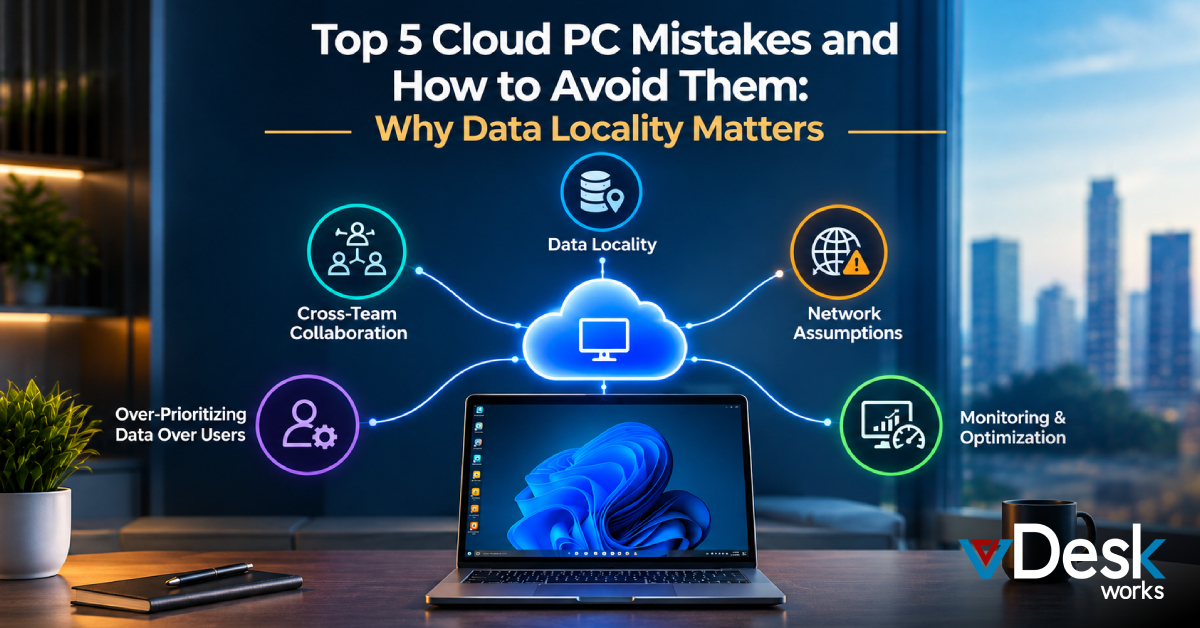
Mistake #1: Ignoring Cross-Team Collaboration
One of the biggest mistakes organizations make is treating Cloud PC deployment as a siloed project.
In reality, Cloud PC environments touch multiple domains:
- Networking
- Security
- Cloud infrastructure
- Application management
- End-user computing
When these teams don’t collaborate, decisions around data placement often become fragmented. This leads to poor architectural choices—like storing critical application data far from where Cloud PCs are hosted.
How to avoid it:
Break down silos early. Ensure all stakeholders align on:
- Where data lives
- How users access it
- Compliance and governance requirements
A unified strategy ensures your Cloud PC environment is designed holistically—not in isolation.
Mistake #2: Assuming the Network Will Fix Everything
It’s easy to assume that modern networks can handle anything. After all, cloud providers promise high-speed connectivity and global infrastructure.
But in practice, network limitations still matter—a lot.
Latency, bandwidth constraints, packet loss, and jitter can significantly impact Cloud PC performance. If your Cloud PC is hosted in one region while your data sits in another, users may experience lag, slow load times, or even application failures.
How to avoid it:
- Keep Cloud PCs and critical data in the same region whenever possible
- Test network performance under real-world conditions
- Avoid over-reliance on VPNs or long-distance connections
Remember: network strength can’t fully compensate for poor data placement.
Mistake #3: Over-Prioritizing Data Over Users
While keeping data close to compute resources is important, focusing only on data locality can backfire.
Cloud PC environments depend on remoting protocols to deliver desktops to users. This means user proximity to the Cloud PC also plays a major role in performance.
If you optimize only for data—placing everything in one central location—you may increase the distance between users and their Cloud PCs, resulting in a degraded experience.
How to avoid it:
Balance both:
- Data locality (where your data lives)
- User locality (where your users are)
In many cases, a multi-region deployment with data replication is the best solution.
Mistake #4: Treating Cloud PC as a One-Size-Fits-All Solution
Cloud PC offers incredible flexibility—but not every workload behaves the same way.
Some applications are:
- Latency-sensitive (e.g., real-time collaboration tools)
- Data-intensive (e.g., analytics platforms)
- Region-specific (e.g., compliance-driven workloads)
Applying a single deployment model across all use cases often leads to inefficiencies.
How to avoid it:
Adopt a use-case-driven approach:
- Place high-performance workloads closer to users
- Keep sensitive data in compliant regions
- Use hybrid or multi-cloud strategies when needed
Cloud PC is powerful because it adapts—so your strategy should too.
Mistake #5: Underestimating Monitoring and Optimization
Even after deployment, many organizations fail to continuously monitor their Cloud PC environments.
But performance isn’t static.
Factors like:
- User growth
- Application changes
- Data expansion
- Network fluctuations
can all impact performance over time.
Modern Cloud PC platforms now offer built-in analytics and observability, providing real-time insights into system health, user experience, and performance metrics.
How to avoid it:
- Monitor latency, login times, and application performance
- Use analytics to identify bottlenecks
- Continuously optimize data placement and infrastructure
Cloud PC success isn’t just about deployment—it’s about ongoing optimization.
Why Getting Data Locality Right is Critical?
Cloud PC delivers on its promise when everything works together seamlessly:
- Infrastructure
- Data
- Applications
- Users
When data locality is optimized:
- Applications run faster
- User experience improves
- Costs are reduced
- Security and compliance are easier to manage
On the flip side, poor data locality can quietly undermine your entire Cloud PC strategy—leading to frustration, inefficiencies, and increased costs.
Why Choose vDeskWorks Cloud PC for Smarter Deployments?
When it comes to avoiding these Cloud PC pitfalls, the right platform makes all the difference. That’s where vDeskWorks Cloud PC stands out.
Designed with performance, flexibility, and data locality in mind, vDeskWorks enables organizations to deploy Cloud PCs that are not just scalable—but also intelligently optimized.
With vDeskWorks Cloud PC, businesses can:
- Deploy desktops closer to users and data through global infrastructure options
- Ensure low-latency performance with optimized routing and regional availability
- Maintain compliance and data governance by controlling where data resides
- Scale on demand without compromising user experience
What sets vDeskWorks apart is its focus on balancing user proximity and data locality—a challenge many platforms overlook. Whether your teams are distributed across regions or working with data-heavy applications, the platform is built to deliver consistent performance.
Additionally, built-in monitoring and analytics help IT teams continuously optimize their Cloud PC environments. This means you’re not just deploying desktops—you’re actively improving them over time.
In a landscape where Cloud PC success depends on precision, vDeskWorks provides the tools and infrastructure needed to get it right from day one.
Final Thoughts
Cloud PC is transforming how organizations deliver digital workspaces—offering the flexibility of the cloud with the familiarity of a traditional desktop.
But success doesn’t come automatically.
Avoiding these common mistakes—especially around data locality—can make the difference between a high-performing environment and a frustrating one.
The key takeaway?
Think beyond infrastructure. Think about where your data lives, where your users are, and how they connect.
Because in the world of Cloud PC, proximity isn’t just a technical detail—it’s everything.
 Emma Carson