Cloud computing has changed the way businesses think about workplace technology. Employees no longer need to be tied to a particular office computer to access applications, files, and business systems. With cloud desktops, organizations can provide employees with virtual work environments that can be accessed remotely while allowing IT teams to maintain centralized control.
Platforms such as Citrix Virtual Desktops and Amazon WorkSpaces have played an important role in the growth of virtual desktop infrastructure. However, as business requirements evolve, organizations are reassessing whether their existing desktop platforms still provide the right balance of performance, flexibility, management simplicity, scalability, and cost.
This has created growing interest in alternatives that can deliver the benefits of cloud desktops without unnecessary operational complexity.
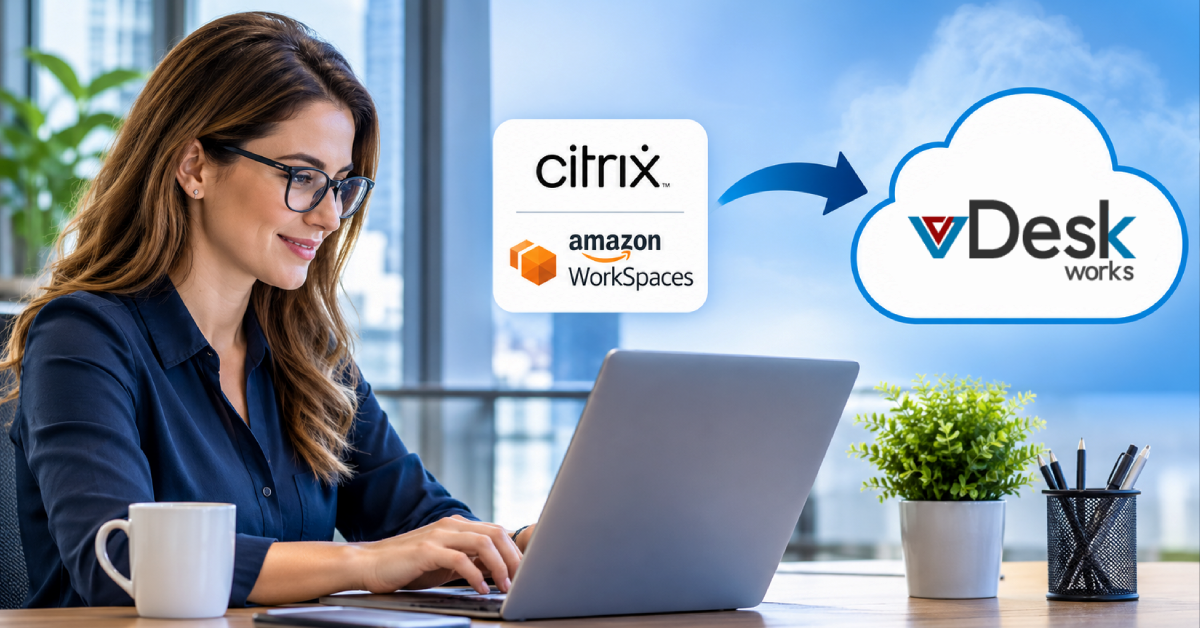
For businesses considering a Citrix or AWS WorkSpaces alternative, vDeskWorks Cloud Desktops offers a different approach. Rather than making organizations dependent on complicated desktop infrastructure or extensive administrative processes, vDeskWorks focuses on centralized management, flexible access, secure virtual workspaces, scalable resources, and practical deployment.
Switching platforms is not simply a technology migration. It is an opportunity for businesses to reconsider how desktops are delivered, managed, secured, and scaled in a workplace where remote and hybrid operations have become normal.
What Changes When You Move from Citrix or AWS WorkSpaces to vDeskWorks?
Switching cloud desktop platforms affects more than the technology underneath the desktop. It can change how IT teams provision users, manage resources, support employees, and plan infrastructure.
Here are some of the major changes organizations can expect when moving toward vDeskWorks.
1. Centralized IT Management
vDeskWorks simplifies desktop administration by bringing users, cloud desktops, access controls, sessions, monitoring, and reporting into a centralized environment. This reduces repetitive IT tasks and makes it easier to manage distributed teams without relying on physical workstation access.
2. Better Resource Optimization
Different employees have different computing needs. vDeskWorks supports flexible desktop configurations, including GPU-backed virtual desktops for demanding applications. Businesses can therefore match resources to user requirements instead of providing costly high-performance hardware to everyone.
3. Easier Remote and Hybrid Work
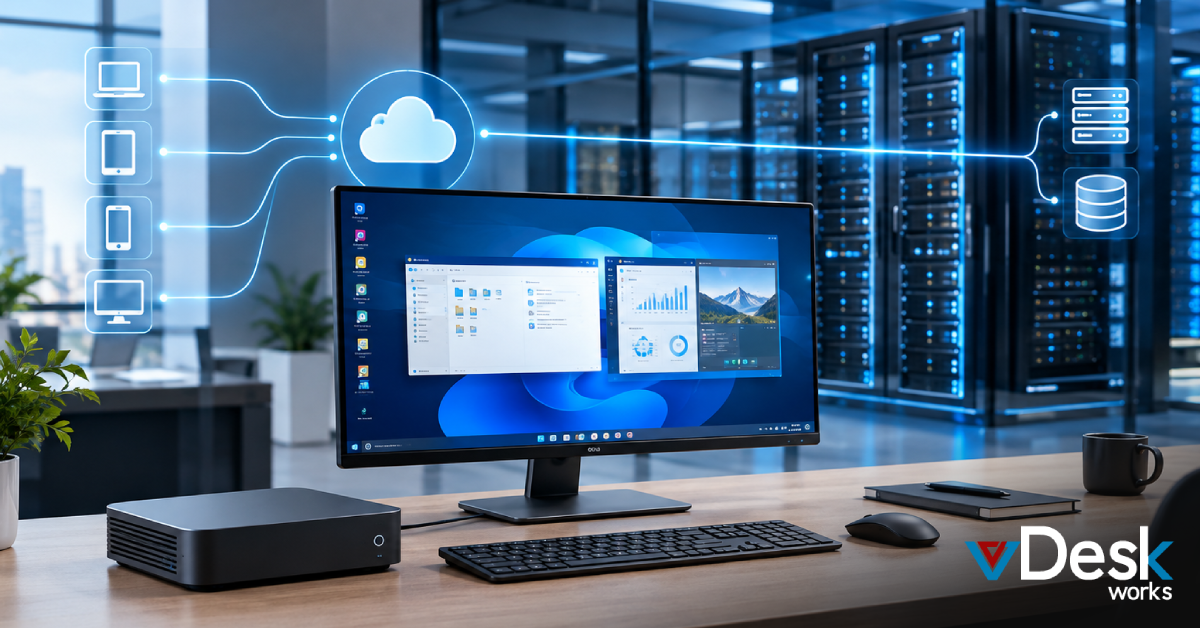
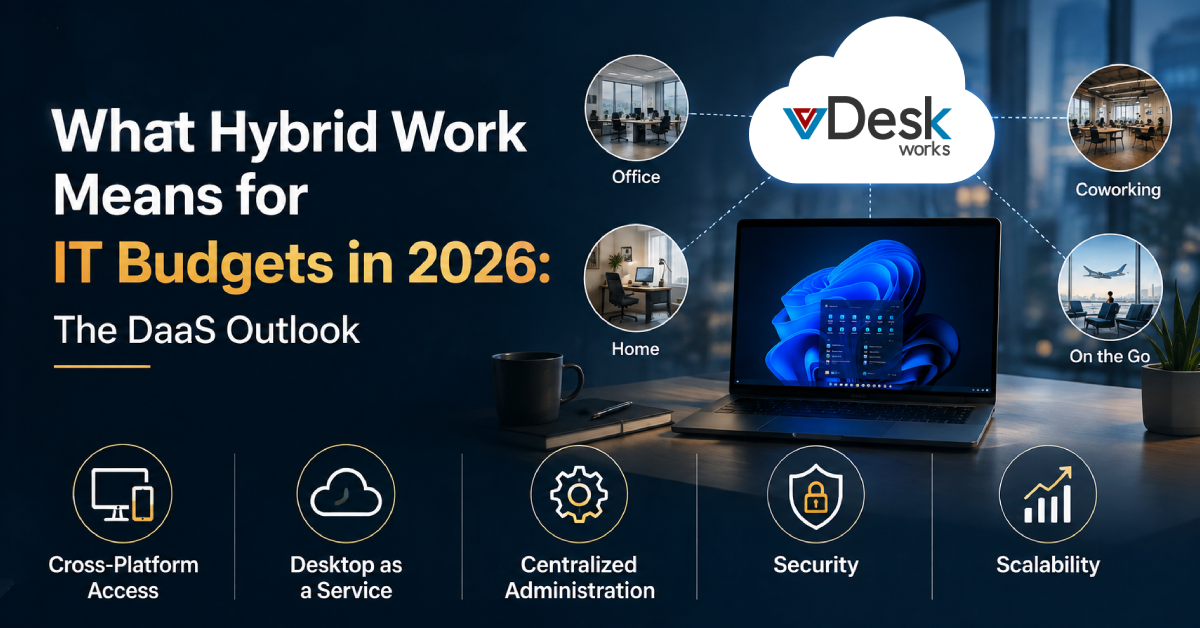
vDeskWorks enables employees to access their virtual workspaces across Windows, macOS, Linux, iOS, Android, and web browsers. This flexibility makes it a practical AWS WorkSpaces alternative for businesses supporting remote, hybrid, and distributed teams.
4. More Efficient Remote IT Support
With remote assistance and session-shadowing capabilities, authorized IT teams can troubleshoot desktop issues remotely. This can reduce resolution time and minimize disruptions for employees working outside the office.
5. Centralized Security
Security remains a critical consideration when switching cloud desktop platforms. vDeskWorks supports features such as 256-bit TLS encryption, multi-factor authentication, access controls, and centralized management, helping businesses protect virtual workspaces and maintain greater control over business information.
6. Support for Existing Infrastructure
Moving to cloud desktops does not necessarily mean replacing existing systems. vDeskWorks can connect virtual desktops with selected on-premises resources, including applications, file servers, databases, printers, and network resources, supporting a gradual transition to cloud computing.
7. Flexible Scalability
As businesses hire employees, add contractors, or expand operations, their desktop requirements change. vDeskWorks allows organizations to provision virtual desktops according to changing needs, making it suitable for growing businesses, seasonal teams, BPOs, and distributed organizations.
8. Backup and Business Continuity
vDeskWorks supports configurable backup capabilities to help organizations protect their virtual environments against issues such as hardware failure, accidental deletion, data corruption, and other disruptions. This can reduce dependence on individual physical devices and strengthen business continuity.
Comparing the Approach: Citrix, AWS WorkSpaces, and vDeskWorks
Citrix and AWS WorkSpaces have different strengths and are designed around different approaches to cloud desktop delivery.
Citrix is widely associated with advanced virtualization capabilities, enterprise management, performance optimization, and granular control. Such capabilities can be valuable for organizations operating complex environments.
Amazon WorkSpaces, meanwhile, provides managed cloud desktops within the broader AWS ecosystem. Its integration with AWS services can be useful for businesses already deeply invested in Amazon's cloud infrastructure.
However, organizations should evaluate whether these approaches match their current needs.
The important question is not simply:
"Which platform has more features?"
The more useful question is:
"Which platform provides the capabilities we need with the level of complexity and cost our organization can realistically manage?"
This is where vDeskWorks presents an alternative approach.
Its focus is on combining cloud desktop flexibility with centralized administration, secure access, scalable resources, remote support, and simplified management.
Why vDeskWorks Can Be a Practical AWS WorkSpaces and Citrix Alternative
For businesses evaluating an AWS WorkSpaces alternative or Citrix alternative, vDeskWorks offers a practical approach to virtual desktop management by reducing infrastructure complexity while providing centralized control over users, desktops, access, sessions, and resources. Organizations can manage their cloud desktop environments through a unified platform without handling every component of traditional desktop infrastructure, while flexible resource allocation allows different users to receive configurations suited to their needs, including GPU-backed environments for more demanding workloads.
With support across multiple operating systems and web browsers, vDeskWorks enables employees to access their virtual desktops from different devices, making it suitable for distributed and hybrid teams. Security is also centralized through features such as encryption, multi-factor authentication, access controls, and administrative controls, while session-shadowing capabilities allow authorized IT teams to remotely assist users without requiring physical access to their devices. For organizations considering a Citrix alternative, vDeskWorks provides a simpler operational model focused on practical desktop management, workload flexibility, device accessibility, security, and scalability. Rather than choosing a virtual desktop platform based only on the number of advanced features it provides, businesses can evaluate how effectively it supports their workforce, IT requirements, and long-term operational strategy.
Final Thoughts
Switching from Citrix or AWS WorkSpaces to another cloud desktop platform is a significant technology decision, but it can also be an opportunity to rethink the entire desktop strategy.
Businesses should evaluate their current infrastructure, understand where complexity and unnecessary costs exist, identify the requirements of different user groups, and determine what they actually need from a modern virtual desktop environment.
For organizations searching for a Citrix or AWS WorkSpaces alternative, vDeskWorks provides a cloud desktop approach centered on centralized management, flexible access, security, scalable resources, remote support, backup, and workload-specific performance.
vDeskWorks Cloud Desktops provide businesses with a practical path toward that modern workplace, combining cloud-based accessibility with centralized management, security, scalability, and operational flexibility.
Schedule a live demo at www.vdeskworks.com/live-demo-client.
 Emma Carson