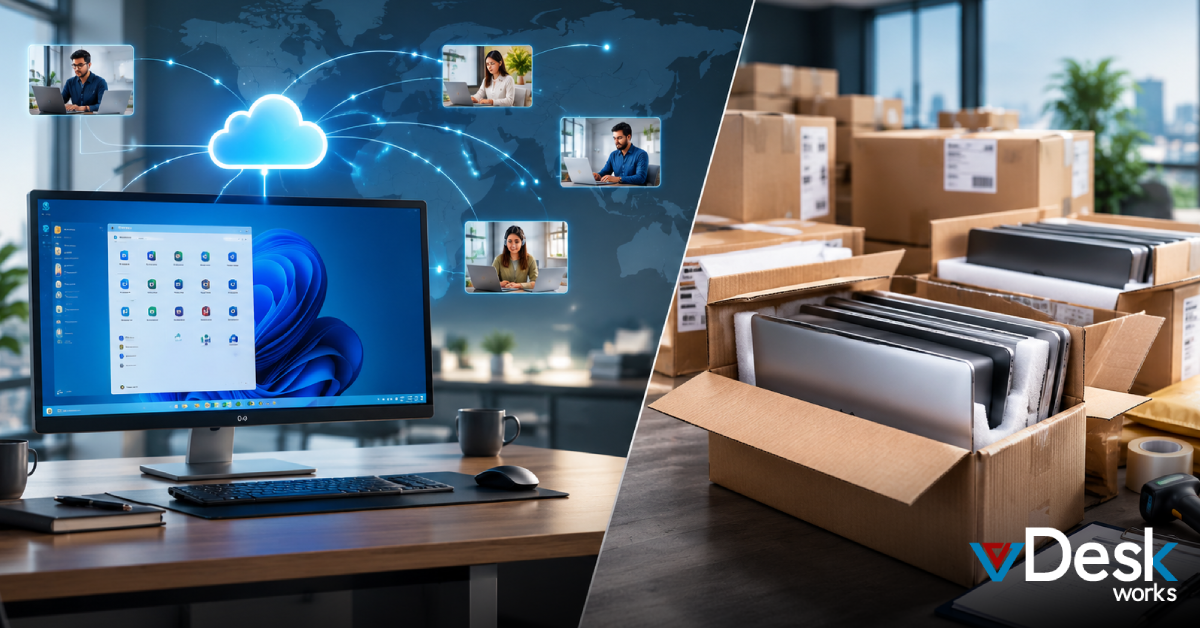
Keeping systems secure and up to date is one of the most critical—and time-consuming—responsibilities for IT teams. From testing patches to deploying updates across environments, managing Windows updates at scale can quickly become complex. That’s where Cloud Desktop solutions are transforming how organizations handle patch management.
With vDeskWorks Cloud Desktop, businesses can streamline Windows patching through automated, secure, and efficient processes—eliminating manual overhead and reducing risks.
The Challenge of Windows Patching
Traditional patch management often involves multiple tools, testing environments, and manual coordination. IT teams must validate updates before deployment, ensure compatibility with applications, and minimize downtime for end users.
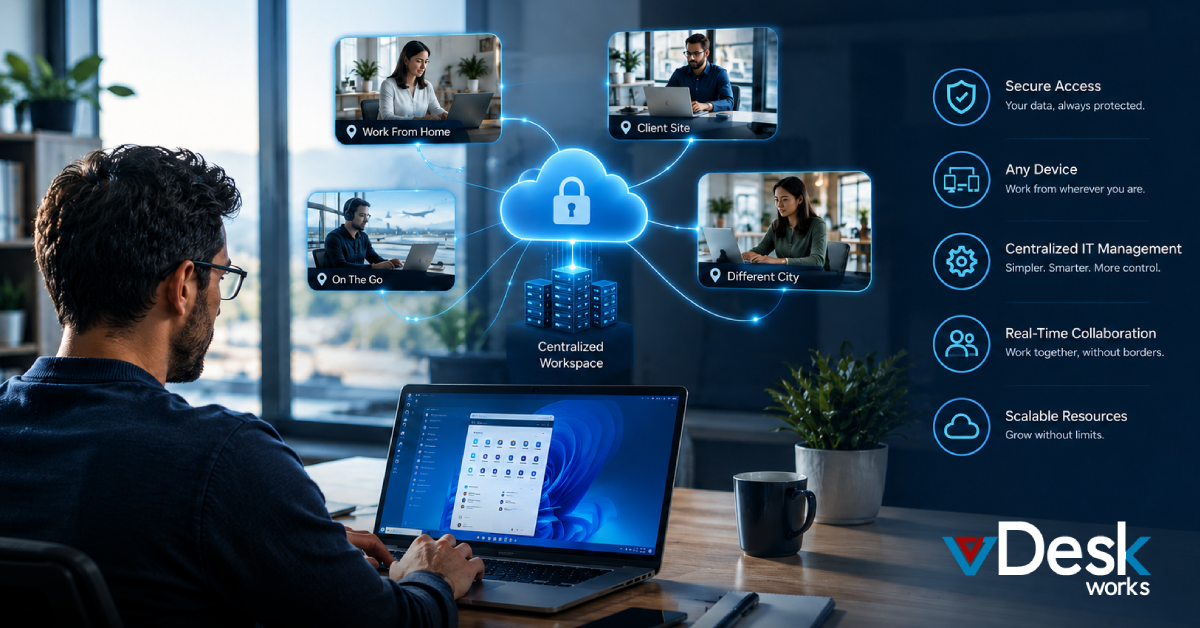
In distributed and hybrid work environments, this becomes even more challenging. Managing updates across remote devices increases security risks and operational complexity. A modern Cloud Desktop approach addresses these issues by centralizing control and automating the entire lifecycle of updates.
What Are Managed OS Updates?
Managed OS updates refer to a structured and automated process of testing, validating, and deploying Windows patches across all user desktops. Instead of relying on reactive updates, organizations can adopt a proactive strategy within a Cloud Desktop environment.
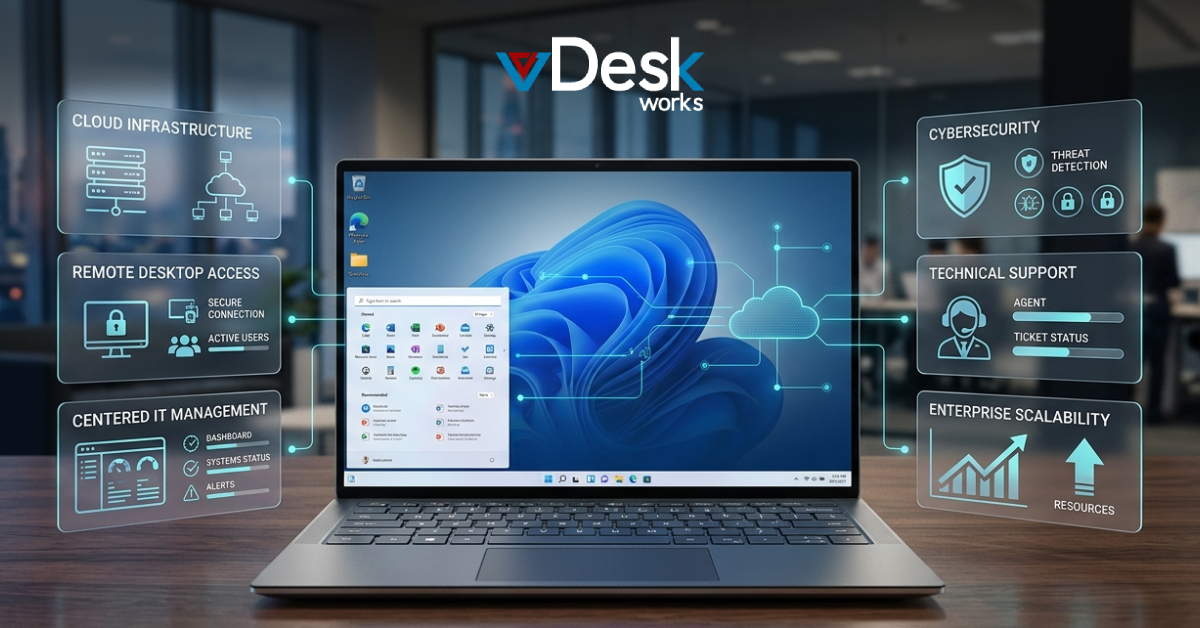
vDeskWorks Cloud Desktop simplifies this process by offering built-in tools that allow IT teams to manage updates from a single console. This eliminates the need for additional patching solutions while ensuring consistency across all systems.
Automated Testing and Validation
One of the most critical steps in patch management is testing updates before deployment. Faulty updates can disrupt operations and impact productivity.
With Cloud Desktop, vDeskWorks enables IT teams to create controlled testing environments where patches can be evaluated safely. Once verified, updates can be rolled out in phases, reducing the risk of widespread issues.
This structured approach ensures that only stable updates reach end users, improving reliability and minimizing disruptions.
Seamless Deployment Across Environments
Deploying updates manually across hundreds or thousands of systems is inefficient and prone to errors. A Cloud Desktop solution like vDeskWorks automates this process, ensuring that patches are applied consistently across all virtual desktops.
IT administrators can schedule updates during off-peak hours, reducing downtime and maintaining productivity. With centralized control, updates can be deployed across multiple regions and user groups with ease.
This level of automation significantly reduces the workload on IT teams while improving overall system performance.
Enhanced Security and Compliance
Unpatched systems are one of the biggest vulnerabilities in any organization. Cyber threats often exploit outdated software, making timely updates essential for security.
vDeskWorks Cloud Desktop ensures that all systems remain up to date with the latest security patches. By automating updates within a Cloud Desktop environment, organizations can reduce exposure to threats and maintain compliance with industry standards.
Built-in monitoring and reporting features also provide visibility into update status, helping IT teams stay ahead of potential risks.
Centralized Management for IT Efficiency
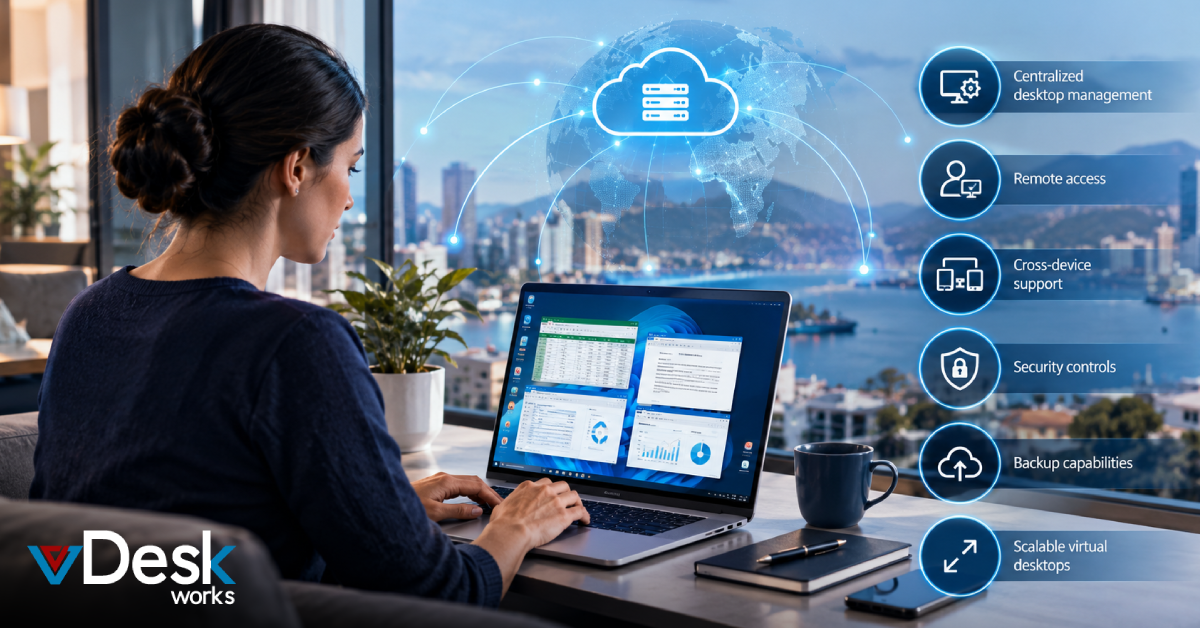
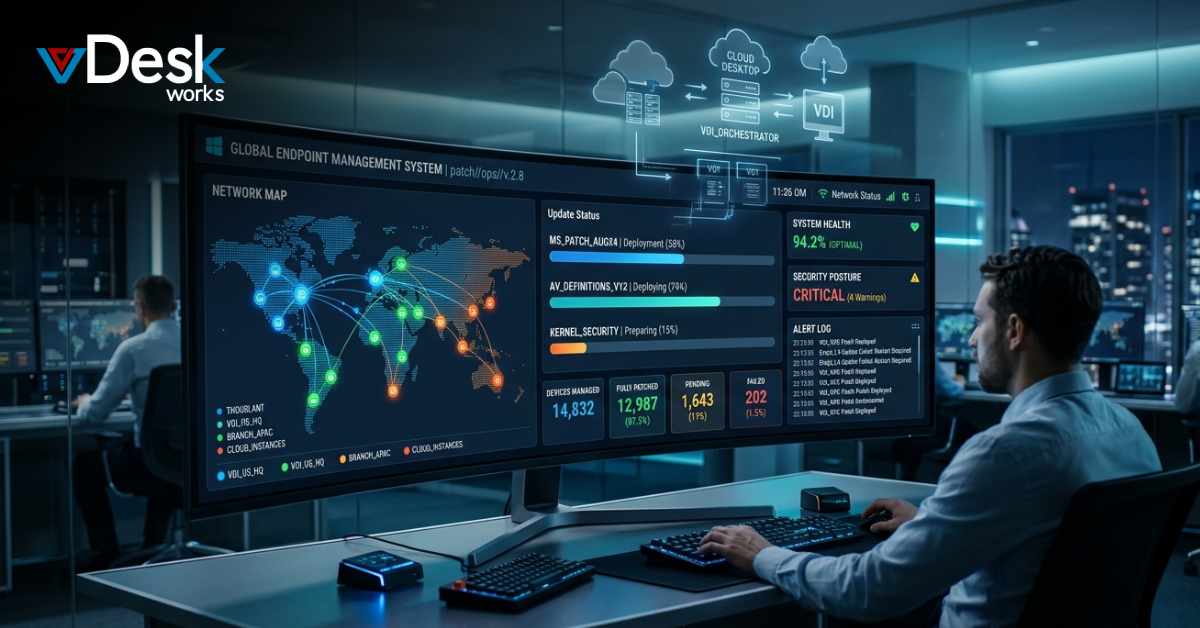
Managing updates across multiple endpoints can be overwhelming without the right tools. A Cloud Desktop platform centralizes all operations, allowing IT teams to monitor, control, and optimize patching from a single interface.
vDeskWorks Cloud Desktop provides real-time insights into update progress, system health, and performance. This enables faster troubleshooting and better decision-making, ultimately improving operational efficiency.
With fewer manual processes and reduced complexity, IT teams can focus on strategic initiatives rather than routine maintenance.
Reduced Downtime and Improved User Experience
Frequent disruptions caused by updates can frustrate users and impact productivity. A Cloud Desktop approach allows organizations to schedule updates intelligently, ensuring minimal interference with daily operations.
vDeskWorks Cloud Desktop delivers a seamless experience by applying updates in the background or during scheduled maintenance windows. Users benefit from a consistent, high-performance environment without unexpected interruptions.
This balance between maintenance and usability is key to supporting modern workforces.
Why Choose vDeskWorks Cloud Desktop?
vDeskWorks Cloud Desktop stands out by combining automation, security, and flexibility in a single platform. It eliminates the need for complex patching tools while providing complete control over the update lifecycle.
With scalable infrastructure, predictable performance, and built-in patch management, vDeskWorks Cloud Desktop is designed to meet the demands of modern businesses. Whether supporting remote teams or large enterprises, it ensures efficient and secure desktop management.
Final Words
Windows patching doesn’t have to be complicated. By adopting a modern Cloud Desktop solution, organizations can simplify update management, improve security, and reduce IT workload.
vDeskWorks Cloud Desktop empowers businesses to take control of their patching strategy with automation and centralized management. As IT environments continue to evolve, investing in a smarter Cloud Desktop approach is essential for staying secure, efficient, and future-ready.
 Emma Carson