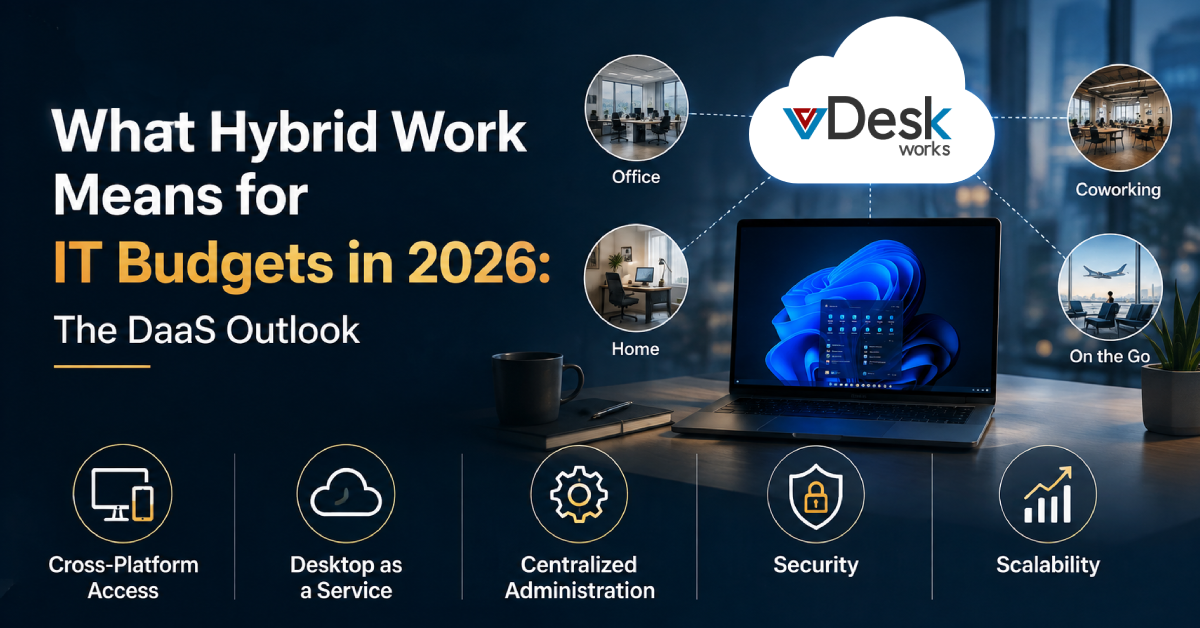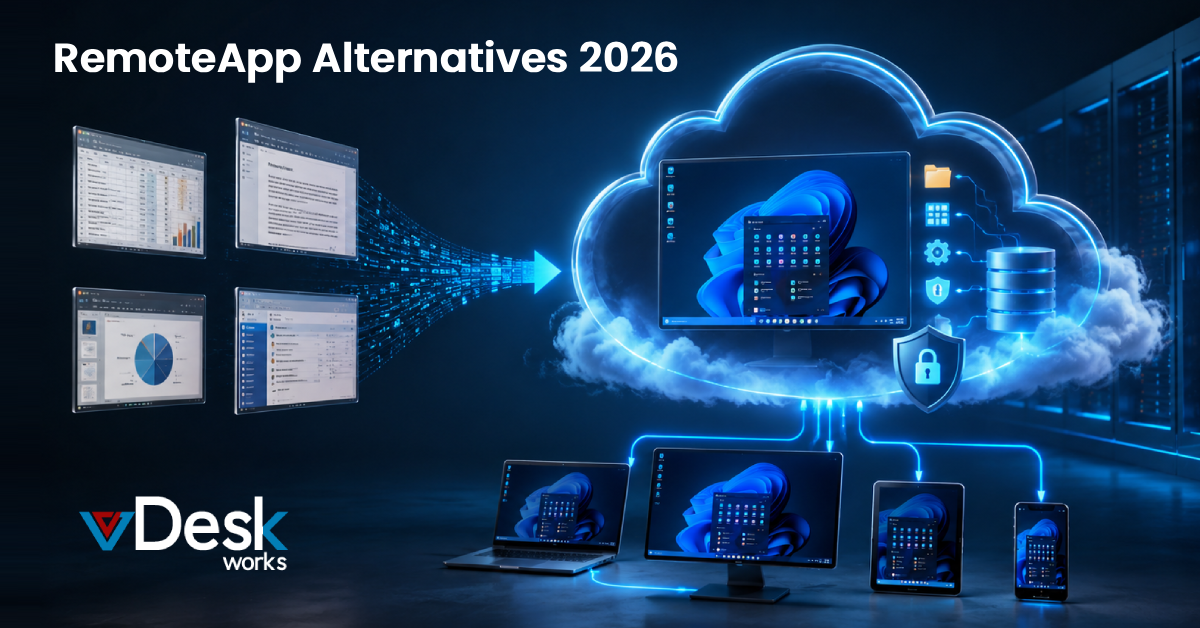
Remote work has pushed businesses to rethink how they deliver applications and desktop environments to their teams. For years, Microsoft's RemoteApp was the default choice for streaming individual applications to remote devices. But as business needs have grown more complex, the cracks in "app-only" virtualization — fragmented user experiences, scattered file management, and heavy IT overhead — have become harder to ignore.
The real answer in 2026 isn't a better way to stream a single app. It's a shift to a full virtual desktop architecture.
What Is a Virtual Desktop?
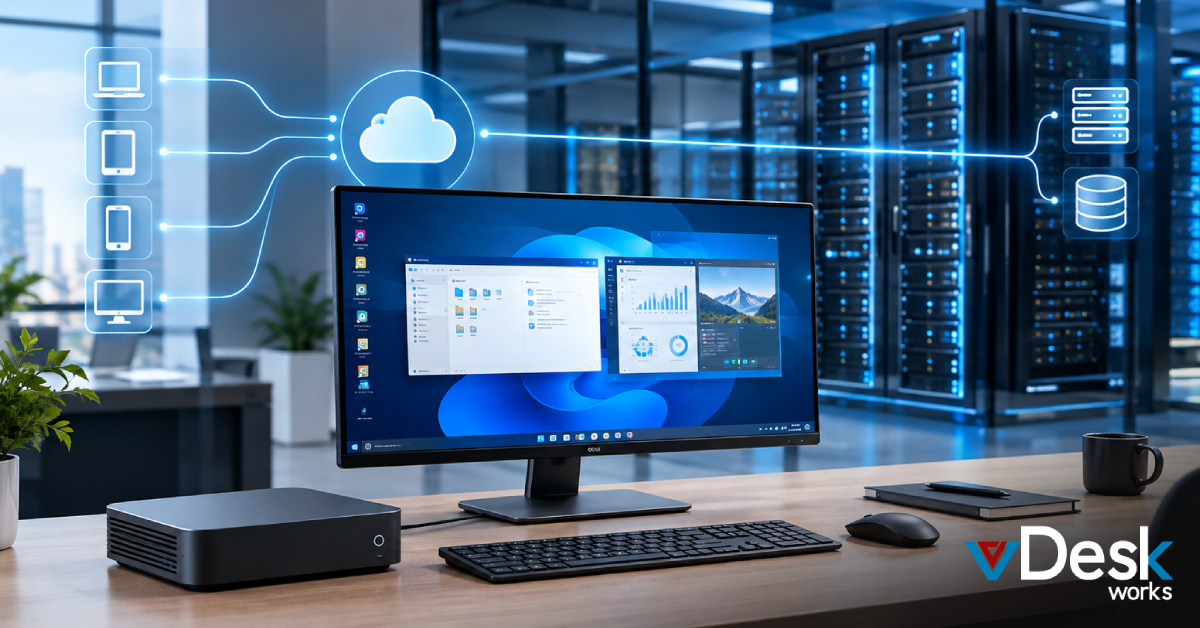
A virtual desktop is a cloud-hosted version of a complete physical desktop — not just one application. Where RemoteApp only virtualizes individual software programs, a virtual desktop hosts the entire operating system, along with the user's settings, files, and every application they need, all running securely in a data center.
This approach — known as Virtual Desktop Infrastructure (VDI) or Desktop-as-a-Service (DaaS) — lets users log in from any device, whether that's a thin client, a tablet, or their own laptop, and land exactly where they left off, every time.
Why Virtual Desktops Beat RemoteApp
RemoteApp works fine for basic, single-purpose tasks. But a virtual desktop solves the everyday friction that RemoteApp users run into.
1. A Consistent, Persistent Workspace
RemoteApp often feels disconnected from a user's actual workflow. Because only the app is streamed, people end up fighting with file management between the remote session and their local machine.
Virtual desktops solve this with persistence. Change your wallpaper, save a file to "Documents," install a browser extension — it's all still there next time you log in. The result is a stable, familiar workspace that behaves just like a physical office PC, which means less onboarding friction and fewer support tickets.
2. Stronger Security and Data Control
With RemoteApp, data is constantly moving between the server and the local endpoint — a real risk in BYOD environments where you don't control the device.
A virtual desktop keeps data exactly where it belongs: in the cloud. The local device just displays a pixel-stream of the session. Lost laptop? Compromised home PC? It doesn't matter — corporate data never actually leaves the secure, encrypted data center.
3. Centralized, Simplified IT Management
Managing dozens of individually streamed apps is a maintenance headache — every app needs its own compatibility checks, updates, and patches.
Virtual desktops flip this model. IT manages a single "Golden Image" of the entire desktop environment. One update pushes OS and software changes to every user simultaneously, keeping the whole team on the same secure, current build — and keeping "it's broken again" tickets to a minimum.
4. Real Performance for Demanding Work
Today's virtual desktops can be provisioned with serious compute power — high-performance CPUs and dedicated GPUs included. That makes them a much better fit than RemoteApp for resource-heavy work like video editing, 3D rendering, or large-scale data analysis. Because the heavy lifting happens in the cloud, even a basic Chromebook can run professional-grade software smoothly.
Get More From Your Virtual Desktop with vDeskWorks
Virtual desktop technology only delivers on its promise if the platform behind it is built right. vDeskWorks is engineered to give you an enterprise-grade virtual desktop experience — without the enterprise-grade complexity.
vDeskWorks goes beyond a generic, one-size-fits-all virtual desktop by offering a fully managed, highly scalable solution built around how your business actually works:
- Ultimate Flexibility – Full BYOD support, so your team can work from Windows, Mac, iOS, or Android, through a secure browser or dedicated client.
- Cost-Efficient Scalability – A pay-for-what-you-use model means you're never paying for idle seats. Scale up or down instantly as your team changes.
- Built-In Disaster Recovery – Automated backups and high-availability architecture keep your business running, even if a physical server goes down.
- Centralized Dashboard – Manage your entire virtual desktop infrastructure from one intuitive console: monitor activity, control access, and deploy new desktops in minutes, not days.
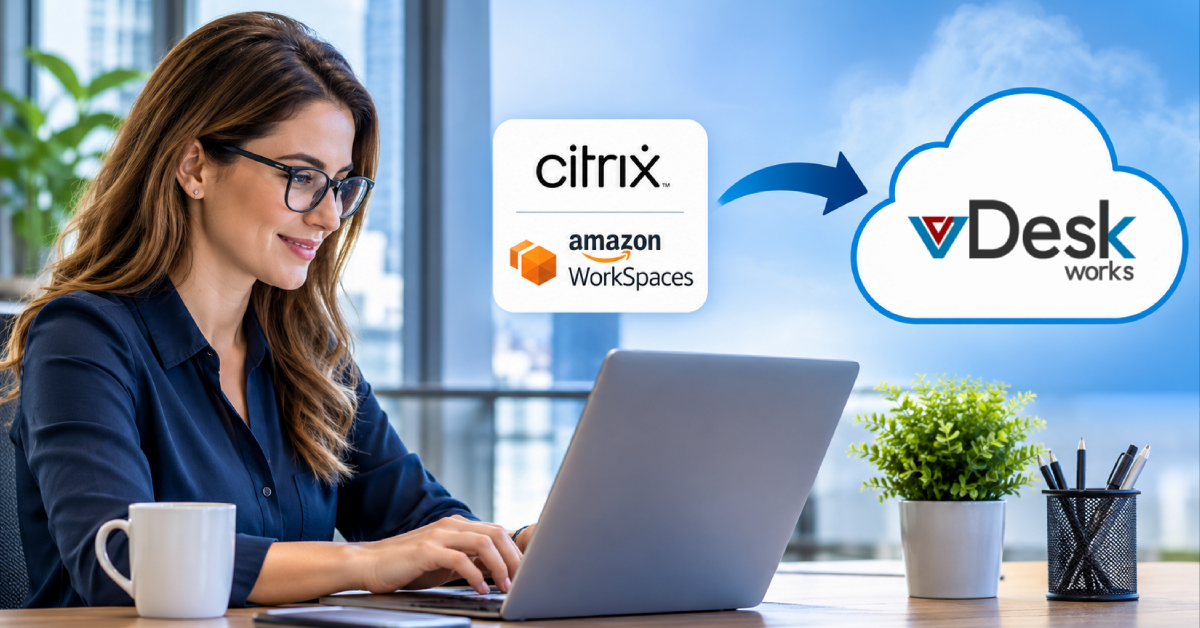
With vDeskWorks, you're not just replacing RemoteApp — you're upgrading to a secure, high-performance virtual desktop that lets your team do their best work from anywhere.
Conclusion
RemoteApp had its place in an earlier, simpler era of remote access. Today's hybrid workforce needs more: the security, performance, and consistency that only a true virtual desktop can deliver. By moving your desktop environment to the cloud, you eliminate the fragmentation of app-based streaming and give your team a reliable, professional workspace built to scale with your business.
Ready to move beyond RemoteApp. See how vDeskWorks' virtual desktop platform can support your team. Book a live demo now.
 Jerry Clark