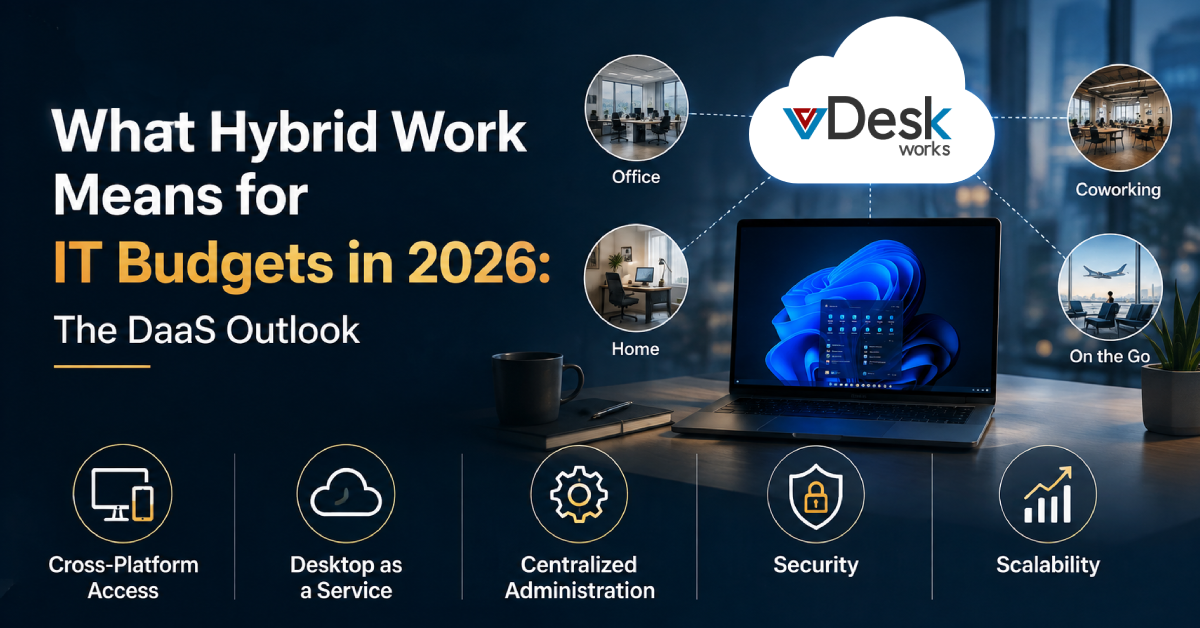
Hybrid work has moved beyond being a temporary response to changing workplace conditions. In 2026, many organizations are designing their technology infrastructure around employees who may work from offices, homes, coworking environments, client locations, and other remote locations.
This shift has created a fundamental challenge for IT and finance leaders.
The question is no longer simply how much a laptop costs or how much an individual software subscription costs. Businesses now need to understand the total cost of supporting a distributed workforce.
A hybrid employee may require a laptop, monitor, docking station, webcam, headset, collaboration applications, security software, cloud services, technical support, identity management, data protection, and potentially AI-powered productivity tools.
When these investments are made independently, IT budgets can quickly become fragmented.
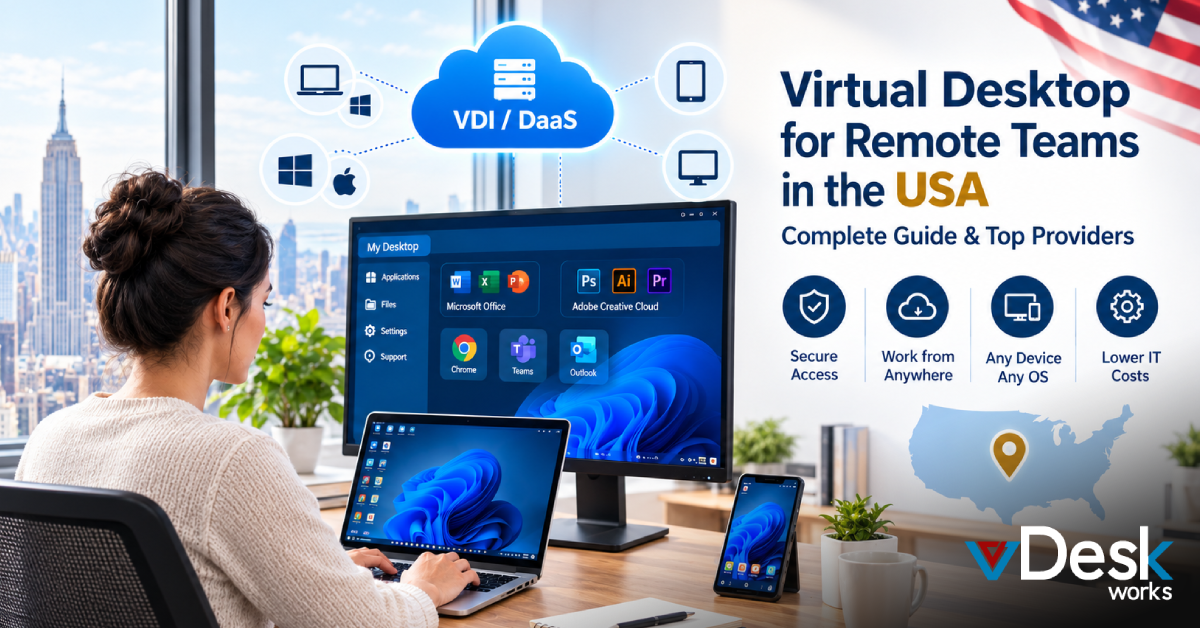
The growing importance of DaaS (Desktop as a Service) provides another way for organizations to approach this challenge. Instead of relying entirely on physical devices to deliver computing resources, businesses can provide employees with centrally hosted virtual desktop environments.
This can change how organizations think about hardware, software, security, support, scalability, and employee access.
So, what does hybrid work mean for IT budgets in 2026, and where does DaaS fit into the picture?
The answer lies in moving from disconnected technology purchases toward a more integrated and manageable digital workplace strategy.
Hybrid Work Is Changing the Structure of IT Spending
Traditional office-based IT budgeting was relatively straightforward.
A business purchased computers for employees, installed software, connected the devices to the corporate network, and maintained the infrastructure from a central office.
Hybrid work has changed that equation.
Now, businesses may have employees using different devices from different locations while accessing the same applications and corporate resources.
This creates additional spending categories.
Organizations may need to budget for:
- Employee laptops and desktops
- Home-office equipment
- Monitors and docking stations
- Webcams and headsets
- Collaboration platforms
- Cloud applications
- Endpoint security
- Identity and access management
- Remote technical support
- Device management
- Backup and recovery
- Cloud infrastructure
- AI-enabled applications
- Compliance requirements
- Network and connectivity support
The result is an IT budget that is broader and more interconnected than before.
The challenge is not simply spending more or less.
It is spending more intelligently.
The Real Cost of Hybrid Work Goes Beyond Hardware
One of the biggest budgeting mistakes organizations can make is evaluating technology according to its purchase price alone.
A low-cost laptop may appear financially attractive, but its total cost can increase if it creates performance problems, requires frequent support, has a shorter useful lifecycle, or cannot handle the applications employees need.
The same principle applies to peripherals and software.
A business may save money by selecting inexpensive docking stations, for example, but unreliable hardware can lead to connection problems, additional support tickets, lost productivity, and employee frustration.
Software creates another challenge.
Different departments may independently purchase tools that perform similar functions. Over time, businesses can end up paying for overlapping applications while IT teams struggle to maintain consistent security and governance.
In 2026, the more useful question is therefore:
What does this technology cost the business over its entire lifecycle?
This includes acquisition, deployment, support, maintenance, security, downtime, upgrades, training, replacement, and eventual retirement.
A Better Approach to IT Budgets in 2026
Modern businesses need a more structured approach to technology investment.
Rather than purchasing individual products whenever a need appears, organizations should create a technology baseline and evaluate how each investment fits into the broader workplace environment.
A practical strategy can follow four principles:
- Standardize the Foundation
Create a consistent technology baseline for common employee roles. - Identify Recurring Friction
Look at the problems employees and IT teams repeatedly encounter and invest in solutions that address those issues. - Match Resources to Job Roles
Not every employee needs the same computing power, applications, or equipment. - Evaluate Total Cost of Ownership
Consider acquisition, management, security, support, productivity, and lifecycle costs rather than the initial purchase price alone.
This approach can make IT spending more strategic and easier to justify to business leadership.
Where DaaS Fits Into the 2026 IT Budget
This is where DaaS becomes particularly interesting.
Desktop as a Service allows businesses to provide virtual desktop environments hosted on centralized infrastructure.
Rather than requiring every employee to depend entirely on a powerful physical computer, businesses can deliver computing environments remotely.
Employees can access their virtual desktops through supported devices. This can change the structure of IT spending.
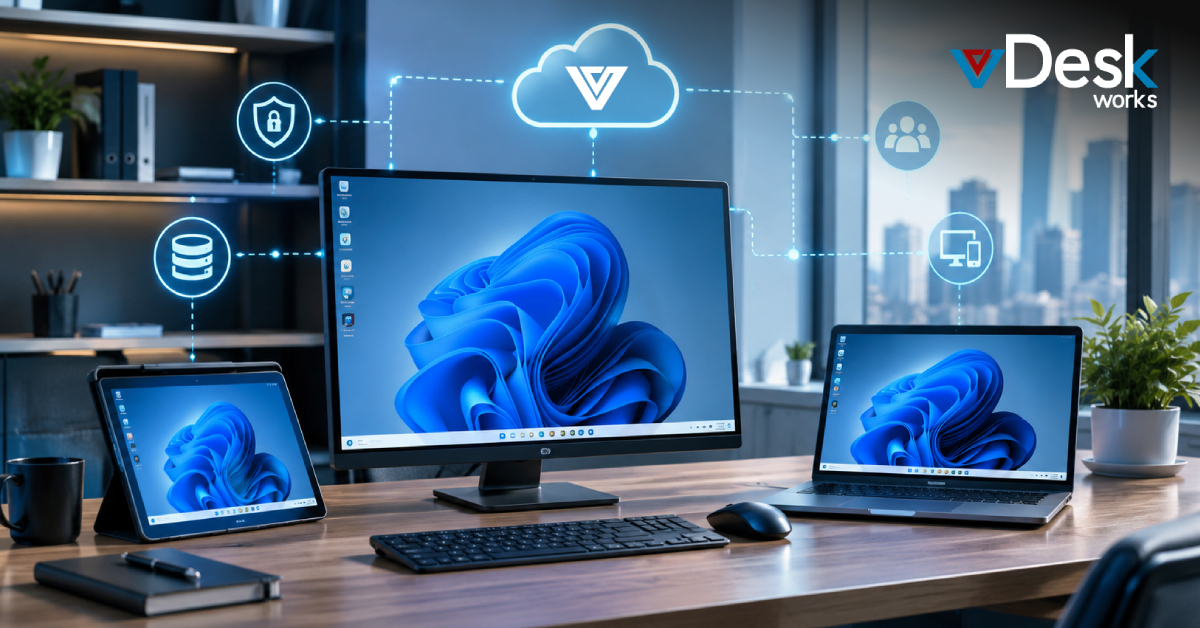
Instead of focusing exclusively on purchasing powerful endpoints, organizations can consider a combination of:
Endpoint device + cloud-hosted desktop + centralized management + security controls.
This approach can be especially useful for organizations with remote and hybrid employees.
How vDeskWorks Supports Hybrid Work in 2026
vDeskWorks provides virtual desktop and DaaS capabilities designed to help businesses deliver secure and flexible digital workspaces.
Its approach is particularly relevant to organizations managing hybrid and distributed teams that need employees to access business resources from different locations.
Cross-Platform Access
Hybrid employees may not all use the same type of device.
vDeskWorks supports access across multiple device environments, helping organizations provide a consistent workspace experience across supported platforms.
This can make it easier for businesses to accommodate different work styles and approved device strategies.
Desktop as a Service
vDeskWorks delivers virtual desktop environments that allow employees to access their business workspace remotely.
This can reduce dependence on the physical location of the employee while helping organizations centralize desktop resources.
Centralized Administration
Managing a distributed workforce becomes easier when IT teams have centralized tools for controlling desktop environments.
vDeskWorks provides management capabilities that can help organizations monitor environments, manage resources, deploy changes, and support users.
Security
Protecting business information is essential when employees access systems from multiple locations.
vDeskWorks provides security capabilities designed to help organizations control access and protect virtual desktop environments.
Scalability
Business requirements can change quickly.
vDeskWorks supports scalable virtual desktop environments that can be adjusted as user requirements change, helping organizations avoid designing their entire IT infrastructure around a fixed workforce size.
Conclusion
Hybrid work has fundamentally changed the way businesses should think about IT budgets in 2026.
The technology budget is no longer simply a list of computers, software licenses, and office equipment. It is an interconnected investment covering hardware, peripherals, security, cloud services, applications, AI tools, support, employee productivity, and business continuity.
The cheapest individual purchase is not always the most cost-effective choice.
Businesses need to consider total cost of ownership, operational efficiency, security, scalability, and the employee experience when making technology decisions.
This is where DaaS can provide strategic value.
By delivering centrally managed virtual desktops, DaaS can help businesses reduce dependence on high-performance endpoints, support remote and hybrid employees, simplify administration, and scale desktop resources according to changing requirements.
With vDeskWorks, organizations can explore a flexible approach to desktop delivery designed for today's distributed workforce.
Schedule a live demo online at www.vdeskworks.com/live-demo-client.
 Emma Carson