Rethinking How QuickBooks is Accessed
QuickBooks has long been a go-to solution for businesses managing their finances, but it was originally designed for a fixed setup. You install it on a system, store files locally, and work from that one location. That approach worked when teams were office-based, but today’s work environment is far more flexible.
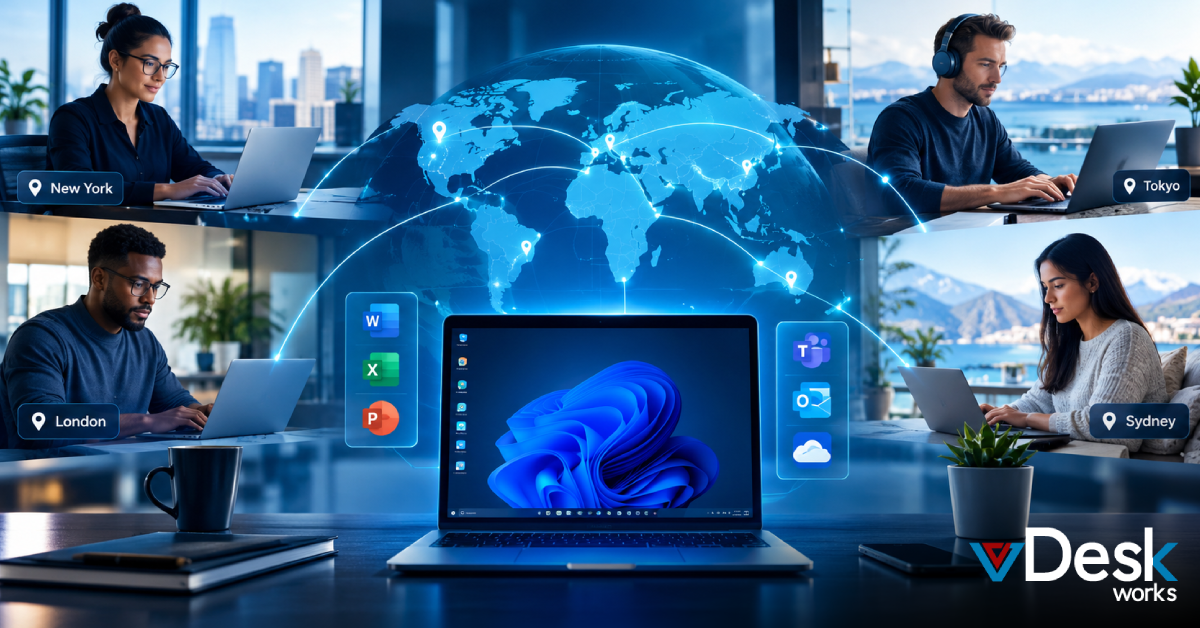
Now, accountants, business owners, and finance teams need to access their data from multiple locations without being restricted by a single device. Remote work isn’t a temporary shift anymore—it’s the new normal. The challenge is that traditional QuickBooks Desktop setups don’t naturally support that kind of flexibility, which is why businesses often end up searching for alternative ways to make remote access work.
Why Traditional Remote Access Methods Create Friction?
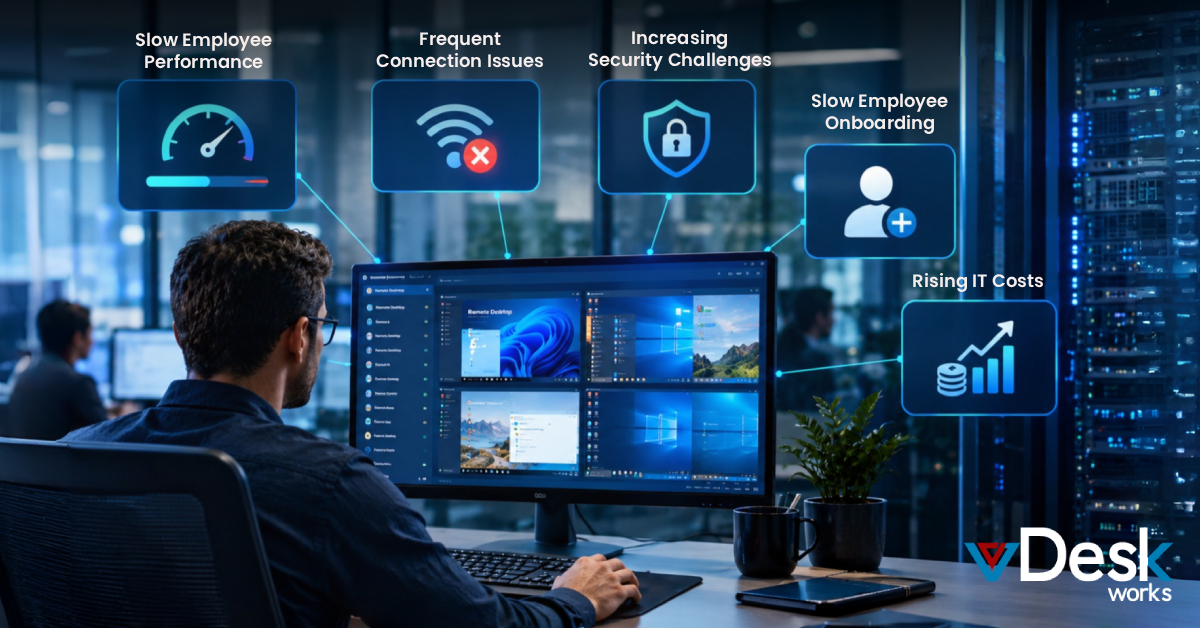
Most businesses initially rely on familiar tools like VPNs or remote desktop software to access QuickBooks from outside the office. While these solutions can get the job done, they tend to introduce more complexity than convenience over time.
Remote desktop setups depend heavily on one physical system staying powered on and connected at all times. If that system slows down, crashes, or loses connectivity, access is disrupted instantly. VPNs, on the other hand, add layers of configuration and can impact performance, especially when multiple users are trying to work simultaneously.
What starts as a simple workaround often turns into a fragile setup that struggles to scale. As teams grow and workflows become more demanding, these methods begin to feel like temporary fixes rather than reliable solutions.
How Cloud PC Transforms QuickBooks Access?
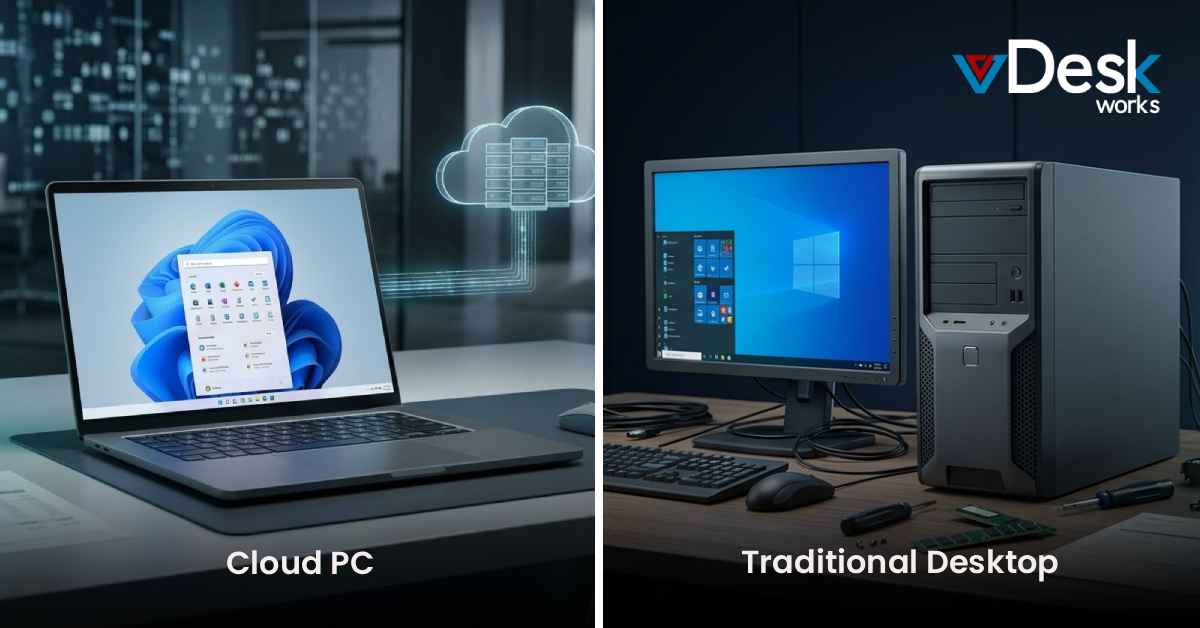
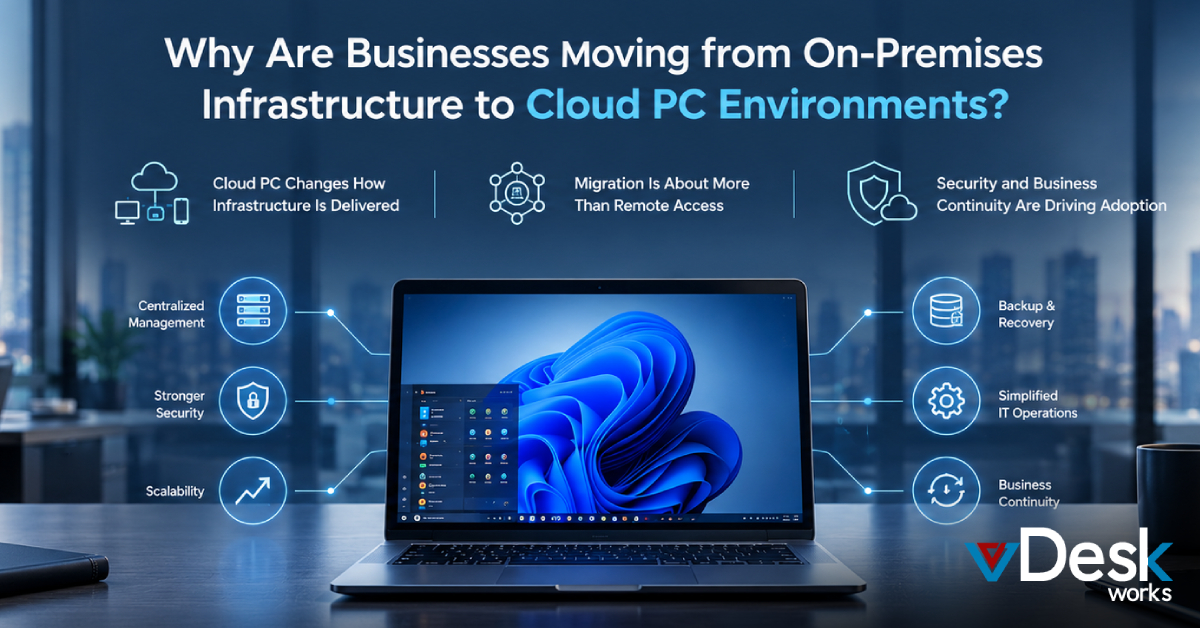
Cloud PC offers a fundamentally different approach. Instead of trying to connect back to a physical office system, it moves the entire QuickBooks environment into the cloud.
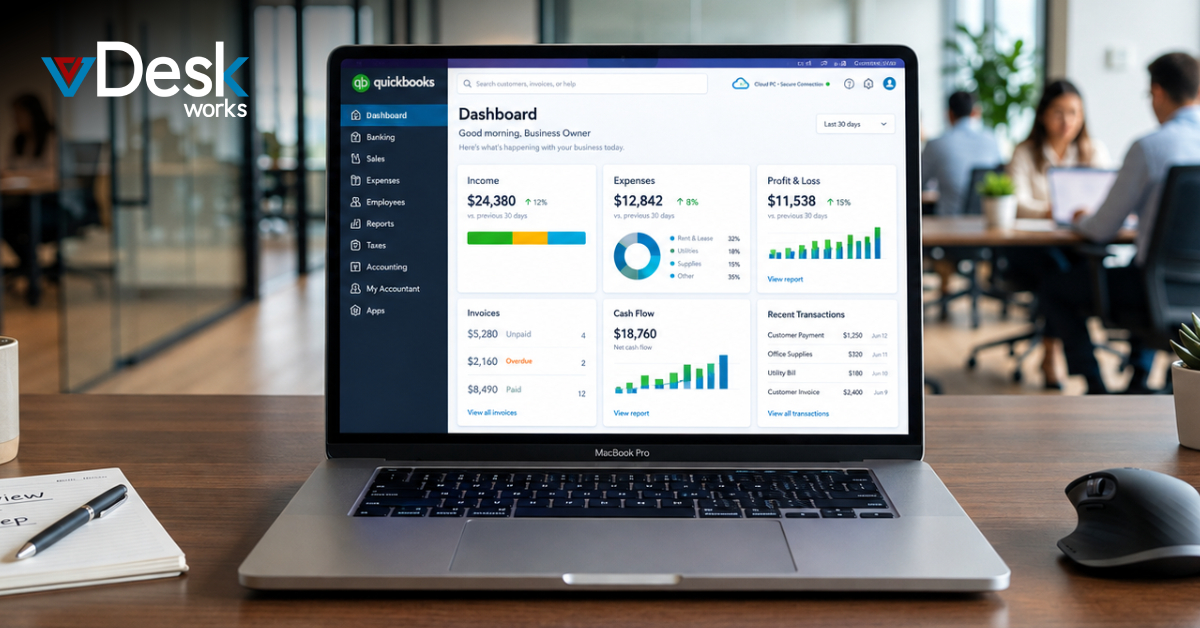
This means the software, company files, and processing power all live on secure cloud infrastructure. Users simply log in to their Cloud PC and access QuickBooks as if they were working on a local machine. The experience remains familiar, but the limitations disappear.
Because everything is centralized, there’s no dependency on a single device. Whether someone is working from home, traveling, or switching between devices, their desktop environment remains consistent and instantly accessible. It’s not just remote access—it’s a complete shift in how accounting systems are delivered.
A Better Way to Work, Collaborate, and Stay Secure
Once QuickBooks is running on a Cloud PC, the way teams work naturally improves. Multiple users can access the same environment without stepping on each other’s work, which eliminates the back-and-forth of sending files or managing different versions.
Collaboration becomes seamless because everyone is working in real time, within the same system. Updates reflect instantly, decisions happen faster, and workflows become more efficient.
At the same time, security becomes stronger rather than weaker. Data stays within the cloud environment instead of being stored on individual devices, reducing the risk of loss or unauthorized access. Even if a device is compromised, the actual financial data remains protected.
This balance of accessibility and security is what makes Cloud PC particularly effective for accounting workflows, where both speed and trust are critical.
Why vDeskWorks Cloud PC Makes the Difference?
For businesses looking to move beyond patchwork solutions, vDeskWorks Cloud PC provides a more stable and scalable way to access QuickBooks remotely.
Instead of relying on local machines or complex configurations, vDeskWorks delivers a fully managed cloud desktop where QuickBooks runs smoothly and consistently. Users can log in from any device and continue working without worrying about performance issues or system dependencies.
What stands out is how naturally it fits into modern workflows. Teams don’t have to adjust to a new way of working—the technology adapts to them. It supports real-time collaboration, keeps data centralized, and ensures that access remains secure at all times.
In a world where flexibility is essential and downtime is costly, this kind of reliability makes a real difference.
Final Thoughts
Accessing QuickBooks remotely doesn’t have to be complicated or fragile. While traditional methods can work in the short term, they often create limitations that hold teams back as they grow.
Cloud PC simplifies the entire experience by removing the dependency on physical systems and replacing it with a more flexible, secure, and scalable approach.
Because ultimately, it’s not just about accessing QuickBooks from anywhere—it’s about doing it in a way that actually works.
 Emma Carson