Hiring internationally gives businesses access to a much larger talent pool. Companies can bring in skilled professionals from different countries, build distributed teams, and provide round-the-clock coverage across time zones.
But international hiring also creates a practical IT challenge:
How quickly can the new employee start working?
With a traditional laptop-based onboarding process, the answer may depend on procurement, device configuration, shipping, customs clearance, delivery schedules, and IT setup. A new employee could be ready to work on Monday while their company laptop is still sitting in a warehouse or waiting to clear customs.
A Virtual Desktop Solution offers a different approach.
Instead of shipping a fully configured computer across borders, businesses can provide a cloud-hosted desktop that the employee can access through a supported device and internet connection.
With the right preparation, organizations can provision a complete digital workspace in a short period, helping international employees start productive work much faster.
Why International Hiring Creates IT Challenges
International recruitment is no longer limited to large multinational corporations. Startups, SaaS companies, professional services firms, BPOs, agencies, and growing businesses are increasingly hiring talent across borders.
However, every new international employee can create additional IT requirements.
Common challenges include:
- Shipping laptops internationally
- Managing customs and import requirements
- Configuring devices before delivery
- Creating user accounts
- Installing business applications
- Setting up security tools
- Managing VPN and network access
- Protecting company data
- Supporting employees remotely
- Recovering hardware when employees leave
These processes can slow down onboarding and increase the workload for IT teams.
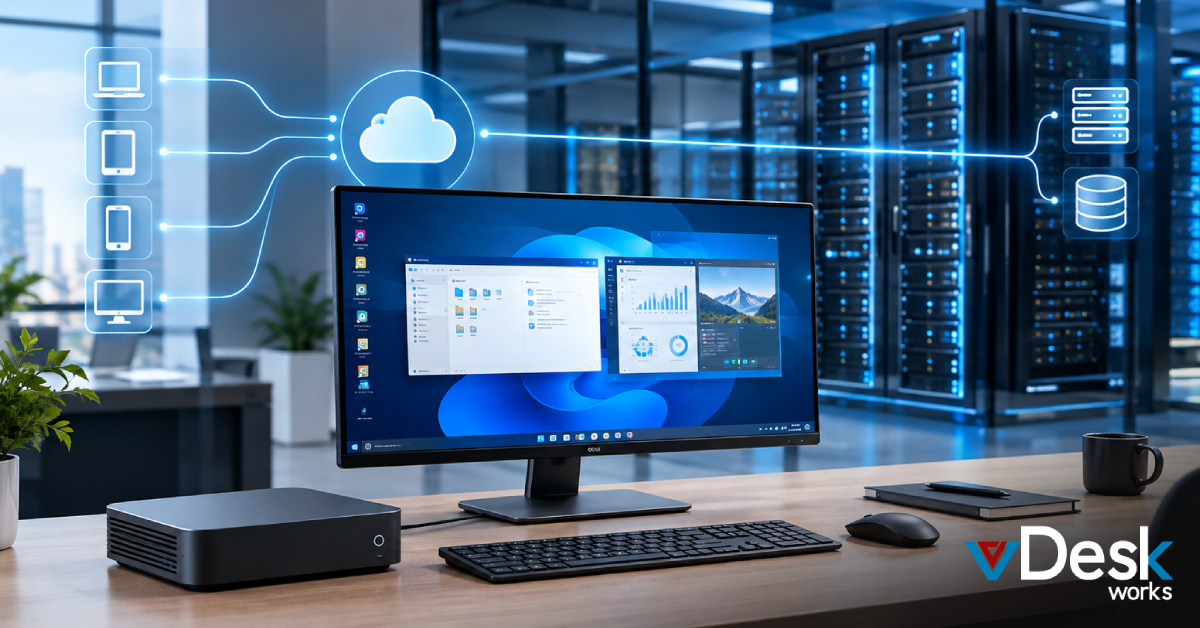
A Virtual Desktop Solution can move much of the employee's computing environment into a centrally managed cloud infrastructure.
How Virtual Desktops Speed Up International Onboarding
Traditional onboarding can involve several separate steps:
Purchase → Configure → Ship → Deliver → Install → Secure → Start Working
A virtual desktop approach can simplify the process:
Create → Assign → Secure → Connect → Start Working
This can significantly reduce dependency on physical hardware.
1. No International Laptop Shipping
One of the biggest advantages is eliminating or reducing the need to ship a business laptop internationally.
Businesses can avoid many of the challenges associated with:
- International shipping
- Customs delays
- Import duties
- Incorrect delivery addresses
- Damaged equipment
- Lost shipments
- Return logistics
The employee may be able to use an existing compatible computer to access the corporate virtual workspace.
2. Provision a Standardized Desktop
IT teams can prepare a standardized virtual desktop configuration for different employee roles.
For example, a sales employee might receive:
- CRM access
- Office applications
- Communication tools
- Sales applications
A developer might receive:
- Development tools
- Code repositories
- Collaboration applications
- Required development environments
A finance employee may receive:
- Accounting applications
- Spreadsheet tools
- Financial platforms
- Reporting software
This approach helps businesses create role-based work environments without manually configuring every physical machine.
3. Give New Employees Faster Access
Once the virtual environment is ready and the appropriate user permissions are applied, the employee can receive their access instructions.
They can then connect through a supported browser or client.
Instead of waiting several days or weeks for a laptop to arrive, the employee may be able to begin using their business workspace much sooner.
This is especially valuable when a company hires employees across different countries and time zones.
4. Improve the First-Day Employee Experience
The first day of a new job should focus on meeting colleagues, understanding responsibilities, and learning business processes—not waiting for IT equipment.
A virtual desktop can help new employees arrive with their digital workspace already prepared.
They can potentially begin the day with access to:
- Business applications
- Company resources
- Communication tools
- Required files
- Work-related systems
- Role-specific software
This creates a more organized onboarding experience.
A Practical 60-Minute Onboarding Model
The exact provisioning time depends on the platform, configuration, network, applications, and organization. However, businesses can design their onboarding process around a rapid deployment model.
Minutes 0–10: Prepare the User
Start by confirming:
- Employee account
- Job role
- Required applications
- Security requirements
- Access permissions
- Appropriate desktop specifications
Having these requirements prepared before the employee's start date can make provisioning much faster.
Minutes 10–25: Assign the Virtual Desktop
IT administrators can provision a virtual desktop based on an approved template.
The configuration can include the applications and settings required for the employee's role.
A standardized image reduces repetitive manual configuration.
Minutes 25–40: Apply Security Controls
Security should be part of onboarding from the beginning.
Organizations can configure controls such as:
- Multi-factor authentication
- User access policies
- Application permissions
- Encryption
- Session controls
- Identity management
- Data access restrictions
This allows businesses to provide access without simply giving a new employee unrestricted access to corporate resources.
Minutes 40–50: Test the Environment
Before handing over the workspace, IT teams can verify:
- User authentication
- Application availability
- File access
- Network connectivity
- Desktop performance
- Required permissions
A quick test can prevent avoidable first-day problems.
Minutes 50–60: Send Access Instructions
Once the environment is ready, the employee can receive secure instructions for connecting to their virtual desktop.
The employee can then access the workspace using an approved device.
The result: a new international employee can potentially move from “hired” to “digitally equipped” far faster than with a traditional hardware-first process.
Scale International Hiring Without Scaling Hardware Procurement
Imagine a company hires:
- 20 employees in Europe
- 30 employees in Asia
- 15 contractors in North America
- 25 seasonal workers in another region
With physical laptops, the organization needs to purchase, configure, ship, track, support, and eventually recover a large number of devices.
A Virtual Desktop Solution can provide a more flexible alternative.
Businesses can provision virtual environments as employees join and remove or reassign access when roles change.
This is particularly useful for:
- Seasonal hiring
- Contractors
- Project-based teams
- BPO operations
- Customer support teams
- Startups experiencing rapid growth
How vDeskWorks Supports Faster Global Onboarding
vDeskWorks provides cloud-based Virtual Desktop Solutions designed to help organizations deliver secure and flexible desktop environments to distributed teams.
With vDeskWorks, businesses can create centralized virtual workspaces and provide employees with access without making traditional physical hardware the only path to productivity.
Centralized Desktop Management
IT administrators can manage virtual desktops and users from a centralized environment.
Flexible Resource Allocation
IT administrators can manage virtual desktops and users from a centralized environment.
Flexible Resource Allocation
Businesses can configure desktop resources according to employee requirements, helping avoid giving every user the same hardware specification.
Cross-Device Access
Employees can access their virtual workspaces through supported devices and platforms, providing greater flexibility for distributed teams.
Security Controls
Organizations can implement authentication and access controls designed to protect business environments and restrict access to authorized users.
Scalable Deployment
As the workforce grows, businesses can provision additional virtual desktop environments according to their requirements.
Remote Assistance
IT teams can provide remote support without necessarily requiring physical access to an employee's device, helping resolve issues across international locations.
Final Thoughts
Hiring internationally should not mean creating a complicated hardware logistics project for every new employee.
A Virtual Desktop Solution can help businesses create standardized work environments, provision access faster, reduce hardware dependency, and provide centralized control for distributed teams.
With vDeskWorks, organizations can build a more flexible approach to international employee onboarding—giving new hires access to the applications and digital workspace they need without making international laptop shipping the first step. Schedule a live demo today!
 Emma Carson