Businesses today are no longer limited to office desktops. Employees work from airports, customer sites, home offices, and while traveling. Because of this shift, companies need a secure way to let employees access business applications without carrying heavy laptops everywhere.
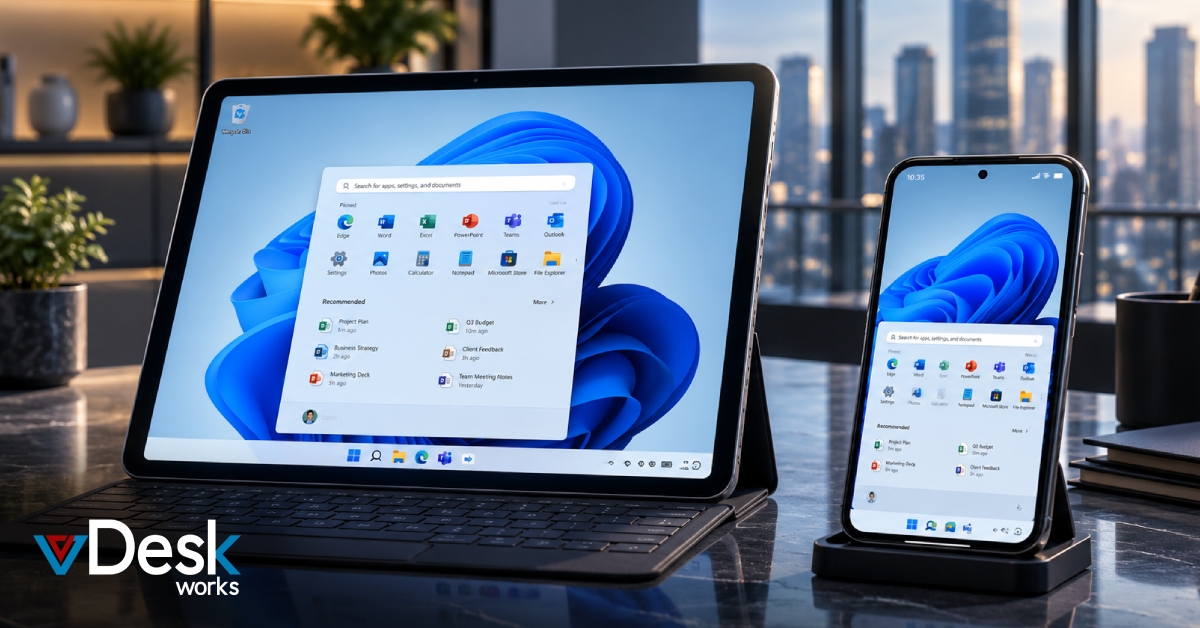
This is where DaaS on Mobile becomes valuable. Instead of depending on a single computer, employees can access a complete Windows desktop directly from their smartphones or tablets. Whether they need files, business applications, or company software, everything is available through a secure cloud environment.
vDeskWorks provides a reliable Desktop as a Service (DaaS) platform that allows businesses to create a secure digital workspace accessible from almost any device.
Why Mobile Access Matters Today
Modern businesses rely on flexibility. Sales teams travel constantly, managers work remotely, healthcare professionals move between locations, and support engineers often work outside the office.
Traditional office computers cannot support this level of mobility.
A cloud-hosted desktop allows employees to continue working without worrying about device limitations or office locations.
Some major business benefits include:
- Work securely from anywhere.
- Access company files anytime.
- Improve employee productivity.
- Reduce dependence on office computers.
- Support hybrid and remote work environments.
What is DaaS on Mobile?
DaaS on Mobile means accessing a complete virtual Windows desktop from a smartphone or tablet.
Instead of storing applications and files on the mobile device, everything runs securely inside the cloud. The mobile device simply displays the desktop while all processing happens on powerful cloud servers.
Employees enjoy the same desktop experience whether they use:
- Android phones
- iPhones
- Tablets
- iPads
- Chromebooks
- Laptops
How Does It Work?
Using a mobile virtual desktop is surprisingly simple.
First, the business subscribes to a Desktop as a Service platform such as vDeskWorks.
Employees then install the secure mobile application and log in using their company credentials.
Once connected, they can:
- Open their Windows desktop.
- Access business software.
- Edit files.
- Continue unfinished work.
- Use company applications exactly as they would in the office.
Because the desktop runs in the cloud, even older mobile devices can access powerful applications without performance issues.
Common Business Challenges
Many growing businesses struggle with mobile work because traditional systems create several problems.
Some of the biggest challenges include:
- Business data stored on personal devices.
- Difficulty managing multiple employee devices.
- Security risks if a phone is lost or stolen.
- Limited access to office applications.
- High hardware replacement costs.
- Employees tied to one workstation.
These issues reduce productivity while increasing IT management efforts.
How vDeskWorks Solves These Challenges
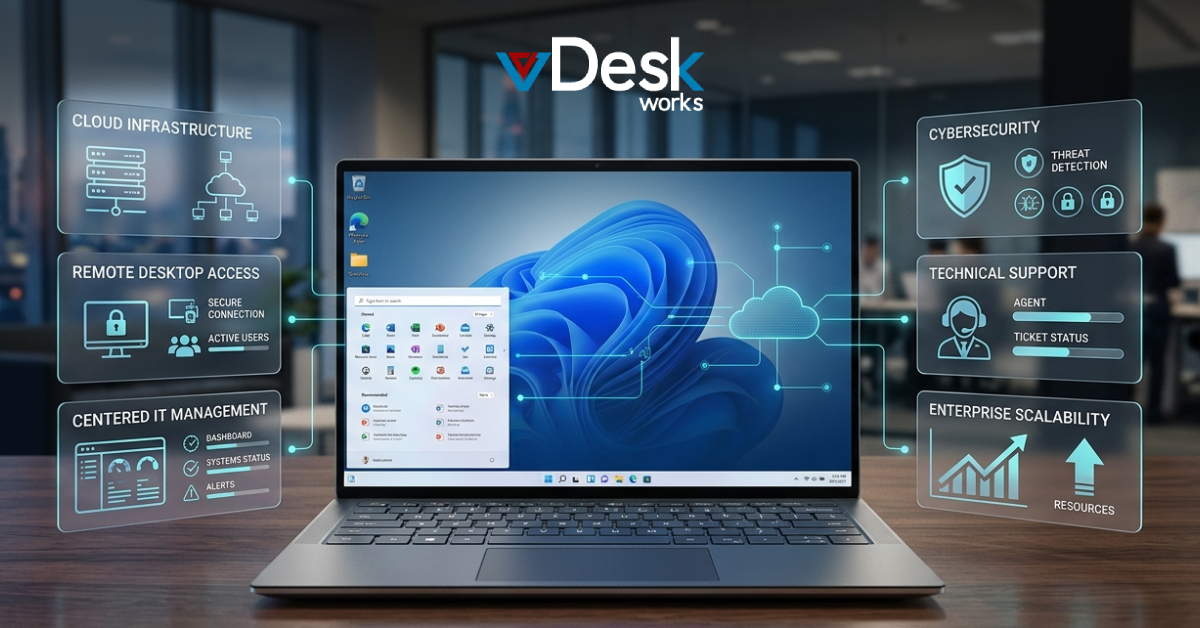
vDeskWorks offers a centralized Desktop as a Service platform designed for today's mobile workforce.
Instead of managing hundreds of individual devices, businesses manage one secure cloud environment.
With vDeskWorks, organizations receive:
Secure Cloud Workspace
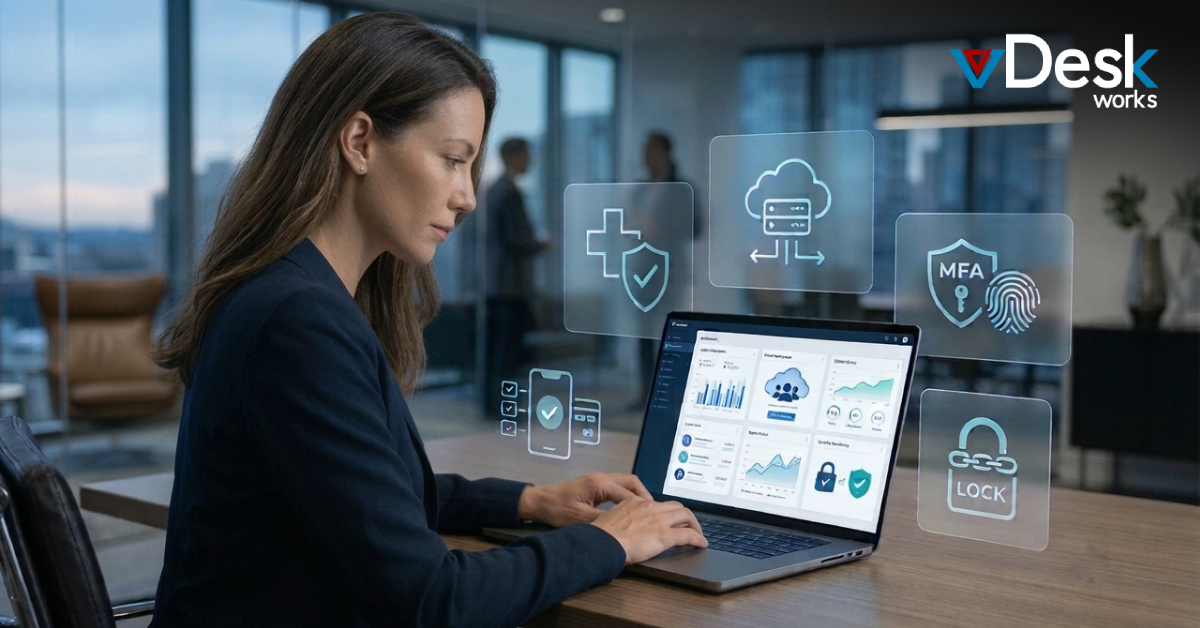
Business applications and files stay inside the cloud rather than on employee devices, reducing the risk of data loss.
Access from Any Device
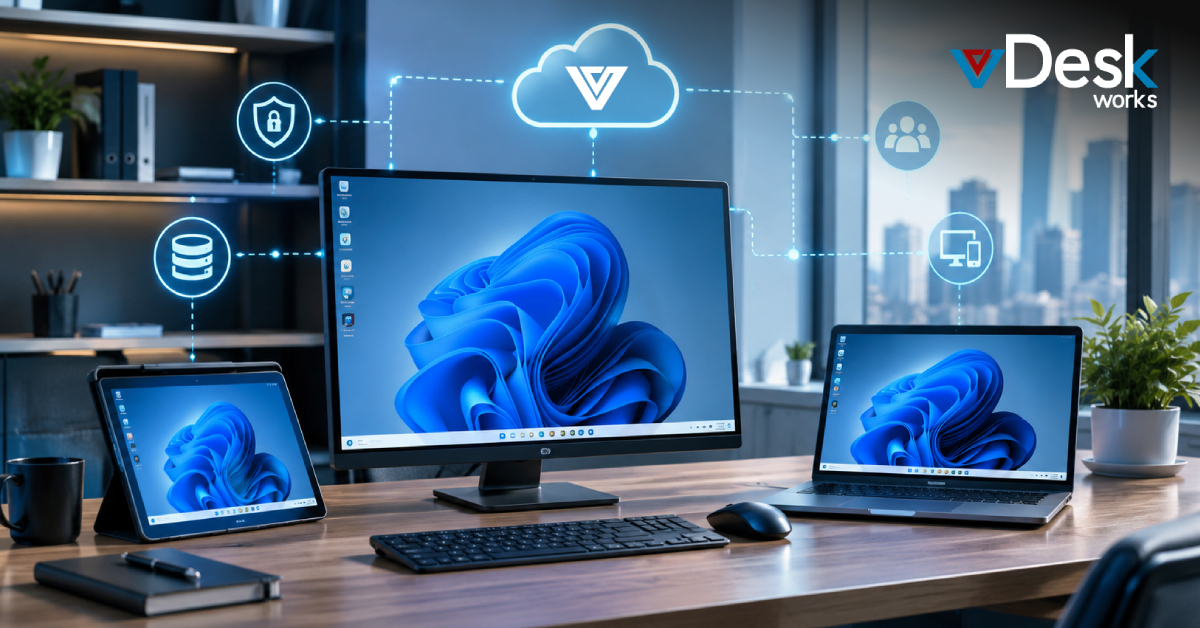
Employees can securely log in from smartphones, tablets, laptops, Chromebooks, or desktops without changing their work environment.
Cross-Platform Compatibility
The platform supports Android, iOS, Windows, macOS, and other devices, making it easy for businesses with mixed hardware.
Centralized Management
IT teams can update applications, manage users, and control security from one location instead of maintaining every employee device individually.
Reliable Business Continuity
Employees remain productive while traveling, working remotely, or attending client meetings without losing access to important business resources.
Top Mobile DaaS Solutions Compared
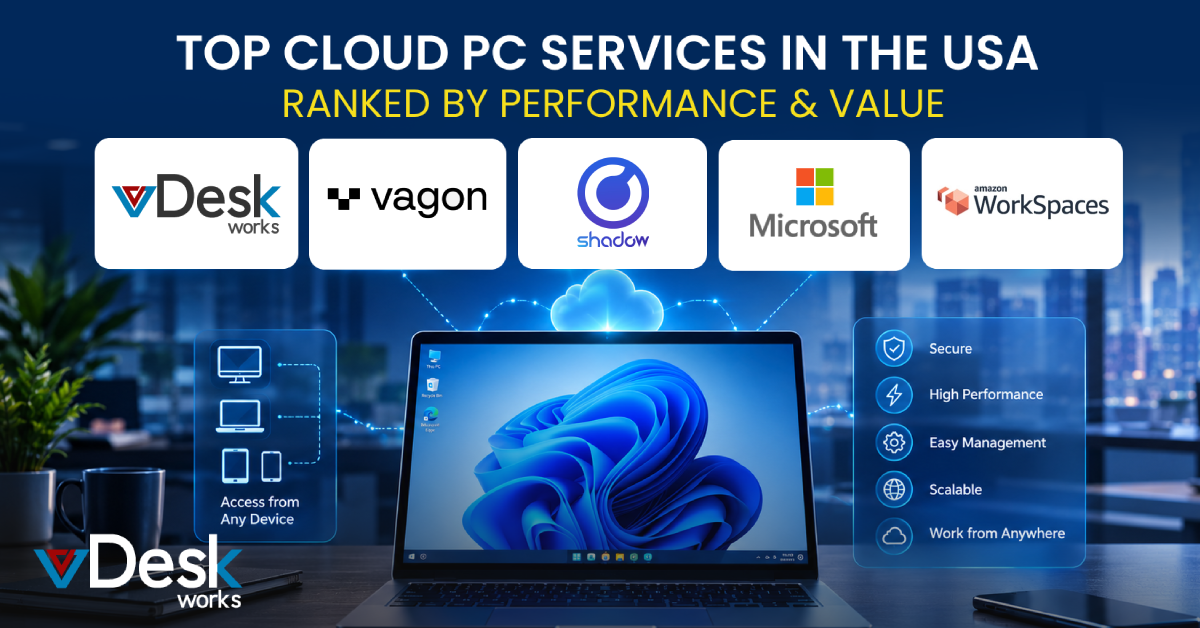
Many companies offer Desktop as a Service solutions, but each focuses on different business needs.
- Microsoft Azure Virtual Desktop is popular among organizations already using Microsoft products. It provides enterprise-level integration but often requires technical expertise to deploy and manage.
- Citrix DaaS is known for supporting large enterprises with advanced virtualization capabilities. However, licensing and setup can become expensive for smaller businesses.
- Windows 365 offers Cloud PCs that are easy to deploy and ideal for organizations invested in the Microsoft ecosystem, though customization options may be limited.
- Chrome Remote Desktop works well for individuals who need remote access to a personal computer but lacks the centralized management and security features businesses require.
- vDeskWorks delivers a complete Desktop as a Service solution that combines secure cloud desktops, centralized management, cross-platform compatibility, flexible deployment, and simplified administration. It is designed for businesses that need enterprise-level performance without unnecessary complexity.
Why Businesses Choose vDeskWorks
Organizations choose vDeskWorks because it provides more than remote desktop access.
Key advantages include:
- Secure cloud-hosted desktops.
- Centralized desktop management.
- Support for Android and iOS devices.
- Flexible deployment options.
- Zero downtime architecture.
- Easy scalability as teams grow.
- Strong security for business data.
- Consistent user experience across devices.
These features help businesses improve productivity while reducing IT workload.
Industries That Benefit Most
Mobile DaaS is useful across many industries.
Some common examples include:
- Healthcare professionals accessing patient information securely.
- Sales teams working during travel.
- Field service engineers managing customer requests.
- Financial consultants accessing business applications remotely.
- Education institutions supporting remote learning.
- IT teams managing systems from anywhere.
Any organization with mobile or hybrid employees can benefit from secure virtual desktops.
Conclusion
The workplace has changed dramatically, and employees expect secure access to their business applications wherever they are. Smartphones and tablets are now powerful enough to become productive work devices when paired with the right Desktop as a Service platform.
With DaaS on Mobile, businesses can reduce hardware costs, improve workforce flexibility, strengthen security, and simplify IT management.
vDeskWorks helps organizations create a secure, centralized desktop environment that employees can access from virtually any device. Whether your team is working from the office, home, or on the move, vDeskWorks ensures they always have access to the tools they need to stay productive.
If your business is looking for a secure and flexible mobile workspace solution, vDeskWorks DaaS on Mobile provides the performance, security, and scalability needed to support today's modern workforce.
 Emma Carson