Bring Your Own Device (BYOD) has become common as businesses support remote and hybrid work. Employees may use personal laptops, tablets, or smartphones to access business applications, communicate with teams, and complete daily tasks.
BYOD can reduce hardware costs and give employees greater flexibility. However, it also creates an important question for IT teams:
How can employees use their own devices without putting company data on those devices?
This is where Desktop as a Service (DaaS) can make a difference.
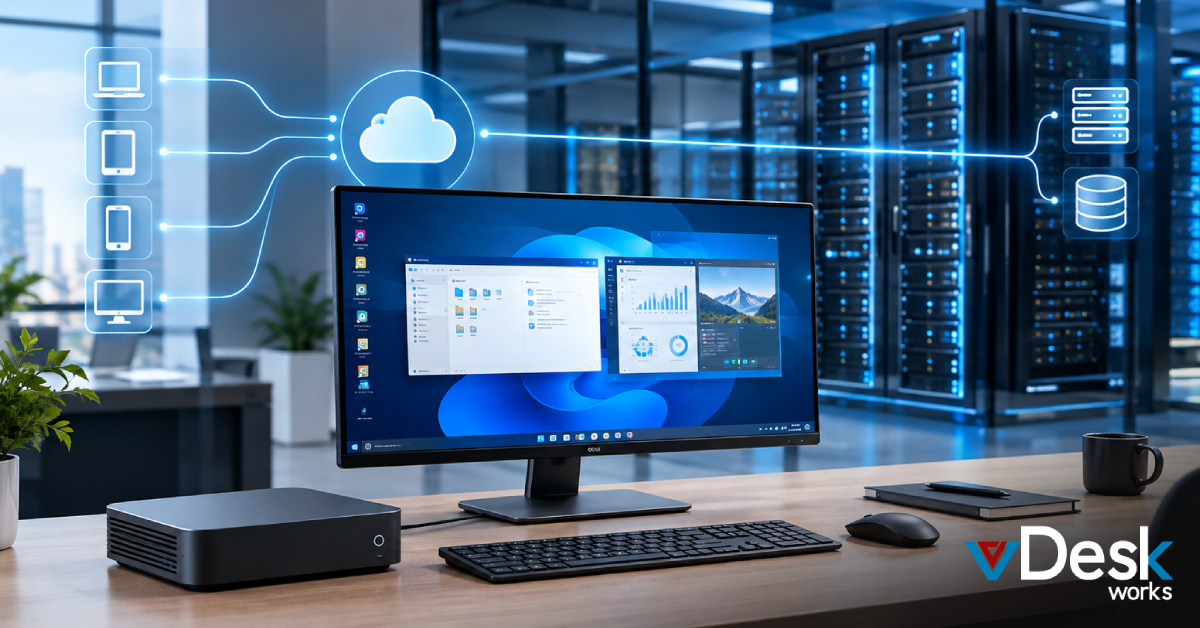
Instead of installing business applications and storing files directly on personal hardware, organizations can provide employees with a centrally managed virtual workspace. With a virtual desktop solution, employees access their work environment remotely while business applications and data remain within the controlled virtual infrastructure.
What Is DaaS in a BYOD Environment?
Desktop as a Service provides users with a complete desktop environment hosted on remote infrastructure.
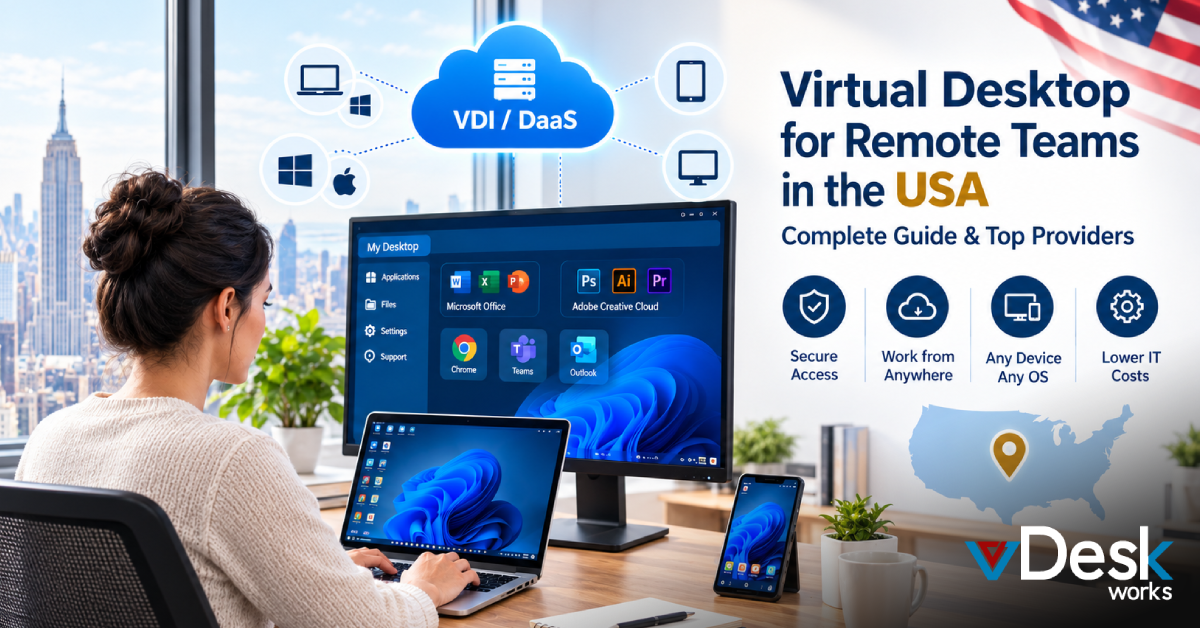
Rather than running the company's entire work environment locally, an employee connects to a virtual desktop through a browser or supported application.
For example:
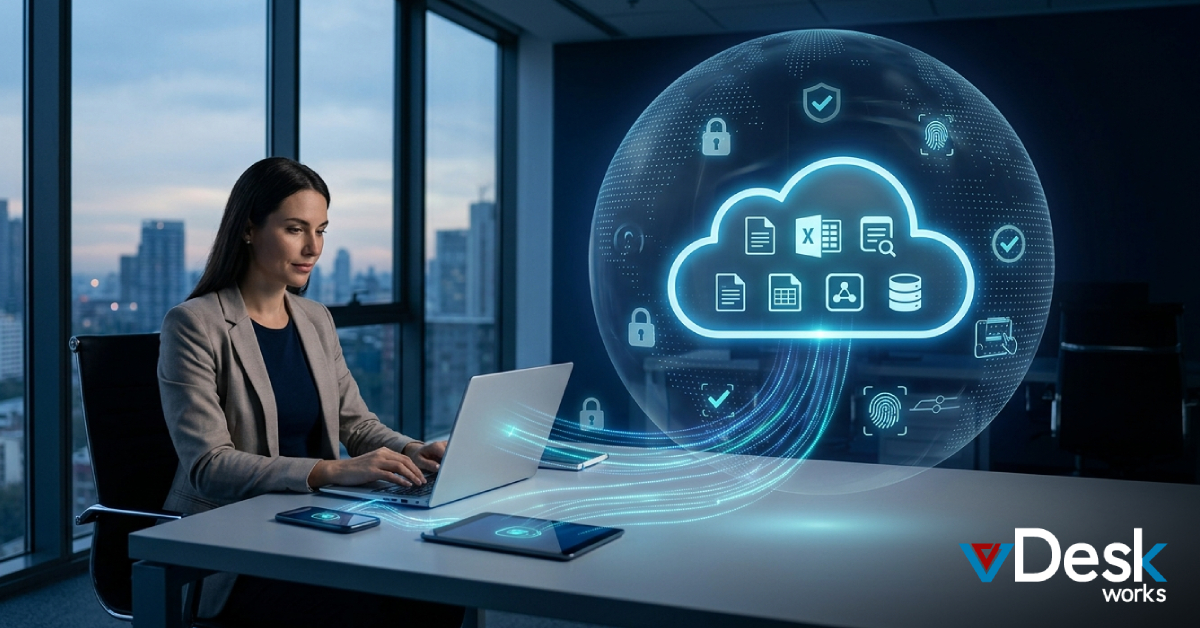
Personal Laptop → Secure Connection → Virtual Desktop → Business Applications & Data
The employee can interact with the virtual desktop as if they were using a traditional computer, while the primary work environment remains hosted centrally.
This approach can be particularly useful for businesses with:
- Remote employees
- Hybrid teams
- Contractors
- Freelancers
- International workers
- Temporary staff
- BYOD programs
Why BYOD Creates Data Security Challenges
Personal devices are outside the organization's direct hardware control.
An employee's laptop may be shared with family members, used on public Wi-Fi, or contain personal applications and files alongside business information.
Common concerns include:
- Company files being downloaded to personal storage
- Business information being copied to personal applications
- Lost or stolen devices
- Unapproved cloud storage
- USB file transfers
- Screenshots of sensitive information
- Outdated operating systems
- Unauthorized applications
- Employees leaving the organization with company data
Traditional endpoint management can address some of these risks, but it may also require businesses to manage personal devices more extensively.
A DaaS model provides another option: keep more of the work environment away from the physical endpoint.
How a Virtual Desktop Solution Keeps Data Centralized
One of the biggest advantages of a virtual desktop solution for BYOD is data centralization.
Business applications and files can remain within the virtual desktop environment instead of being permanently stored on the employee's personal computer.
The employee sees and interacts with the virtual workspace remotely.
This can reduce the amount of company information stored directly on personal hardware.
- Centralized Storage
Business files can remain within the organization's controlled infrastructure. - Remote Application Access
Employees can use required applications through their virtual desktop without installing every business application on their personal device. - Reduced Local Data Exposure
Keeping the primary workspace centralized can reduce the risk associated with lost or stolen personal computers. - Centralized Access Management
IT administrators can manage user access without physically managing every employee's personal device.
DaaS Helps Separate Work From Personal Use
One of the biggest problems with BYOD is the mixing of personal and professional activities.
An employee might use the same laptop for:
- Company email
- Personal email
- Business documents
- Personal cloud storage
- Social media
- Online shopping
- Personal applications
A virtual desktop creates a clearer separation.
The employee can use their personal computer normally while opening a separate virtual work environment when they need to perform business tasks.
This creates a simple model:
Personal device = personal environment
Virtual desktop = work environment
That separation can make BYOD easier to manage from both a security and administrative perspective.
DaaS Can Reduce the Need to Manage Personal Devices
Traditional endpoint management often requires IT teams to monitor, configure, patch, and troubleshoot physical devices.
That approach becomes more complicated when employees use their own hardware.
A virtual desktop solution moves more of the management responsibility to the centralized desktop environment.
IT teams can focus on managing:
- Virtual desktops
- Applications
- User accounts
- Access permissions
- Security policies
- Virtual resources
- Backups
- Desktop configurations
Instead of trying to control every aspect of an employee's personal computer, businesses can focus on protecting the corporate workspace.
BYOD Security Requires More Than DaaS
DaaS is an important part of a secure BYOD strategy, but businesses should not treat it as the only security measure.
Organizations should also create clear BYOD policies.
A good policy should explain:
- Which devices are permitted
- Who can access company systems
- What applications employees can use
- Whether downloads are allowed
- How sensitive information should be handled
- What happens if a device is lost
- What happens when employment ends
- What security requirements employees must follow
Companies should also consider requiring basic device security such as updated operating systems, screen locks, strong authentication, and protection against malware.
How vDeskWorks Supports BYOD
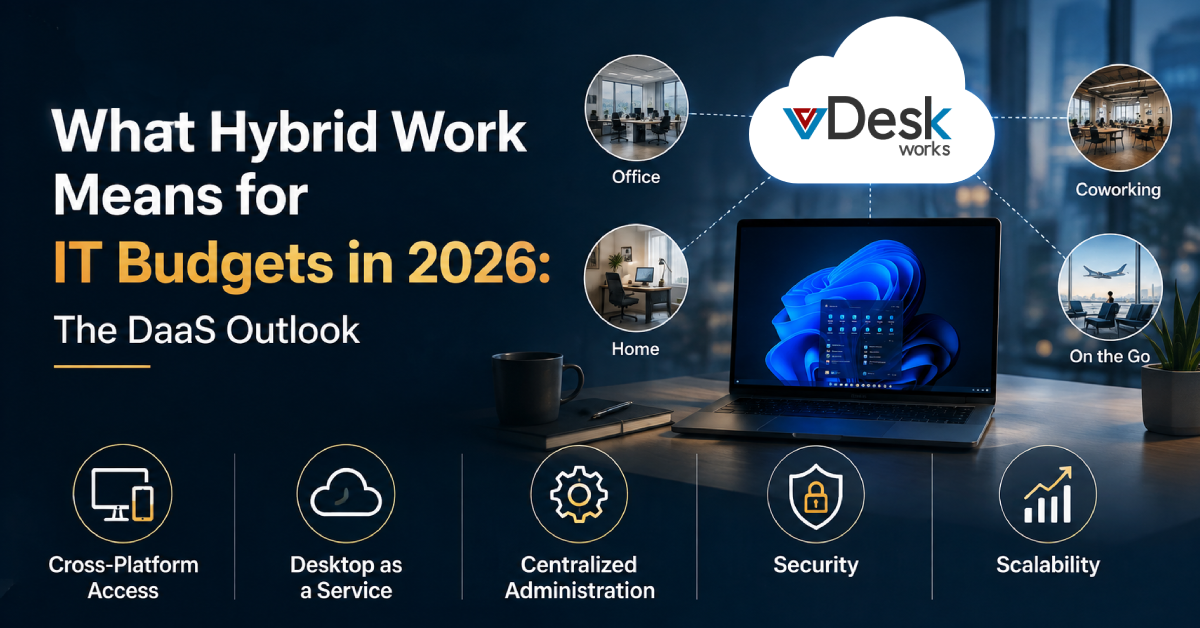
vDeskWorks provides cloud-hosted virtual desktop capabilities that can help businesses support remote and BYOD work without relying entirely on local device storage.
With vDeskWorks, organizations can provide users with access to a centralized work environment while maintaining greater control over applications, desktops, and user access.
Key capabilities include:
Centralized Workspaces
Business applications and resources can be delivered through a centrally managed virtual desktop environment.
Cross-Platform Access
Employees can connect through supported devices and web-based access options.
Multi-Factor Authentication
MFA can add another layer of protection to the virtual desktop login process.
Access Control
Administrators can manage who can access specific virtual desktop environments and resources.
Remote Assistance
IT teams can provide remote support when users experience technical problems.
Centralized Management
Administrators can manage users, desktops, applications, and resources from a central environment.
Scalable Infrastructure
Organizations can add or remove virtual desktops as workforce requirements change.
Final Thoughts
BYOD can give businesses greater flexibility and reduce the need to purchase hardware for every employee. But allowing employees to use personal devices also creates questions around data protection, application control, access management, and offboarding.
DaaS provides a practical way to address many of these challenges by moving the primary work environment away from personal hardware and into a centrally managed virtual workspace.
With vDeskWorks, businesses can support BYOD through centralized virtual desktops, cross-platform access, security controls, remote assistance, and scalable management.
The goal is not simply to let employees work from their own devices. It is to create a secure separation between personal hardware and company work.
Book a live demo at www.vdeskworks.com/live-demo-client.
 Emma Carson