Technology investments play a major role in determining how efficiently a business operates. For years, organizations relied on traditional desktop computers that required significant hardware investments, frequent maintenance, and ongoing upgrades. However, the rapid adoption of hybrid work, cloud computing, and remote collaboration has changed how businesses approach workplace technology.
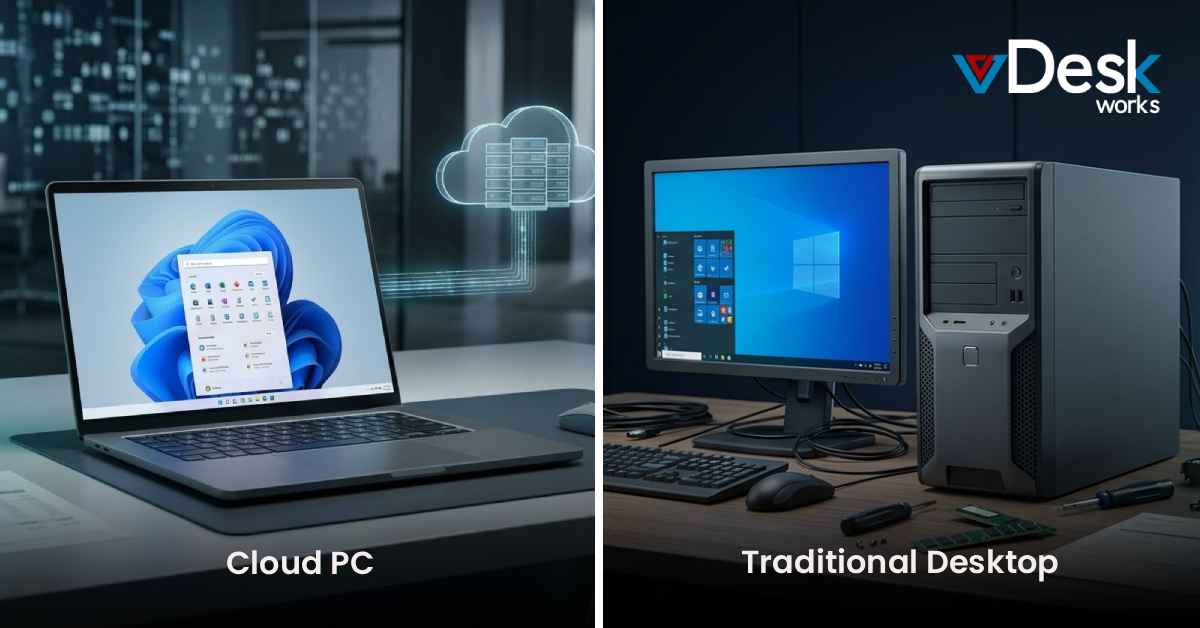
Today, organizations are increasingly comparing Cloud PC vs Traditional Desktop to understand which option delivers better long-term value. While a traditional desktop may appear less expensive because it involves a one-time purchase, the actual cost extends far beyond the initial hardware investment. Maintenance, security updates, repairs, software licensing, energy consumption, and eventual hardware replacement all contribute to the overall Total Cost of Ownership (TCO).
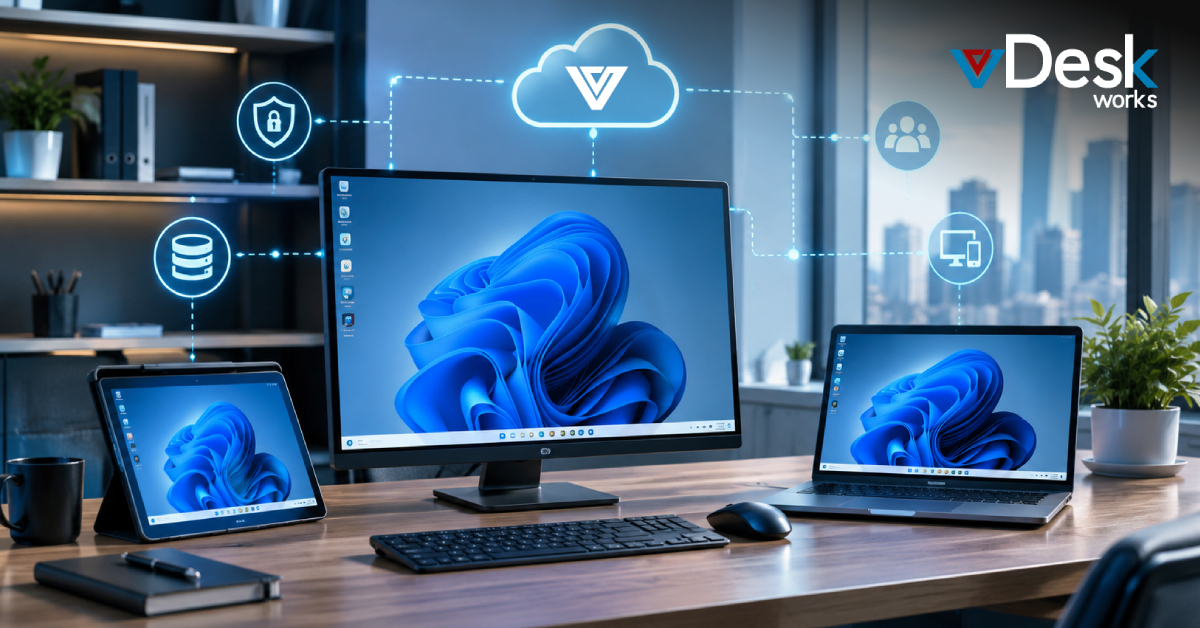
Cloud PCs, on the other hand, provide businesses with fully managed virtual desktops hosted securely in the cloud. Instead of purchasing expensive hardware every few years, companies pay a predictable monthly subscription while accessing enterprise-grade computing from virtually any device.
This guide explains the true cost of both solutions and why businesses are increasingly choosing vDeskWorks Cloud Desktop Solutions to improve productivity while reducing IT expenses.
Understanding Total Cost of Ownership (TCO)
When comparing desktop solutions, many organizations focus only on purchase price. However, the Total Cost of Ownership includes every expense incurred throughout the life of a desktop.
A complete TCO analysis includes:
- Hardware purchasing costs
- Software licensing
- IT administration
- Security management
- Hardware upgrades
- Electricity usage
- Downtime from failures
- Employee productivity losses
- Data backup and recovery
- Replacement cycles
Looking at these factors provides a much clearer picture of which solution is truly more cost-effective.
What is a Traditional Desktop?
A traditional desktop is a physical computer installed in an office or home workspace. All applications, operating systems, and files reside on the local device.
Businesses typically purchase desktops every three to five years while investing separately in:
- Hardware upgrades
- Antivirus software
- Backup systems
- IT support
- Device replacements
- Physical security
Although the initial purchase is straightforward, managing hundreds of physical desktops quickly becomes expensive.
What is a Cloud PC?
A Cloud PC is a Windows desktop hosted securely in enterprise cloud infrastructure instead of local hardware.
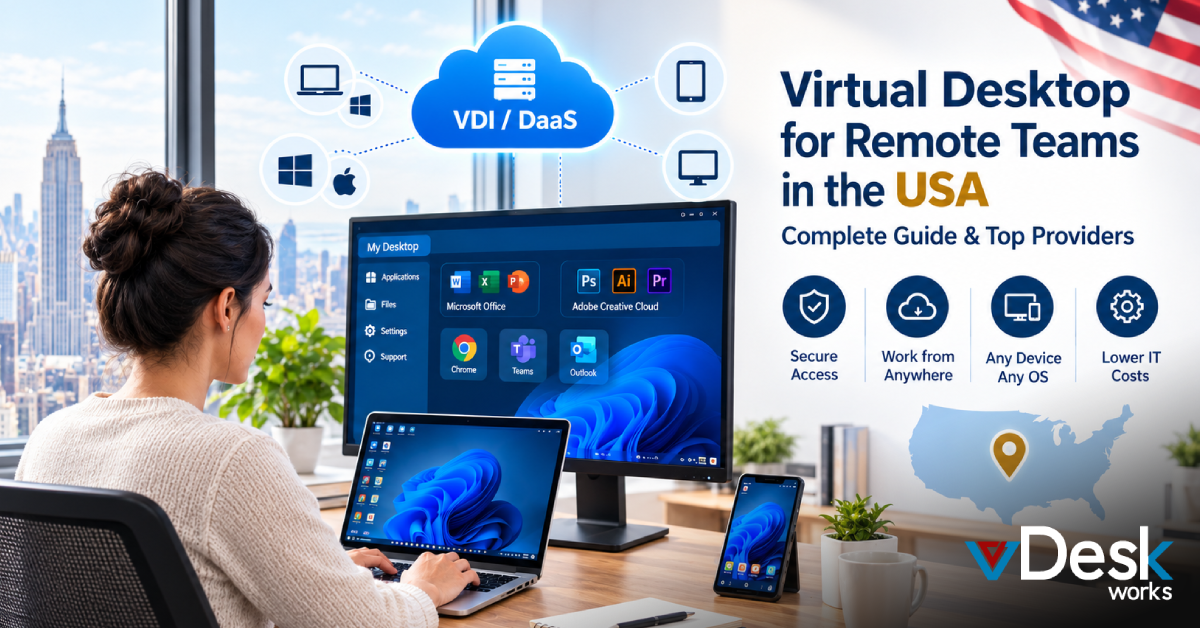
Using vDeskWorks, employees simply log in through any internet-connected device and instantly access their complete Windows desktop, including:
- Applications
- Documents
- User settings
- Company resources
- Business software
Everything remains securely stored in the cloud rather than on employee devices.
Upfront Investment Comparison
Traditional Desktop
Purchasing physical computers requires significant capital expenditure.
Typical expenses include:
- Desktop computer purchase
- Monitor
- Operating system license
- Office software
- Hardware warranties
- Networking equipment
- Setup and deployment
As businesses grow, these expenses multiply rapidly.
Cloud PC
With vDeskWorks, businesses avoid purchasing expensive hardware.
Instead, organizations receive:
- Ready-to-use Windows desktops
- Secure cloud infrastructure
- Enterprise storage
- Automatic maintenance
- Ongoing updates
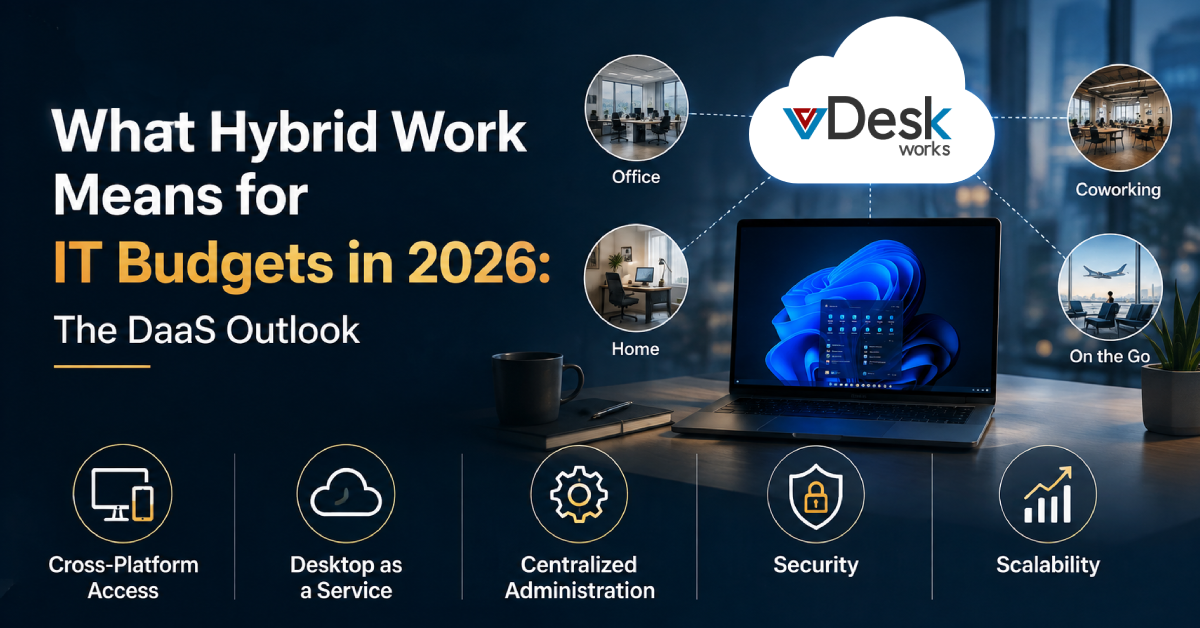
This subscription model transforms large capital expenses into predictable operational costs.
Hardware Lifecycle Costs
Physical desktops age quickly.
After several years, businesses often encounter:
- Slower performance
- Storage limitations
- RAM shortages
- Hardware failures
- Compatibility issues
- Expensive replacements
Every replacement cycle introduces another large investment.
Cloud PCs eliminate this challenge because infrastructure improvements occur within the cloud environment. Employees automatically benefit from enhanced performance without replacing local devices.
IT Management Costs
Managing physical desktops consumes substantial IT resources.
Common responsibilities include:
- Installing operating systems
- Driver updates
- Security patches
- Software deployment
- Hardware troubleshooting
- Device replacement
- User support
These routine tasks increase labor costs significantly.
With vDeskWorks, desktop administration is centralized.
IT teams can:
- Provision users within minutes
- Deploy applications remotely
- Manage updates centrally
- Monitor desktops
- Enforce security policies
- Resolve issues remotely
This dramatically reduces administrative overhead.
Security Costs
Cybersecurity has become one of the largest technology investments for businesses.
Traditional desktops often face risks such as:
- Lost laptops
- Stolen devices
- Malware infections
- Ransomware
- Unauthorized downloads
- Local data storage
Protecting every endpoint individually requires additional security software and ongoing monitoring.
vDeskWorks provides multiple security layers through cloud-based desktop infrastructure.
Benefits include:
- Multi-factor authentication
- Encrypted connections
- Centralized access control
- Secure cloud storage
- Automatic security updates
- Continuous monitoring
- Role-based permissions
Since company data never resides permanently on employee devices, security risks are significantly reduced.
Employee Productivity
Technology directly impacts employee efficiency.
Older desktop environments often cause:
- Slow startup times
- Application crashes
- Long software installations
- Delayed updates
- Hardware failures
These interruptions reduce productivity throughout the workday.
With vDeskWorks Cloud PCs:
- Users access desktops within minutes.
- Applications remain consistently available.
- Employees experience the same workspace regardless of location.
- Files synchronize automatically.
- Work continues uninterrupted across devices.
Scalability for Growing Businesses
Business growth often exposes the limitations of physical desktops.
Adding new employees typically requires:
- Purchasing hardware
- Installing software
- Configuring devices
- Shipping equipment
- Creating user profiles
This process can take days or even weeks.
Cloud PCs simplify expansion.
New users can be:
- Created quickly
- Assigned resources instantly
- Given secure access immediately
- Managed centrally
Scaling down is equally simple, helping businesses avoid unnecessary hardware investments.
Remote Work Flexibility
Traditional desktops generally remain tied to a specific office location.
Remote access often requires additional VPNs or complex configurations.
Cloud PCs enable employees to work securely from:
- Home offices
- Client locations
- Airports
- Hotels
- Branch offices
- Shared workspaces
Users experience the same Windows desktop regardless of the device they use.
Backup and Disaster Recovery
Hardware failures remain one of the biggest causes of business downtime.
Traditional desktop environments depend on local backups that may fail or become outdated.
Cloud desktops offer stronger protection through:
- Automated backups
- Redundant cloud storage
- Faster recovery
- Centralized file management
- Business continuity planning
Even if an employee's laptop is lost or damaged, work continues from another device without data loss.
Energy and Infrastructure Savings
Physical desktops require:
- Continuous electricity
- Office cooling
- Hardware maintenance
- Storage space
- Network infrastructure
Cloud PCs reduce these operational expenses because computing takes place in enterprise cloud environments.
Organizations also extend the life of existing laptops and thin clients, reducing electronic waste.
Why Businesses Choose vDeskWorks
Organizations worldwide are adopting cloud desktops because they deliver enterprise performance while simplifying IT operations.
vDeskWorks helps businesses by providing:
- Fully managed Windows cloud desktops
- Secure remote access from any location
- Centralized desktop management
- Enterprise-grade security
- Automatic backups
- Easy scalability
- Reliable performance
- Simplified IT administration
- Flexible deployment for hybrid and remote work
- Predictable monthly pricing
These advantages allow businesses to focus on growth instead of managing complex desktop infrastructure.
Conclusion
The debate between Cloud PC vs Traditional Desktop is no longer just about technology—it is about business value. While traditional desktops require ongoing investments in hardware, maintenance, security, and IT support, Cloud PCs provide a modern alternative with predictable costs, centralized management, and greater flexibility.
For businesses embracing hybrid work, improving cybersecurity, and reducing IT complexity, cloud desktops deliver a lower Total Cost of Ownership over time. By eliminating hardware refresh cycles, simplifying management, and enabling secure access from anywhere, organizations can enhance productivity while controlling expenses.
If your business is looking to reduce costs, strengthen security, and prepare for future growth, investing in a cloud desktop solution is a strategic step toward a more agile and efficient IT environment.
vDeskWorks offers a comprehensive Cloud PC solution designed to help businesses transition smoothly to the cloud. With enterprise-grade security, scalable infrastructure, automated management, and reliable performance, it empowers organizations to support modern workforces without the limitations of traditional desktop environments.
Ready to Explore vDeskWorks? Book your live demo today at www.vdeskworks.com/live-demo-client.
 Emma Carson