Remote and hybrid work have changed how businesses provide computers to their employees. A few years ago, the standard approach was simple: purchase laptops, configure them, ship them to employees, and provide IT support when something went wrong.
That approach can become difficult as remote teams grow.
Employees may work from different cities, countries, offices, homes, and temporary locations. A business may need to ship devices internationally, manage customs, replace damaged hardware, recover laptops from departing employees, and keep every device updated and secure.
This raises an important question:
Is shipping a laptop really the most cost-effective way to support a remote employee?
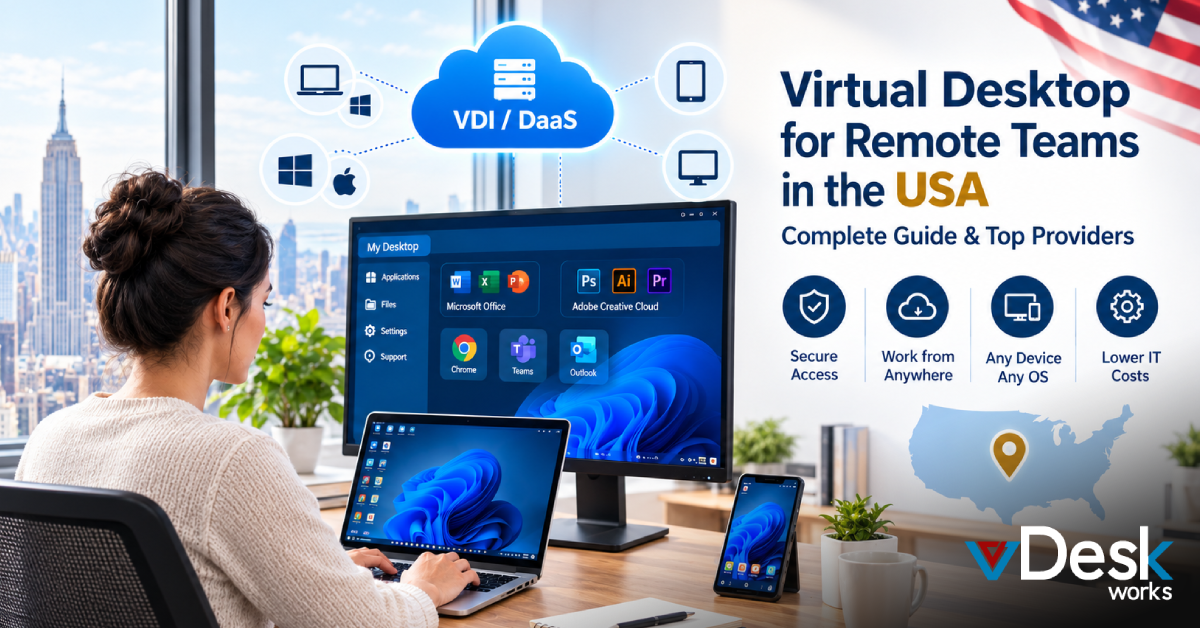
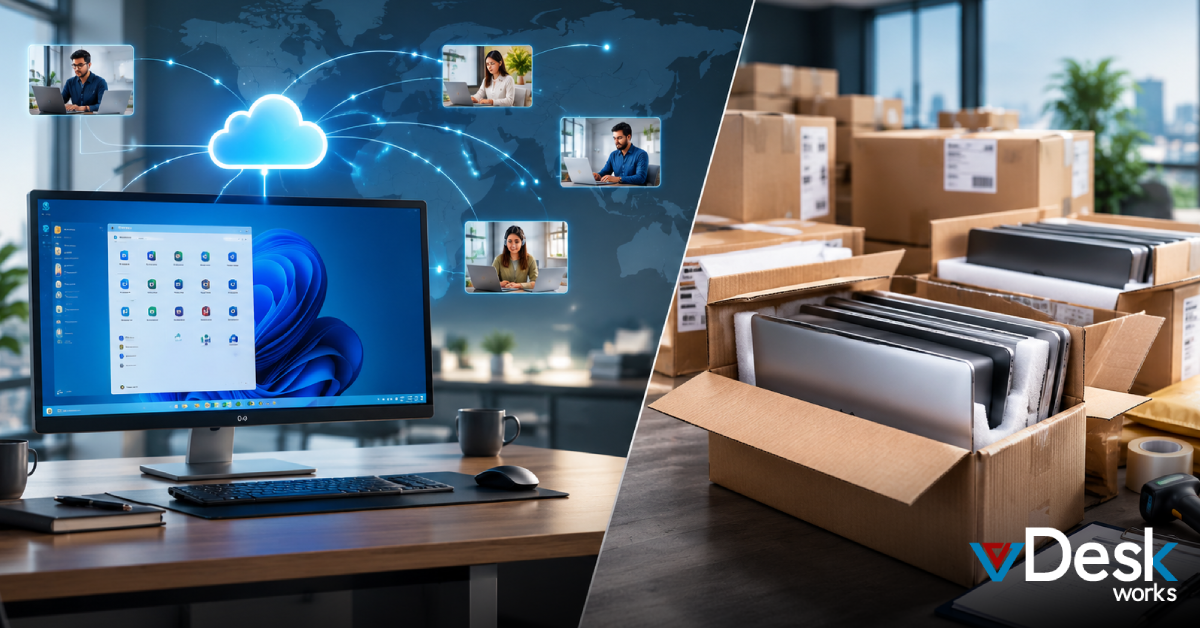
For many organizations, a Virtual Desktop Solution can provide another option. Instead of making the physical laptop the center of the employee's work environment, businesses can host desktops and applications in a centralized cloud environment and allow employees to securely access them from supported devices.
The comparison is therefore not simply cloud desktop vs. laptop price. Businesses need to consider the total cost of ownership, security, IT workload, employee productivity, scalability, and hardware lifecycle management.
Why Shipping Laptops Can Become Expensive
The laptop's purchase price is only one part of its actual cost.
A business also has to account for everything that happens before, during, and after an employee uses the device.
1. Hardware Purchase Costs
Every new employee may require a laptop with enough processing power, memory, storage, and graphics capability for their role.
For organizations hiring hundreds of employees, these purchases can quickly become a significant capital expense.
A finance employee may require a relatively basic machine, while a designer, engineer, analyst, or developer may need substantially more powerful hardware.
2. Configuration and Provisioning
A laptop rarely arrives ready for immediate business use.
IT teams may need to:
- Install operating systems
- Configure security settings
- Install business applications
- Set up user accounts
- Configure VPN access
- Apply security policies
- Install endpoint protection
- Configure printers and peripherals
- Test applications
Every additional device adds another provisioning task for IT.
3. Shipping and Logistics
Remote employees introduce another cost: getting the hardware to them.
Domestic shipments may be manageable, but international distribution can introduce additional complications such as:
- Shipping charges
- Customs procedures
- Import duties
- Delivery delays
- Address changes
- Damaged packages
- Device tracking
- Replacement shipments
For a global workforce, this logistics can become a recurring operational burden.
Lost or Stolen Laptops Create More Than a Replacement Cost
A damaged laptop is inconvenient.
A stolen laptop can become a security concern.
If sensitive company information is stored locally, the organization has to consider what data may have been exposed.
Businesses therefore invest in additional endpoint security measures such as:
- Device encryption
- Endpoint protection
- Remote device management
- Identity controls
- Security monitoring
- Backup systems
- Remote wipe capabilities
These technologies are valuable, but they also add to the overall cost and complexity of managing physical endpoints.
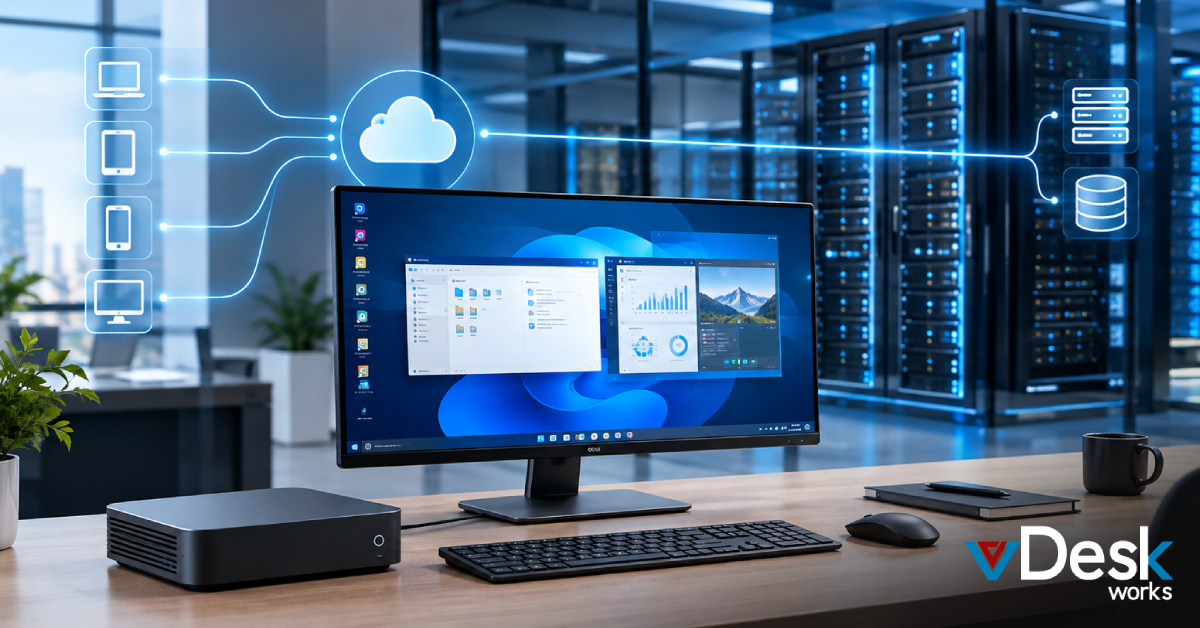
With a Cloud Desktop, the employee's primary computing environment can remain hosted centrally. The endpoint becomes more of an access device rather than the primary location for business applications and data.
Cloud Desktop: A Different Approach to Remote Computing
A cloud desktop is a virtual computer hosted in a remote infrastructure environment.
Instead of installing every application and storing every work file directly on an employee's laptop, the user connects to a centrally managed desktop.
The employee can work through a supported application, browser, or client while the computing environment remains hosted remotely.
This model can be particularly useful for:
- Remote employees
- Hybrid teams
- Contractors
- Temporary workers
- Global teams
- Distributed businesses
- Seasonal workforces
- Organizations with multiple locations
The result is a workplace model where the employee's digital workspace is not tied entirely to one physical computer.
How a Virtual Desktop Solution Can Reduce IT Complexity
One of the biggest advantages of a Virtual Desktop Solution is centralized management.
Instead of maintaining hundreds of completely independent laptops, IT teams can manage virtual environments from a centralized platform.
Centralized Application Management
Applications can be made available within the virtual environment rather than individually configured on every endpoint.
This can help reduce repetitive installation and configuration work.
Centralized User Management
Administrators can manage users and their access based on organizational requirements.
Access can be aligned with:
- Job roles
- Departments
- Projects
- Locations
- User groups
Simplified Updates
Traditional laptop environments require IT teams to maintain software across many physical devices.
A centrally managed virtual environment can make updates and configuration changes more consistent.
Easier Remote Support
IT teams can troubleshoot virtual desktop environments remotely rather than physically handling employee laptops.
This can be particularly valuable when employees are located hundreds or thousands of miles away.
Cloud Desktop vs. Shipping Laptops: The Real Cost Comparison
The most useful comparison is not simply:
- Laptop price vs. monthly cloud subscription
Instead, businesses should evaluate the complete lifecycle.
- Physical Laptop Cost
Hardware + configuration + shipping + security + support + repairs + replacements + recovery + disposal
- Cloud Desktop Cost
Subscription/infrastructure + connectivity + management + support
The actual numbers will vary depending on the organization, but this broader calculation provides a more realistic view.
A company with a large distributed workforce may find that reducing hardware dependency delivers value beyond the monthly desktop cost.
How vDeskWorks Helps Businesses Reduce Hardware Dependency
vDeskWorks provides cloud-based Virtual Desktop Solutions designed to support businesses that need secure, scalable, and centrally managed work environments.
Instead of making every physical computer responsible for applications, processing, and business data, organizations can provide users with access to centrally hosted virtual desktops.
High Availability
vDeskWorks is designed to provide highly available virtual desktop environments, helping organizations reduce disruption caused by individual hardware failures.
Instant Scalability
Businesses can scale virtual desktop resources as user requirements change.
This can be useful for growing teams, seasonal employees, contractors, and project-based workforces.
Centralized Management
IT teams can manage users, virtual desktops, applications, and policies from a centralized environment.
This can reduce the administrative effort associated with managing numerous physical endpoints.
Personalized User Environments
Organizations can configure desktop environments according to different roles, teams, or business requirements.
This helps employees receive the applications and resources relevant to their work.
Support for Business Continuity
Centralized virtual desktops can form part of a broader business continuity strategy by helping employees access their work environment from alternative supported devices when a primary endpoint becomes unavailable.
Remote Work Support
Employees can access their virtual workspace remotely, helping businesses support hybrid and distributed teams without relying entirely on shipping high-performance hardware to every location.
Final Thoughts
With vDeskWorks Virtual Desktop Solutions, businesses can centralize desktop delivery, scale resources as needed, support remote employees, and reduce some of the operational challenges associated with managing physical hardware.
The real question is not "Cloud desktop or laptop?" It is "Which approach gives our business better control over cost, security, productivity, and scale?"
A useful next step is to create a cloud desktop vs. laptop total-cost checklist for different employee roles before deciding which model fits your organization.
Book a live demo online at www.vdeskworks.com/live-demo-client.
 Emma Carson