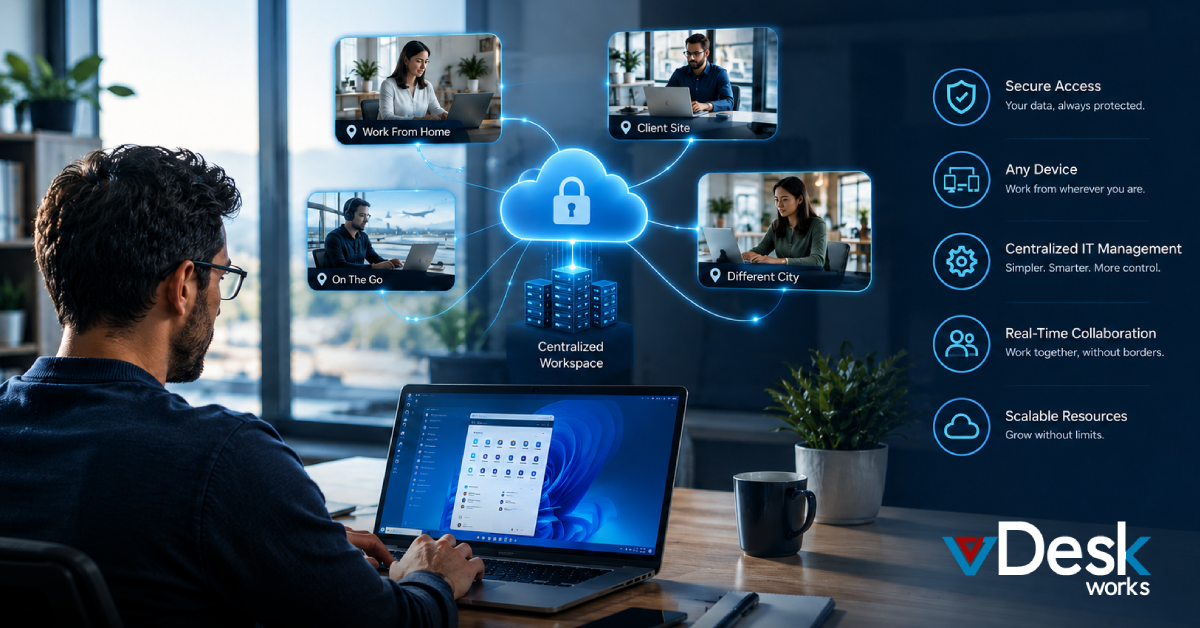
Modern businesses are no longer restricted by office locations. Employees work from homes, different cities, client sites, and time zones, creating challenges around accessing the same applications, files, and security controls.
A virtual desktop solution provides a practical answer. With cloud desktops, employees can securely access a centrally managed desktop, applications, and business resources from almost any location, creating a consistent digital workspace for distributed teams.
Let's look at what a typical day can look like for a distributed team using cloud desktops.
8:00 AM: The First Employee Starts Work
The day may begin in one time zone while other team members are still asleep.
An employee working from home opens a laptop and connects to their virtual desktop. Instead of spending time installing applications or searching for files stored across different devices, they access their familiar business workspace.
Their desktop already contains the applications and resources required for their role.
This can include:
- Business applications
- Productivity tools
- Customer management software
- Project management platforms
- Shared company resources
- Department-specific applications
The employee does not necessarily need a powerful local computer because much of the computing work happens within the hosted desktop environment.
9:00 AM: Another Time Zone Joins the Workday
A sales employee in another city starts work several hours later.
They connect to their assigned cloud desktop using their own supported device. The physical device may be different from the one used by the first employee, but their virtual work environment can remain consistent.
This is one of the major advantages of a virtual desktop solution for distributed teams.
Employees do not have to depend on identical physical computers to access a standardized work environment.
Whether someone uses a Windows PC, Mac, Linux device, tablet, or another supported endpoint, they can connect to the workspace according to the organization's configuration.
10:00 AM: IT Manages the Environment Centrally
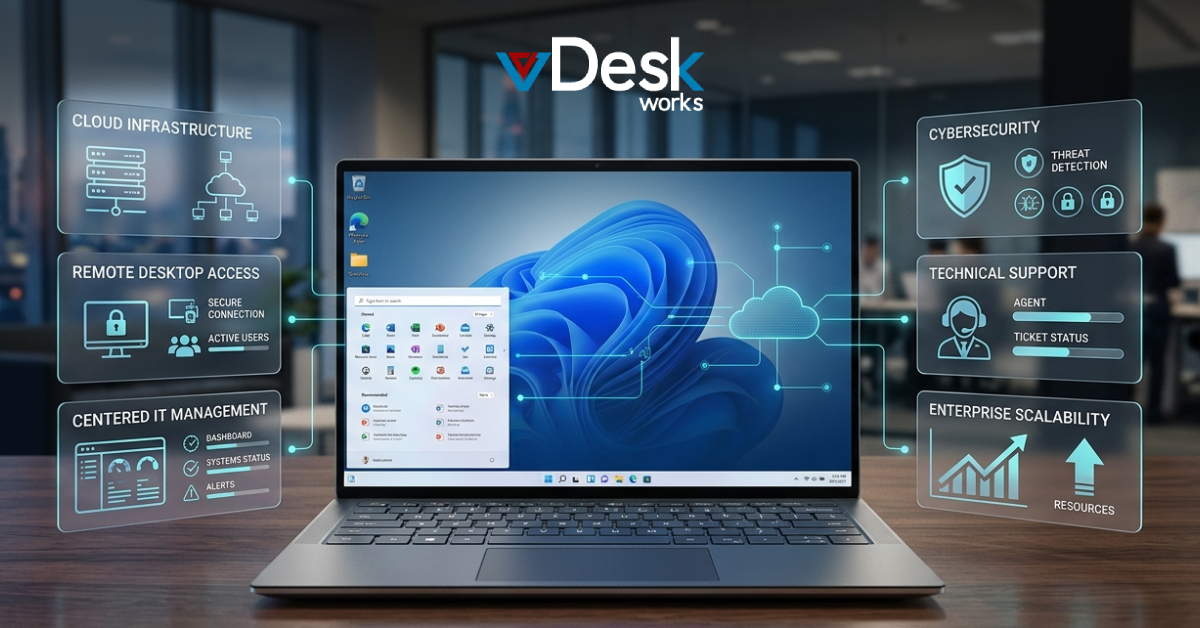
While employees focus on their work, IT administrators can manage the virtual desktop environment from a centralized console.
Instead of visiting individual offices or remotely troubleshooting hundreds of physical computers, administrators can manage many desktop-related tasks from one location.
They may need to:
- Provision a desktop for a new employee
- Update an application
- Adjust user permissions
- Monitor resources
- Manage desktop configurations
- Apply security policies
- Review system activity
This becomes especially valuable when the workforce is spread across multiple cities, countries, or continents.
A centralized approach can reduce the amount of manual work required to maintain individual endpoints.
11:00 AM: Teams Collaborate Across Locations
Distributed employees often need to work together even though they are not physically in the same office.
A marketing employee may be preparing a campaign, while a designer works on creative assets and a sales representative provides customer feedback.
With cloud desktops, each employee can access their required applications and business resources from their own workspace.
The goal is to provide a consistent environment where employees can focus on collaboration rather than dealing with different software versions or device limitations.
For businesses operating across time zones, this consistency can make asynchronous work easier as well.
One employee can finish a task and leave the required files or project resources available for another employee to continue later.
12:00 PM: Sensitive Business Data Remains Centralized
Security becomes particularly important when employees work outside a traditional office.
A distributed employee may be working from a home network, coworking space, hotel, or another location. If sensitive business information is stored directly on their laptop, the organization may have less control over that information.
A virtual desktop solution can change this model by keeping applications and business resources within a centralized environment.
Instead of making every employee's physical device the primary location for company data, organizations can maintain greater control over the hosted workspace.
vDeskWorks also supports security features such as multi-factor authentication and device fingerprinting to help organizations strengthen access controls.
Businesses should still combine cloud desktops with appropriate identity management, endpoint policies, monitoring, and other security practices.
1:00 PM: A New Employee Gets Started
Imagine that a company hires a new employee who will work remotely.
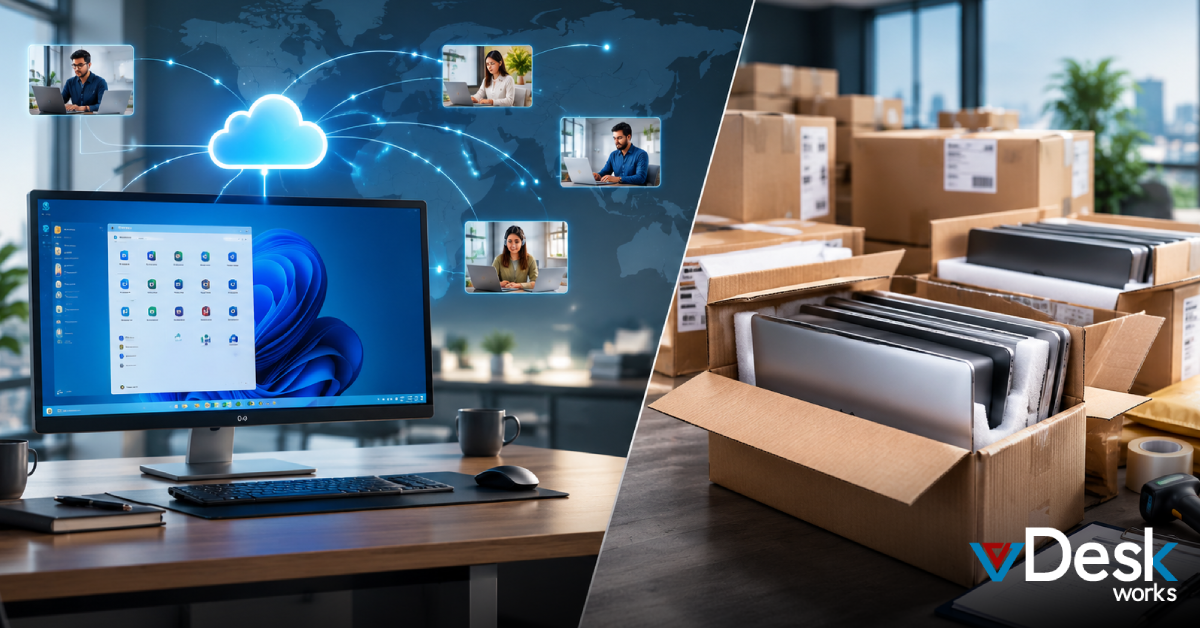
Traditionally, IT may need to purchase a laptop, configure it, install applications, apply security settings, ship it, and troubleshoot any issues before the employee can begin working.
With a cloud desktop model, IT can provision a virtual workspace based on the employee's role.
The new employee can then connect using an approved device and begin working without waiting for a fully configured corporate laptop to arrive.
This can be particularly useful for:
- International employees
- Contractors
- Temporary workers
- Seasonal teams
- Remote hires
- Project-based employees
2:00 PM: Heavy Applications Run in the Cloud
Not every employee performs basic office work.
Some teams need applications that require significantly more computing power. Designers, engineers, architects, video editors, and other specialists may need high-performance environments.
Cloud desktops can provide customized computing resources for these workloads.
vDeskWorks offers GPU-backed virtual desktop options designed for demanding applications and graphics-intensive work.
This allows organizations to provide powerful computing environments without necessarily requiring every employee to own an expensive high-performance workstation.
3:00 PM: IT Supports Employees Remotely
A distributed workforce can make technical support more complicated.
An employee might experience an application problem while working thousands of miles away from the company's main office.
Instead of sending an IT technician to the employee's location, administrators can use remote assistance capabilities to help troubleshoot supported virtual desktop sessions.
This can reduce the time between reporting an issue and receiving technical assistance.
For employees, that can mean less downtime and fewer interruptions during the workday.
4:00 PM: Another Region Starts Its Day
While one group is finishing work, another team located in a different time zone may just be starting.
This creates a "follow-the-sun" working model where different teams can continue business operations throughout the day.
A standardized cloud desktop environment makes this easier because employees across regions can access consistent applications and business resources.
For global organizations, this can help support:
- Customer service
- Technical support
- BPO operations
- Sales
- Development teams
- Finance operations
- Global project teams
5:00 PM: Employees Log Off Without Losing Their Workspace
At the end of the workday, employees can disconnect from their virtual desktops.
Their physical device does not necessarily need to store the entire business workspace. The centrally managed environment remains available for their next session, depending on the organization's configuration.
This can be useful for employees who switch between devices or work from different locations.
A person might work from a laptop in the morning and connect from another supported device later without rebuilding their entire work environment.
How vDeskWorks Supports Distributed Teams
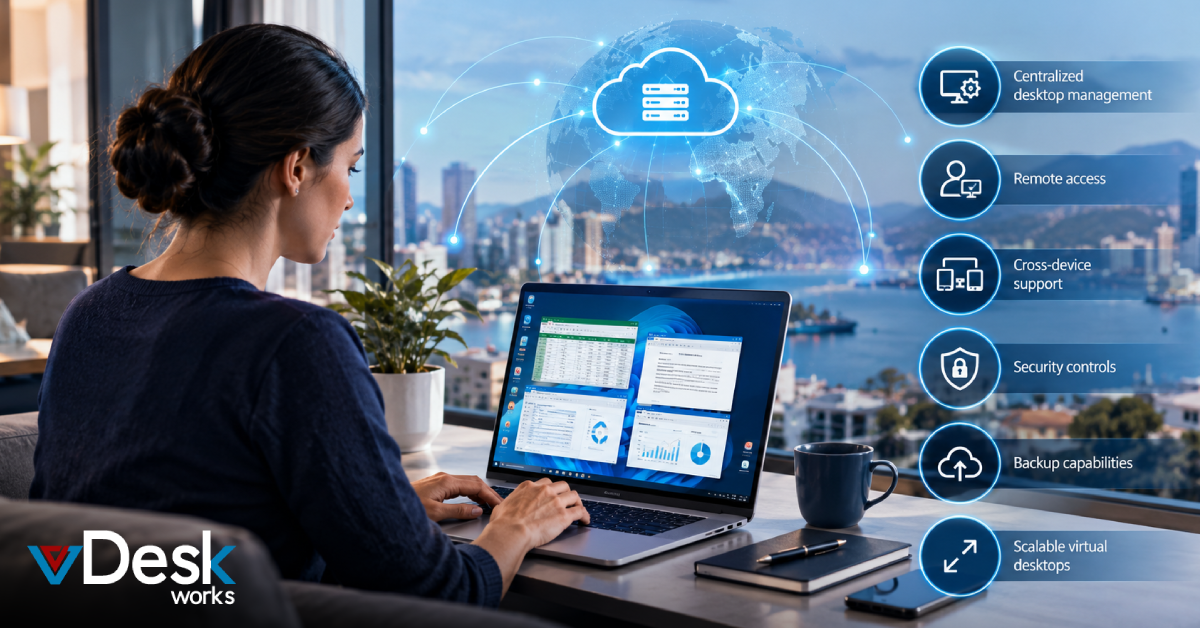
vDeskWorks provides cloud-hosted virtual desktops designed to support remote, hybrid, and distributed businesses. Its capabilities include cross-platform access, centralized management, security controls, remote assistance, backup options, and scalable computing resources.
Teams can access their virtual workspaces from supported Windows, Mac, Linux, mobile, and browser-based environments, depending on their configuration.
For businesses with employees working across locations, this can provide a more consistent approach to desktop delivery while reducing dependence on individual physical workstations.
Schedule a live demo at www.vdeskworks.com/live-demo-client.
 Emma Carson