GPU-powered workstations are really good at doing jobs. They can do things like 3D rendering and AI training and video editing. These machines have graphics cards that help them do work that normal computers are not good, at doing fast.
A network of GPU-powered workstations links many of these machines. This allows teams to share power and data when they are working on projects.
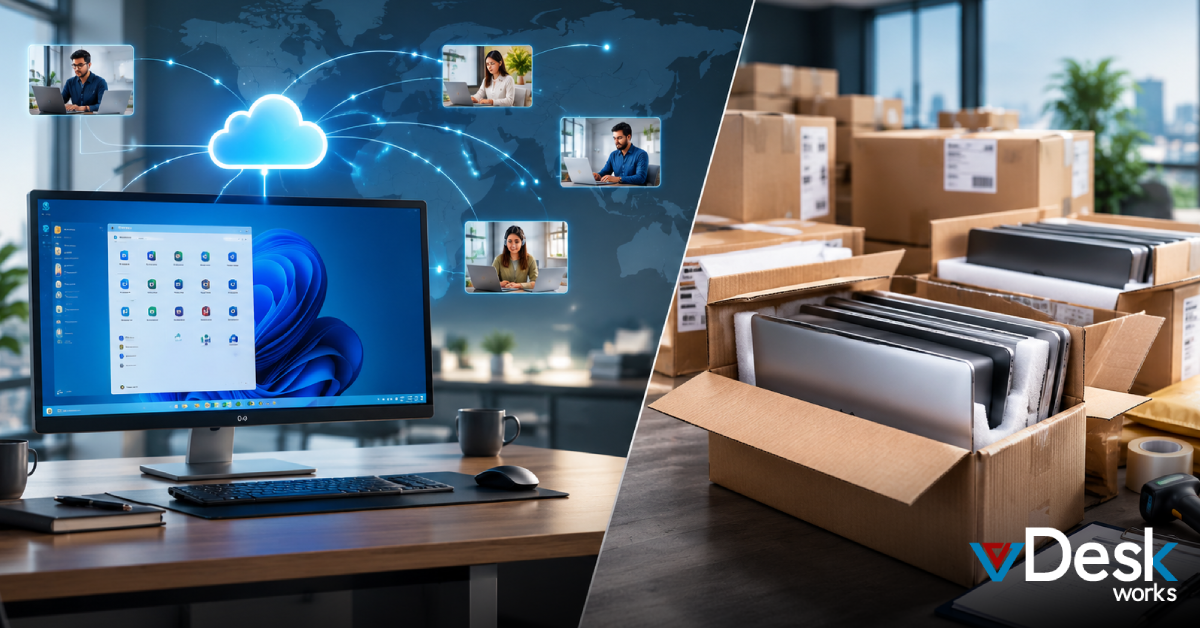
It is not easy to run a GPU-powered workstation. It takes a lot of time and money and skill. The machines need a lot of power to run. They need to be cooled down or they will get too hot. The software that runs on GPU-powered workstations has to be just right. The machines will not work properly.
If you do not take care of a GPU-powered workstation it will slow down or break. GPU-powered workstations need maintenance to keep them running smoothly. GPU-powered workstations are tools but they require a lot of care and attention.
Teams usually pay a lot to fix things of doing actual work. That is why good leaders try to find ways to get things done quickly without all the trouble. Cloud options make a difference because they give you the power of a special computer part called a GPU over the internet. This means you can use a computer from somewhere else to help you work faster. Cloud options and GPU power are really helpful, for teams who want to get things done quickly without spending much time and money on fixes.
Setting Up Your GPU Workstation Network
To begin with you need the parts. You should pick graphics cards like the ones from NVIDIA that can connect quickly inside each computer. Then you add central processing units and a lot of memory so you do not have to wait.
For the network you should use cables and switches. These things help keep the data moving quickly between the workstations.
There are tools like RDMA that help the graphics cards talk to each other directly which cuts down on delays. The NVIDIA models are really good, at this.
Next we need to think about storage for our computers. We should link to drives so our files load quickly and do not slow down our jobs. We have to install software like CUDA that helps our computers do tasks that need a lot of power from the graphics card.
We can use managers like Kubernetes to split the work among all the users. This way everything gets done faster. It is more fair. It is very important to keep everything the same on all of our machines so we can stop errors from happening. We do not want our storage to be different on machines because that can cause a lot of problems with our jobs and files and the work that we do, on our computers.
Power and heat are really problems when it comes to computers. You have to plan for electricity. You also need air or liquid systems to keep things from getting too hot.
If you do not do this the GPUs will get too hot. That will make them work a lot slower. They can drop speed by 30 percent or even more.
You should test the computer setup often to find any problems before they get serious. This way you can catch problems early. Fix them before they cause trouble, with your power and heat systems and your GPUs.
Facing Common Network Troubles
Idle GPUs are a problem. They sit around waiting for the central processing unit or the hard drive to send them the information they need. This makes the whole job take a time to finish. Also the machines start to get too hot. They begin working but then they slow down because the fans cannot cool them down fast enough. When many computers are working together on the task a slow connection can really cause problems. If one computer is slow it holds back all the computers, in the group. Idle GPUs are an issue because they have to wait for the central processing unit or the hard drive to catch up.
Software problems are really annoying. When old drivers do not work well with applications the computer crashes. To fix this issue you have to spend a lot of time checking everything on all of the machines. The more equipment you have the bigger the security risks become. Hackers are looking for ways to get to the data that is stored on these systems. Software issues and security risks are a problem because hackers want to get to the valuable data, in these software setups.
These problems take IT teams away, from the things they want to accomplish. They have to monitor and make little changes, which takes up a lot of time. Many people think that this setup is just not worth it because it costs them something important: their ability to focus on the things that matter. IT teams lose sight of their goals because of these issues.
The Smart Shift to Virtual Desktops
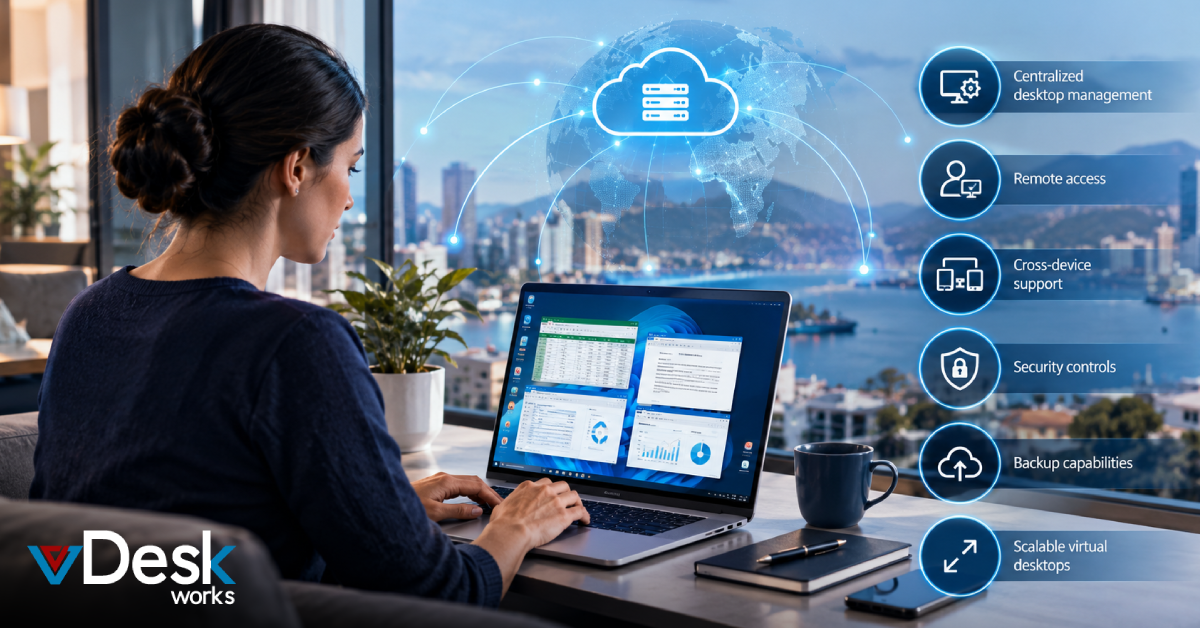
Virtual desktops are a way to go. They use the power of the computers graphics card, which's in the cloud and share it among users in a smart way. You do not have to buy or fix the computer equipment yourself. You can. Decrease the power of virtual desktops as your work changes. You only have to pay for what you use which means big purchases become monthly payments, for virtual desktops.
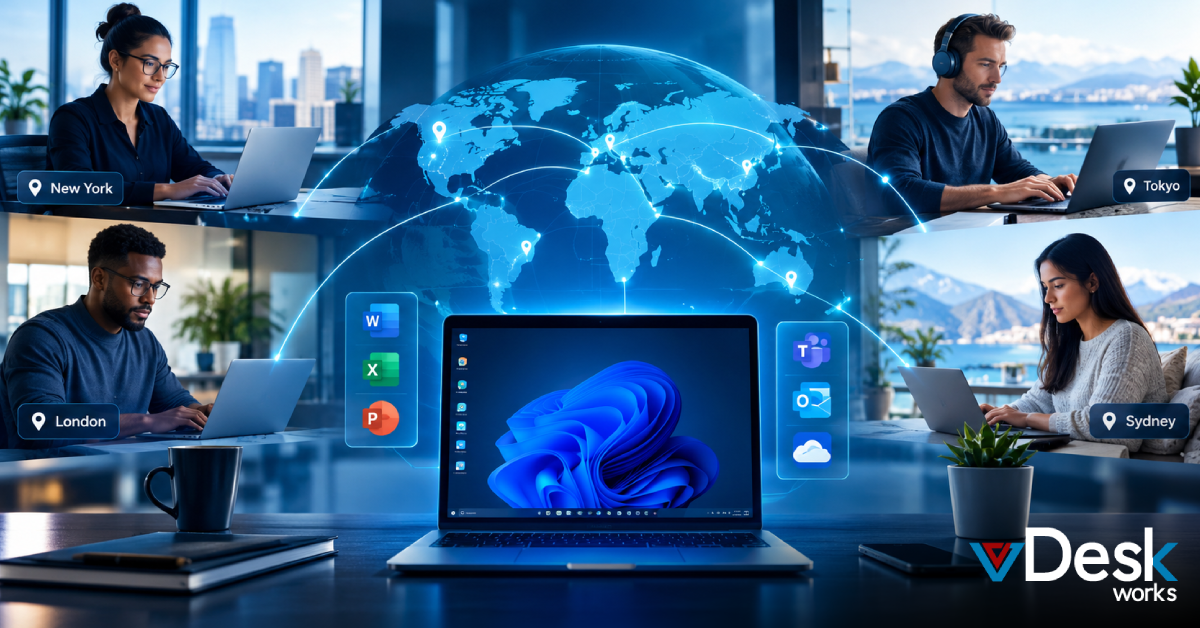
This setup makes things go faster. It is not messy. The people who provide this service take care of updates. Making sure everything stays cool and safe. When you use this it feels like you have a powerful computer with a great network and you can use it from any device. Your work will keep going even if you are not in the office and you are working from somewhere else like, from home or a different location and you are accessing things remotely.
In the End
vDeskWorks is really good at providing virtual desktops that meet GPU needs. You can get safe access to powerful computer setups in just a few minutes. The service, from vDeskWorks puts top of the line GPUs into easy to use shares. This means you can enjoy low lags when you are working with 4K videos and using multiple screens at the same time. vDeskWorks also has security measures in place to lock down your data with the best codes and checks.
The price of something is always clear and fair. You can have a team without spending extra money on equipment. The support teams are very good at fixing problems just, like the people who work for you. vDeskWorks gives you the freedom to think about ideas instead of worrying about computer networks.
Switch to vDeskWorks today. See how virtual desktops make GPU workstation networks simple and strong. Start a free trial and power up your work.
 Emma Carson