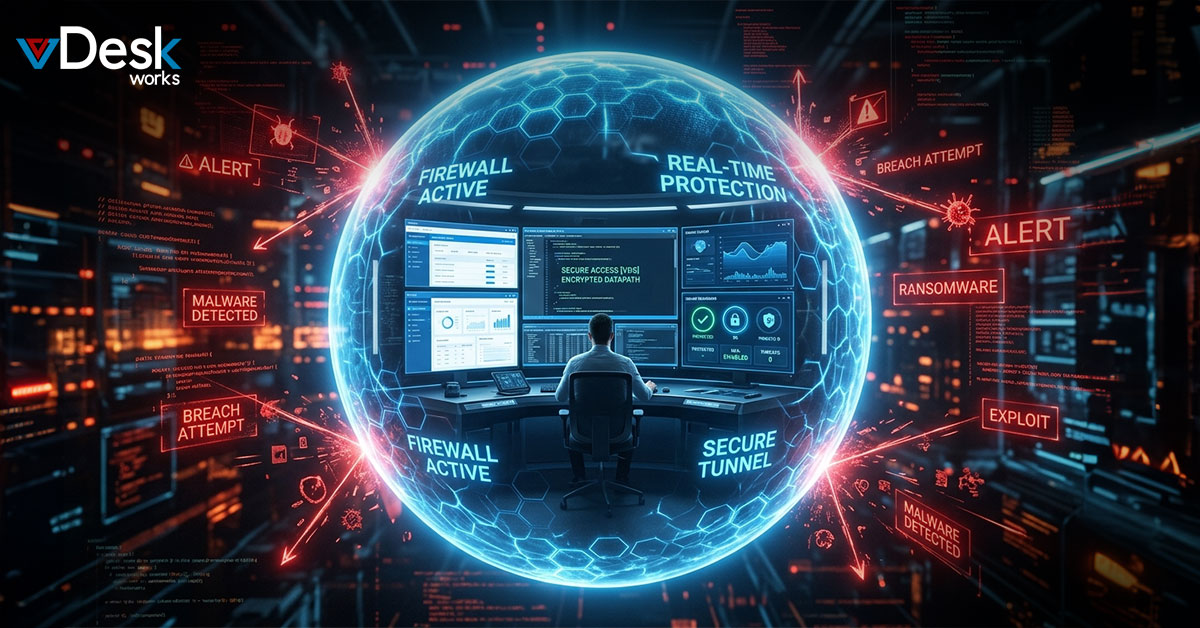
Cyber threats are getting worse and worse so enterprises are looking for better ways to protect themselves. In 2026 these threats are changing fast. The Zero Trust model is getting popular because it does not trust anyone and checks everything. Browser isolation has been a way to keep web threats from spreading but using it with virtual desktop technology makes it even safer. vDeskWorks, which you can find at www.vDeskWorks.com has Desktop as a Service solutions that do this. Their virtual desktops are safe and isolated which is what Zero Trust is about. This gives organizations peace of mind.
The Basics of Zero Trust Architecture
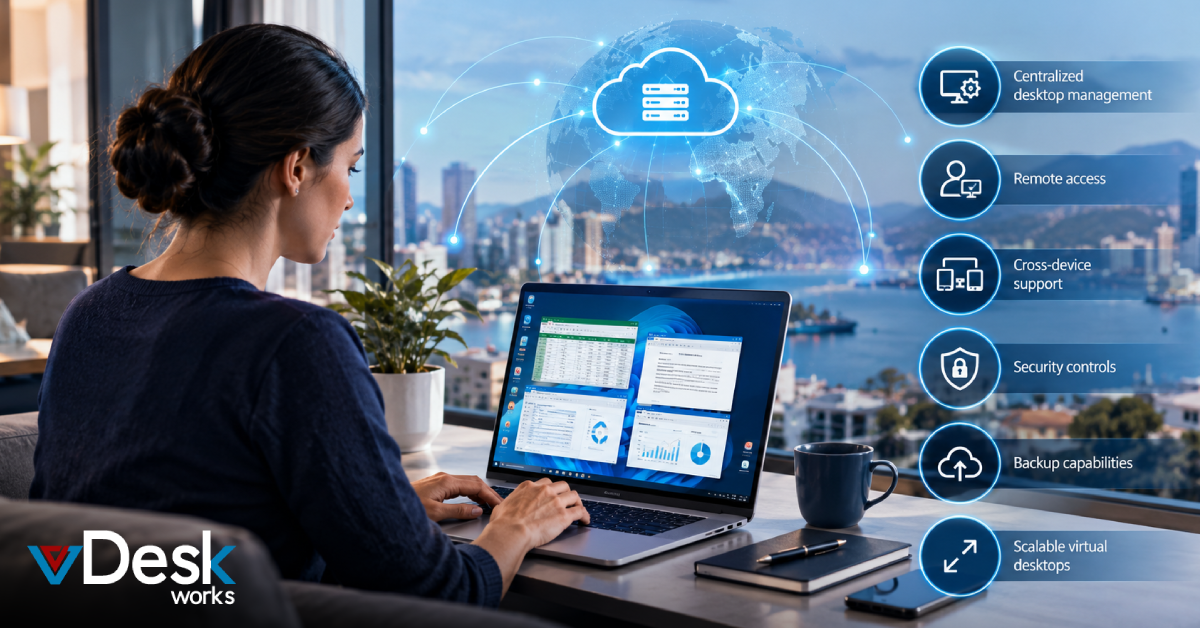
Zero Trust architecture says that no one inside or outside the network is trusted automatically. It always checks who the user is, how healthy their device is and what their application is doing. This way if someone bad gets in they cannot move around easily. Isolation is key to limiting damage. vDeskWorks virtual desktops help by keeping everything in the cloud from local devices. They have features like needing a password and a code sent to your phone to log in and a central management system. This helps organizations follow rules. Companies that use these solutions have problems and more control over their data. vDeskWorks helps with the idea of Zero Trust, which is to never trust and always verify.
The Power of Isolation in Reducing Cyber Risks
Virtual desktops take it further by isolating entire computer environments. This stops malware from getting into networks. vDeskWorks uses isolation with secure gateways and desktops that delete themselves when not in use. This adds protection. It also changes the IP address often which makes it harder to find the server. This reduces the risk of attack a lot making it harder for hackers to find weaknesses. Organizations can work all the time without stopping even when there are threats. This approach makes isolation a strong defense mechanism that changes with the needs of the enterprise.
Moving from Browser Isolation to Desktop Strategies
Many enterprises started with browser isolation to deal with risky web browsing but it has limitations when users need to use full applications. Virtual desktops fill this gap by providing isolated workspaces that can be accessed from any device. vDeskWorks is good at this with HTML5 web access, which supports peripherals and drag-and-drop functionality without compromising security. This allows companies to let employees use their devices while keeping strict controls. Data stays central, which eliminates the risks of storing it. Also it works well with software and has good performance so productivity does not suffer. By applying isolation principles to desktops companies achieve a complete Zero Trust posture that covers all user interactions.
vDeskWorks: Leading the Way in Secure Virtual Desktop Solutions
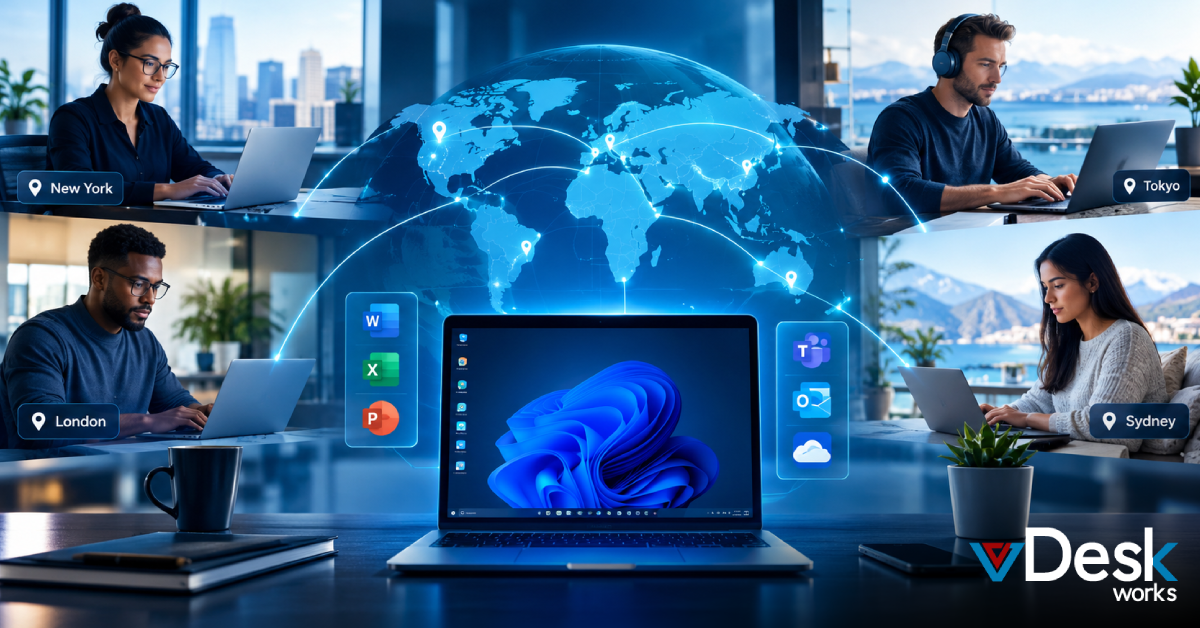
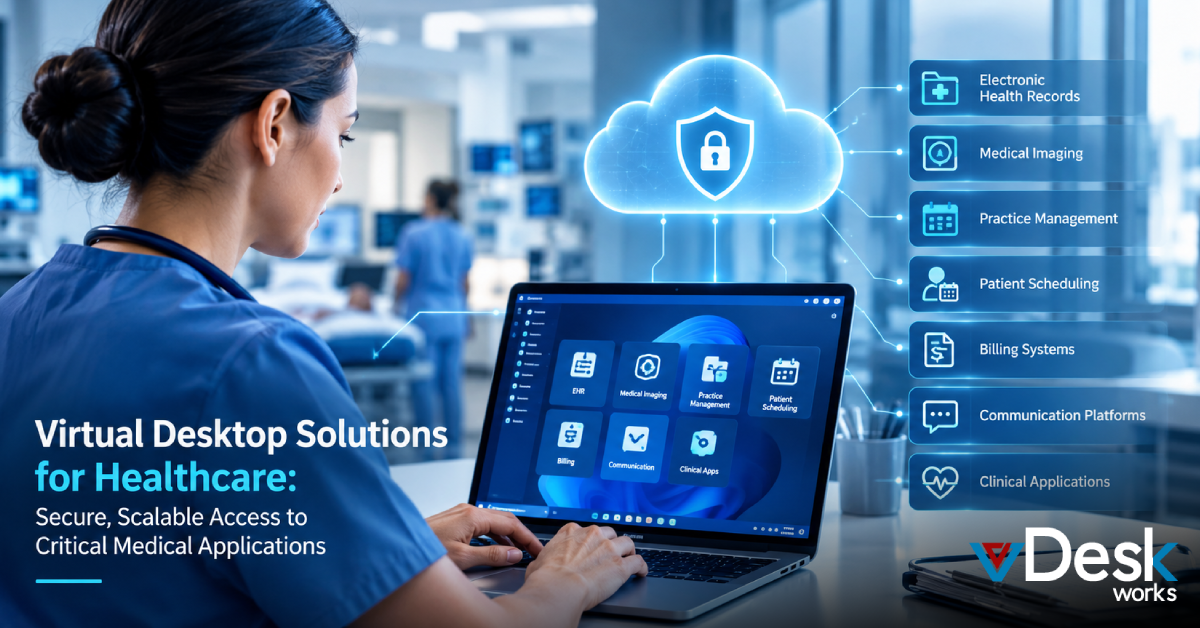
vDeskWorks is changing the virtual desktop landscape with its cloud-hosted DaaS platform that is designed for ultimate security and flexibility. It can be deployed on Azure, AWS or hybrid setups which meets the needs of enterprises. The solution includes protection from malware and hijacking regular backups and disaster recovery capabilities. Users can scale up or down instantly to handle changing demands globally. Standardized desktops with enforced IT policies make management easier. The PowerShell API enables automation. These elements make vDeskWorks the top choice for businesses that prioritize boundaries. Unlike setups it makes old hardware useful again and supports compliance standards like PCI and HIPAA easily. Enterprises that partner with vDeskWorks experience security improvements.
Advanced Features That Make Zero Trust Stronger with vDeskWorks
To fully support Zero Trust vDeskWorks includes features like balancing the load of user sessions and monitoring performance in real-time. Remote assistance and session shadowing allow IT teams to help without giving much access. The ability to take snapshots and restore minimizes downtime from incidents. GPU support makes resource-intensive apps run faster which keeps the user experience good. Supporting Bring Your Own Device via secure virtual desktop access gateways ensures flexibility without weaknesses. All these features are backed by infrastructure that guarantees zero downtime. The platform’s central console simplifies enforcing policies across teams. By combining these with isolation strategies vDeskWorks delivers an ecosystem that continuously verifies and protects every digital interaction in the enterprise.
Achieving Enterprise Success with vDeskWorks
Implementing vDeskWorks is simple starting with assessing needs and deploying in ways. Organizations see benefits like reduced spending and paying only for what they use. Mobility improves as virtual desktops follow users anywhere overcoming barriers. Companies get ahead of the competition from app availability and enhanced collaboration. Case studies show business performance through secure remote work setups. To get the most out of it integrate vDeskWorks with existing tools for operations. vDeskWorks support for event notifications. Reporting aids in proactive management. Ultimately this solution secures boundaries by using virtual desktop isolation within Zero Trust frameworks. Enterprises looking to future-proof their security should check out vDeskWorks today at www.vDeskWorks.com for a tailored consultation.
Enterprises that use desktop isolation through vDeskWorks not only make their Zero Trust defenses stronger but also gain operational efficiency and cost savings. This new approach ensures that digital boundaries remain safe while giving users access. By focusing on desktops rather than just browser tools organizations get complete protection. The future of enterprise security lies in solutions that adapt to threats. With vDeskWorks leading the way businesses can navigate the world of cybersecurity with confidence.
 Lauren King