Are you finding it difficult to maintain your teams connection, efficiency and security in the age of work-from-home? As hybrid and entirely remote arrangements turn into the norm- due, to the expansion of global talent pools and adaptable lifestyles-companies are reconsidering how to assist employees beyond the limits of conventional office technology. The post-pandemic era has revealed that work is no longer tied to a location; it is a mindset. However issues such as home configurations security risks stemming from unprotected networks and fatigue caused by managing multiple devices remain.
The positive aspect? Cloud desktops present a solution tailored to this evolving work landscape combining the comfort of a desktop, with cloud capabilities. Picture providing your team with a robust environment available anytime anywhere. This goes beyond technology-its enabling your workforce.
Cloud Desktops: A Quick Guide
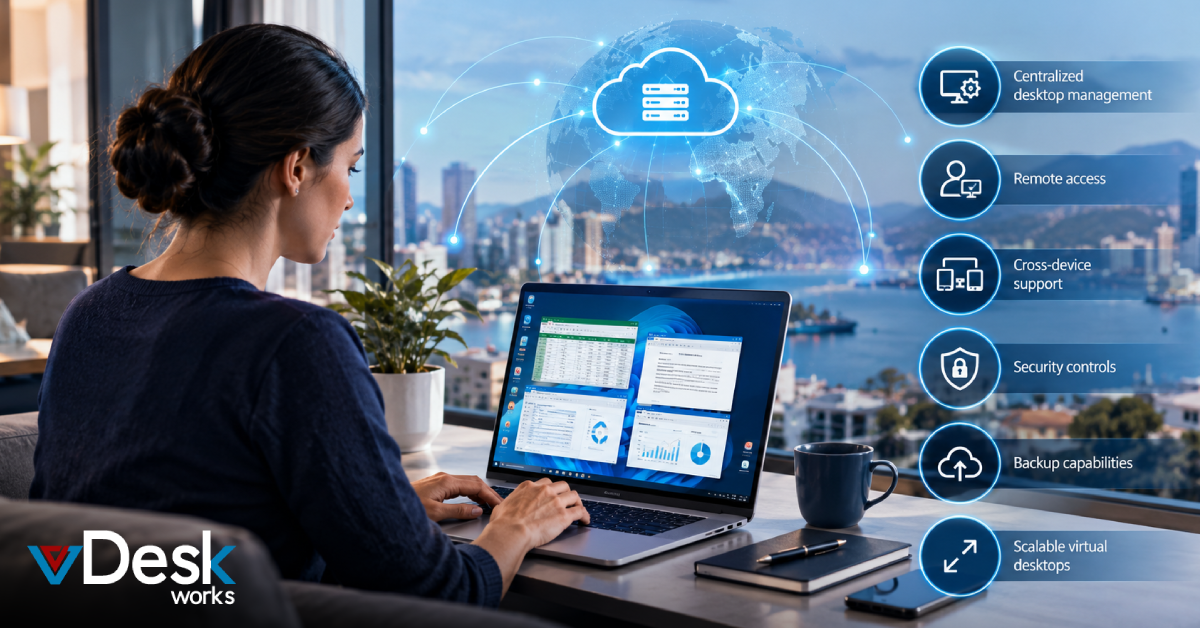
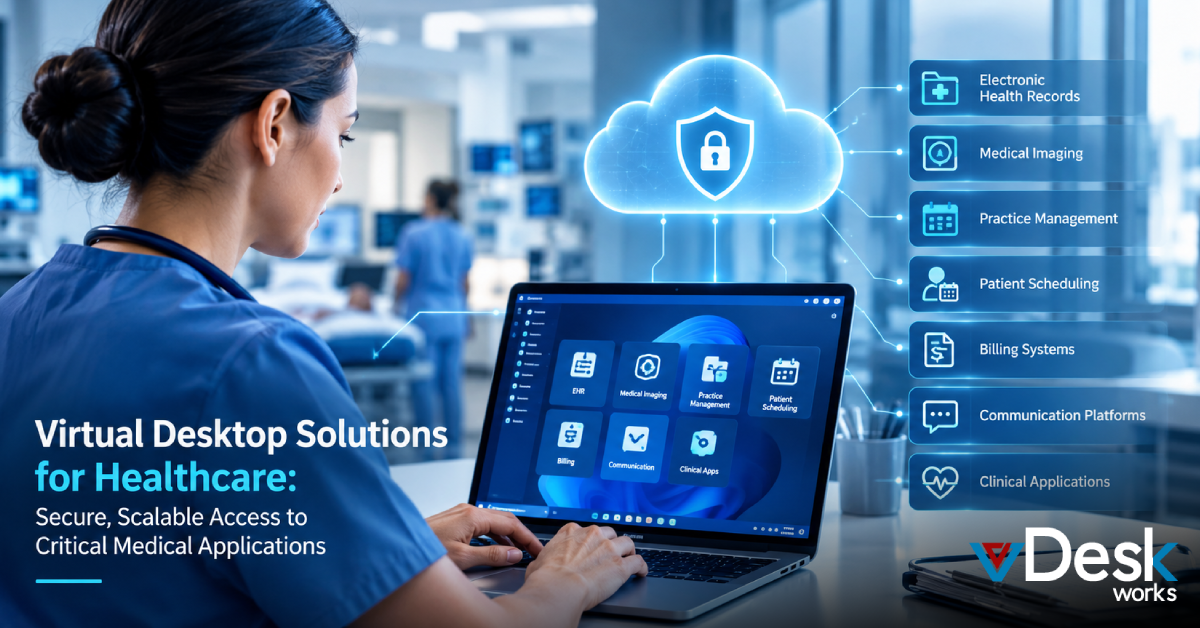
A cloud desktop, referred to as a desktop infrastructure (VDI) provides a complete computing environment hosted on distant servers located in secure data facilities. Accessible, from any device connected to the internet through a client application or web browser it replicates your familiar workspace-featuring customized applications, documents, desktop settings and even support for multiple monitors-without the complications of physical hardware. This remote access approach excels in the mobile workforce environment offering scalability to manage high demand, strong security via enterprise-level encryption and effortless updates that maintain smooth operation without IT involvement. Services like vDeskWorks deliver low-latency experiences over basic home internet creating the sensation that your office computer is just beside you on your sofa. Whether you’re a growing startup or a large organization with regulatory requirements cloud desktops provide democratized access, to advanced computing capabilities.
Ditching the Laptop-Only Approach?
Laptops offer portability for sending quick emails or brainstorming in a café yet depending solely on them for full-time remote work can reveal unexpected drawbacks. Extended video conferences or intense multitasking can cause them to overheat, resulting in performance and user irritation. Susceptible to being misplaced during travel or household accidents they present threats, to data safety-imagine the stress when a bag is forgotten on a train. Furthermore numerous consumer-level laptops do not possess power for intensive activities such, as video editing, 3D modeling or extensive data analysis compelling workers to upgrade often or accept mediocre outcomes. Additionally synchronizing files between devices? It leads to annoyance, version clashes and wasted time, when home printers or peripherals are incompatible. Cloud desktops avoid these issues by transferring the processing to the cloud allowing even a simple tablet to act as your access point, to a high-performance workstation.
Cloud Desktops vs. On-Premise Setups
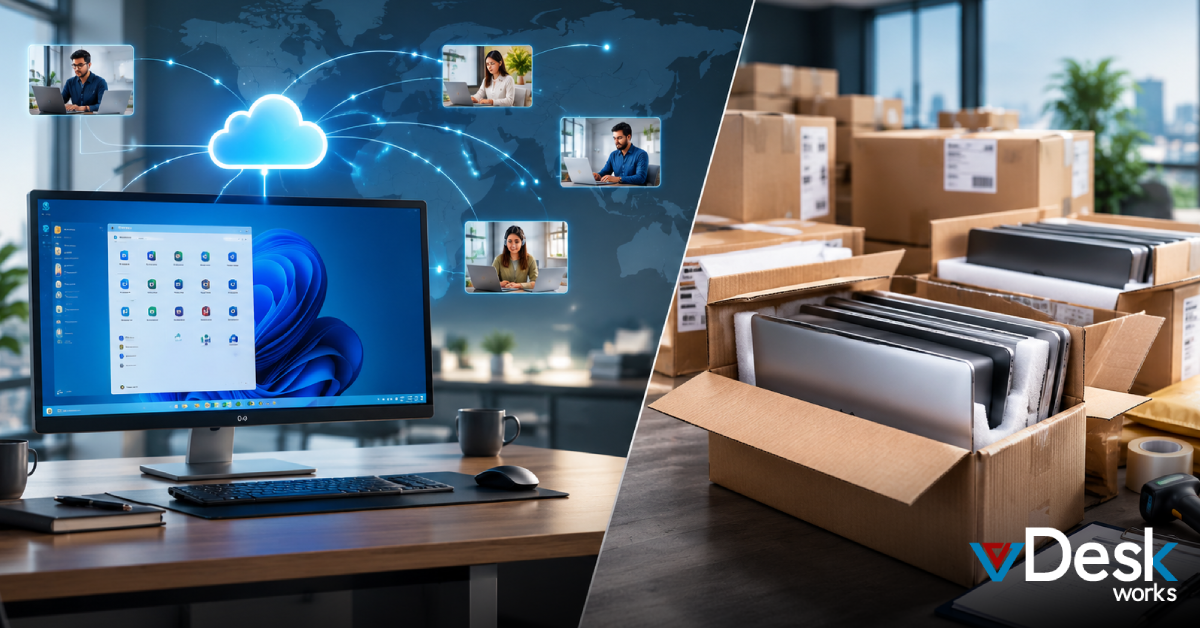
The era of being tethered to an office computer or struggling with VPN issues just to access a file is over. On-premise desktops require outlays for physical equipment ongoing upkeep such as updates and repairs and precarious data storage vulnerable to accidents, like coffee spills or electrical surges. They lack flexibility are fixed to one place and do not scale well-introducing an user necessitates purchasing hardware, which consumes budget and IT effort. Cloud desktops completely change the game: they don't depend on any device and can be quickly accessed from a personal computer, tablet or even a smartphone with adaptive touch controls all overseen centrally by IT experts who manage everything behind the curtain.
This transformation enables remote work teams to remain flexible without interruptions caused by hardware malfunctions or software clashes. In a 2025 environment where 70% of organizations embrace hybrid work modes (according to the Gartner data) the clouds flexibility ensures your infrastructure adapts alongside your business not in opposition, to it.
8 Methods Cloud Desktops Can Boost Your Remote Workforce
#1. Ultimate Device Freedom
Cloud desktops eliminate the "my laptop broke" or "left my charger behind" excuse completely. Staff can access their workspace from any device-an old home computer, a loaned tablet while on the move or a smartphone for brief checks-ensuring work continues smoothly whether they’re at the dining table on a weekend trip or tending to an ill family member. This flexibility diminishes setup hassles and cognitive strain enabling concentration, on responsibilities. For teams it signifies the end of "I'll take care of it once I return to my desk"-work efficiency becomes genuinely independent of location.
#2. Skyrocketing Efficiency
Wave farewell to the abyss of setup hold-ups and compatibility issues. Equipped with -installed applications, unified file storage and immediate entry to full processing capacity your team jumps directly into work without pausing for downloads, updates or restarts. Cloud desktops maintain operations by automatically adjusting resources for demanding tasks possibly increasing productivity by several hours weekly. Research from Forrester reveals that VDI users experience 25% task completion, due, to stable environments that remove the "it works on my machine" arguments. In work-, from-home situations this results in reduced interruptions and increased productivity.
#3. Seamless Team Syncing
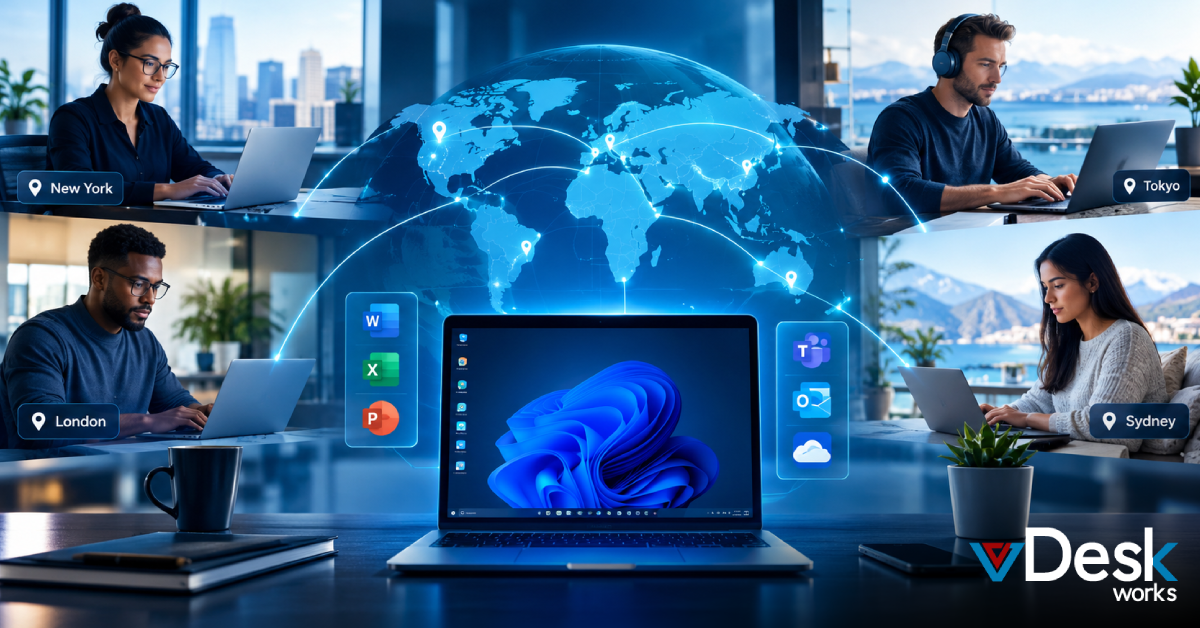
Collaboration flourishes when obstacles disappear and cloud desktops simplify the process. Facilitate immediate file sharing through built-in applications such as Microsoft Teams or Google Workspace collective editing in shared documents and video meetings with screen sharing from any location. For teams across different countries and time zones this results in reduced endless email exchanges and quicker project successes-picture a designer in Tokyo adjusting assets while a marketer, in New York gives real-time approval. Integrated version control and activity logs improve accountability promoting a feeling of togetherness when apart physically.
#4. Fortified Data Protection
Concerned about phishing attacks, ransomware or weaknesses in home Wi-Fi? Cloud desktops consolidate security using end-to-end encryption, multi-factor authentication and automatic backups within data centers that adhere to regulations such as GDPR and HIPAA. Your confidential data remains protected even if a personal device is breached or misplaced-information is never stored locally. Providers continuously monitor for threats, around the clock applying patches without interrupting the user experience. Having this assurance is vital in 2025 since cyber incidents in environments have increased by 40% year-, over-year according to IBM reports.
#5. Effortless Growth Management
Bringing on a freelancer for a task onboarding employees or adjusting during economic changes? Increase user seats instantly-no procurement hold-ups or storage filled with computers. As your remote team grows or shrinks cloud desktops adjust accordingly allocating resources as needed to maintain cost control and streamline operations. This flexibility benefits both SMBs and large companies handling workloads such as end-of-quarter surges, without excess provisioning.
#6. Budget-Friendly Operations
Avoid the burden of purchasing, depreciating and refreshing PC fleets every few years. Cloud systems work on a pay-per-use model billing for actual consumption and reducing hardware, licensing and IT support costs by as much as 50% as Deloitte reports. Say goodbye to repair costs and electronic waste troubles-reallocate those funds towards employee benefits, like online team-building activities, wellness allowances or specialized training. For cash-strapped startups, this levels the playing field against bigger players.
#7. Instant Rollout Speed
New employee joining Monday during a recruitment surge? No problem-cloud desktops are ready in than an hour fully equipped with pre-set tools, access rights and customized profiles sourced from HR databases. This swift configuration cuts down onboarding time enabling workers to start effectively on day one including access to training environments, for risk-free skill-building. Unlike setups that take weeks this solution is a recruiter’s ideal curbing turnover caused by annoying wait times.
#8. Bulletproof Backup Plans
Power failure, cyberattack, family crisis or a worldwide incident such as the 2024 flare disturbances? Cloud desktops guarantee restoration-launch a new instance from unchangeable snapshots and you’re back online in minutes with no data loss. No searches, through external media or prolonged reconstruction; geo-redundant storage replicates everything across multiple areas. This durability fosters employee assurance confident their tasks are protected and complies with business continuity requirements.
The Verdict
In summary cloud desktops represent more than an advancement-they are essential for thriving in WFH environments in 2025 and, beyond. They offer flexibility, robust security and cost savings that enable your team to concentrate on creativity, teamwork and producing outcomes that fuel progress. As remote work becomes standard overlooking these solutions risks sacrificing productivity and security.
Ready to elevate your remote workforce? vDeskWorks' Cloud Desktop services provide top-tier performance, ironclad reliability, and zero-fuss management tailored for modern teams. From customizable plans to dedicated support, we make the transition seamless. Get in touch today to unlock a smoother, smarter WFH experience and watch your business soar.
 Emma Carson